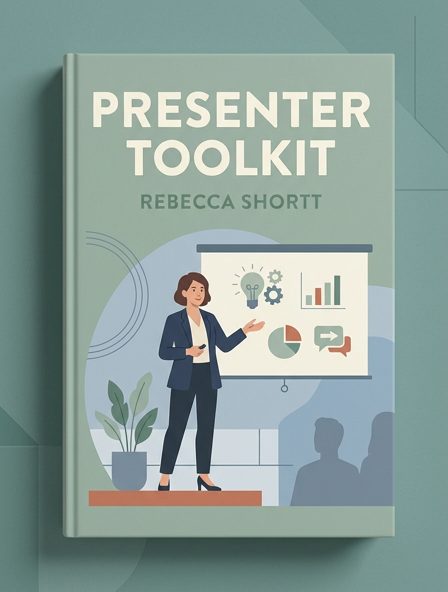
Presenter Toolkit
About This Book
Presenting Practices Your Slides - Describe and read everything on your slide. This will help people who are blind or have limited vision understand what is on the slide. - Minimize the amount of text on slides. - When you advance a slide, pause to allow everyone — including those who are deaf or hard of hearing — to read the slide before you start talking. Live Automatic Captioning - Using PowerPoint or Google Slides, you can turn on live transcriptions to create captioning of your spoken word.
| Category | business |
|---|---|
| Subject | Speaking in public: advice and guides, Business communication and presentation |
| Year | 2023 |
| Authors | |
| Chapters | 2 |
| Word Count | |
| Price | |
| License | Creative Commons - Attribution - https://creativecommons.org/licenses/by/4.0/ |