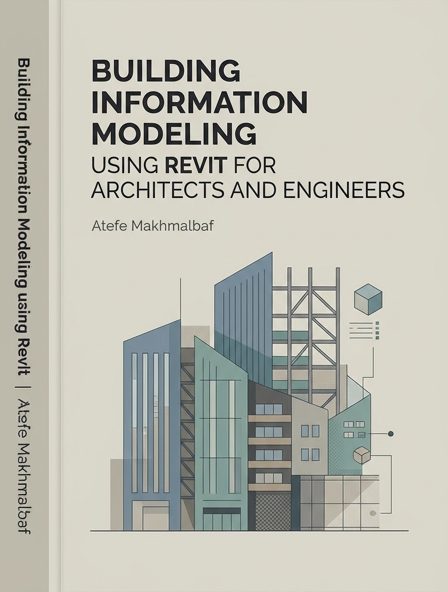
Building Information Modeling using Revit for Architects and Engineers
About This Book
Chapter 1: Revit Interface 1.1 OPENING A REVIT SAMPLE PROJECT - Start the Revit application - Once Revit Home loads, click the Open button - Navigate to the C:/Program Files/Autodesk/Revit 2019/Samples/ - Select the file rac_basic_sample_project - Click Open Figure 1.1 Opening a Revit sample project 1.2 BECOMING FAMILIAR WITH THE REVIT INTERFACE Figure 1.2 Revit Interface components Description of Revit components | Tab | Organizes tools based on the main function such as Architecture, View, or
| Category | general |
|---|---|
| Subject | Construction planning |
| Year | 2023 |
| Authors | |
| Chapters | 8 |
| Word Count | |
| Price | |
| License | Creative Commons - Attribution - https://creativecommons.org/licenses/by/4.0/ |
Chapters
- Chapter 1: Revit Interface
- Chapter 2: Walls, Curtain Walls, Windows and Doors
- Chapter 5: Adding – Modifying Families
- Chapter 6: Massing – Conceptual Mass
- Chapter 7: Model In-Place
- Chapter 9: Materials, Visualization and Rendering
- Chapter 12: Schedules and Project Phasing
- Chapter 13: Drawing Sets and Construction Documents