13
When I load a custom color scheme (through M-x load-theme or M-x customize-theme) the results only seem to be applied when Emacs runs in a separate window:

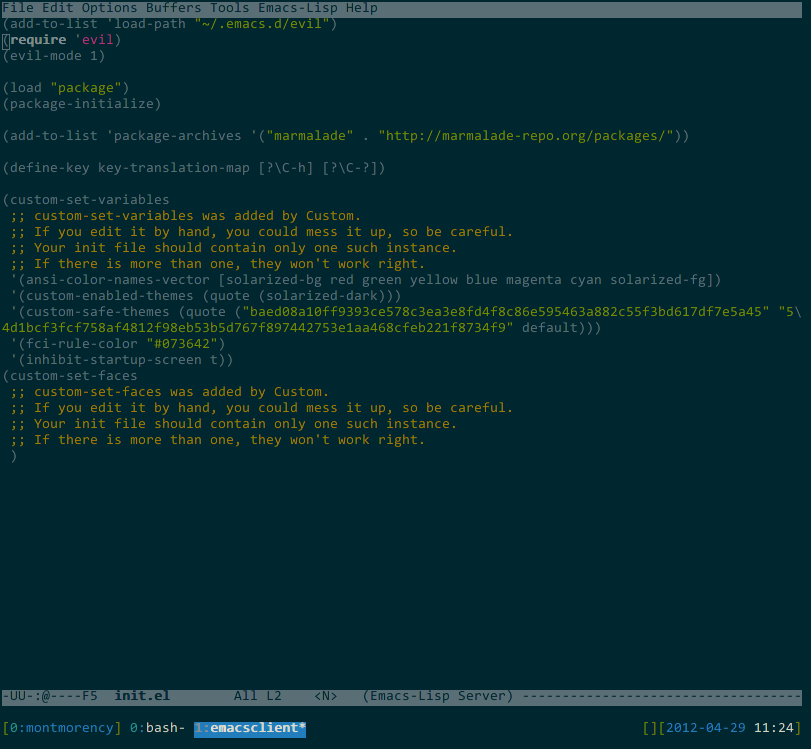
But when Emacs is run in a terminal with -nw, the default colors seem to be used:

(source: raghav at www.ocf.berkeley.edu)
I'm new to Emacs, so I don't know if this is expected behavior -- but it doesn't seem to be, since Googling turns up several people discussing using color themes in console mode. Any help would be much appreciated.