438
You should be able to remove it using
outline: none;
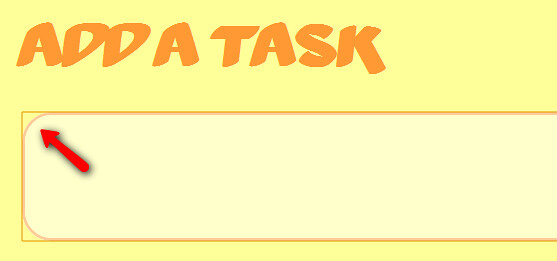
but keep in mind this is potentially bad for usability: It will be hard to tell whether an element is focused, which can suck when you walk through all a form's elements using the Tab key - you should reflect somehow when an element is focused.
This will definitely work. Orange outline won't show up anymore.. Common for all tags:
*:focus {
    outline: none;
   }
Specific to some tag, ex: input tag
input:focus{
   outline:none;
  }