Alex Rivera | Logout

Scala IDE error - "projectname" is not a Scala project -

Asked 2010-07-14T07:00:14.223
10

I have installed latest scala ide plugin to eclipse (Version: 3.4.2). It seems installation is ok without any errors.

I am able to create a scala project and add a package, but i couldn't add scala object, at the time it shows "projectname" is not a Scala project error message in add object dialog.

I have googled and found it could be related to JDT Weaving not enabled in eclipse. I have verified, its enabled and running in my environment.

Below the screenshot of the error. alt text http://a.imageshack.us/img80/3070/scala.png

I just started scala.. Can someone help me to resolve this problem?
Edit
Report

1 Answer

9

The error message means your project is not recognize as a Scala one (as detailed in the scala.tools.eclipse.wizards.AbstractNewElementWizardPage.scala class.
But adding "Scala nature" to your project, as suggested by Alexey Romanov in the comments, might not be enough in this case.

The requirements mentioned in scala-ide.org clearly include:

So could you try with a more recent Eclipse version?
See Requirements and Installation, and then the turorial:

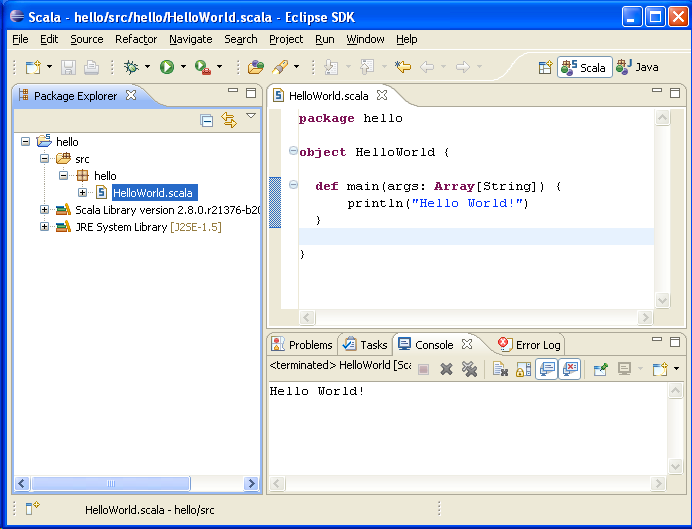
alt text

As mentioned, note the 'S' in the Scala project icon.

answered 2010-07-14T08:00:57.430

Your Answer