12
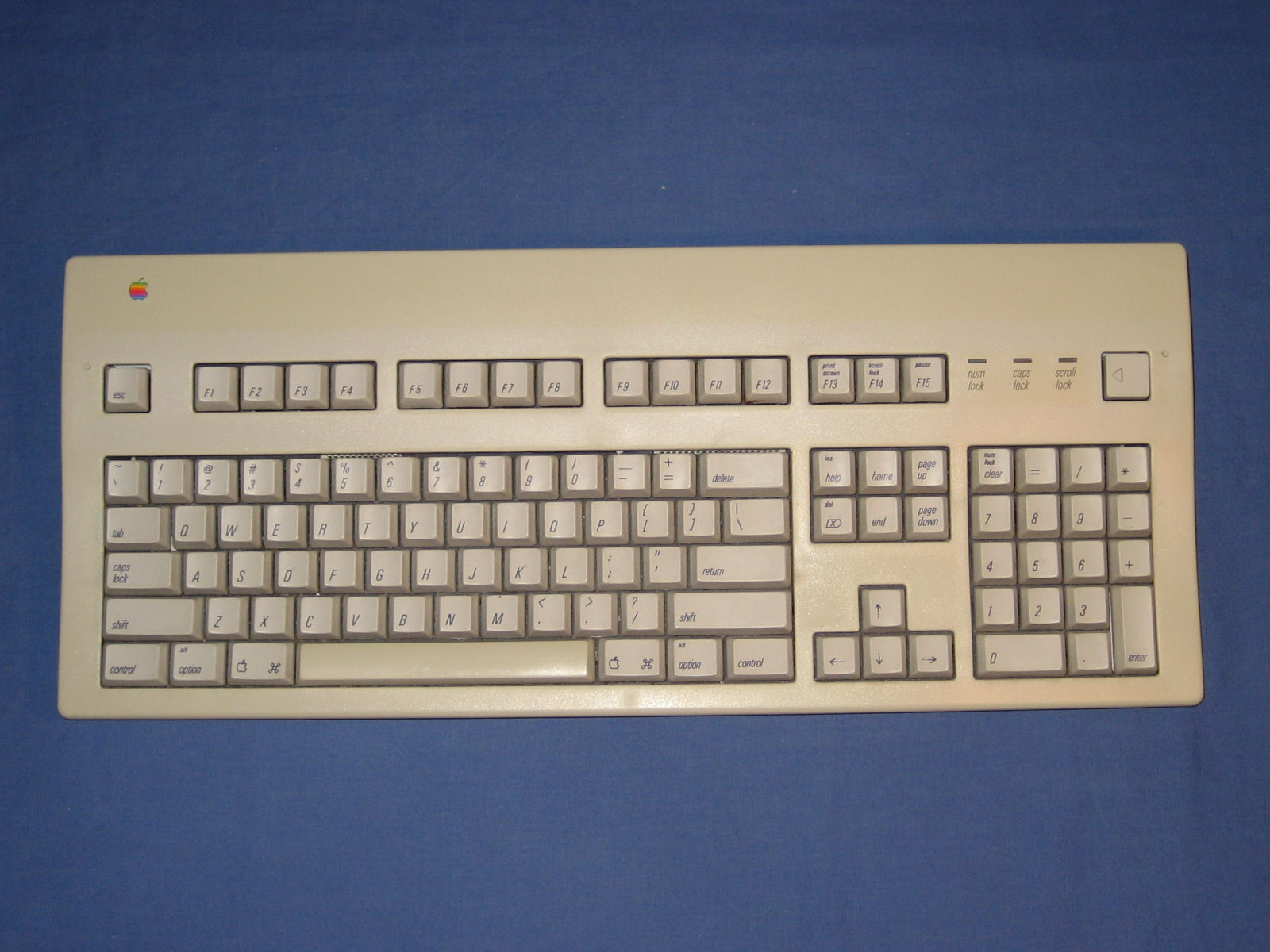
Just for clarification purposes, now that we're talking about carriage return, it should be noted that RETURN and ENTER key are not the same, or it would be more correct to say, they should not be the same.
I haven't used a desktop keyboard for some time now, but the ENTER key is usually the one on the down right side, while the RETURN key is the big one in the middle.
RETURN key is the one that should be used for entering a carriage return, while ENTER key is the one that should be used for entering commands. I remember an old DOS editor EDT, in which RETURN key was for newline and ENTER key was for giving commands. You couldn't give a command with RETURN. I think ENTER also gave ^1 (line feed).
Today that difference is somewhat lost, although I still, now and then, run into an editor that respects it.