Alex Rivera | Logout

UIBarButtonItem appearance and setBackButtonBackgroundImage

Asked 2012-01-12T07:55:31.653
14

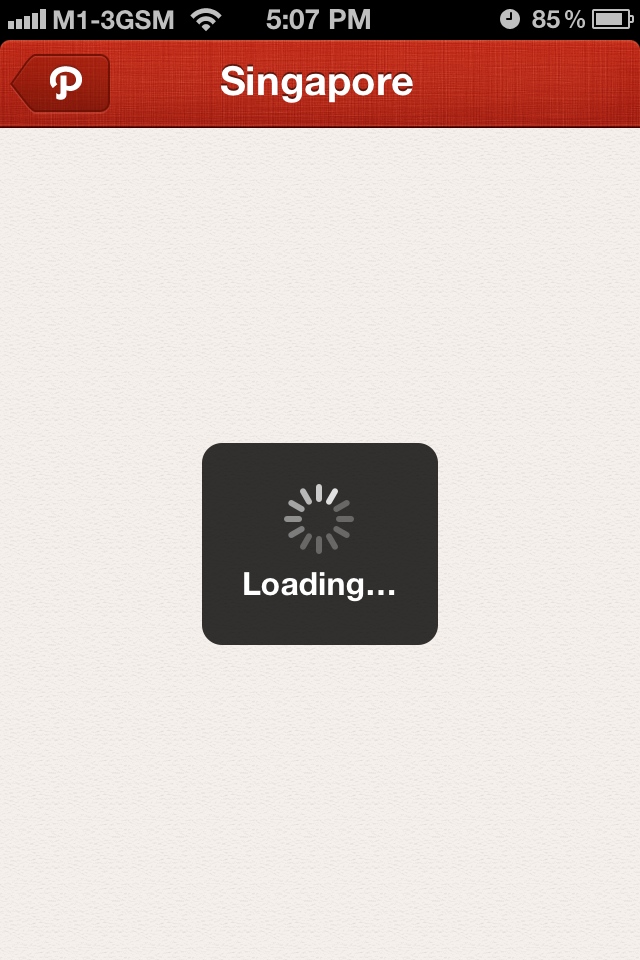
I change my back button when pushing a new viewcontroller in my navigationcontroller. But it doesnt look nice and its stretched. Also, how can I remove the "News" title in my back button? here's my code. see the image

screen shoot

and the code is

[[UIBarButtonItem appearance] setBackButtonBackgroundImage:[UIImage imageNamed:@"back_button.png"] forState:UIControlStateNormal barMetrics:UIBarMetricsDefault];

I want to achieve something like this http://i228.photobucket.com/albums/ee262/romano2717/photo4.png
Edit
Report

2 Answers

0

Unless I'm missing something, you have to create the UIBarButtonItem in code to remove or change the title, so it would only apply to the view controllers you put the code in:

UIBarButtonItem *myBackButton = [[UIBarButtonItem alloc] initWithImage:[UIImage imageNamed:@"back_button.png"] style:UIBarButtonItemStyleBordered target:nil action:nil];
self.navigationItem.backBarButtonItem = myBackButton;
[myBackButton release];

The reason why the code you posted works that way is because it only sets the background and the documentation does state that:

For good results, backgroundImage must be a stretchable image.

answered 2012-01-12T08:16:41.883
-3

Below code will Remove Title from the Back button.

UIBarButtonItem *theBackButton = [[UIBarButtonItem alloc] initWithTitle:@"" style:UIBarButtonItemStylePlain target:self action:@selector(yourAction)];
    [[UIBarButtonItem appearance] setBackBarButtonItem:theBackButton];    
    [theBackButton release];
answered 2012-01-12T08:25:17.383

Your Answer