How to Make a Monogram Doormat
Get a clean doormat.. Print or trace your desired letter onto a sheet of cardstock paper.. Cut the stencil out.
Steps
Get a clean doormat.
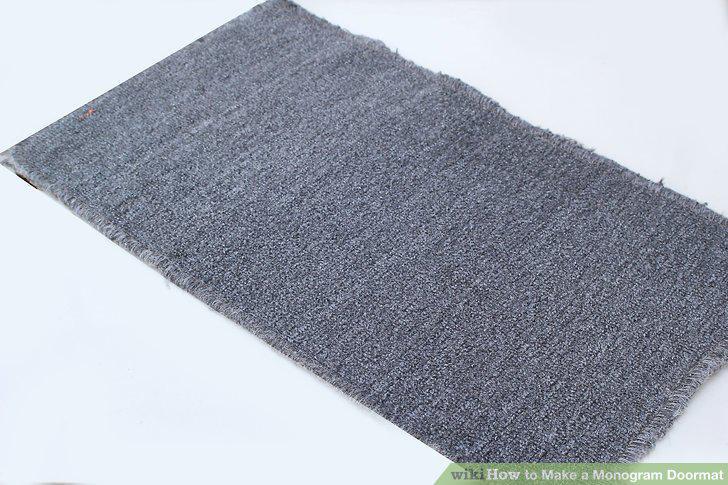
Get a clean doormat.
Print or trace your desired letter onto a sheet of cardstock paper.
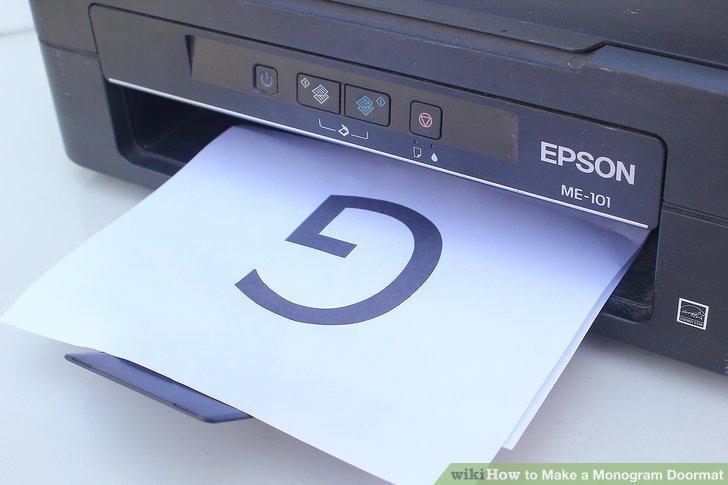
Print or trace your desired letter onto a sheet of cardstock paper.
Cut the stencil out.
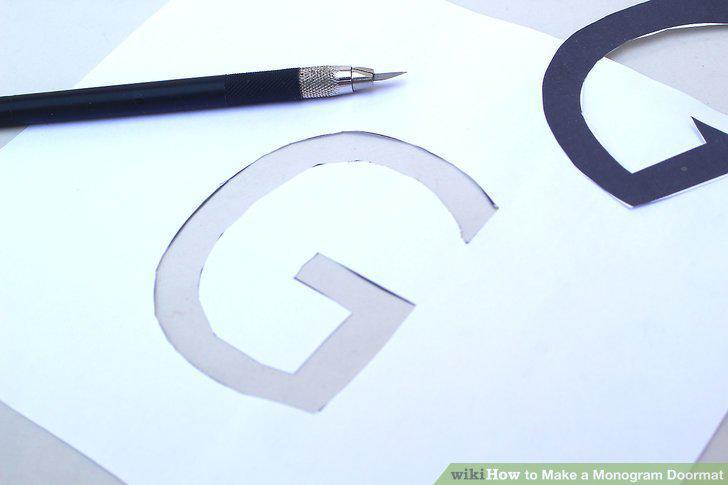
Cut the stencil out.
Consider printing and cutting out bordering designs.
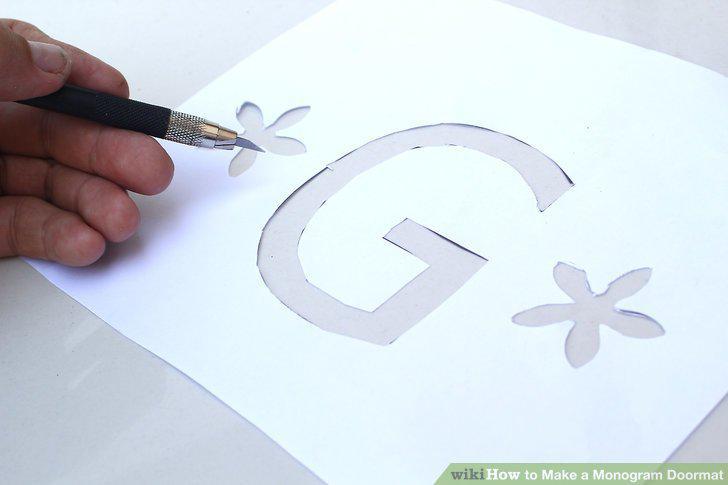
Consider printing and cutting out bordering designs.
Attach the stencil to the center of the doormat.
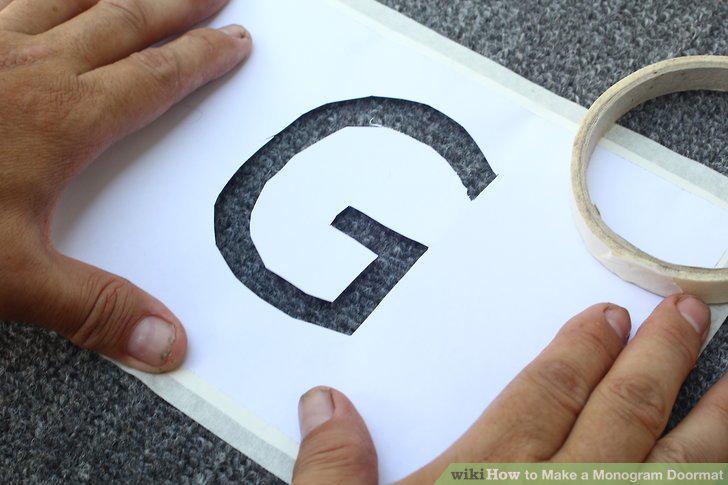
Attach the stencil to the center of the doormat.
Apply your choice of paint.
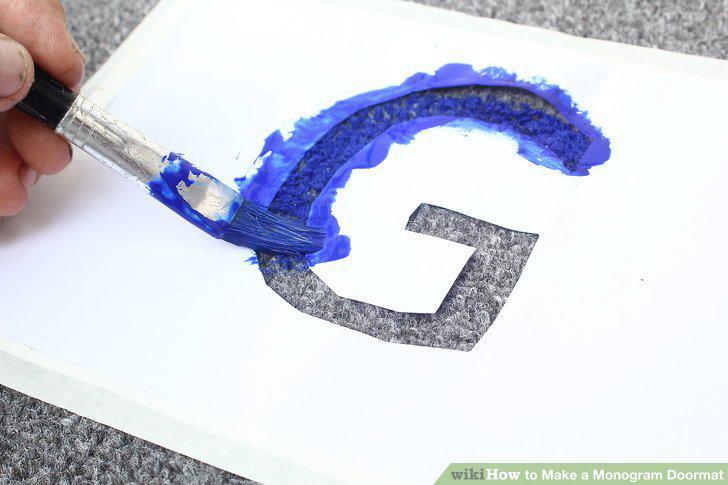
Apply your choice of paint.
Peel the stencil off.
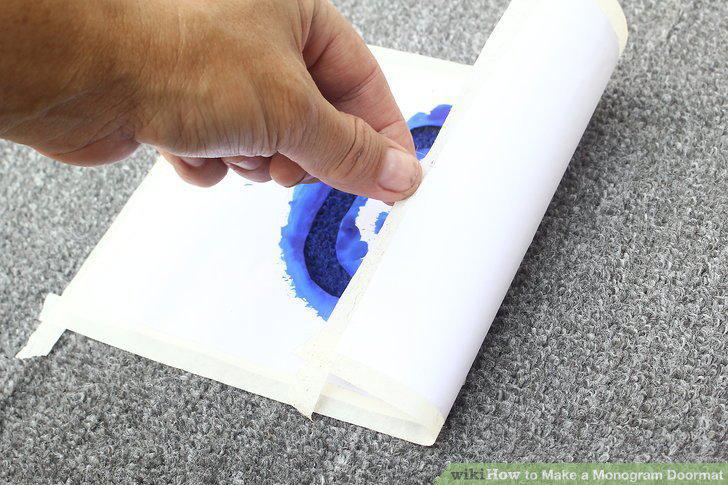
Peel the stencil off.
Allow the paint to dry.
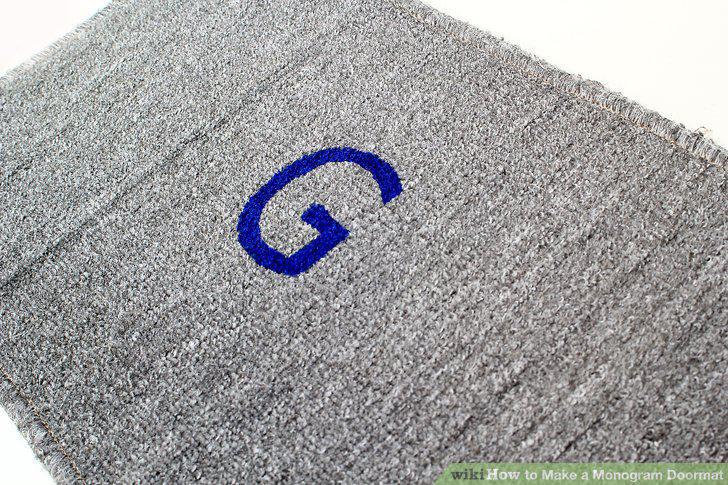
Allow the paint to dry.
Trace a ring onto a sheet of cardstock paper.
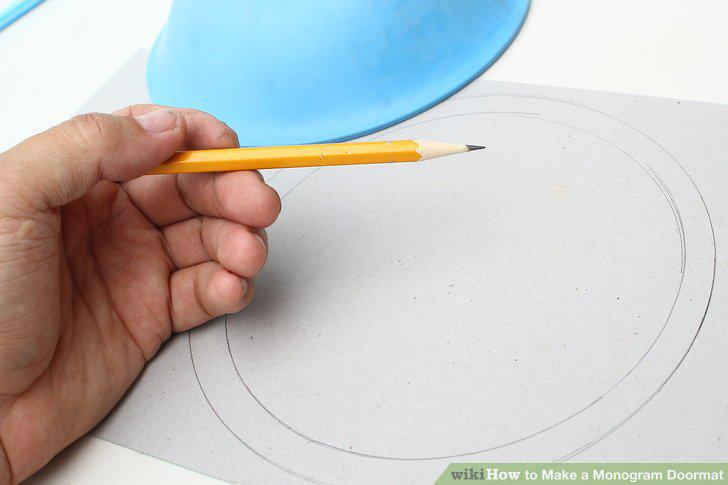
Trace a ring onto a sheet of cardstock paper.
Cut the circles out.
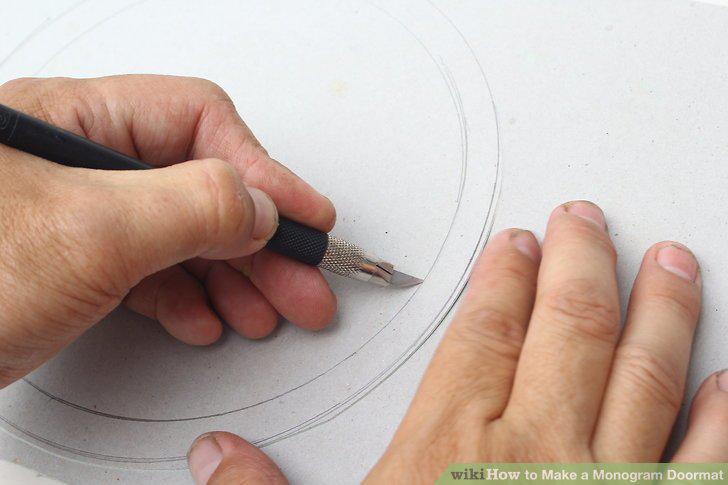
Cut the circles out.
Attach the paper to the doormat.
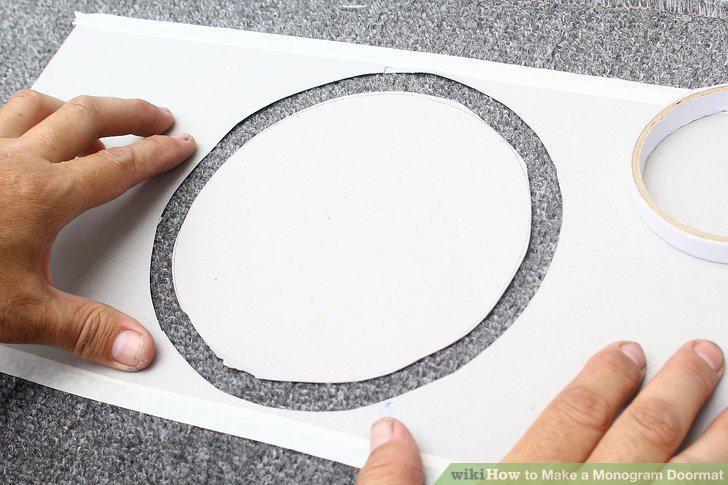
Attach the paper to the doormat.
Paint the gap between the two circles.
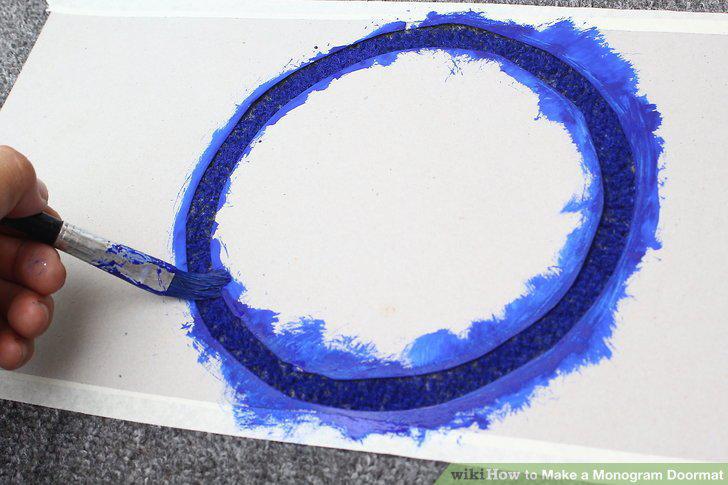
Paint the gap between the two circles.
Peel the stencils off.
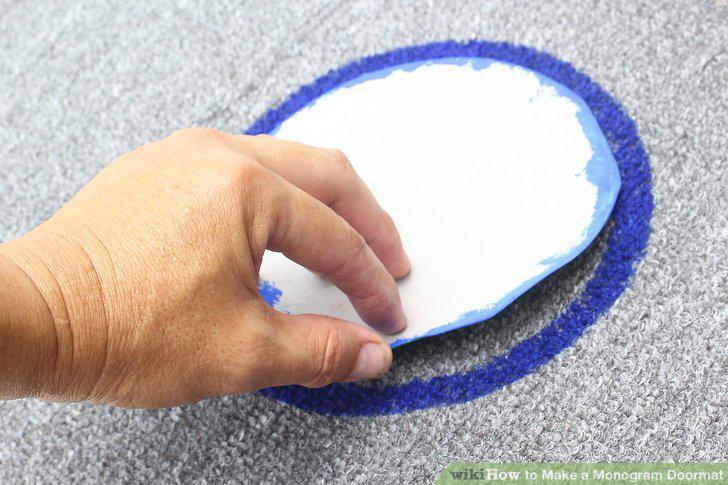
Peel the stencils off.
Allow the paint to dry.
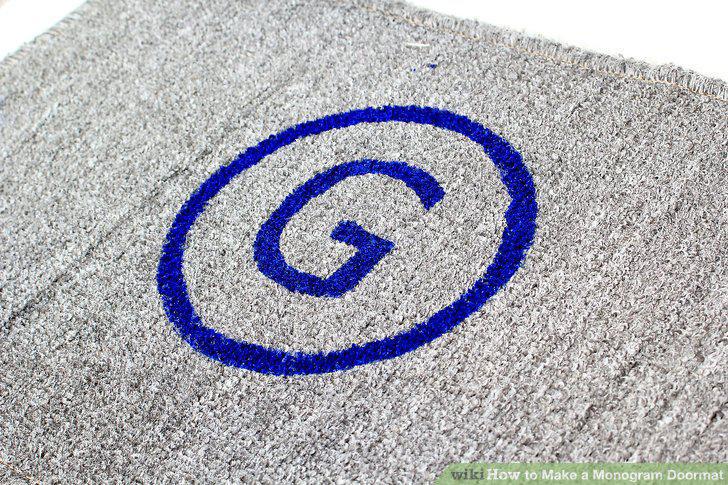
Allow the paint to dry.
Place tape around the edges of the mat.
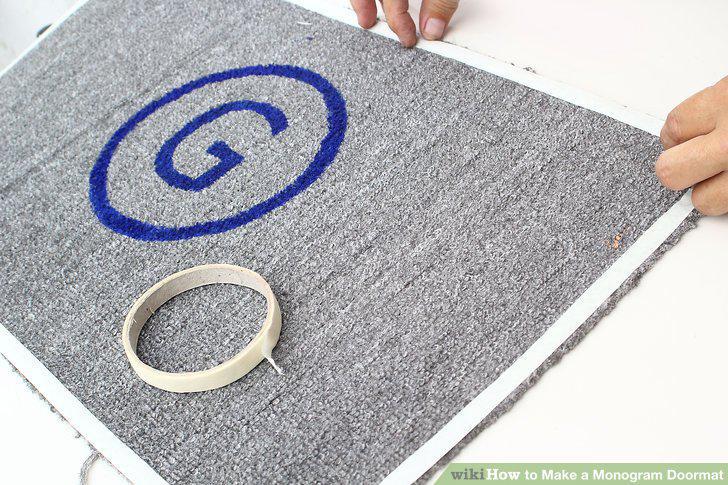
Place tape around the edges of the mat.
Place another row of tape inside the border you made.
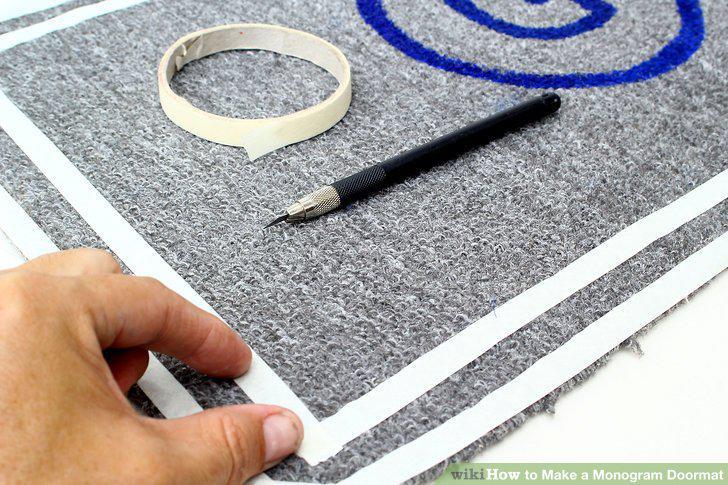
Place another row of tape inside the border you made.
Fill the rest of the doormat in with more paper and masking tape.
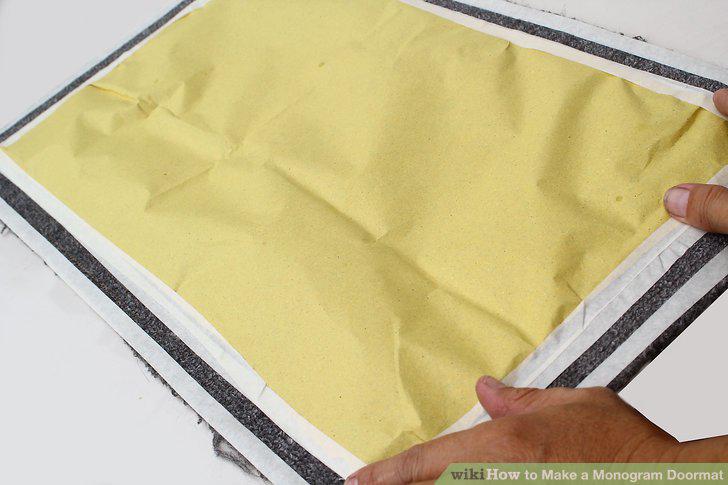
Fill the rest of the doormat in with more paper and masking tape.
Paint the gap between the two rows of tape.
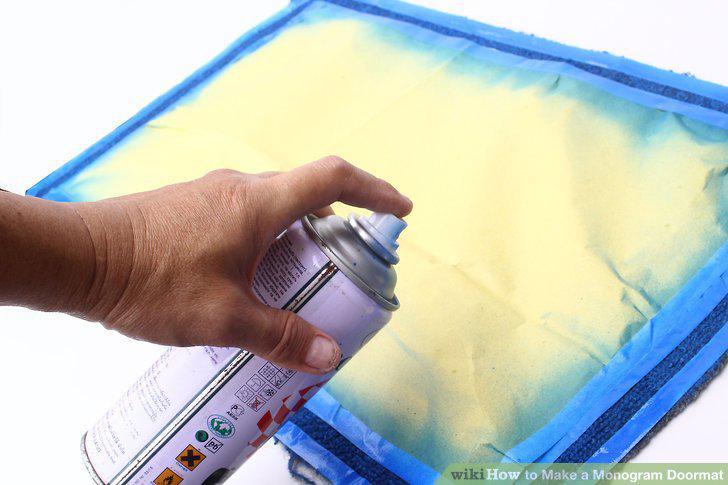
Paint the gap between the two rows of tape.
Peel the tape away.
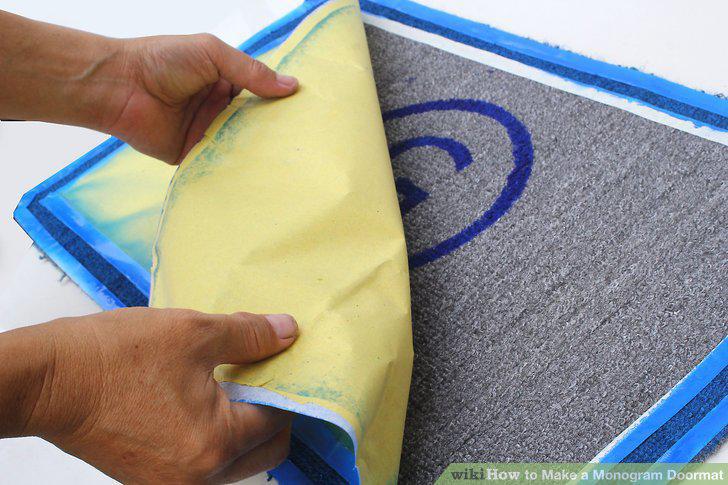
Peel the tape away.
Let the paint dry.
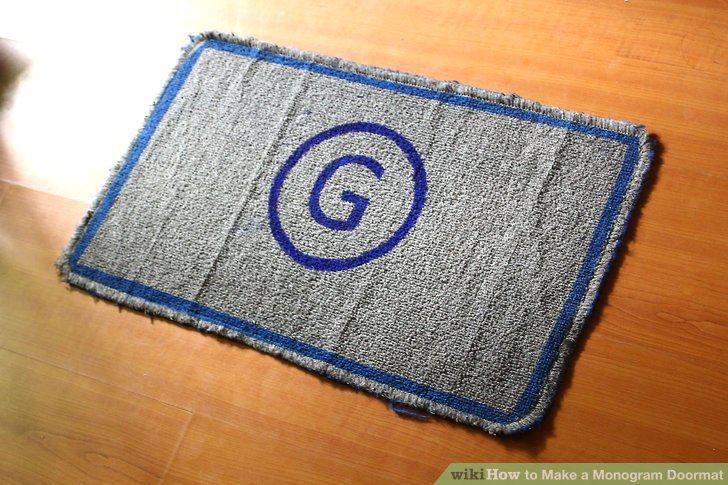
Let the paint dry.
Comments (0)
No comments yet. Be the first to share your thoughts!