How to Play Empires and Puzzles
Open the Play Store (Android) or App Store (iOS).. Search "Empires and Puzzles.. Tap Install (Google Play) or Get (App Store).
Steps
1
Open the Play Store (Android) or App Store (iOS).
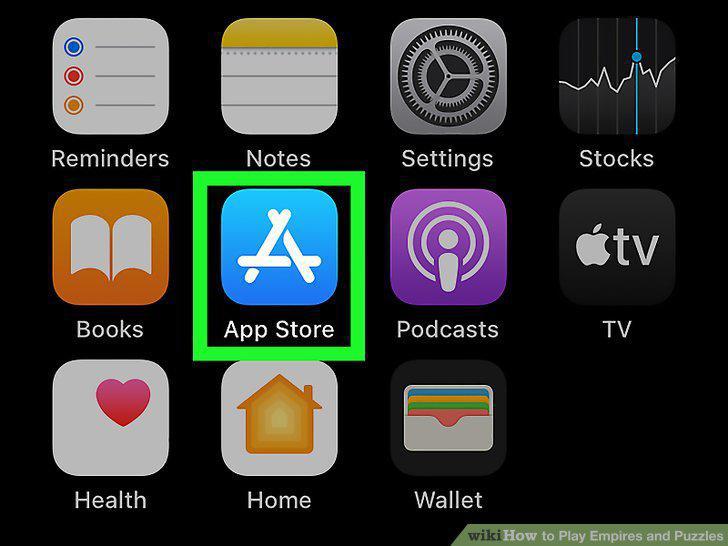
Open the Play Store (Android) or App Store (iOS).
2
Search "Empires and Puzzles.
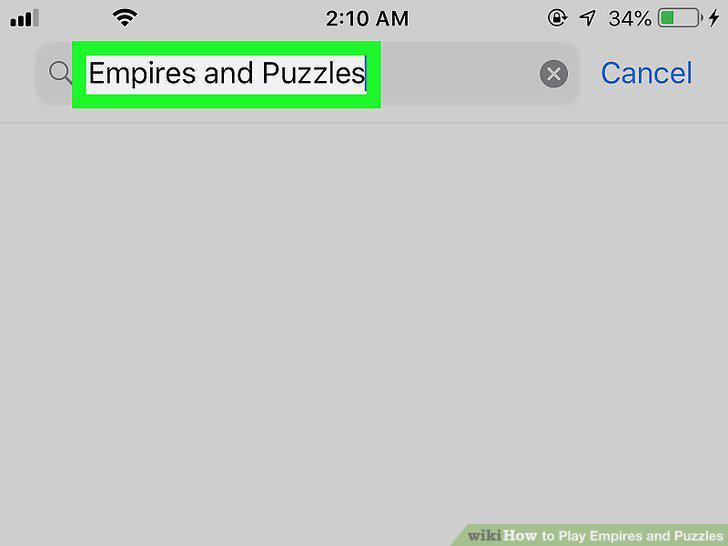
Search "Empires and Puzzles.
3
Tap Install (Google Play) or Get (App Store).
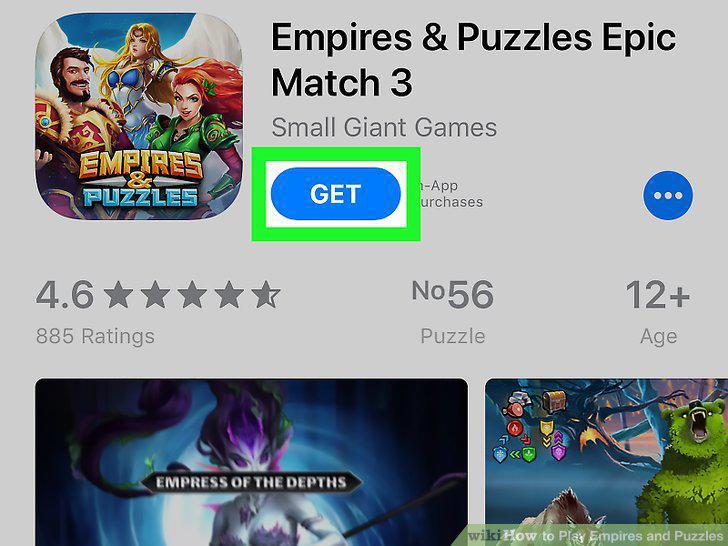
Tap Install (Google Play) or Get (App Store).
4
Open Empires & Puzzles.
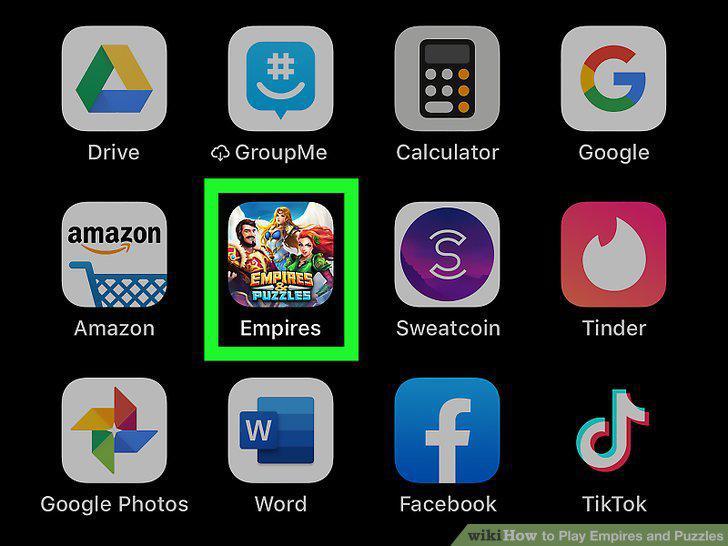
Open Empires & Puzzles.
5
Tap Next through the tutorial.

Tap Next through the tutorial.
6
Play through the tutorial.
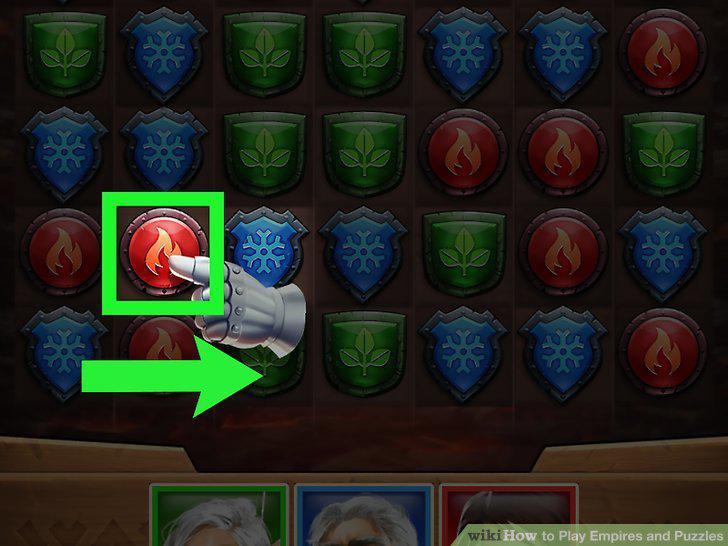
Play through the tutorial.
7
Continue to build your stronghold, get recruits, and complete missions.
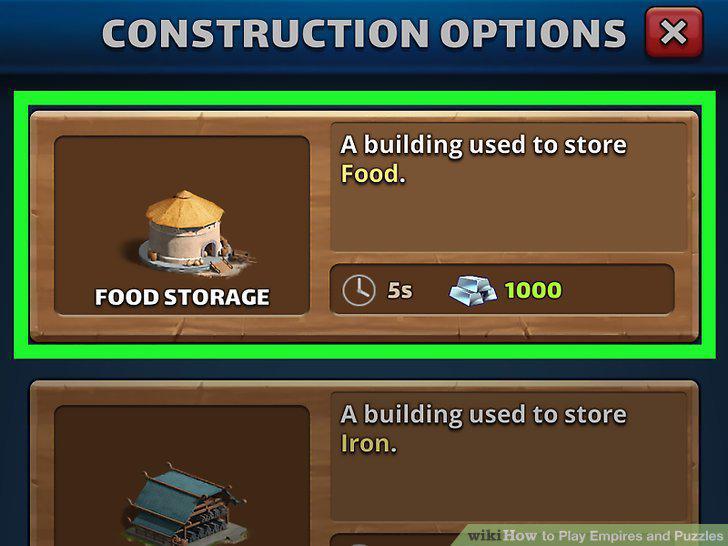
Continue to build your stronghold, get recruits, and complete missions.
Comments (0)
No comments yet. Be the first to share your thoughts!