How to Find Reliable Sellers on eBay
Look at the seller's score on the product page.. Click on the seller's profile name for their full feedback history.. Assess the seller's 4 feedback categories under their profile picture.
Steps
Look at the seller's score on the product page.
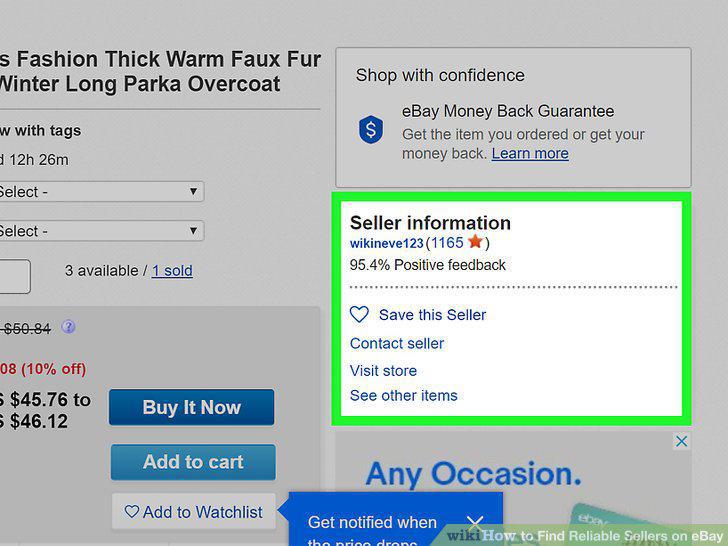
Look at the seller's score on the product page.
Click on the seller's profile name for their full feedback history.
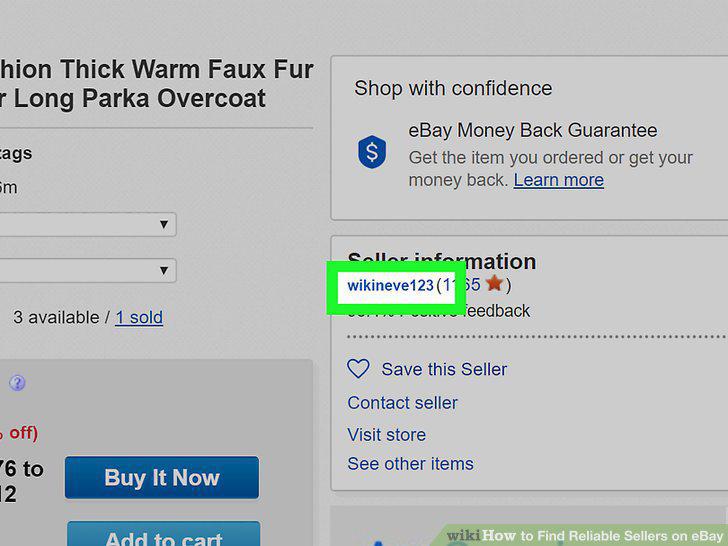
Click on the seller's profile name for their full feedback history.
Assess the seller's 4 feedback categories under their profile picture.
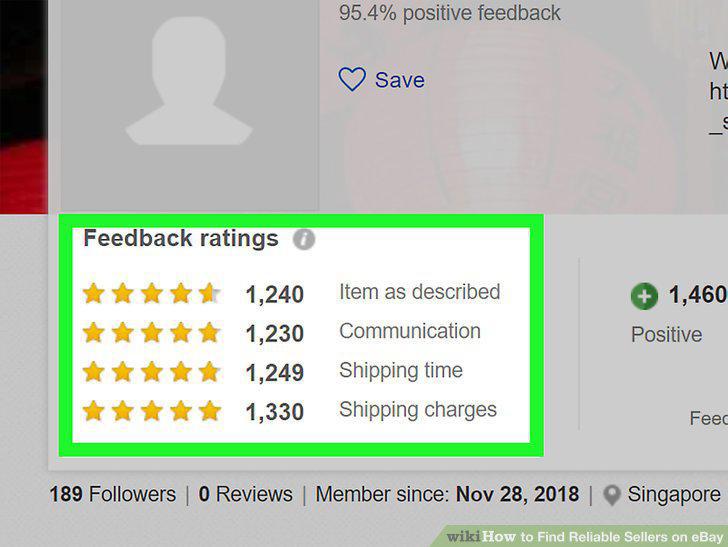
Assess the seller's 4 feedback categories under their profile picture.
Click "See all feedback" to view all the seller's past reviews.
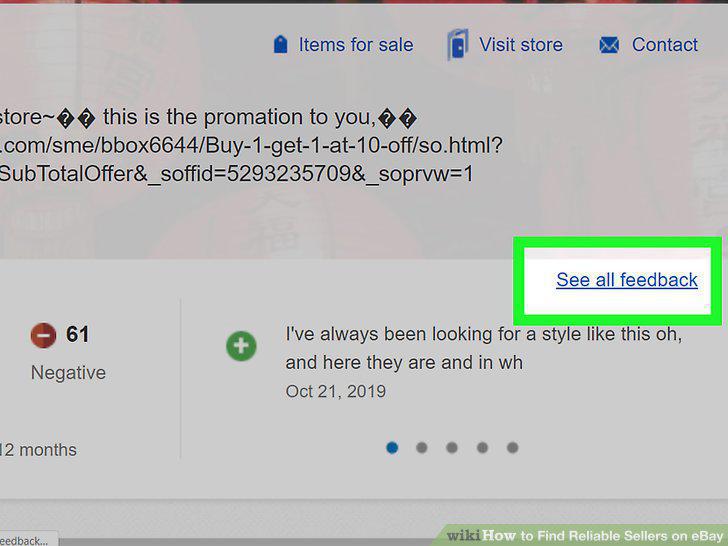
Click "See all feedback" to view all the seller's past reviews.
Read some of the seller's negative reviews if they have any.
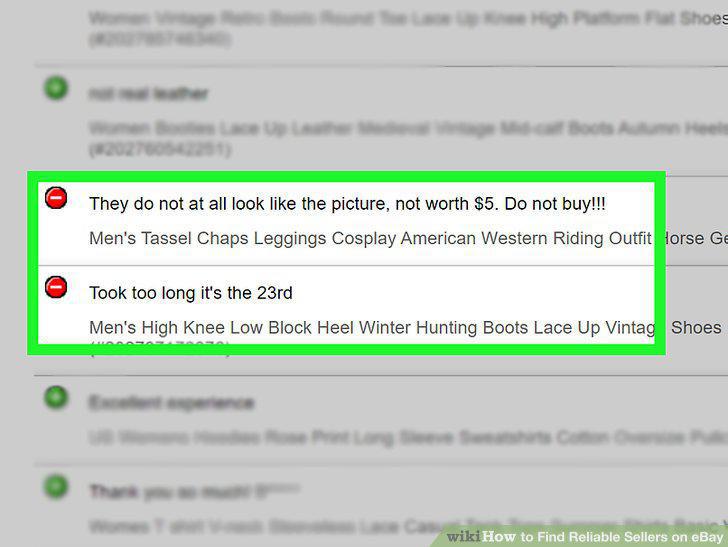
Read some of the seller's negative reviews if they have any.
Investigate further if a seller is offering a high-value item for a low price.
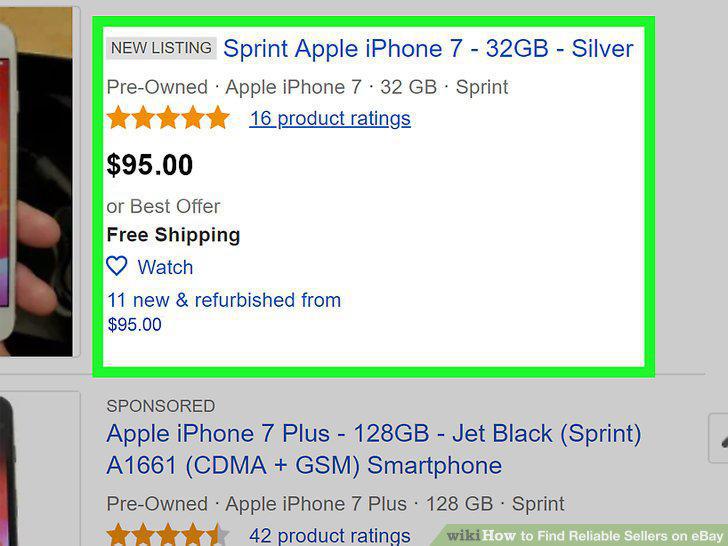
Investigate further if a seller is offering a high-value item for a low price.
Use caution if the item picture is a stock photo.
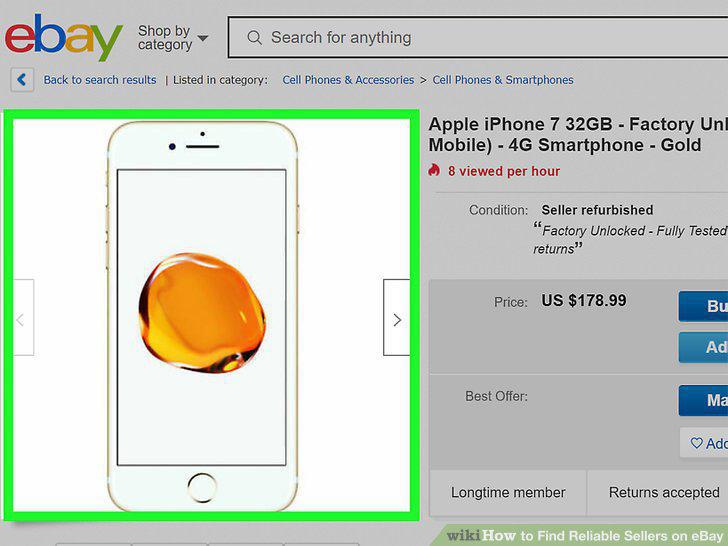
Use caution if the item picture is a stock photo.
Check if the seller has listed similar items on their profile.
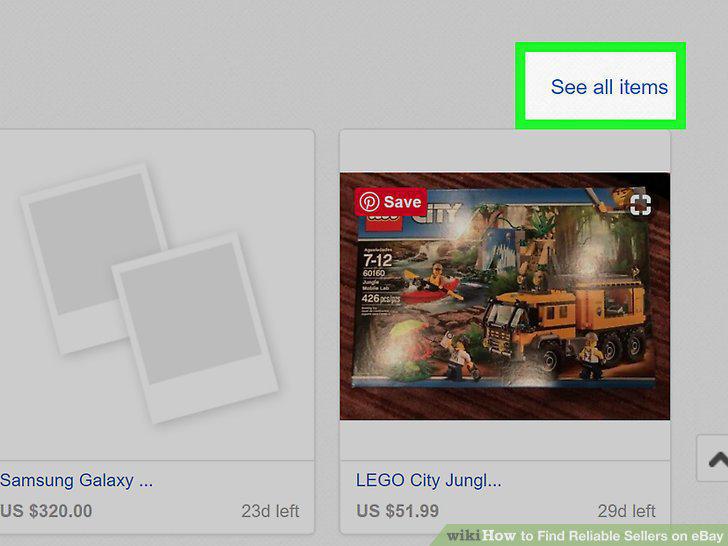
Check if the seller has listed similar items on their profile.
Ask the seller a question about the item if you're suspicious.
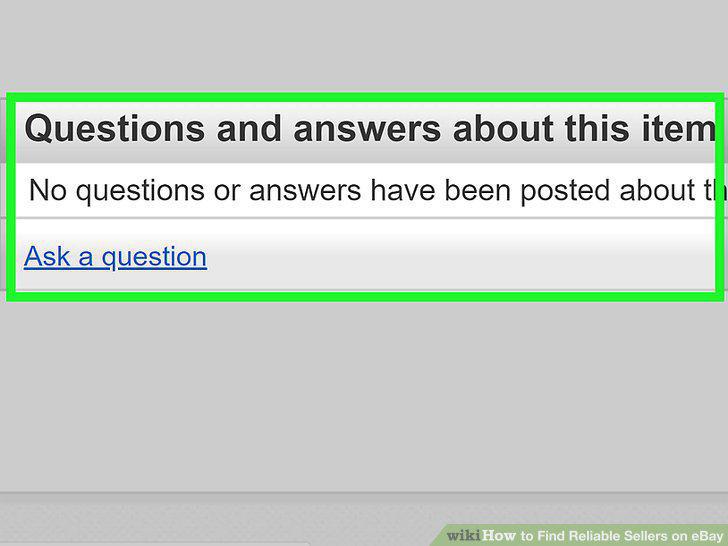
Ask the seller a question about the item if you're suspicious.
Avoid completing transactions outside of eBay.
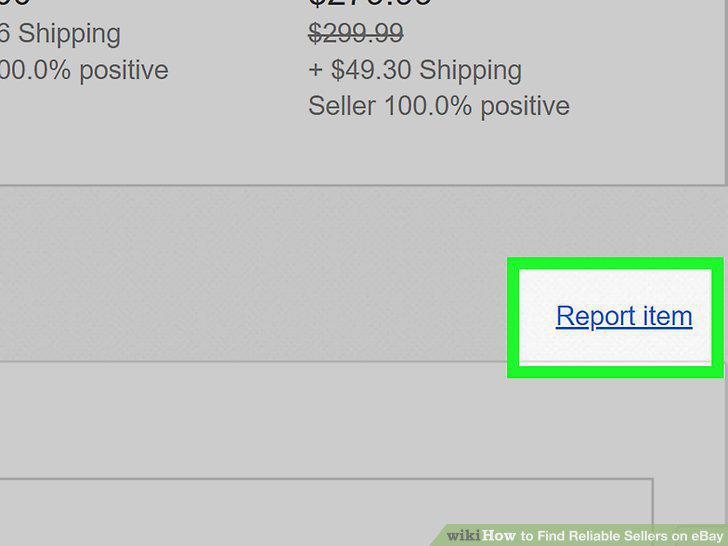
Avoid completing transactions outside of eBay.
Comments (0)
No comments yet. Be the first to share your thoughts!