How to Change Your Primary Address on PayPal on PC or Mac
Open PayPal in your internet browser.. Click the white gear icon.. Click Manage all addresses under the Address heading.
Steps
1
Open PayPal in your internet browser.
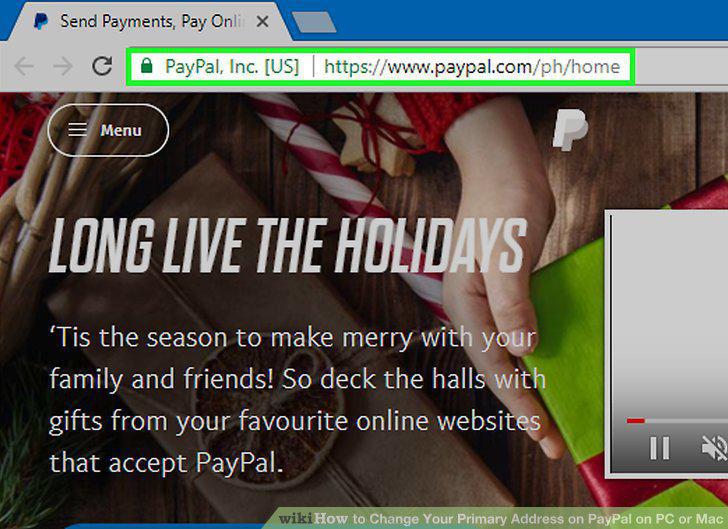
Open PayPal in your internet browser.
2
Click the white gear icon.
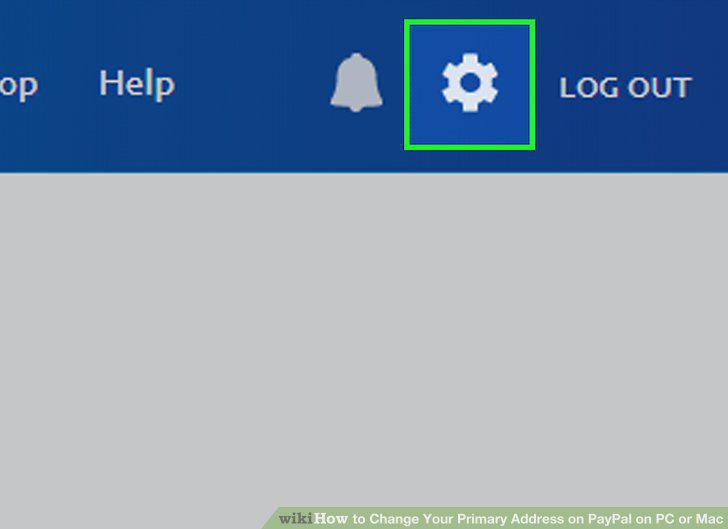
Click the white gear icon.
3
Click Manage all addresses under the Address heading.
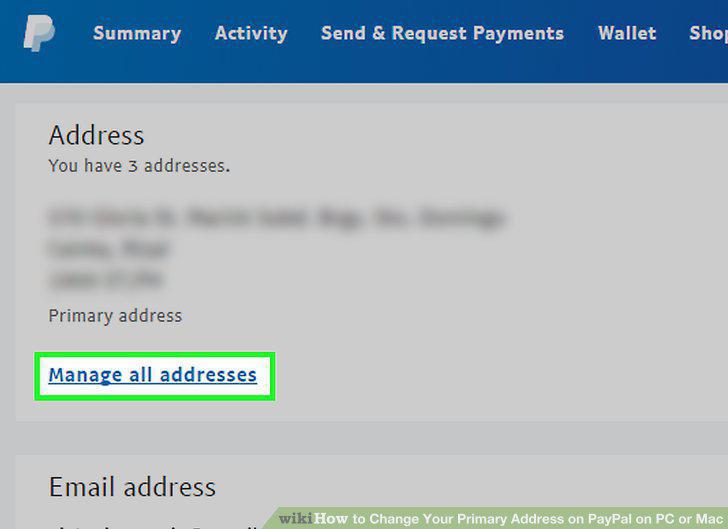
Click Manage all addresses under the Address heading.
4
Click the Add address button.
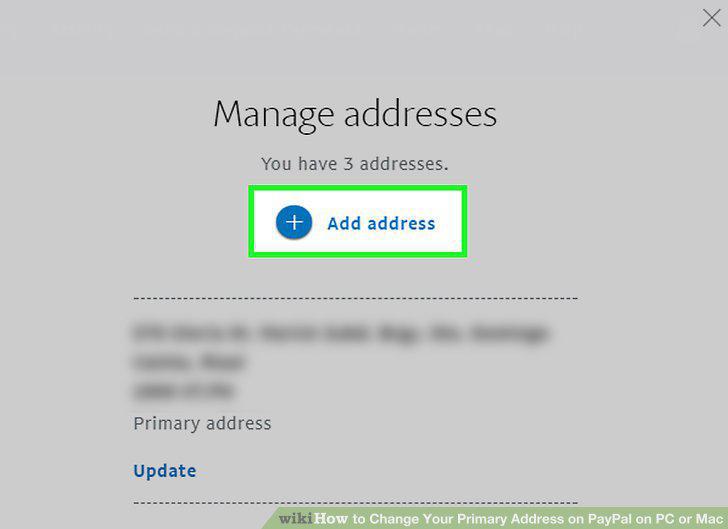
Click the Add address button.
5
Enter your new address details on the "Add an address" form.
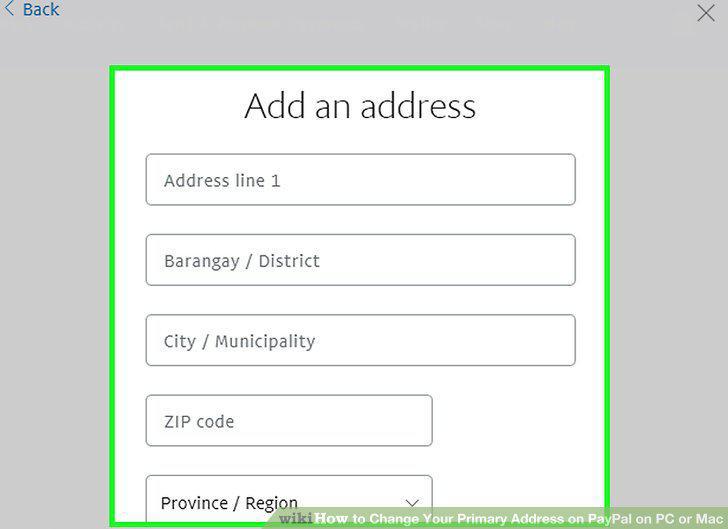
Enter your new address details on the "Add an address" form.
6
Check the Make this my primary address option.
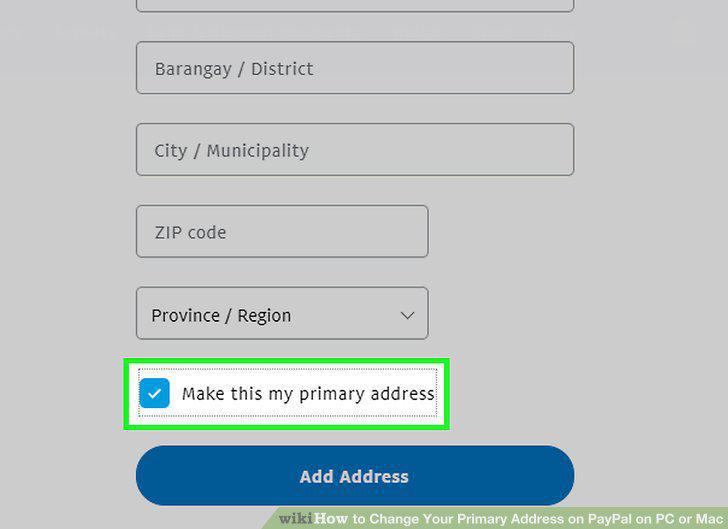
Check the Make this my primary address option.
7
Click the blue Add Address button.
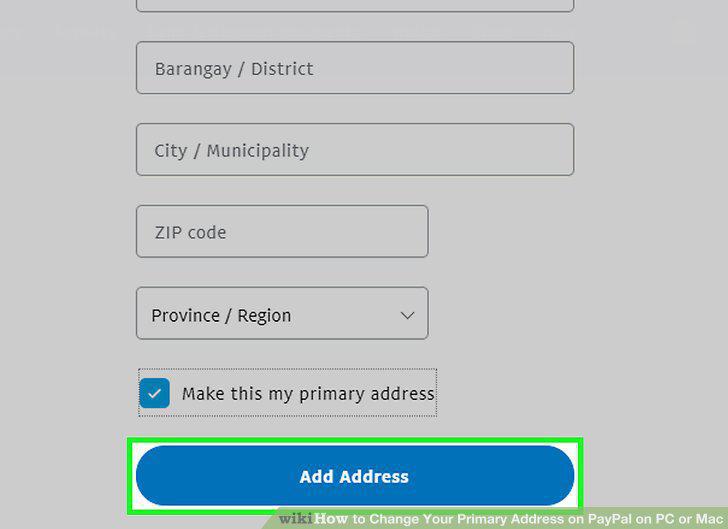
Click the blue Add Address button.
Comments (0)
No comments yet. Be the first to share your thoughts!