How to Connect a Smart TV to Alexa
Check that your TV is compatible with Alexa.. Connect the TV to the same Wi-Fi network as your Alexa-enabled speaker.. Open the Alexa app on your phone or tablet.
Steps
1
Check that your TV is compatible with Alexa.
Check that your TV is compatible with Alexa.
2
Connect the TV to the same Wi-Fi network as your Alexa-enabled speaker.
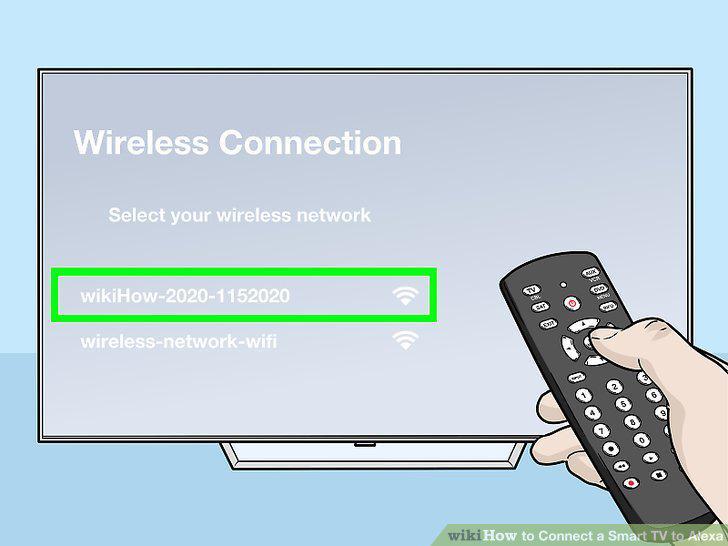
Connect the TV to the same Wi-Fi network as your Alexa-enabled speaker.
3
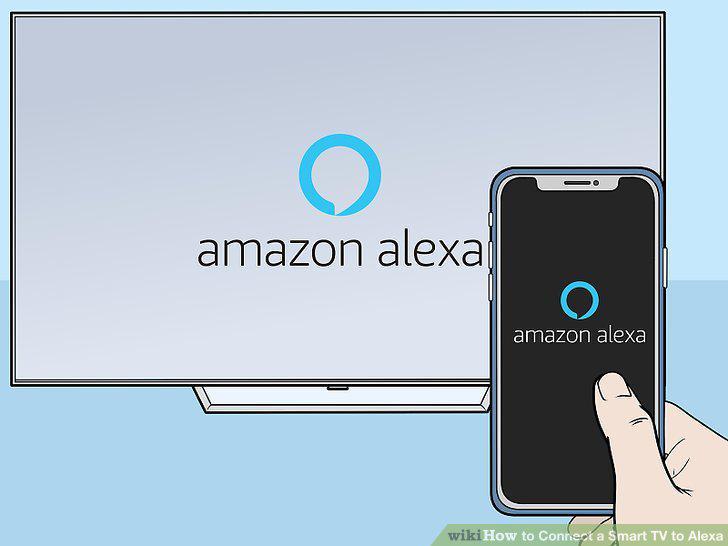
Open the Alexa app on your phone or tablet.
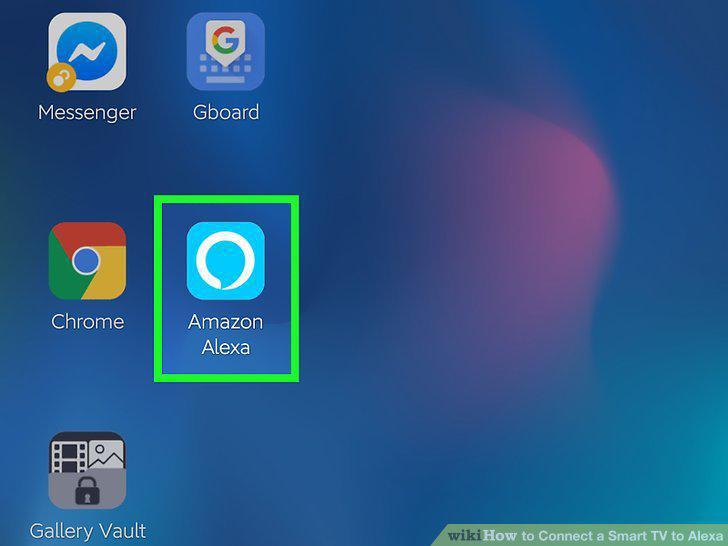
Open the Alexa app on your phone or tablet.
4
Tap the Devices tab with the icon of a house and plugs.
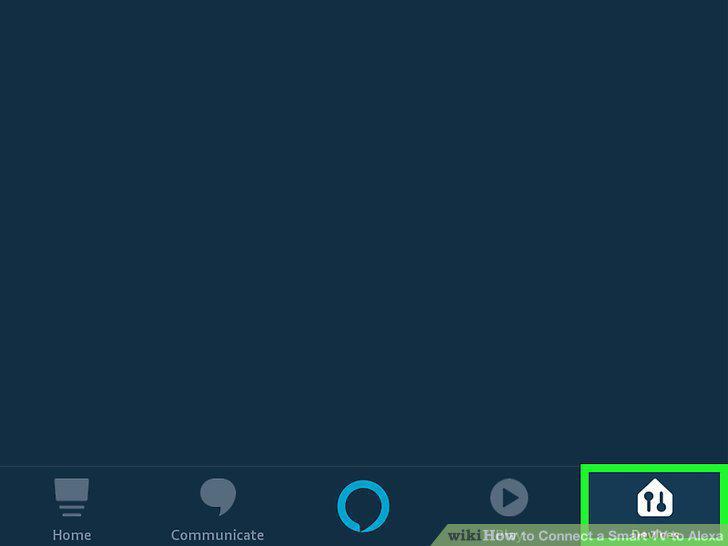
Tap the Devices tab with the icon of a house and plugs.
5
Tap the plus icon (+).
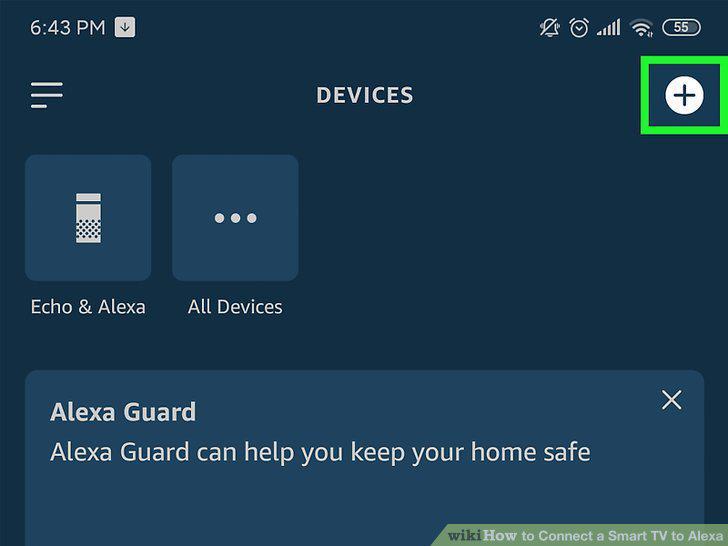
Tap the plus icon (+).
6
Tap Add Device.
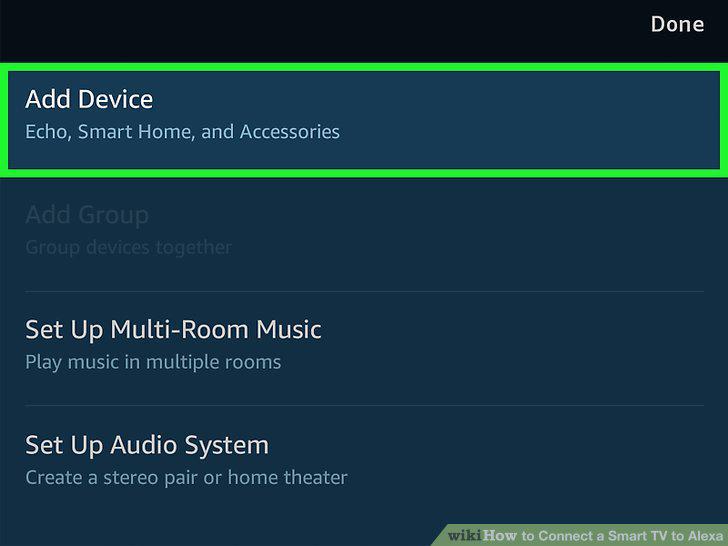
Tap Add Device.
7
Tap TV.
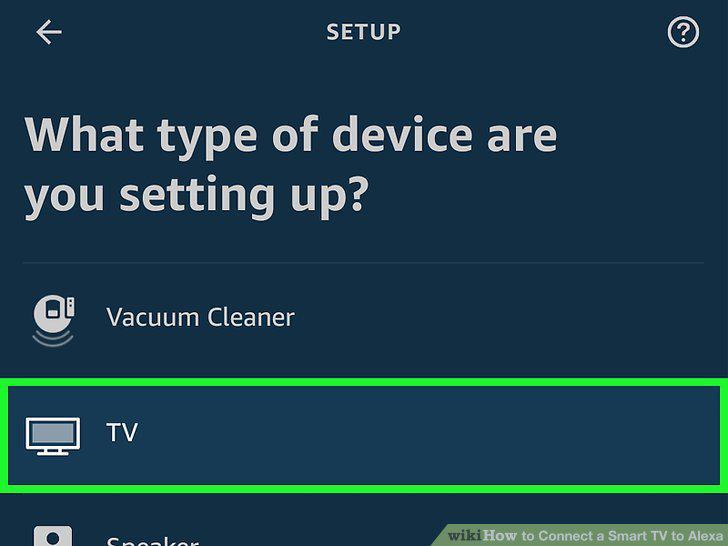
Tap TV.
8
Select your TV brand.
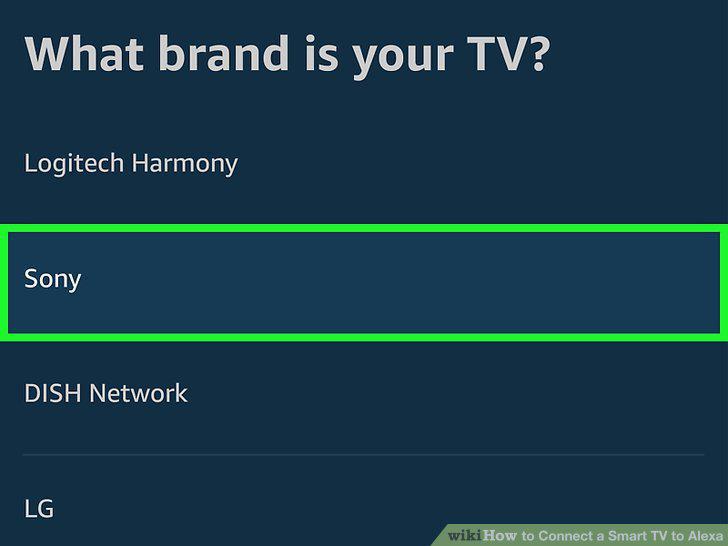
Select your TV brand.
9
Follow the on-screen instructions to complete the process.
Follow the on-screen instructions to complete the process.
Comments (0)
No comments yet. Be the first to share your thoughts!