How to Verify a PayPal Account
In a browser go to https://www.paypal.com/.. Click on Summary.. Scroll down and click on See how much you can send with PayPal.
Steps
1
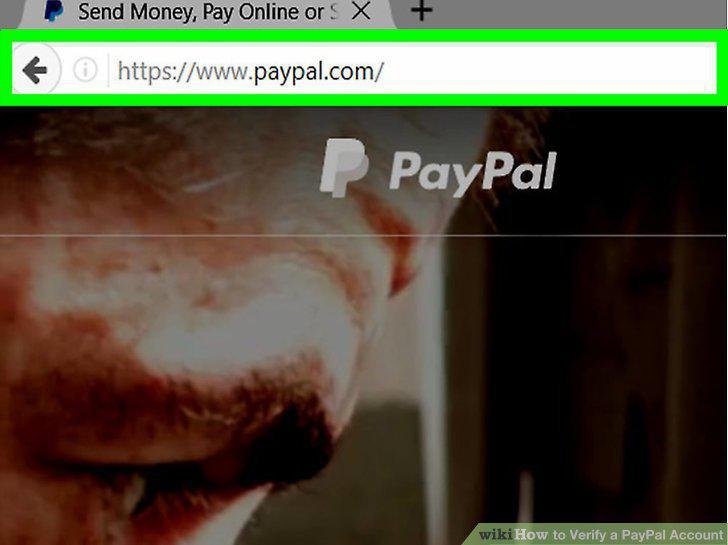
In a browser go to https://www.paypal.com/.
In a browser go to https://www.paypal.com/.
2
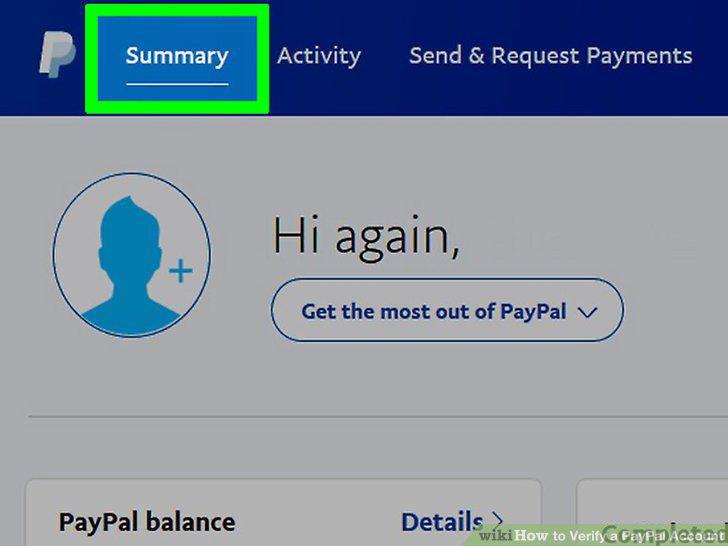
Click on Summary.
Click on Summary.
3
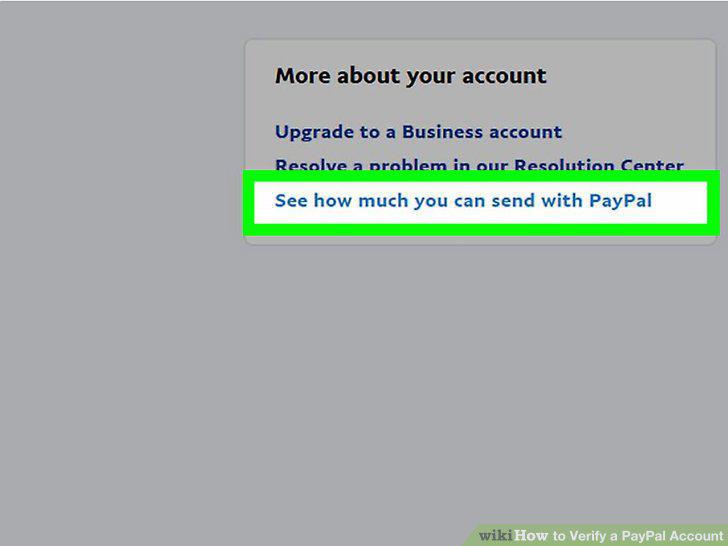
Scroll down and click on See how much you can send with PayPal.
Scroll down and click on See how much you can send with PayPal.
4
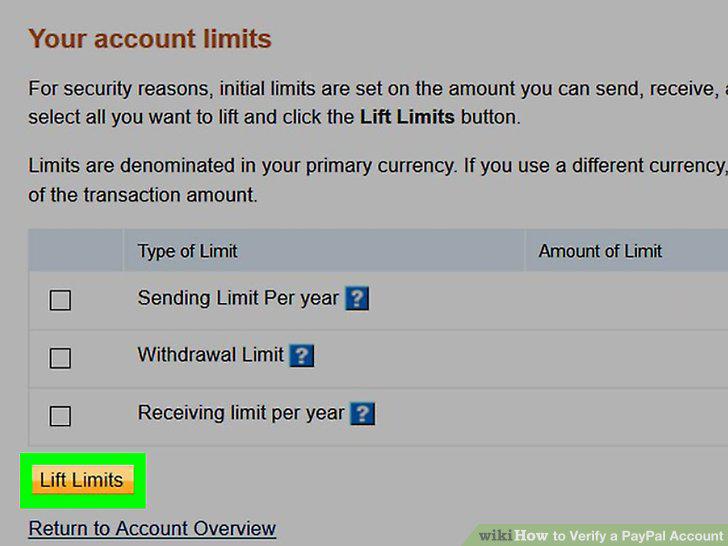
Click on Get Verified.
Click on Get Verified.
5
Follow the onscreen steps to get verified.
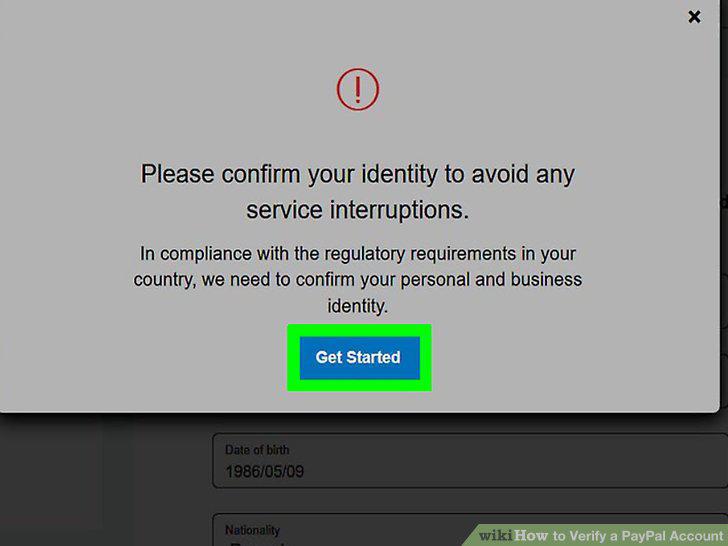
Follow the onscreen steps to get verified.
Comments (0)
No comments yet. Be the first to share your thoughts!