How to Buy Ardor
Secure your system with antivirus software and a firewall.. Download and install the NXT client.. Install the default wallet as a "light client.
Steps
Secure your system with antivirus software and a firewall.
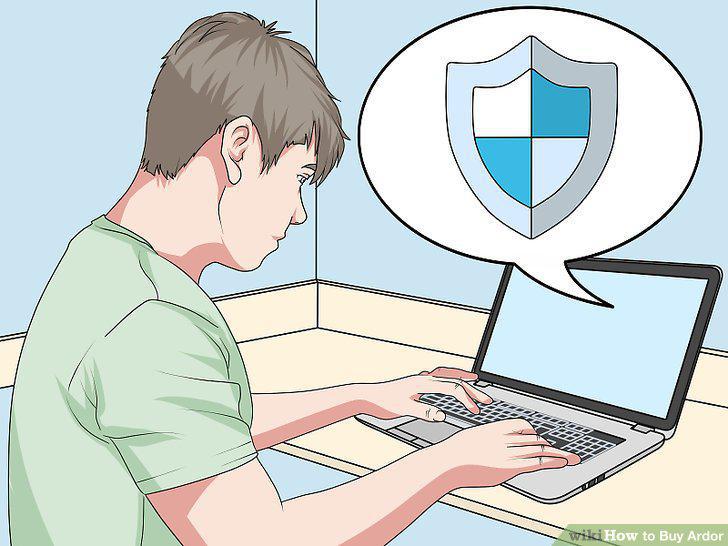
Secure your system with antivirus software and a firewall.
Download and install the NXT client.
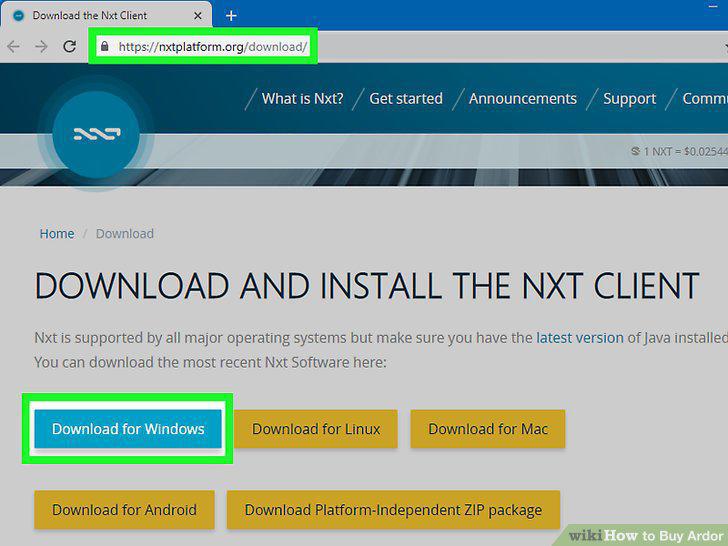
Download and install the NXT client.
Install the default wallet as a "light client.
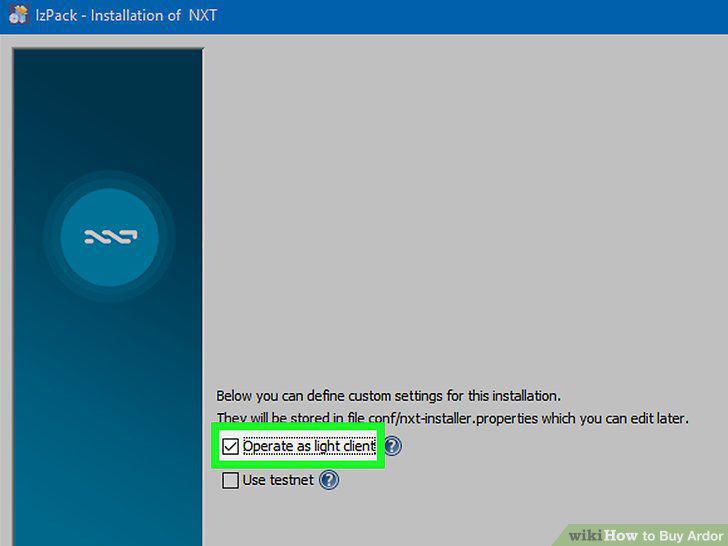
Install the default wallet as a "light client.
Open the wallet to create your account.
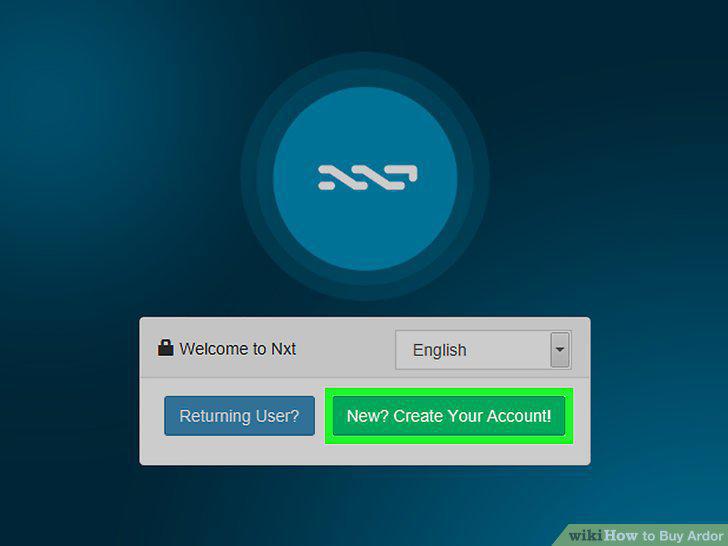
Open the wallet to create your account.
Choose an exchange you'd like to use.
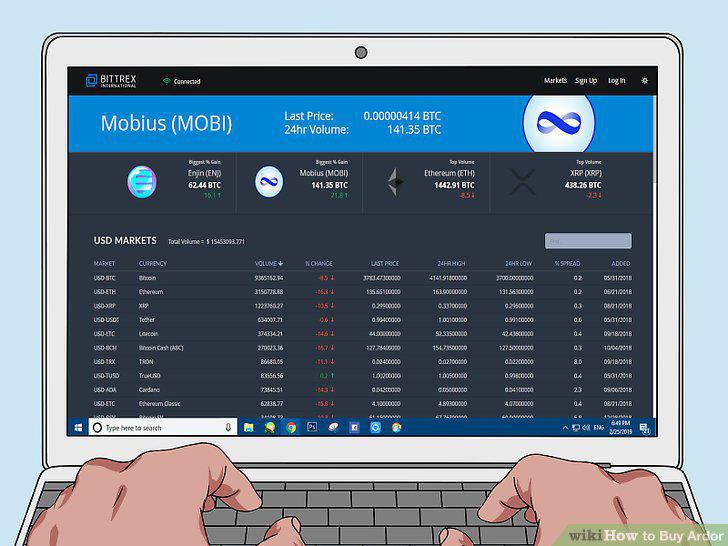
Choose an exchange you'd like to use.
Register for an exchange account.

Register for an exchange account.
Link your bank account or credit card.
Link your bank account or credit card.
Decide which cryptocurrency you want to use to purchase Ardor.

Decide which cryptocurrency you want to use to purchase Ardor.
Place your order for the cryptocurrency.
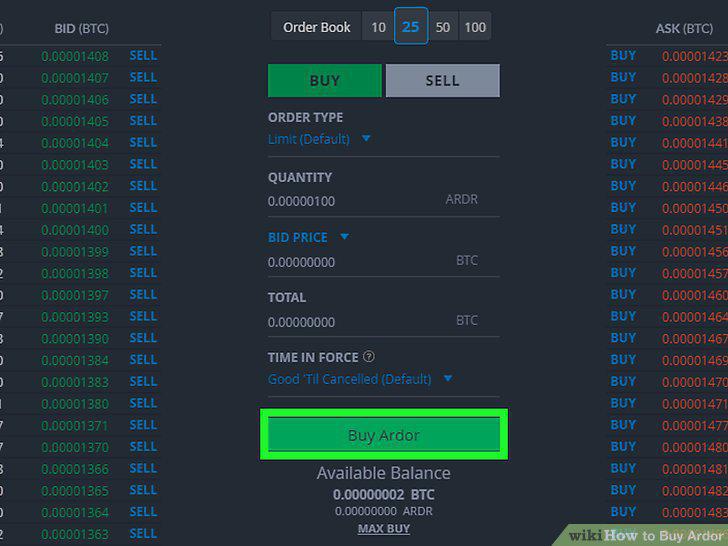
Place your order for the cryptocurrency.
Register for an account with an exchange that trades Ardor.

Register for an account with an exchange that trades Ardor.
Transfer your cryptocurrency to the new exchange.
Transfer your cryptocurrency to the new exchange.
Place your order for Ardor paying with your cryptocurrency.
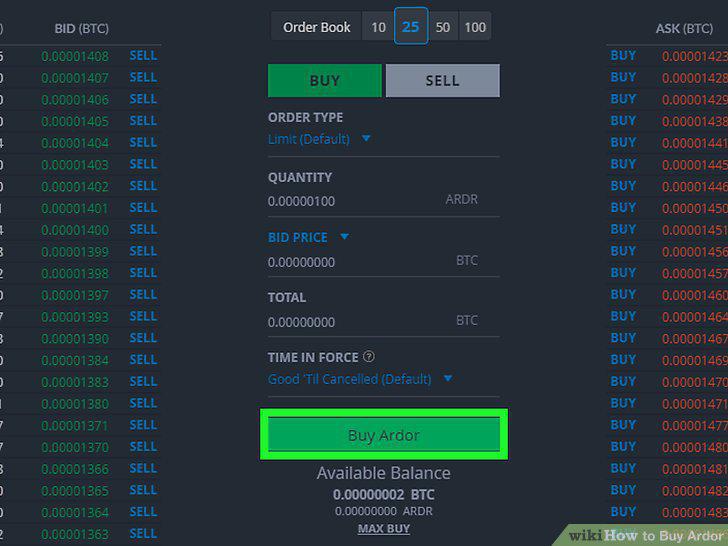
Place your order for Ardor paying with your cryptocurrency.
Move your Ardor off the exchange into your Ardor wallet.
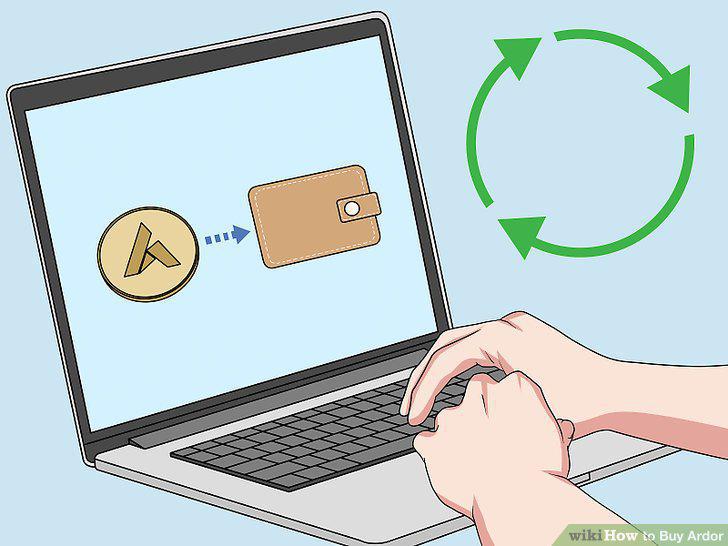
Move your Ardor off the exchange into your Ardor wallet.
Comments (0)
No comments yet. Be the first to share your thoughts!