How to Buy Books for Your Kindle
Go to the Home screen on your Kindle tablet.. Tap Books at the top of the screen.. Tap Store in the upper-right corner of the screen.
Steps
1
Go to the Home screen on your Kindle tablet.
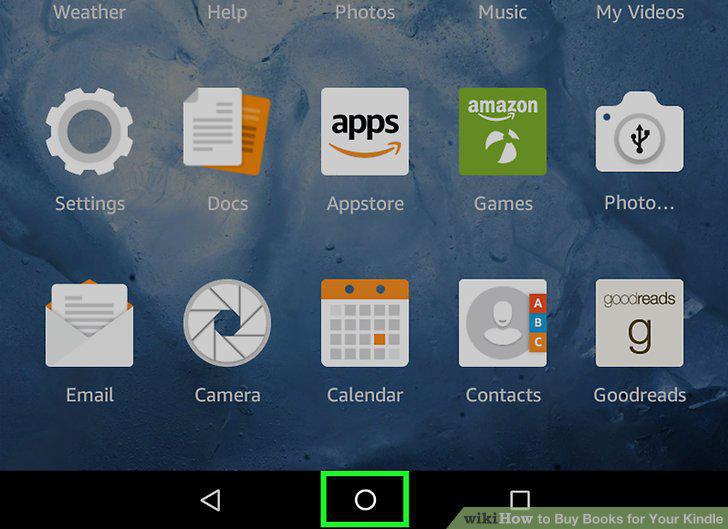
Go to the Home screen on your Kindle tablet.
2
Tap Books at the top of the screen.
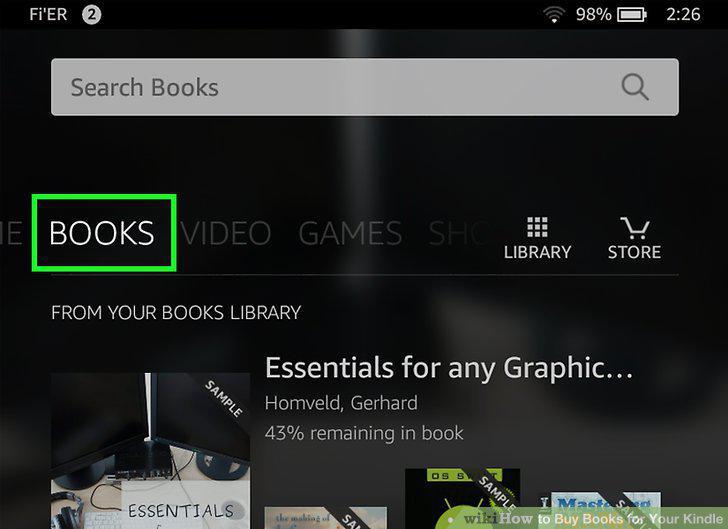
Tap Books at the top of the screen.
3
Tap Store in the upper-right corner of the screen.
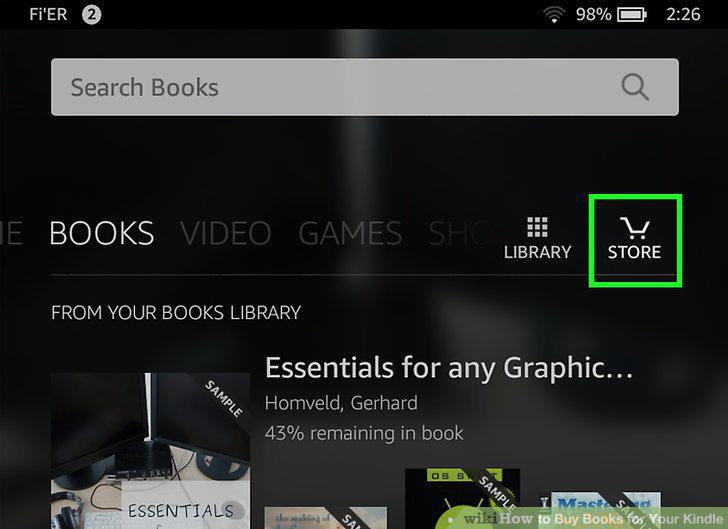
Tap Store in the upper-right corner of the screen.
4
Look for a book to purchase.
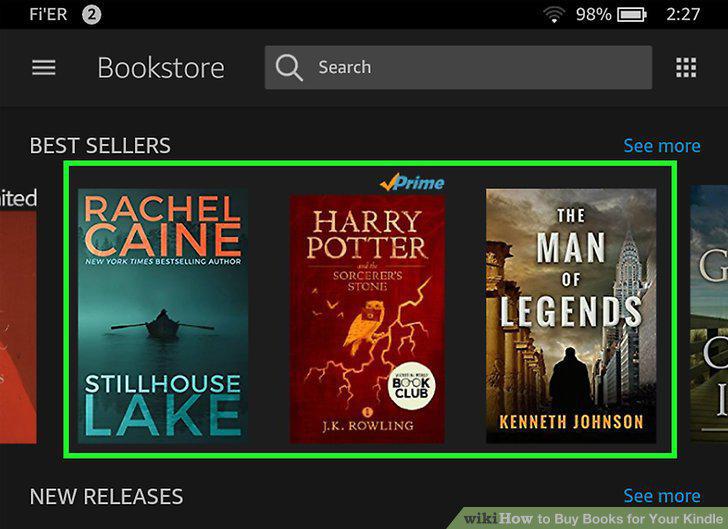
Look for a book to purchase.
5
Tap the book you want to purchase.
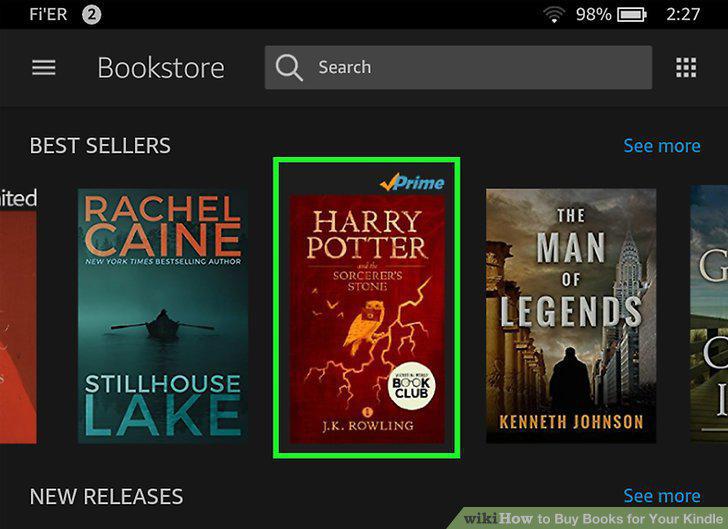
Tap the book you want to purchase.
6
Tap Buy.
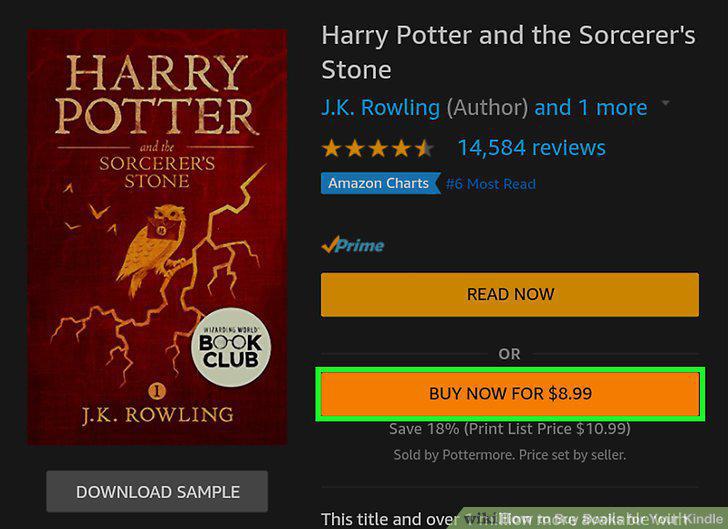
Tap Buy.
7
When prompted, confirm your purchase.
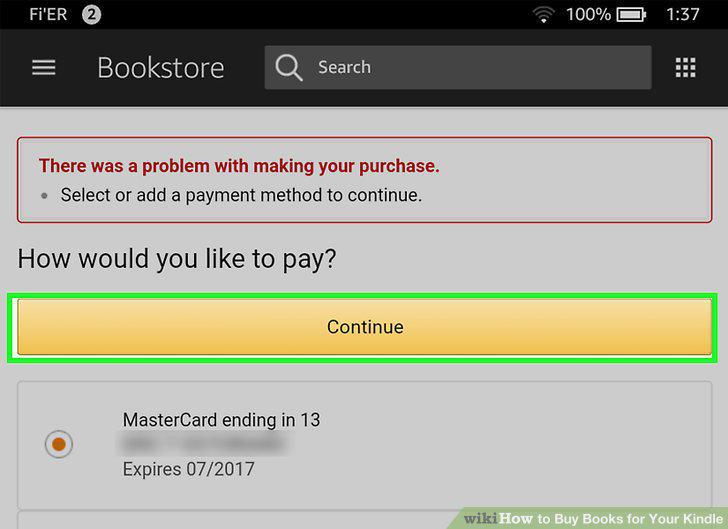
When prompted, confirm your purchase.
Comments (0)
No comments yet. Be the first to share your thoughts!