How to Delete an eHarmony Account
Login to eHarmony.com using your username and password.. Click on your profile at the top of your screen.. Click the "Account Settings" link.
Steps
1
Login to eHarmony.com using your username and password.
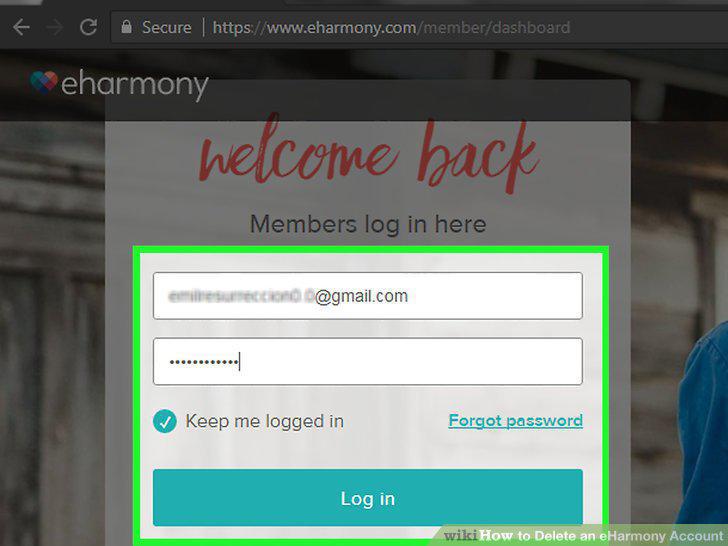
Login to eHarmony.com using your username and password.
2
Click on your profile at the top of your screen.
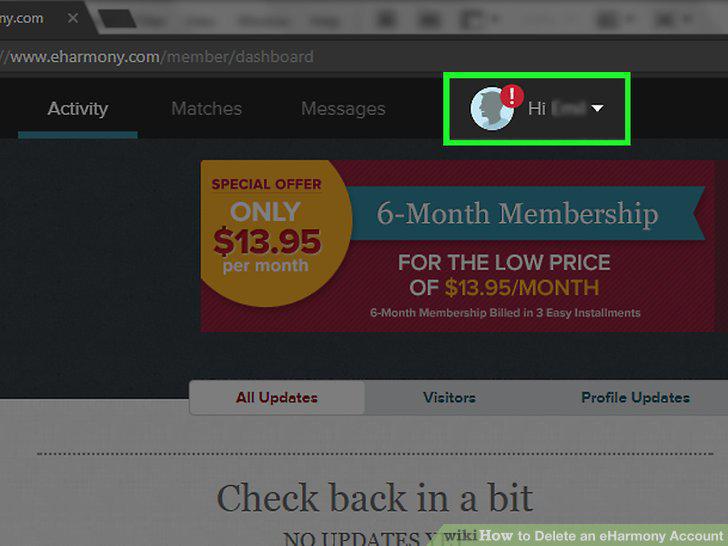
Click on your profile at the top of your screen.
3
Click the "Account Settings" link.
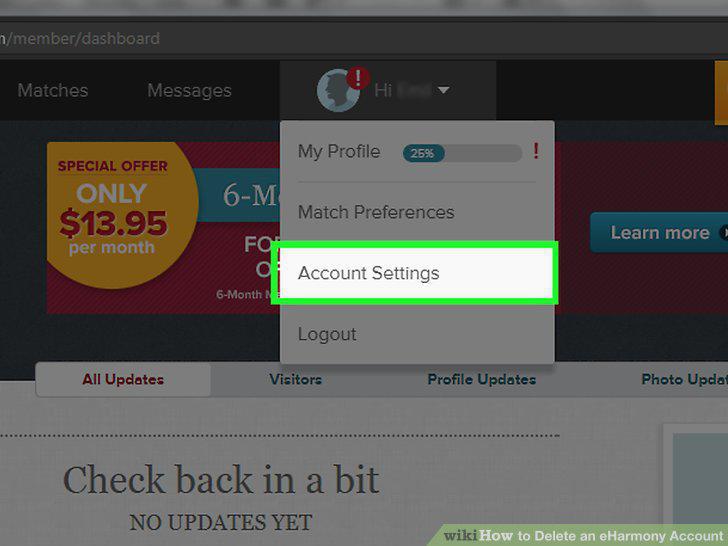
Click the "Account Settings" link.
4
Click on the "Billing" button.
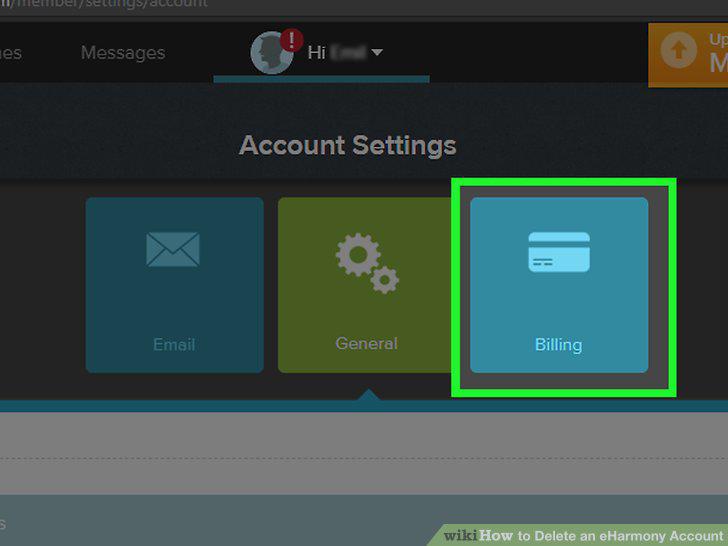
Click on the "Billing" button.
5
Click the "Close Account" button at the bottom of the screen.
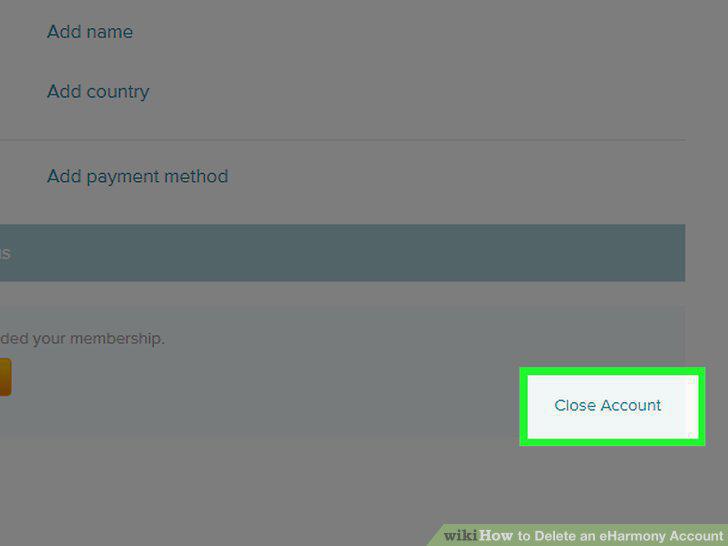
Click the "Close Account" button at the bottom of the screen.
6
Click the "Yes, close my account" link.
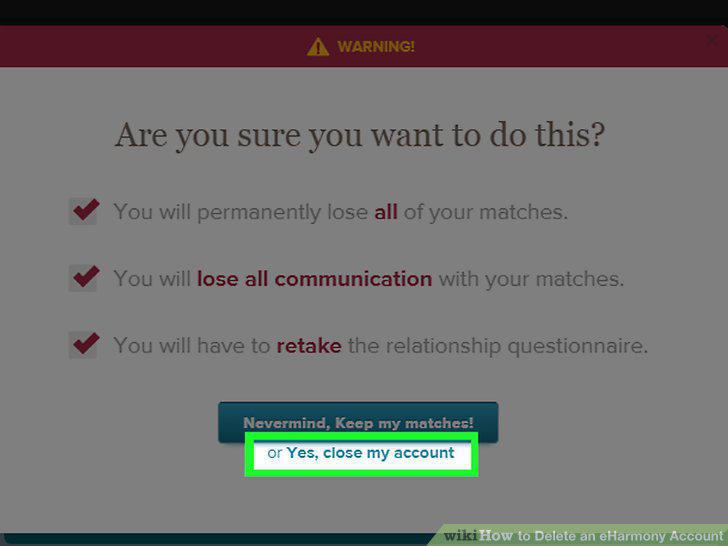
Click the "Yes, close my account" link.
7
Look for a confirmation email.
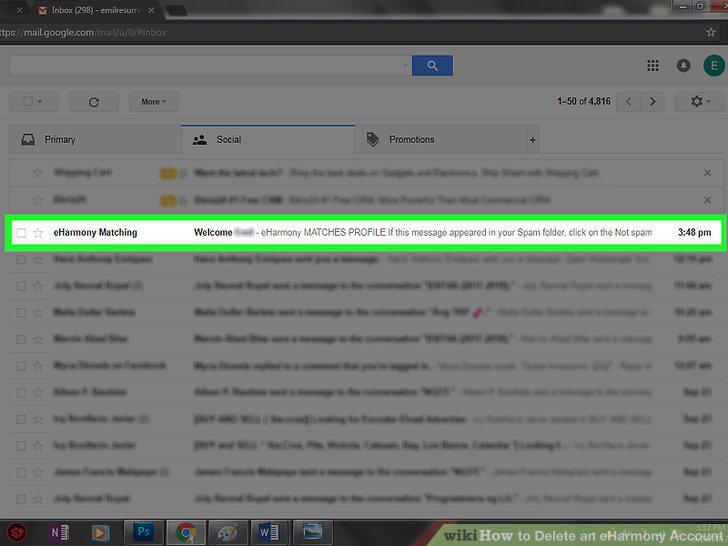
Look for a confirmation email.
8
Make sure that you want to delete all your information.
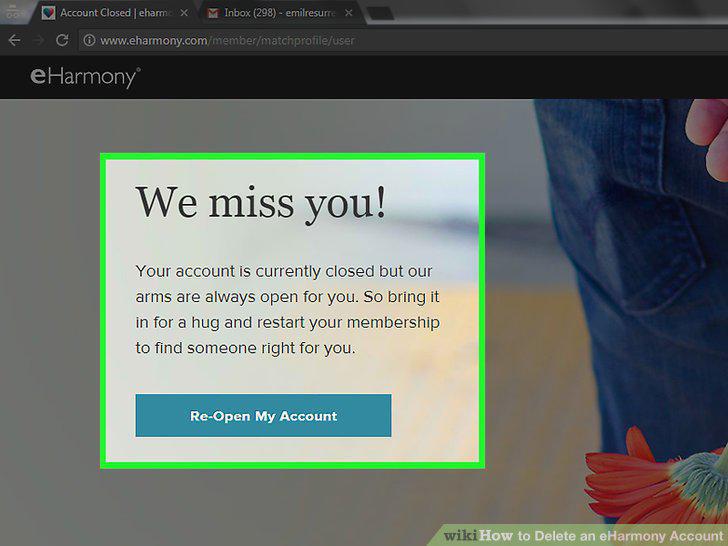
Make sure that you want to delete all your information.
9
Send an email to deletemyinfo@eharmony.com.
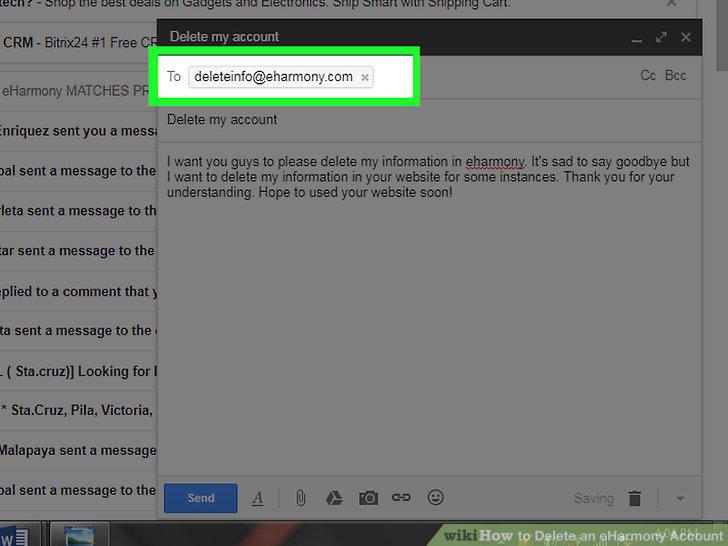
Send an email to deletemyinfo@eharmony.com.
10
Give eHarmony a call to delete your information.
Give eHarmony a call to delete your information.
Comments (0)
No comments yet. Be the first to share your thoughts!