How to Delete a Groupon Account on PC or Mac
Go to https://www.groupon.com in a web browser.. Log in to Groupon.. Click Help.
Steps
1
Go to https://www.groupon.com in a web browser.
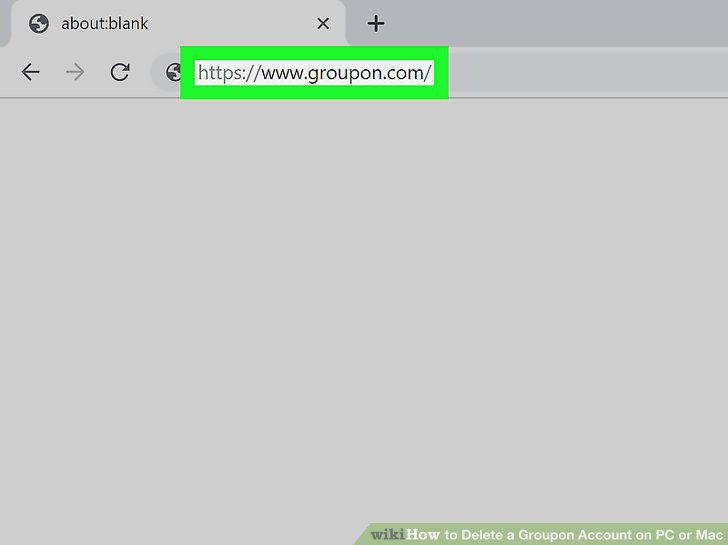
Go to https://www.groupon.com in a web browser.
2
Log in to Groupon.
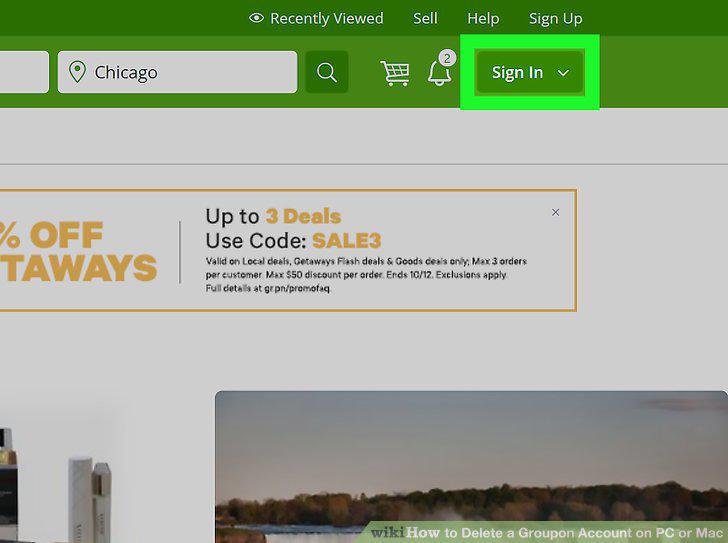
Log in to Groupon.
3
Click Help.
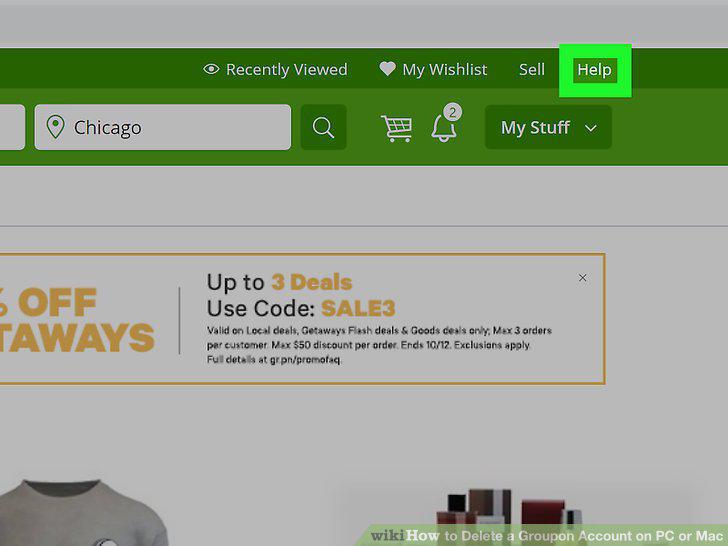
Click Help.
4
Click Managing Your Account.
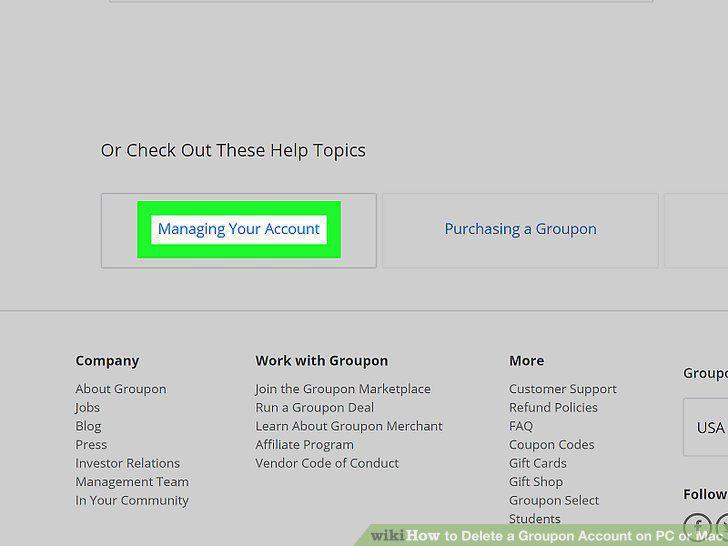
Click Managing Your Account.
5
Click Contact Us.
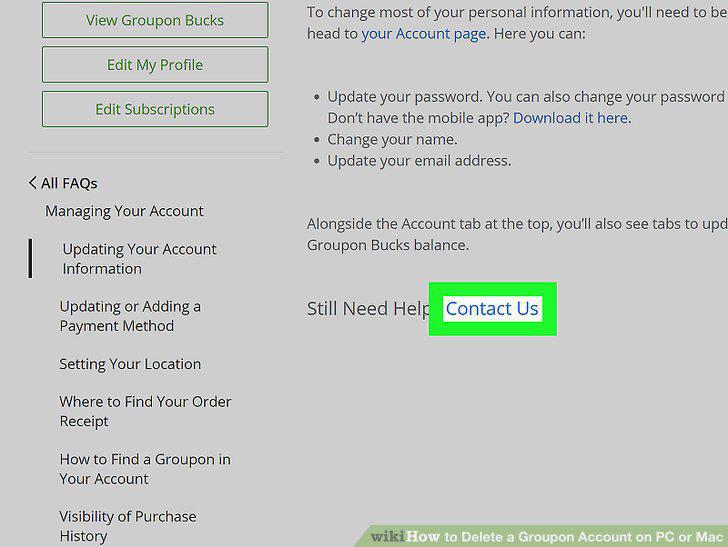
Click Contact Us.
6
Click Live Chat.
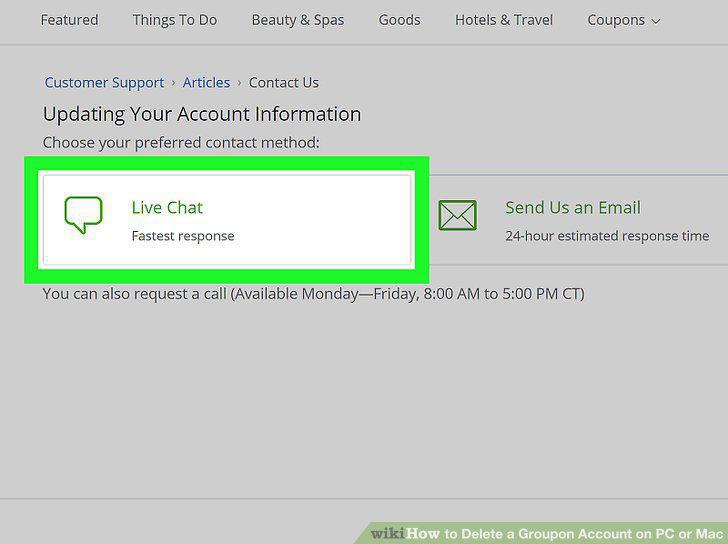
Click Live Chat.
7
Type Delete my account next to "Issues:
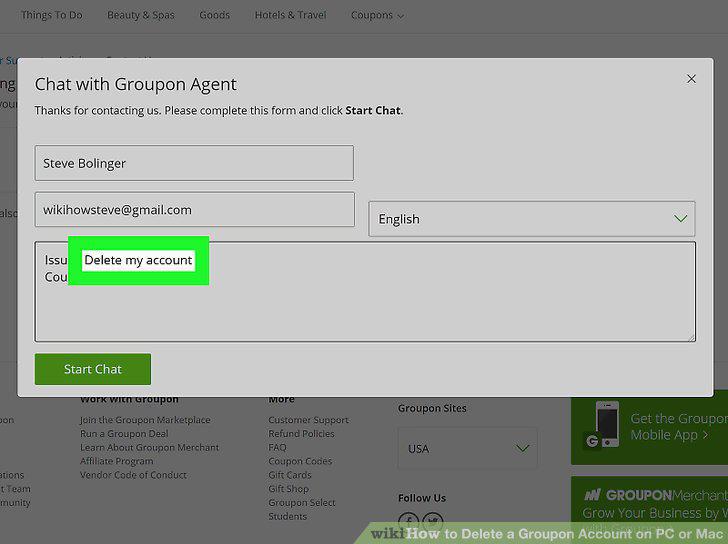
Type Delete my account next to "Issues:
8
Explain that you want to delete your account.
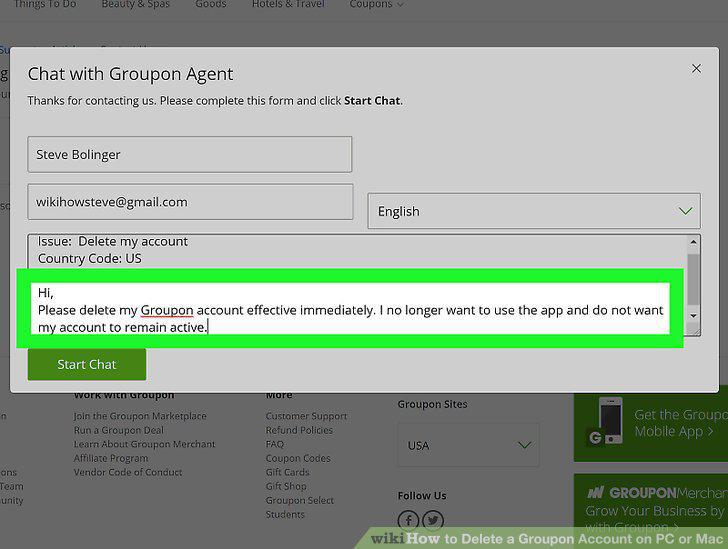
Explain that you want to delete your account.
9
Click Start Chat.
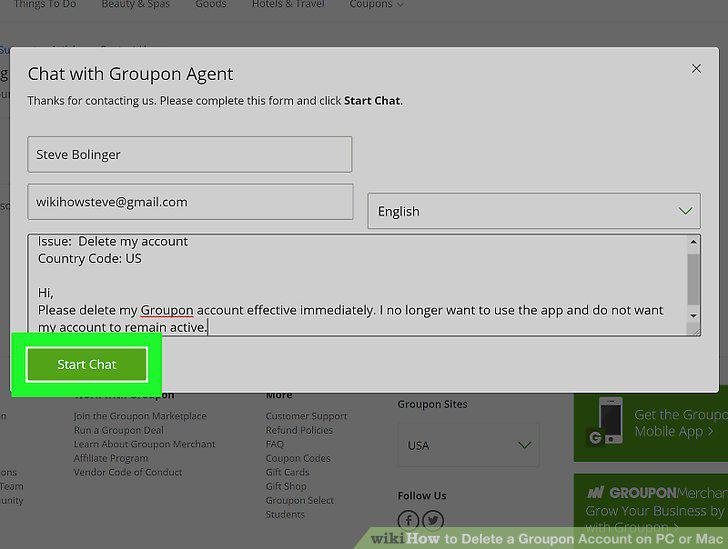
Click Start Chat.
10
Request to cancel your account.
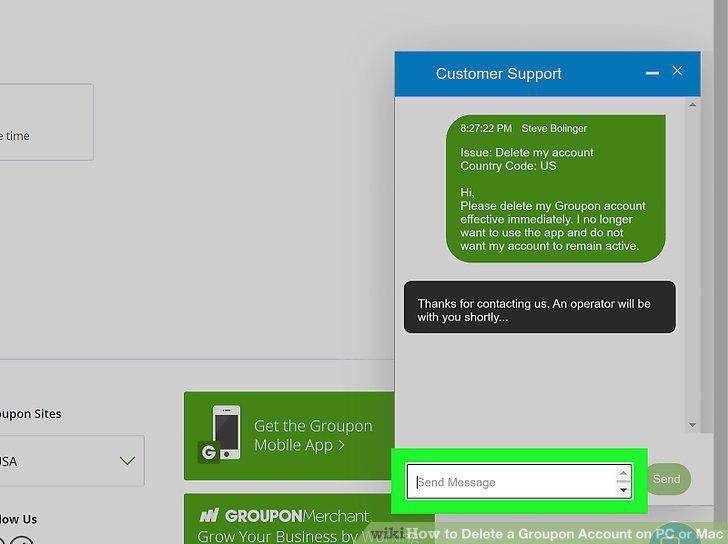
Request to cancel your account.
Comments (0)
No comments yet. Be the first to share your thoughts!