How to Add Friends on Venmo on a PC or Mac
Navigate to https://www.venmo.com.. Click Friends.. Click Add Friends.
Steps
1
Navigate to https://www.venmo.com.
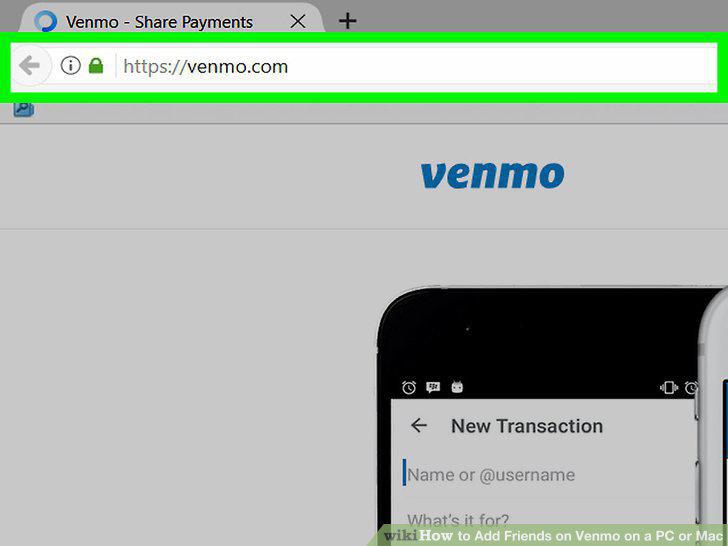
Navigate to https://www.venmo.com.
2
Click Friends.
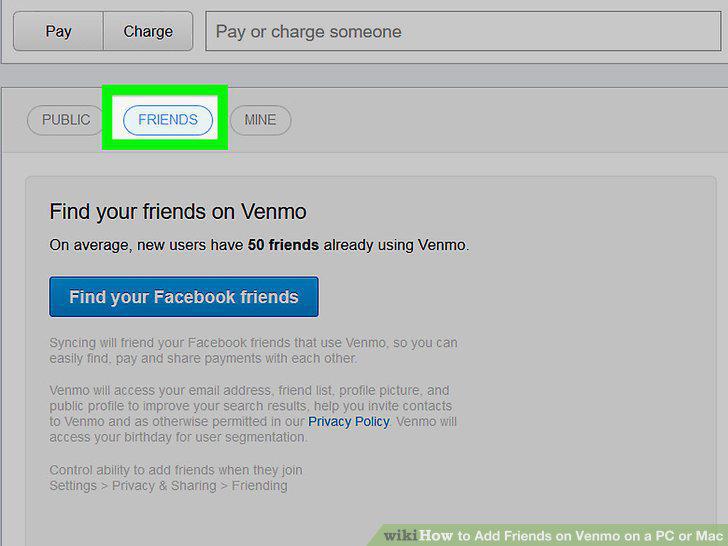
Click Friends.
3
Click Add Friends.

Click Add Friends.
4
Start typing a friend's name into the search box.

Start typing a friend's name into the search box.
5
Click the name of a friend you want to add.

Click the name of a friend you want to add.
6
Click Add Friends.

Click Add Friends.
Comments (0)
No comments yet. Be the first to share your thoughts!