How to Rent a Car on Kayak
Go to www.kayak.com.. Type in the name of the city where you want to pick up the car.. Click the arrow next to "Same Drop-Off" to add a drop-off location.
Steps
Go to www.kayak.com.
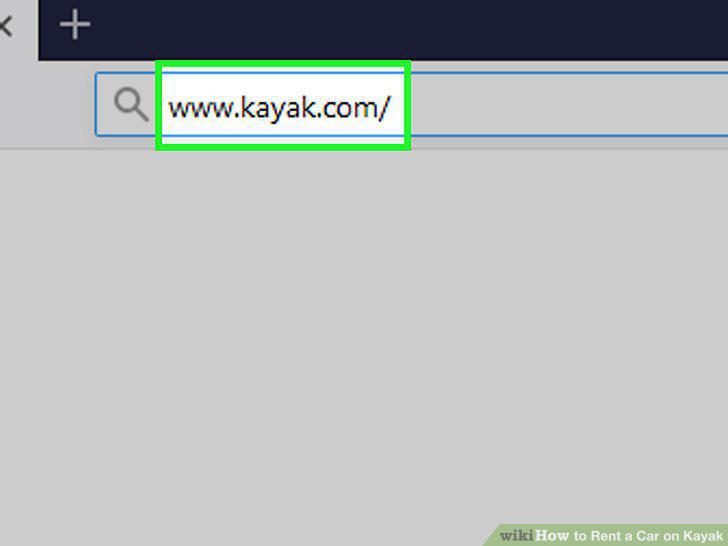
Go to www.kayak.com.
Type in the name of the city where you want to pick up the car.
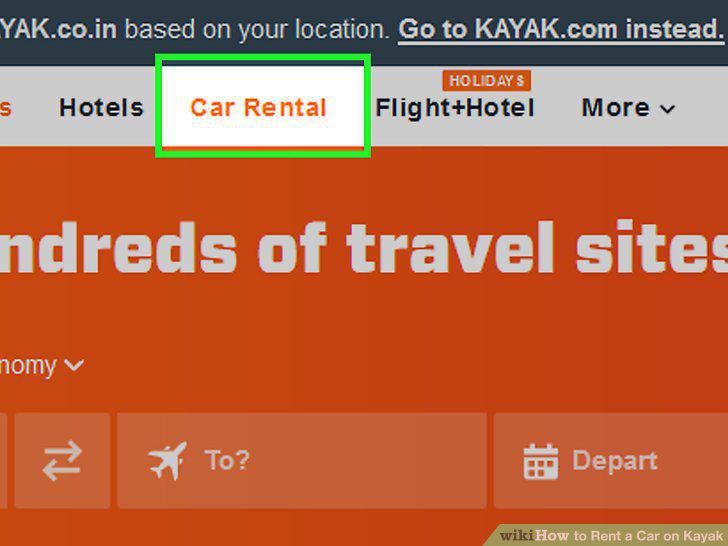
Type in the name of the city where you want to pick up the car.
Click the arrow next to "Same Drop-Off" to add a drop-off location.
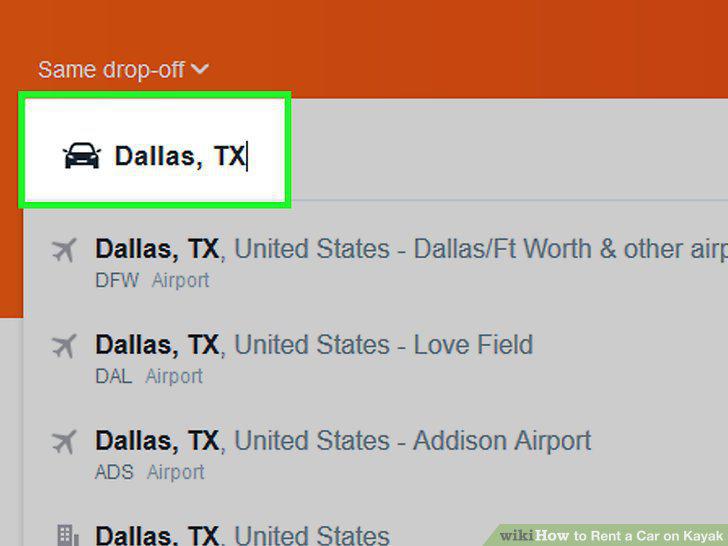
Click the arrow next to "Same Drop-Off" to add a drop-off location.
Select your pickup and drop-off dates.
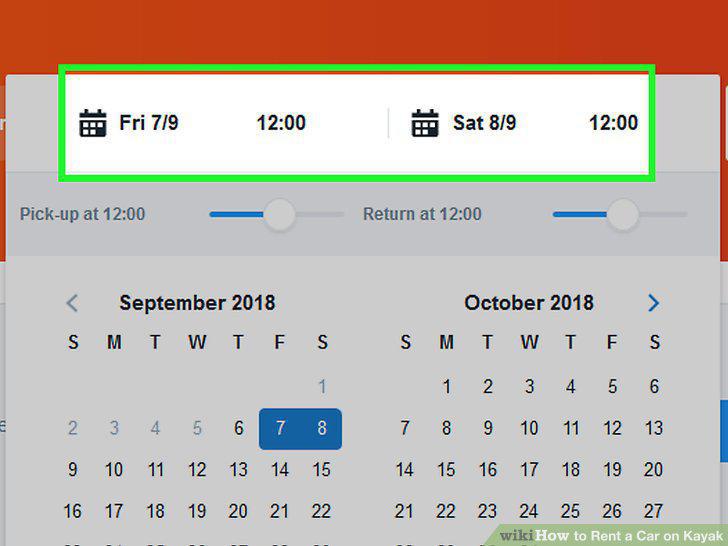
Select your pickup and drop-off dates.
Check "None" next to "Compare vs.
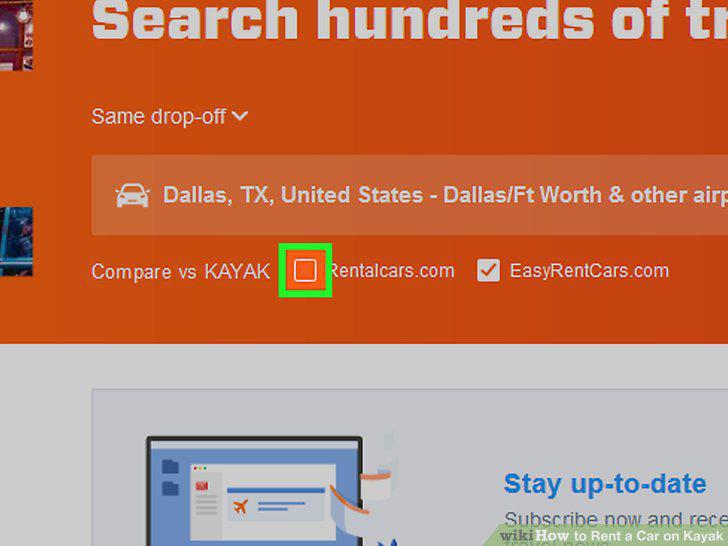
Check "None" next to "Compare vs.
Click the search button to review your options.
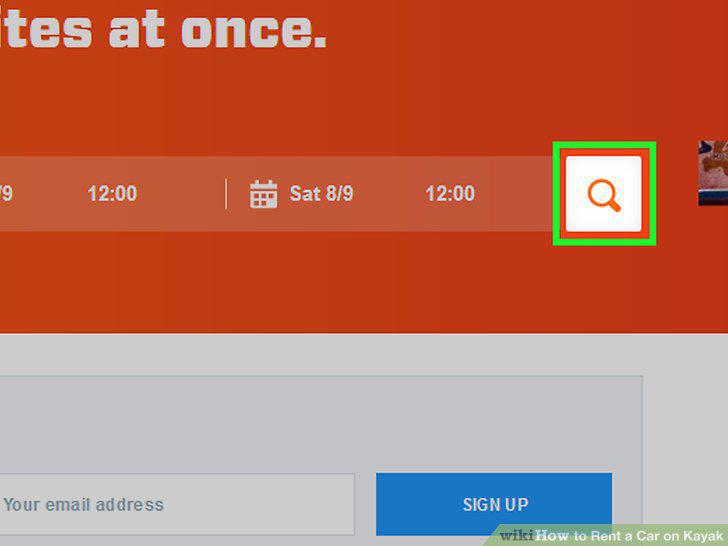
Click the search button to review your options.
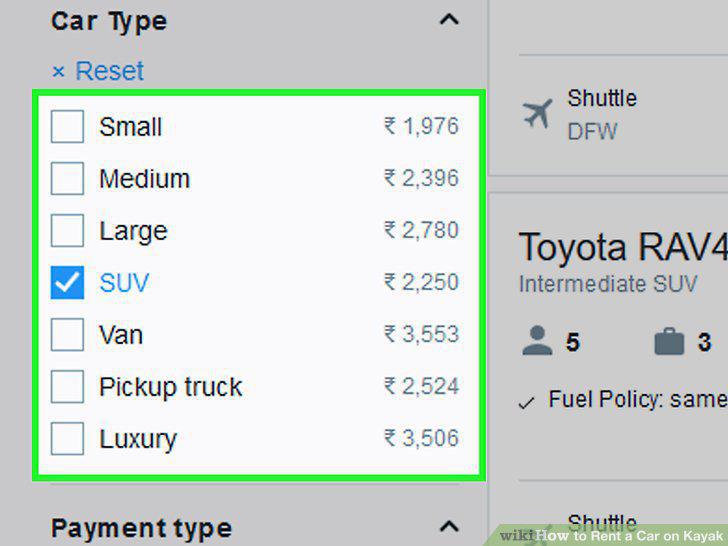
Narrow your choices by the type of car you want.
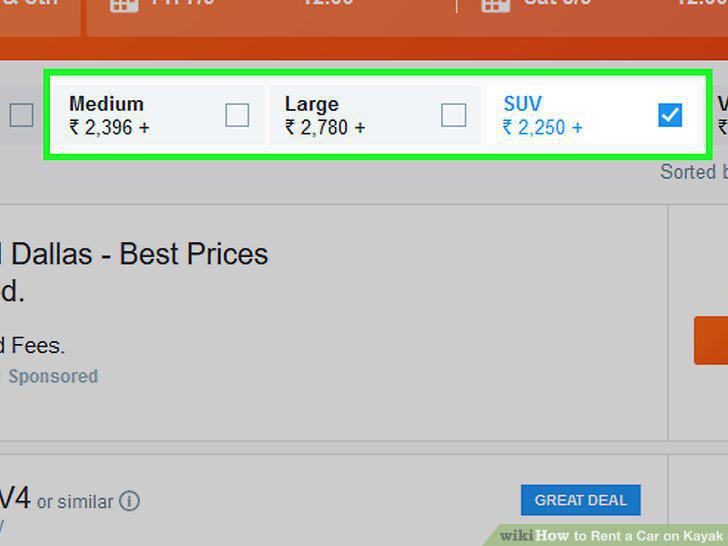
Narrow your choices by the type of car you want.
Scan the deals to find the one you want.
Scan the deals to find the one you want.
Click "View Deal" to go to the rental car's website for more details.
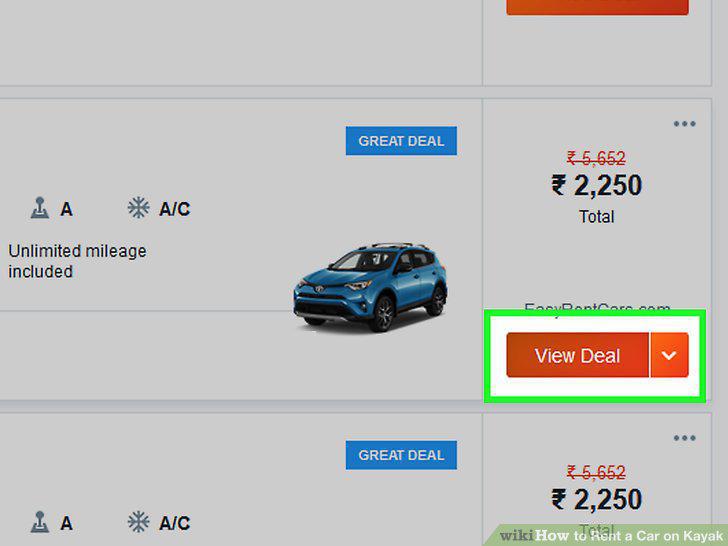
Click "View Deal" to go to the rental car's website for more details.
Click on the reserve button to begin the booking process.
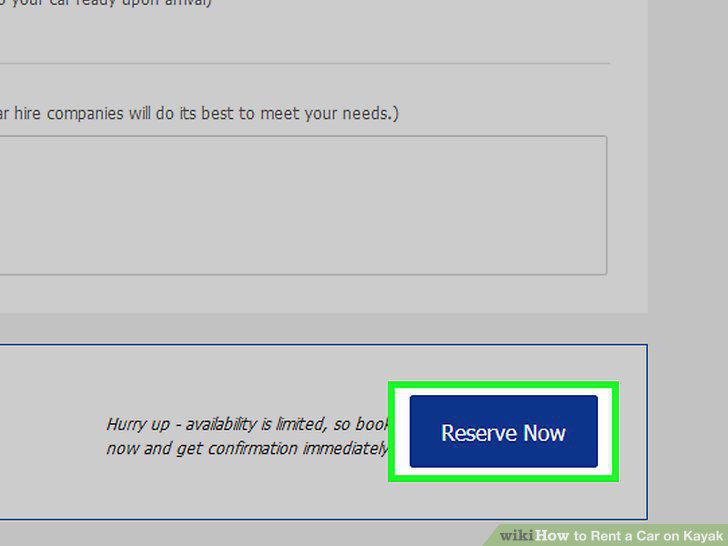
Click on the reserve button to begin the booking process.
Put in your biographical information and credit card to reserve the car.
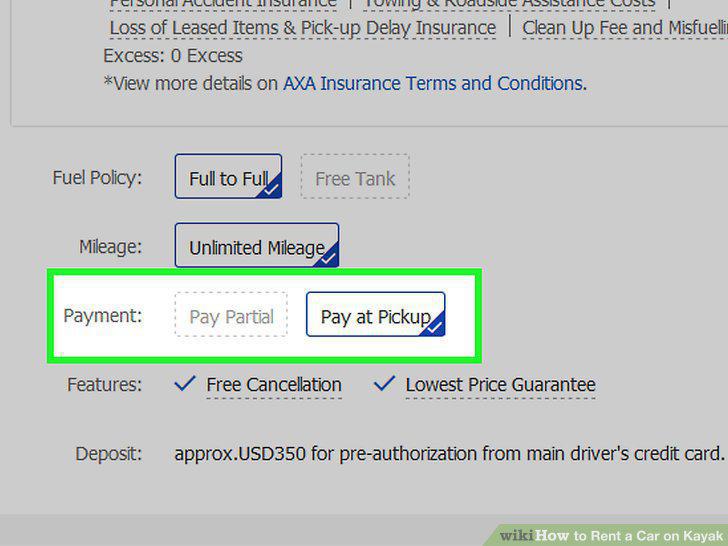
Put in your biographical information and credit card to reserve the car.
Shift your dates to the weekend if possible.
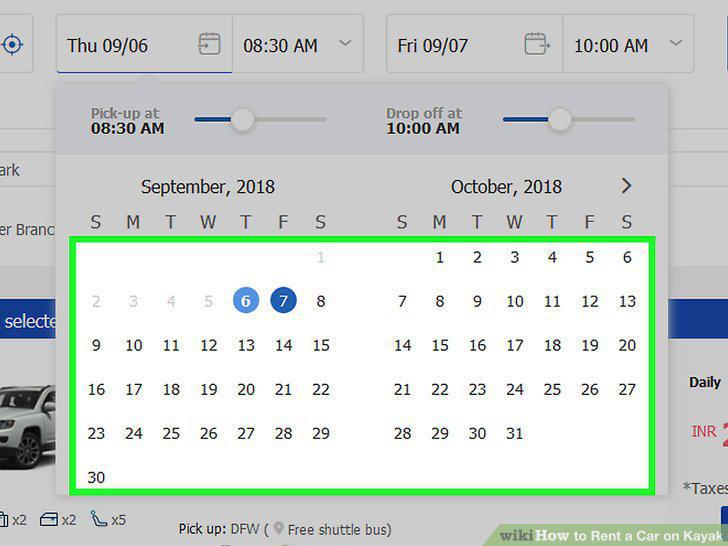
Shift your dates to the weekend if possible.
Check on discount options.

Check on discount options.
Try a rental company a little bit away from the airport.
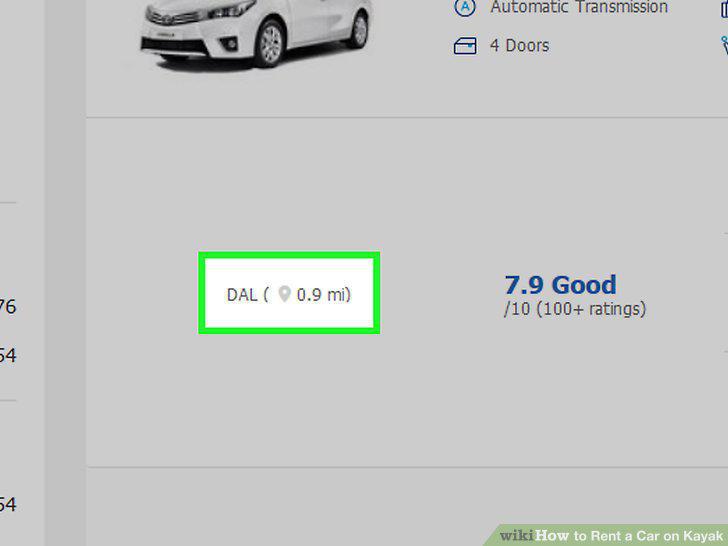
Try a rental company a little bit away from the airport.
Comments (0)
No comments yet. Be the first to share your thoughts!