How to Register a TV with Amazon Prime
Power on your Fire TV or TV and Fire stick.. Sign into your Amazon account.. Press the HOME button on your remote.
Steps
1
Power on your Fire TV or TV and Fire stick.
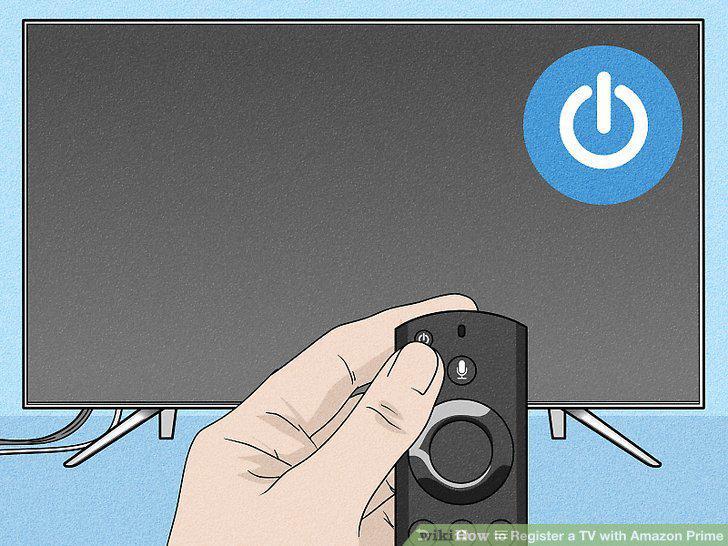
Power on your Fire TV or TV and Fire stick.
2
Sign into your Amazon account.
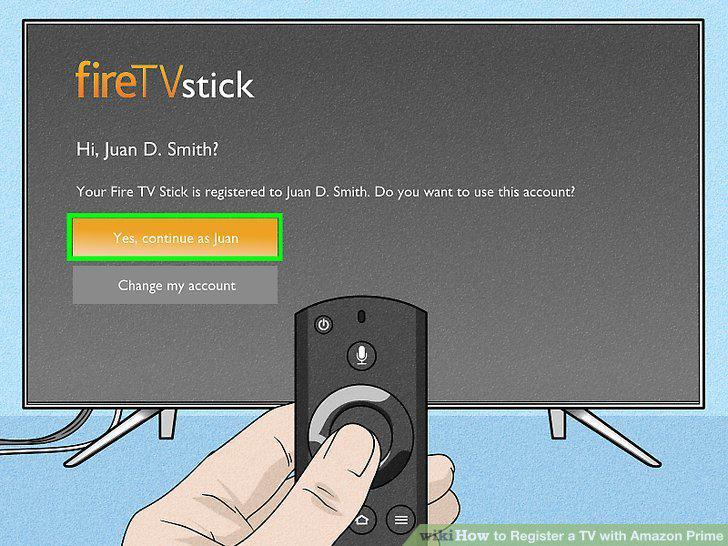
Sign into your Amazon account.
3
Press the HOME button on your remote.
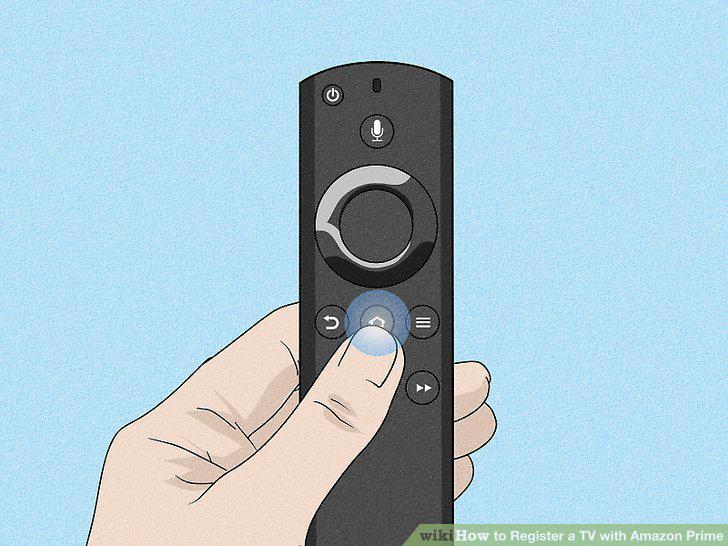
Press the HOME button on your remote.
4
Download and install Prime Video.
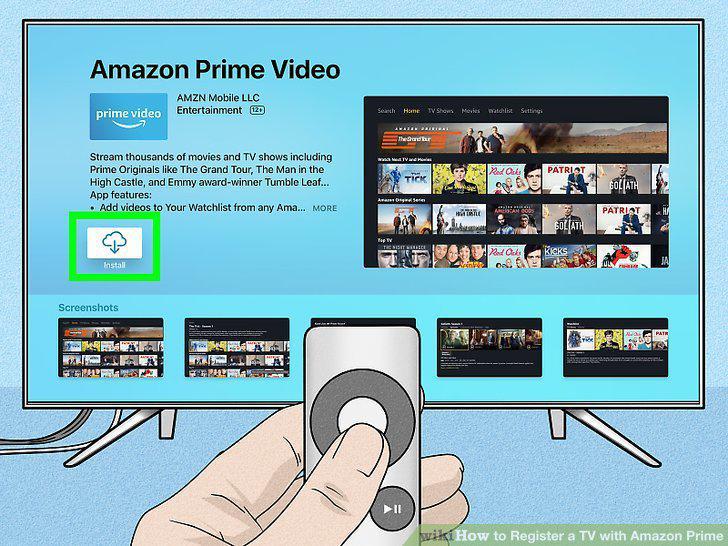
Download and install Prime Video.
5
Open Prime Video.
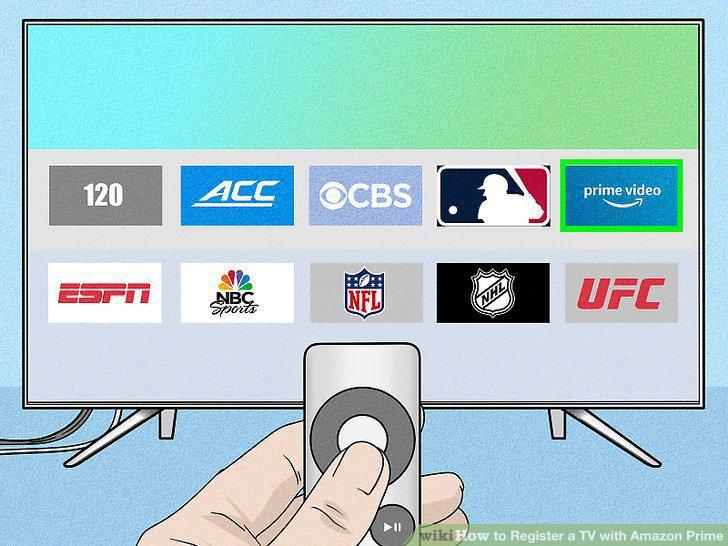
Open Prime Video.
6
Select Sign in and start watching.
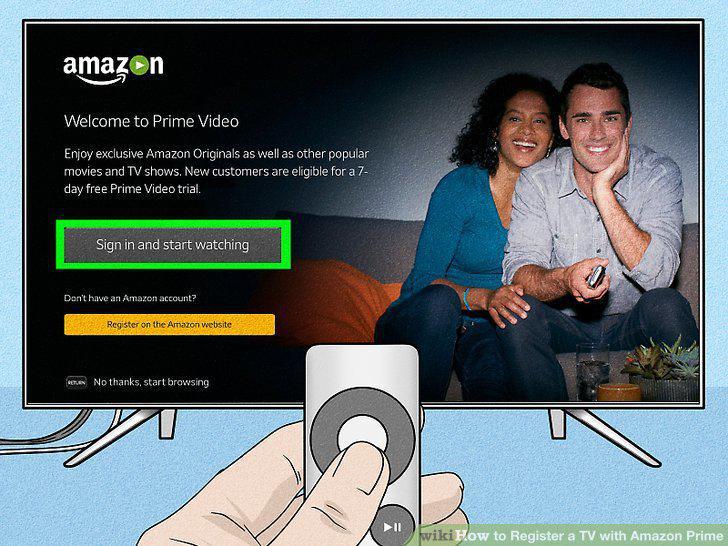
Select Sign in and start watching.
7
Log into your Amazon account.
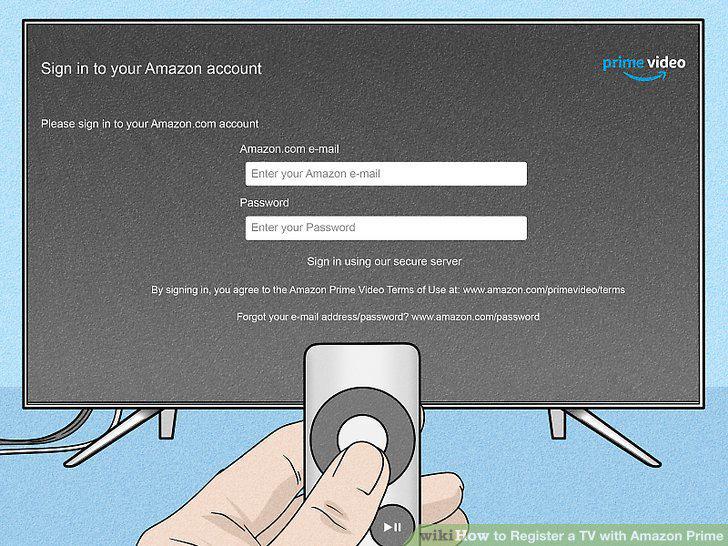
Log into your Amazon account.
8
Download and install the Prime Video app on your TV.
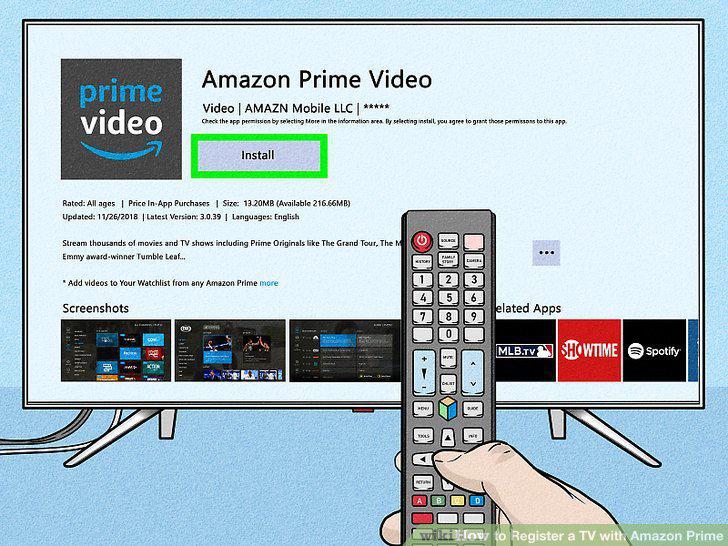
Download and install the Prime Video app on your TV.
9
Open Prime Video.
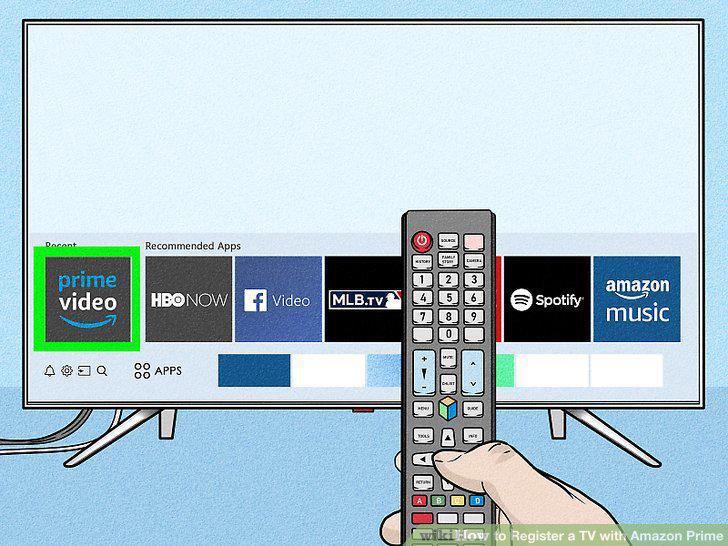
Open Prime Video.
10
Choose "Register on Amazon Website.
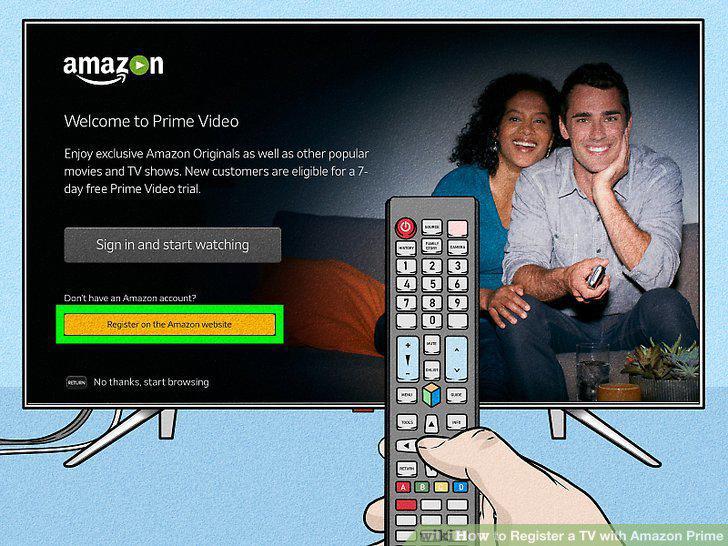
Choose "Register on Amazon Website.
11
Go to https://primevideo.com/mytv on your computer, phone, or tablet, and sign i
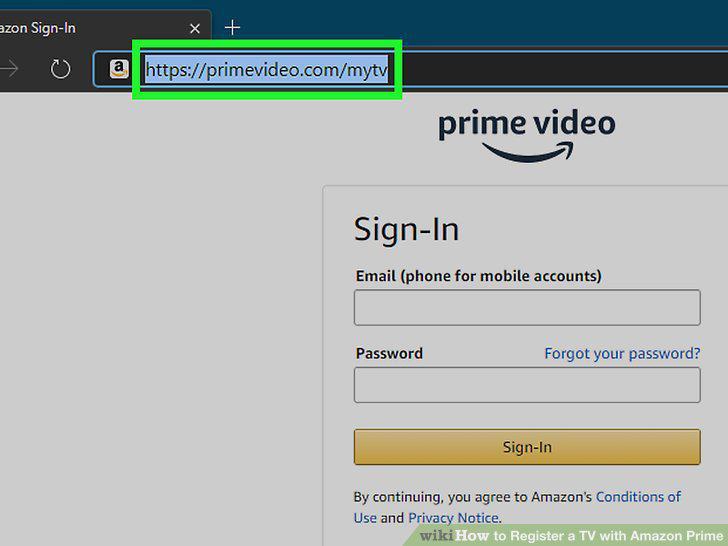
Go to https://primevideo.com/mytv on your computer, phone, or tablet, and sign into your Amazon account.
12
Enter the 5-6 digit code displaying on your TV screen.
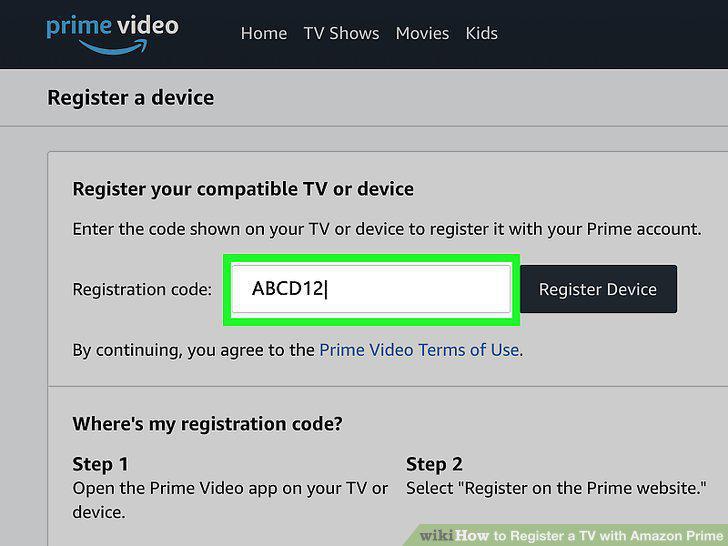
Enter the 5-6 digit code displaying on your TV screen.
13
Click Register Device.
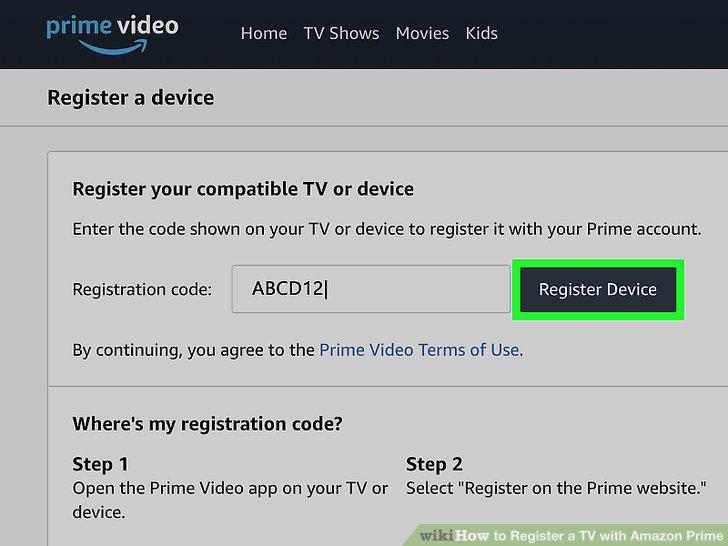
Click Register Device.
Comments (0)
No comments yet. Be the first to share your thoughts!