How to Keep Your Cryptocurrency Safe
Transfer your cryptocurrency to a wallet as soon as possible.. Buy hardware or paper wallets to hold cryptocurrency long-term.. Evaluate the security of online wallets carefully.
Steps
Transfer your cryptocurrency to a wallet as soon as possible.
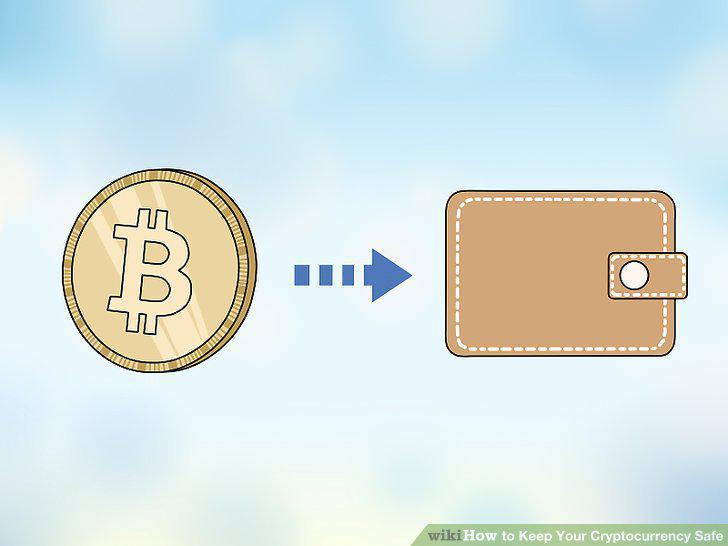
Transfer your cryptocurrency to a wallet as soon as possible.
Buy hardware or paper wallets to hold cryptocurrency long-term.
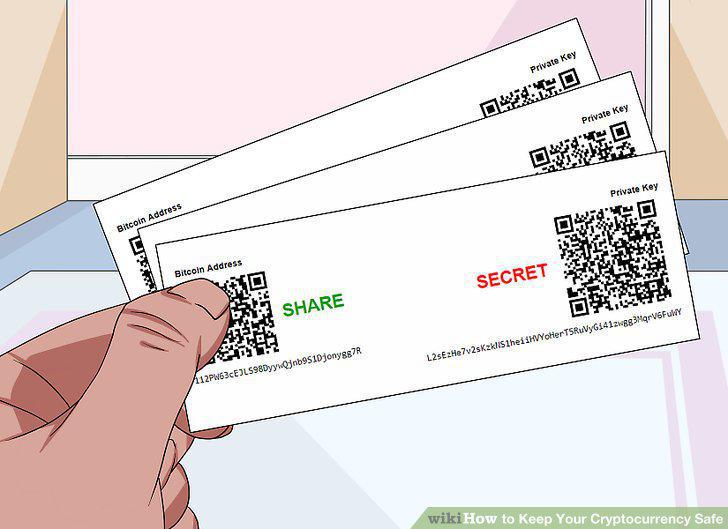
Buy hardware or paper wallets to hold cryptocurrency long-term.
Evaluate the security of online wallets carefully.
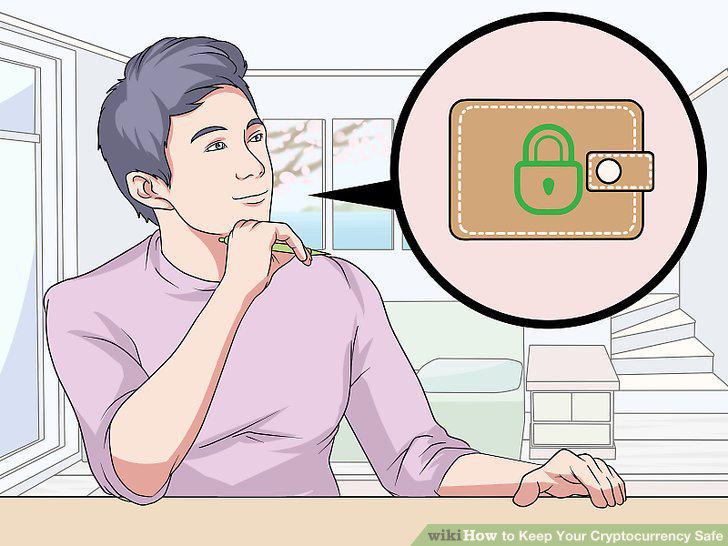
Evaluate the security of online wallets carefully.
Keep only small amounts in less secure wallets.
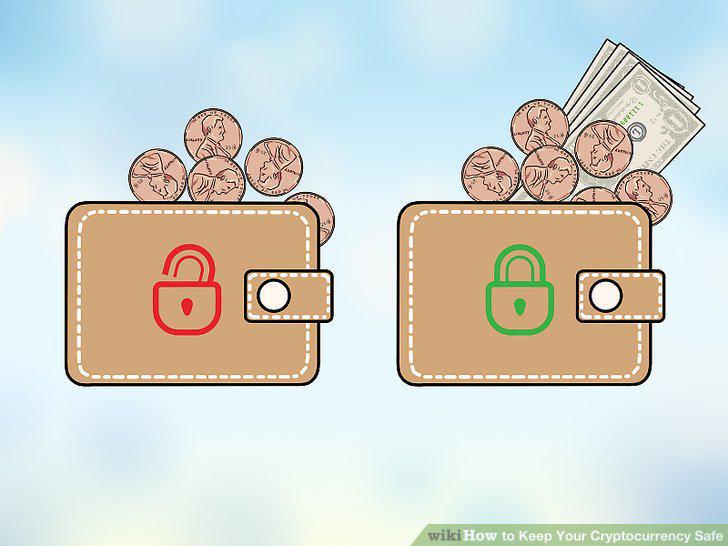
Keep only small amounts in less secure wallets.
Try a multi-signature wallet to give someone else access.
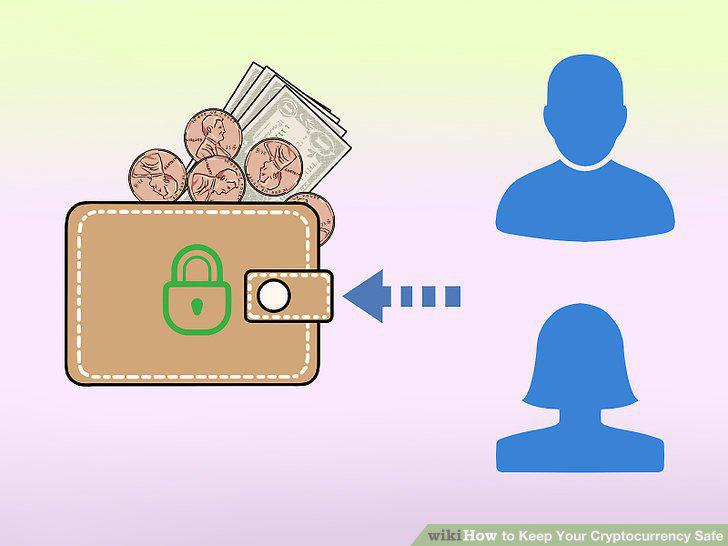
Try a multi-signature wallet to give someone else access.
Create a complex password and change it regularly.
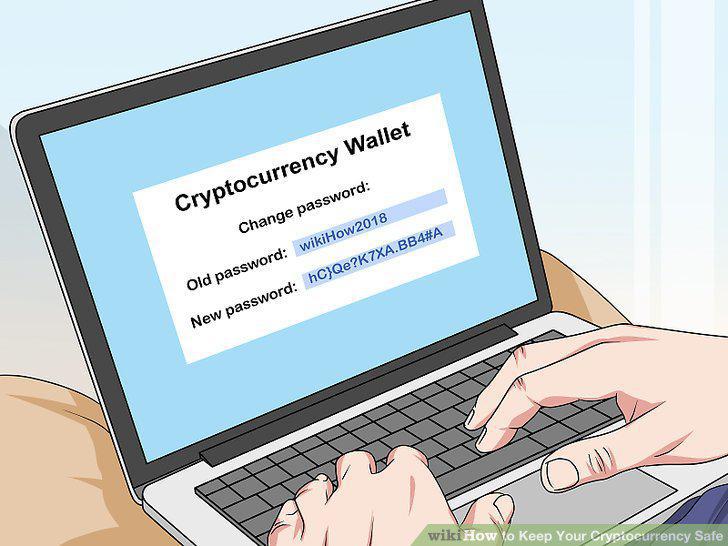
Create a complex password and change it regularly.
Use a separate email address for cryptocurrency purposes.

Use a separate email address for cryptocurrency purposes.
Enable two-factor identification (2FA) on all cryptocurrency accounts.
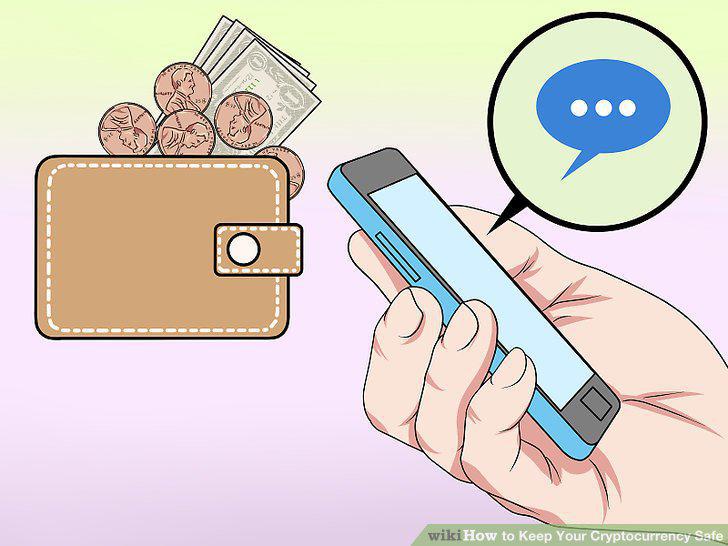
Enable two-factor identification (2FA) on all cryptocurrency accounts.
Download all security updates promptly.

Download all security updates promptly.
Encrypt any device where you access or store cryptocurrency.
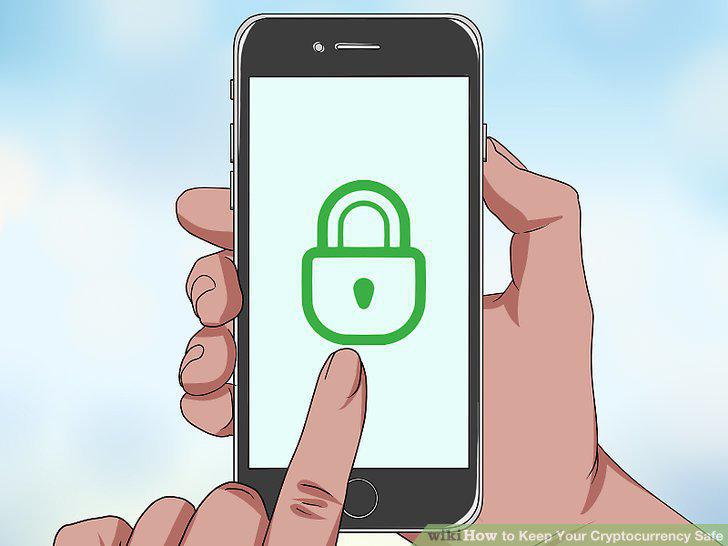
Encrypt any device where you access or store cryptocurrency.
Safeguard your seed phrase or mnemonic passphrase.
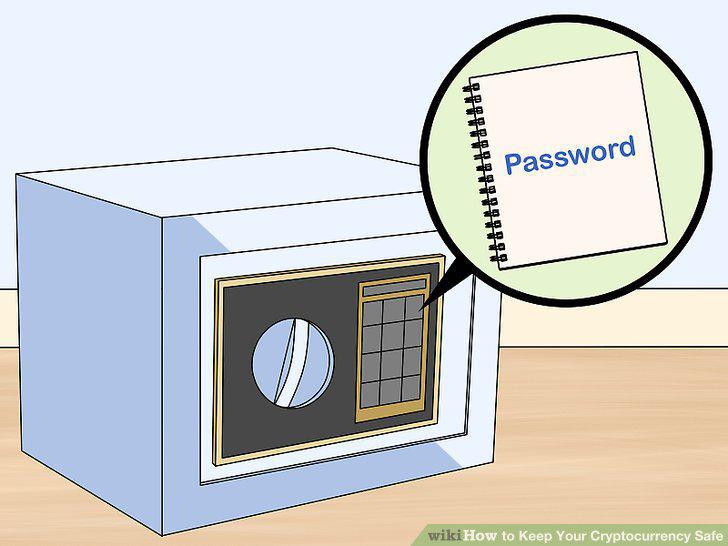
Safeguard your seed phrase or mnemonic passphrase.
Create multiple backups of different types.
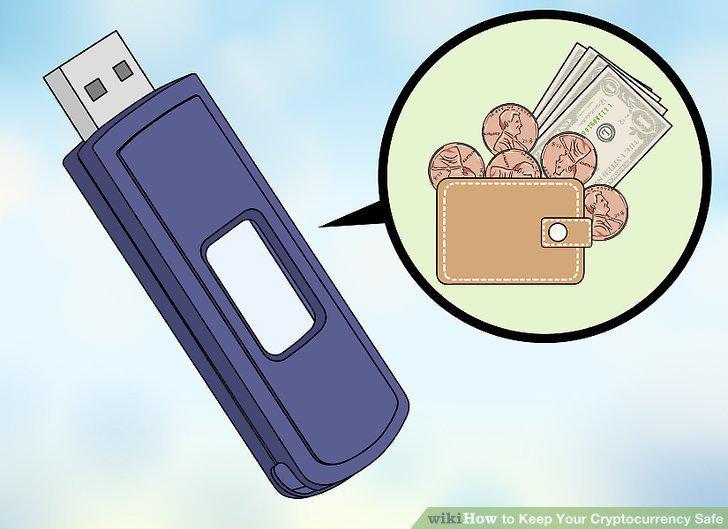
Create multiple backups of different types.
Keep backups in different locations.
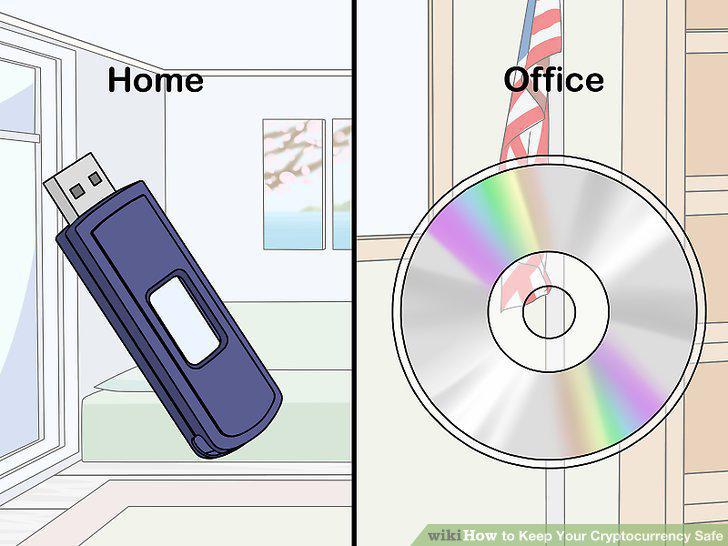
Keep backups in different locations.
Tell at least one person where your backups are located.

Tell at least one person where your backups are located.
Update your backup after every transaction.
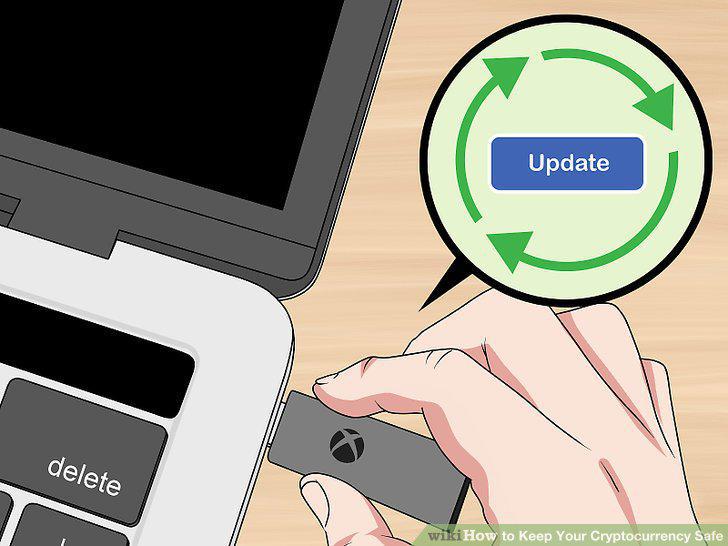
Update your backup after every transaction.
Comments (0)
No comments yet. Be the first to share your thoughts!