How to Contact Cash App
Tap your profile icon on the Cash App home screen.. Select "Cash Support" near the bottom of the screen.. Scroll down the Cash Support Menu and select "Something Else.
Steps
Tap your profile icon on the Cash App home screen.
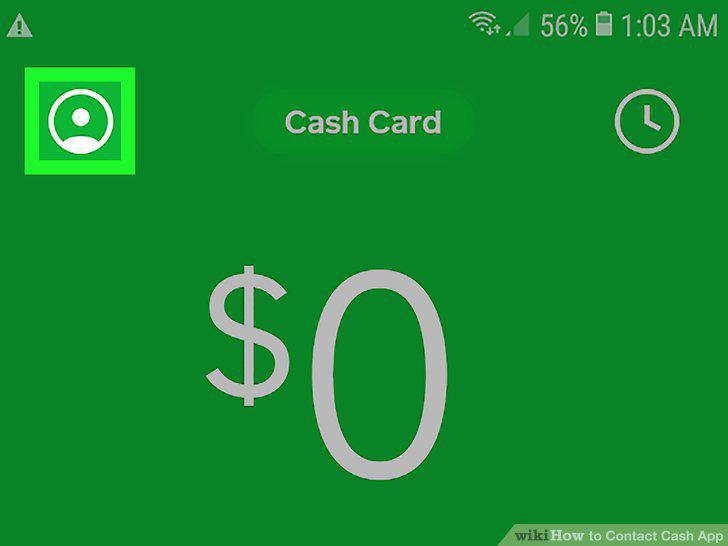
Tap your profile icon on the Cash App home screen.
Select "Cash Support" near the bottom of the screen.
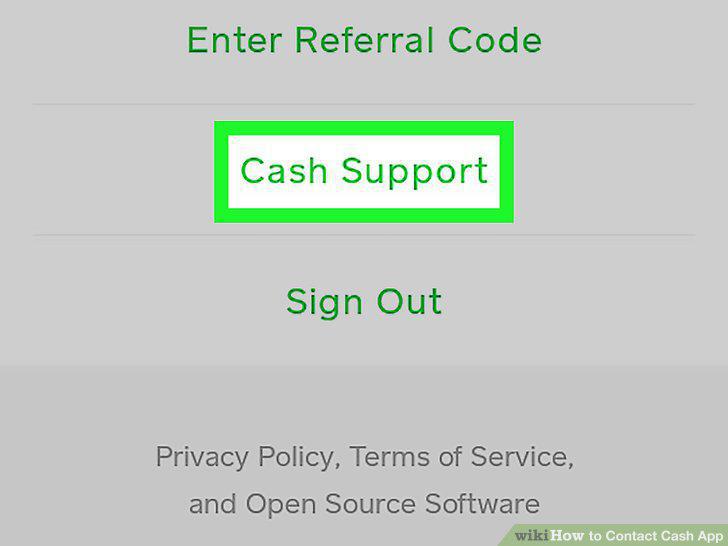
Select "Cash Support" near the bottom of the screen.
Scroll down the Cash Support Menu and select "Something Else.
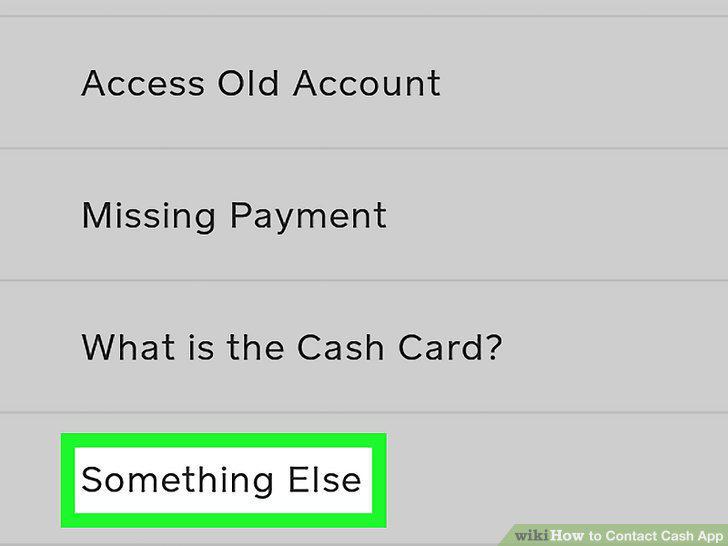
Scroll down the Cash Support Menu and select "Something Else.
Choose "Contact Support" to request a call or email from a representative.
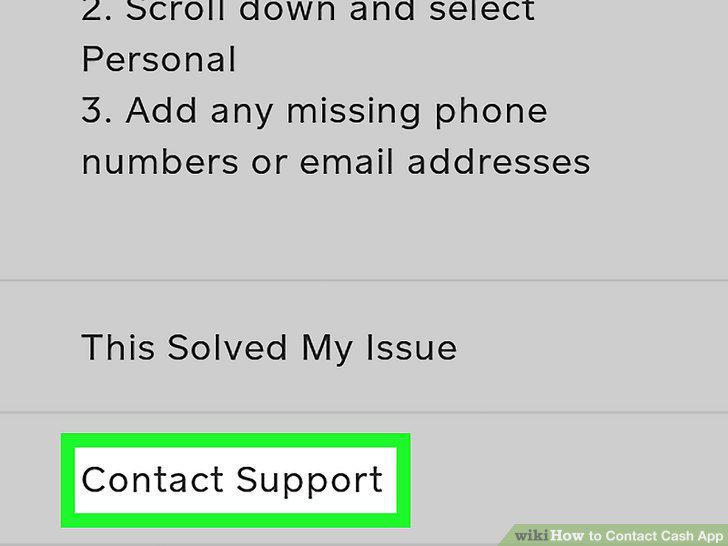
Choose "Contact Support" to request a call or email from a representative.
Explain your problem in detail and select "Continue.
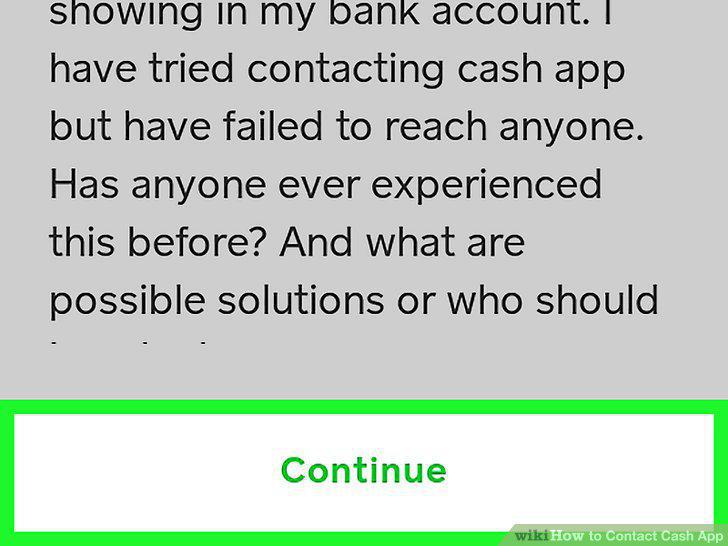
Explain your problem in detail and select "Continue.
Go to the url cash.app/help on your browser and check the FAQs.
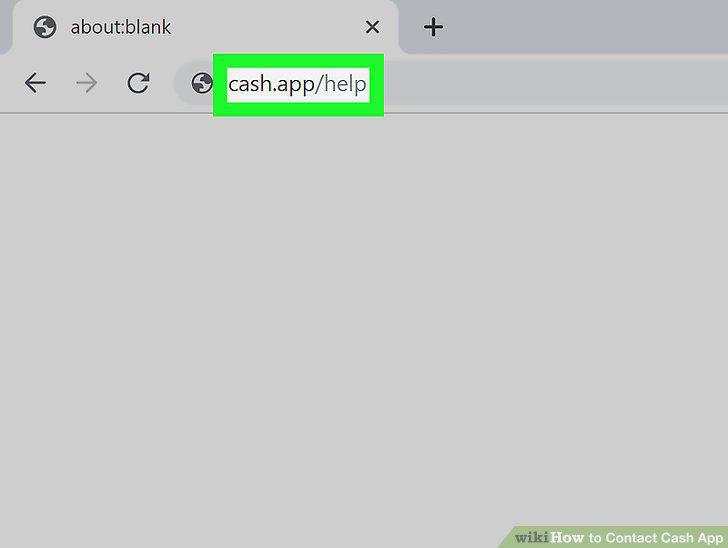
Go to the url cash.app/help on your browser and check the FAQs.
Click "Contact Support" to contact the support staff.
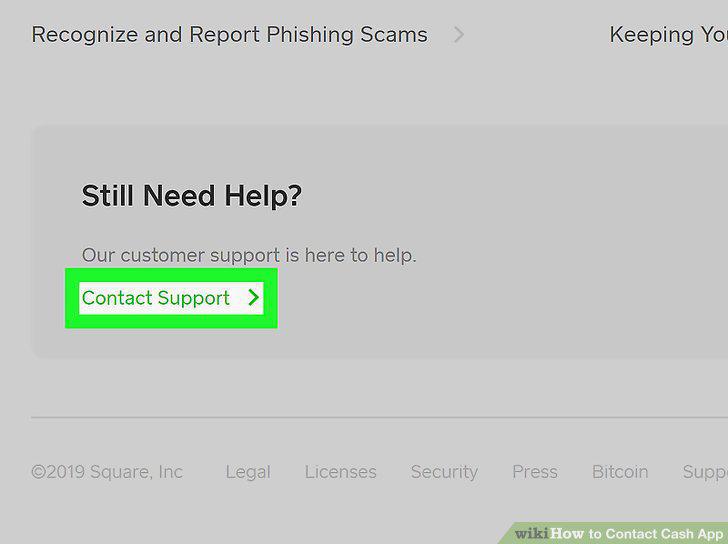
Click "Contact Support" to contact the support staff.
Log in to your account using your email or mobile number.
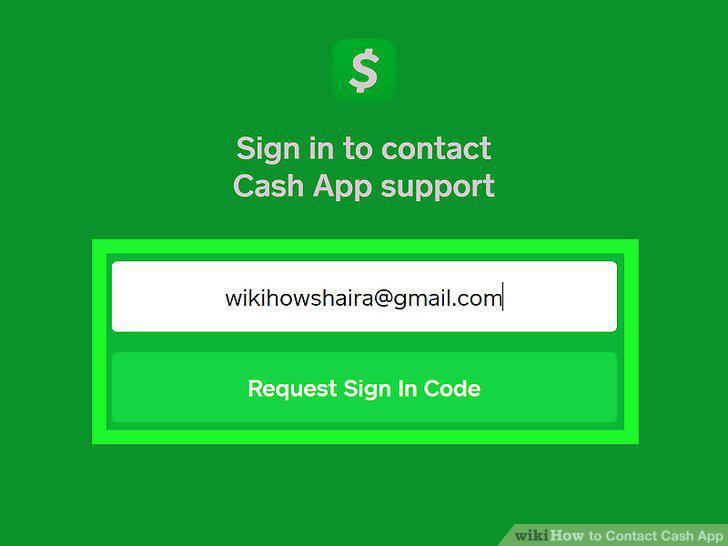
Log in to your account using your email or mobile number.
Click on the topic that best describes your issue and select "Contact Support.
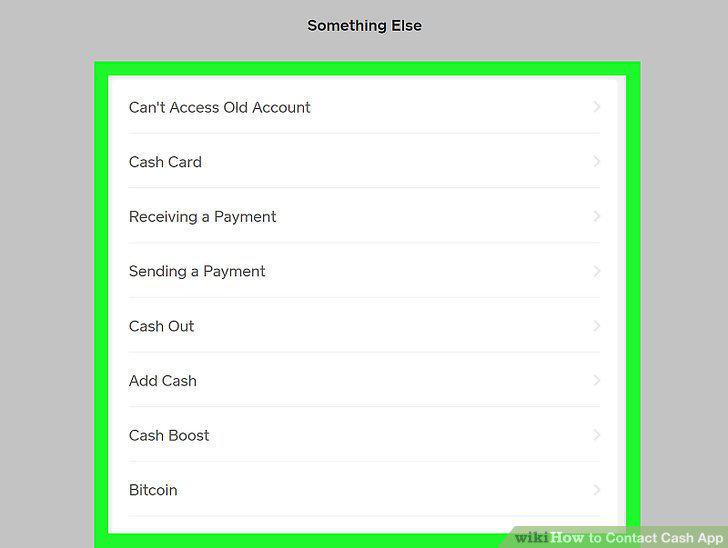
Click on the topic that best describes your issue and select "Contact Support.
Explain your problem in detail and select "Continue.
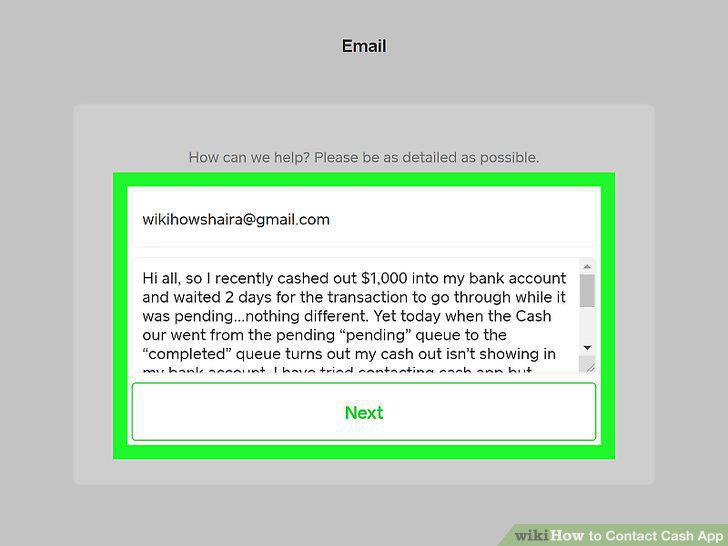
Explain your problem in detail and select "Continue.
Call the Cash App automated instructions number (855) 351-2274.
Call the Cash App automated instructions number (855) 351-2274.
Beware of scammers that might give out different numbers.
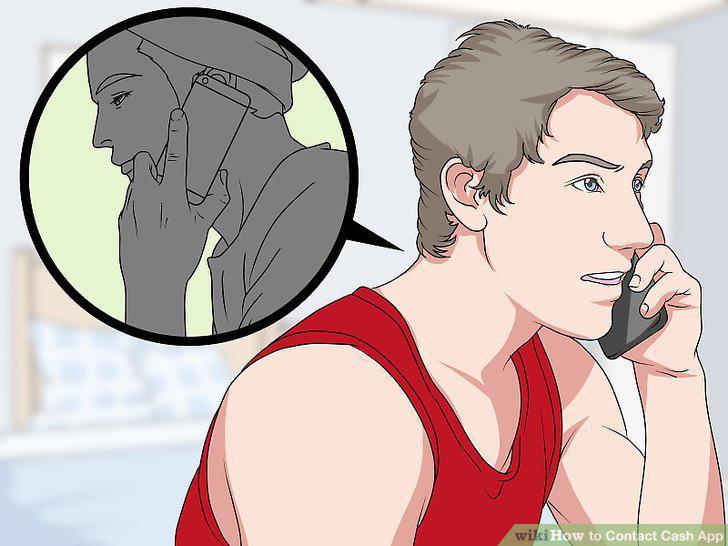
Beware of scammers that might give out different numbers.
Mail a letter to the Cash App Headquarters in San Francisco.
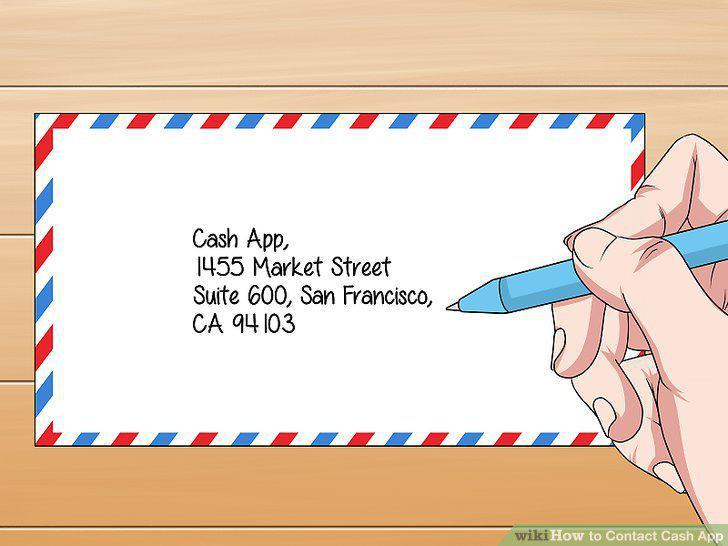
Mail a letter to the Cash App Headquarters in San Francisco.
Comments (0)
No comments yet. Be the first to share your thoughts!