How to Add a Speaker to Alexa
Activate pairing mode on your Bluetooth speaker.. Select your Echo from the Devices tab in the Alexa app.. Select Bluetooth Devices.
Steps
1
Activate pairing mode on your Bluetooth speaker.
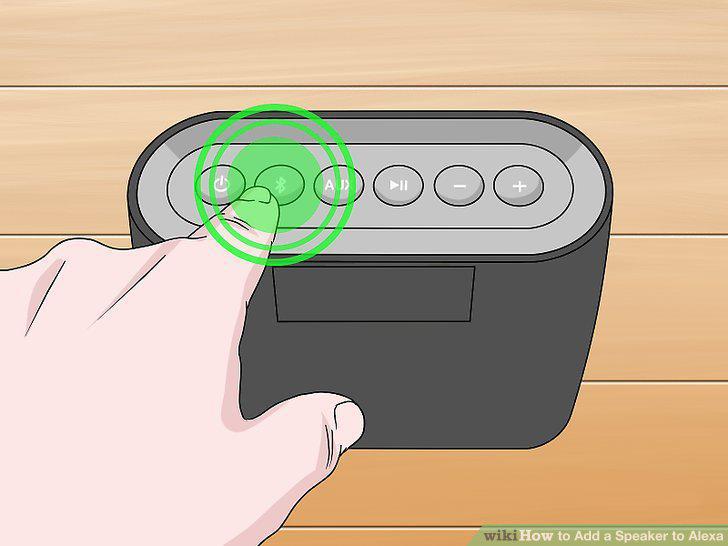
Activate pairing mode on your Bluetooth speaker.
2
Select your Echo from the Devices tab in the Alexa app.
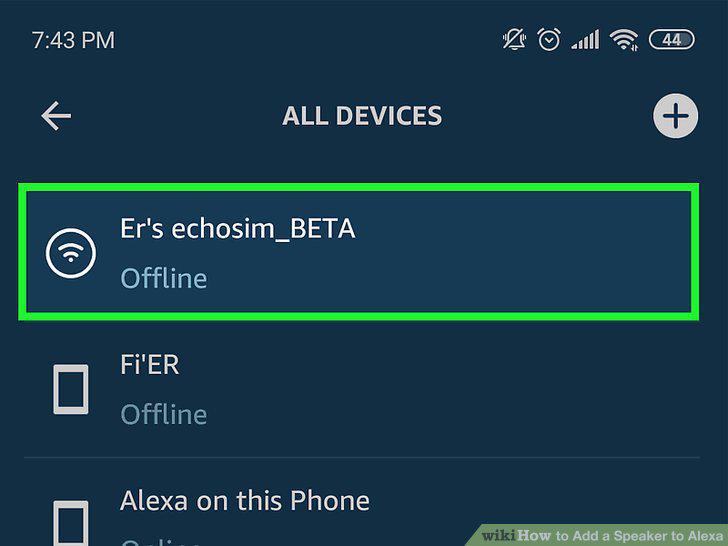
Select your Echo from the Devices tab in the Alexa app.
3
Select Bluetooth Devices.
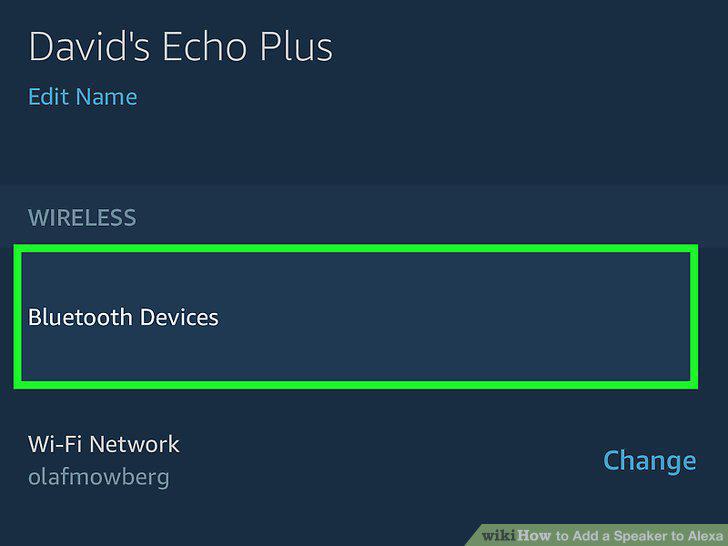
Select Bluetooth Devices.
4
Tap Pair a New Device and select your speaker.
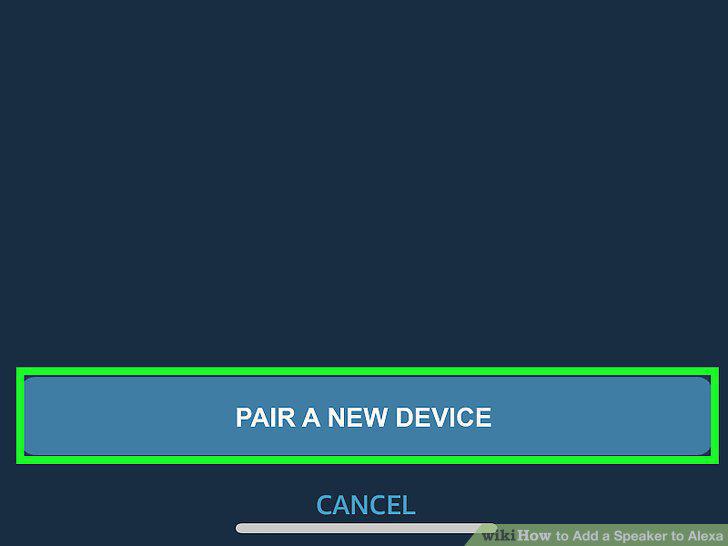
Tap Pair a New Device and select your speaker.
5
Find or purchase a 3.5mm audio cable.
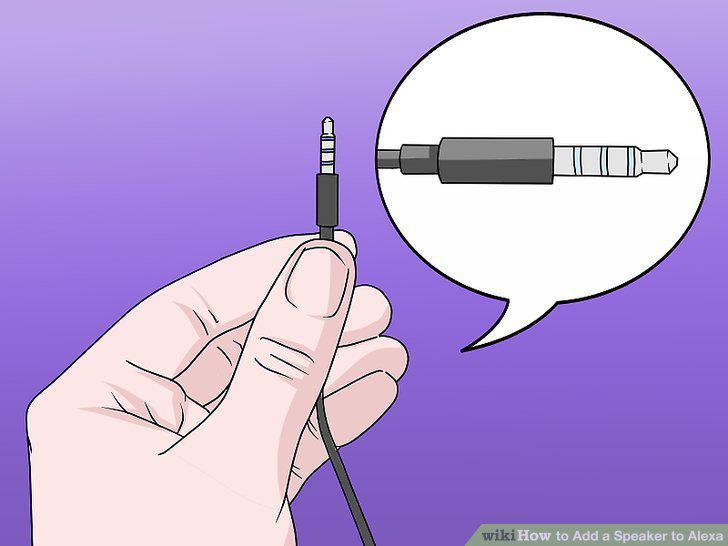
Find or purchase a 3.5mm audio cable.
6
Plug one end of the audio cable into your Alexa device.
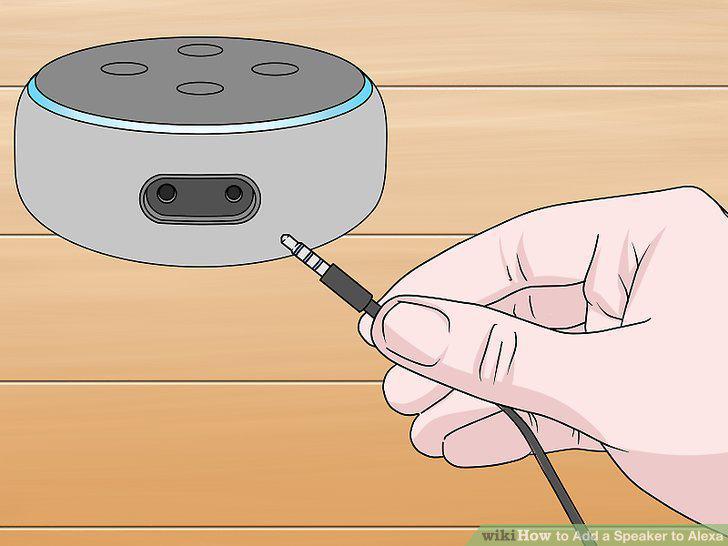
Plug one end of the audio cable into your Alexa device.
7
Plug the other end of the audio cable into your external speaker.
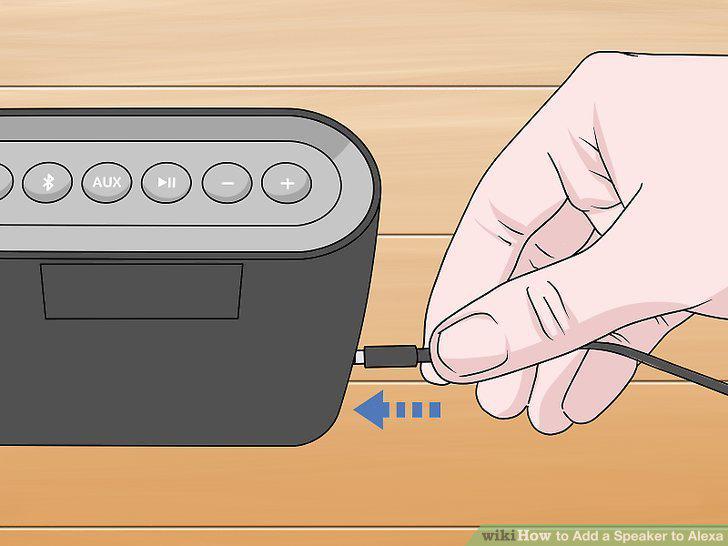
Plug the other end of the audio cable into your external speaker.
8
Make sure both devices are turned on.
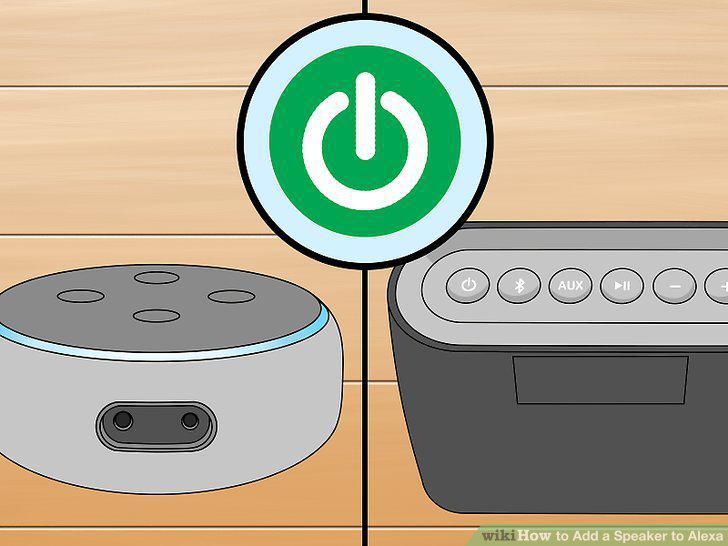
Make sure both devices are turned on.
Comments (0)
No comments yet. Be the first to share your thoughts!