How to Update Ps4 Games
Turn on your PS4 by pressing the central button on your controller.. Press up on the controller and scroll over to the "settings" screen.. Scroll down through the menu options to "system.
Steps
Turn on your PS4 by pressing the central button on your controller.
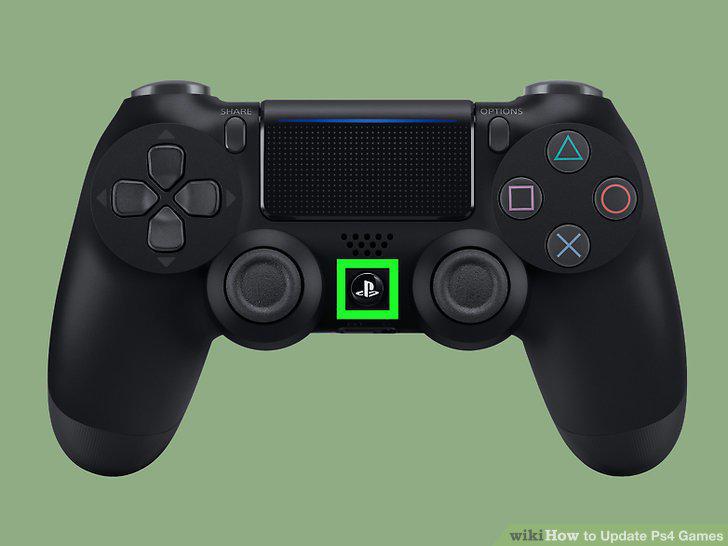
Turn on your PS4 by pressing the central button on your controller.
Press up on the controller and scroll over to the "settings" screen.
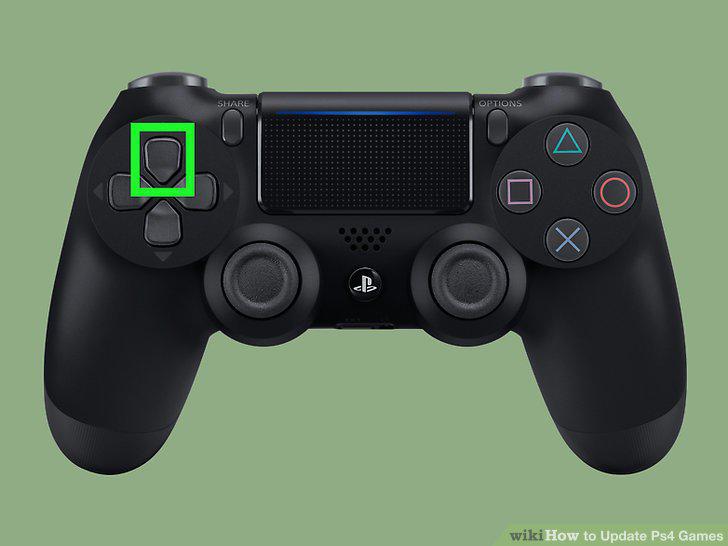
Press up on the controller and scroll over to the "settings" screen.
Scroll down through the menu options to "system.
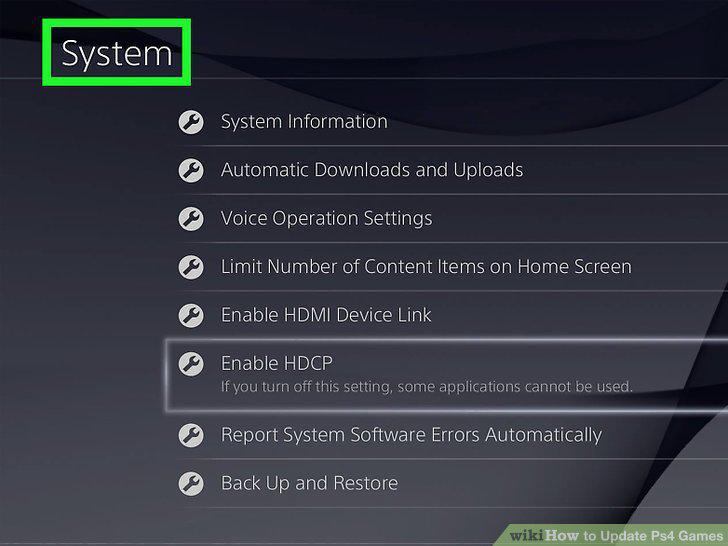
Scroll down through the menu options to "system.
Scroll down to "automatic downloads and uploads.
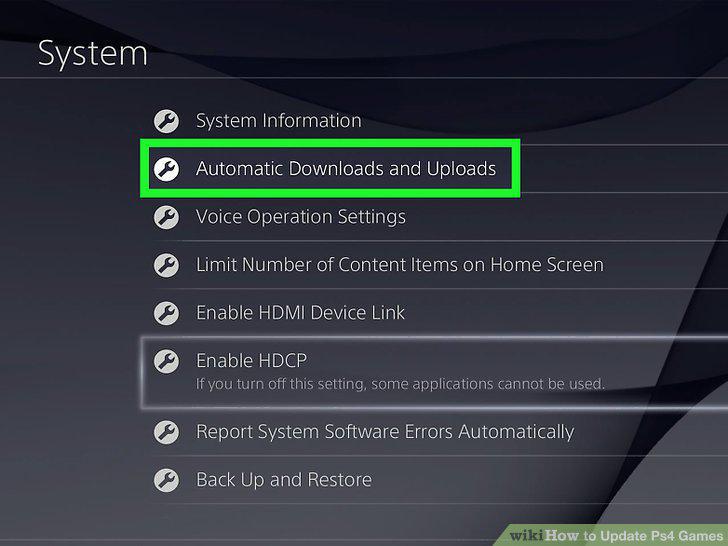
Scroll down to "automatic downloads and uploads.
Place a check mark next to "application update files.
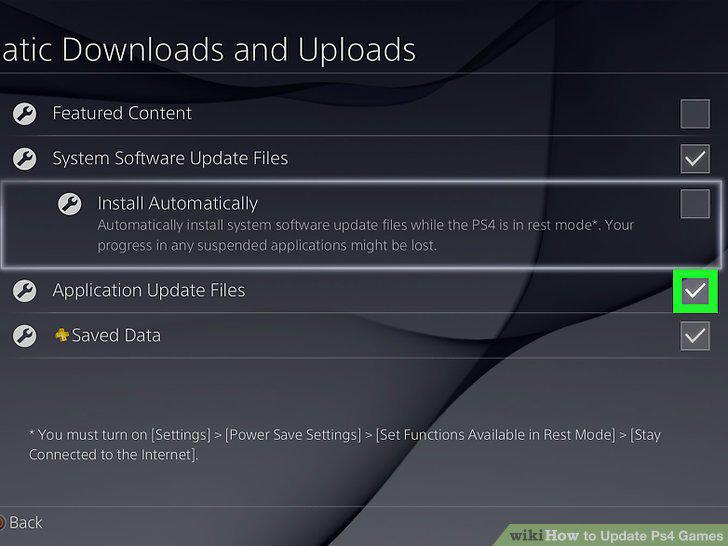
Place a check mark next to "application update files.
Navigate to the "power settings" menu.
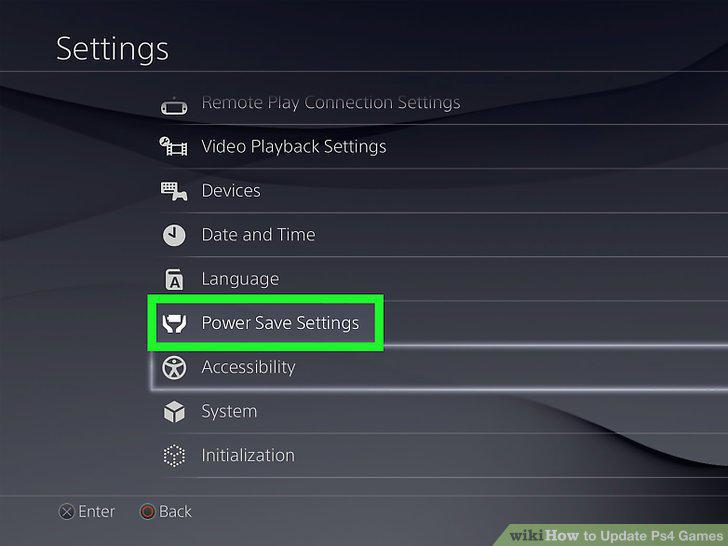
Navigate to the "power settings" menu.
Set the functions you want available in rest mode.
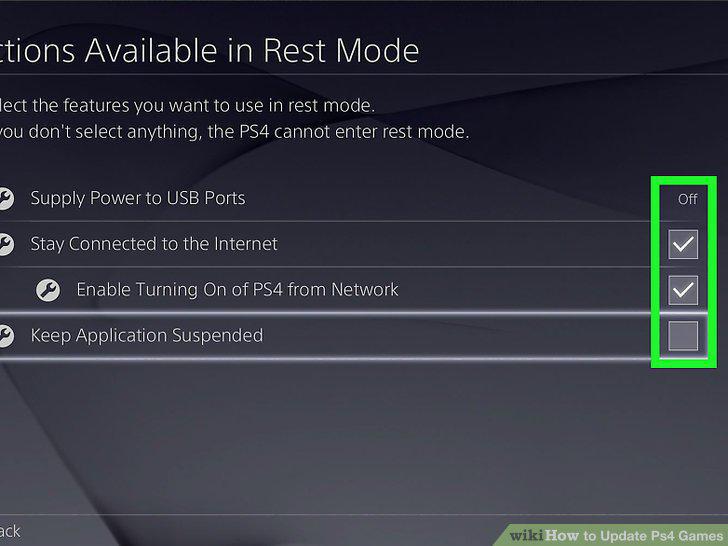
Set the functions you want available in rest mode.
Put the PS4 into rest mode before you turn off the power.
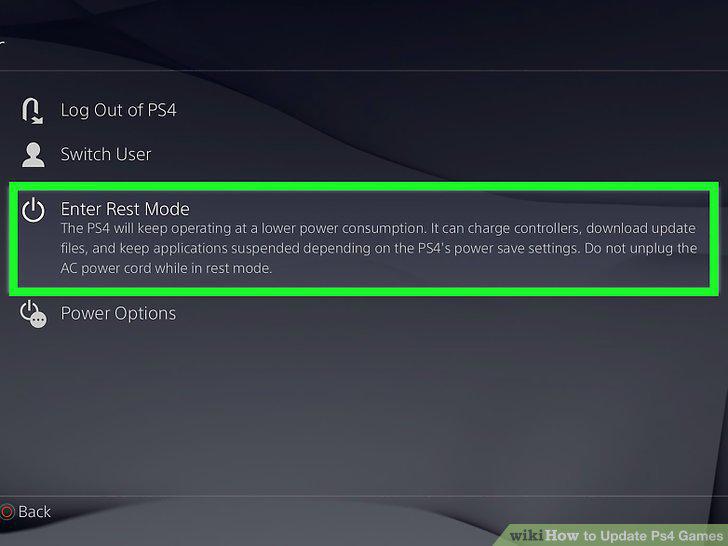
Put the PS4 into rest mode before you turn off the power.
Select the application you want to update in the main menu.
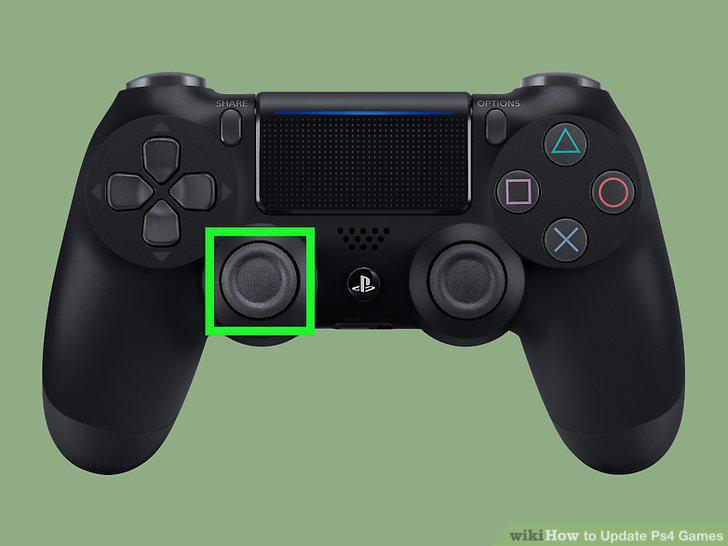
Select the application you want to update in the main menu.
Check for updates through the options menu.
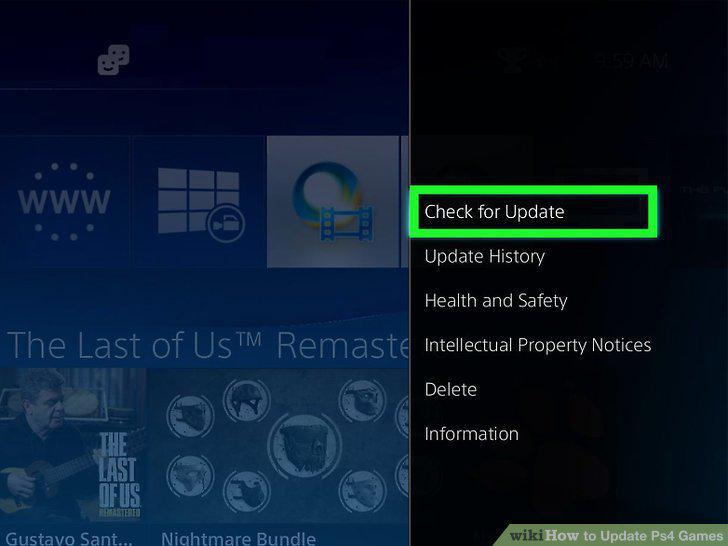
Check for updates through the options menu.
Go to downloads if the game is ready for an update.
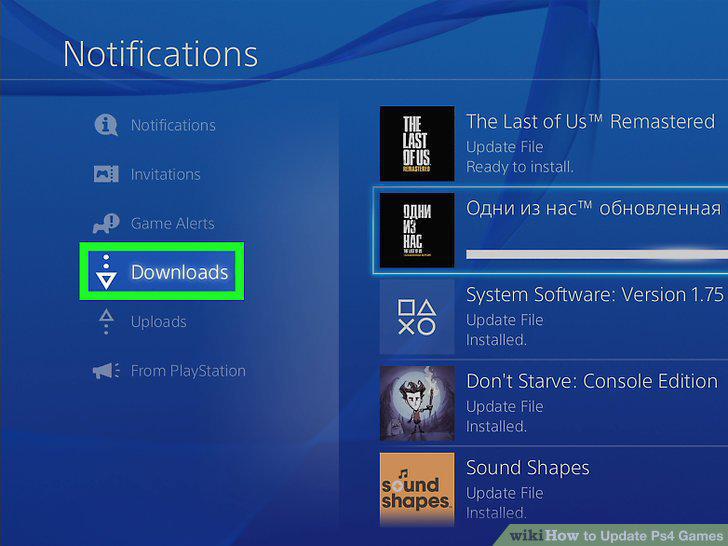
Go to downloads if the game is ready for an update.
Select the game and begin the download.
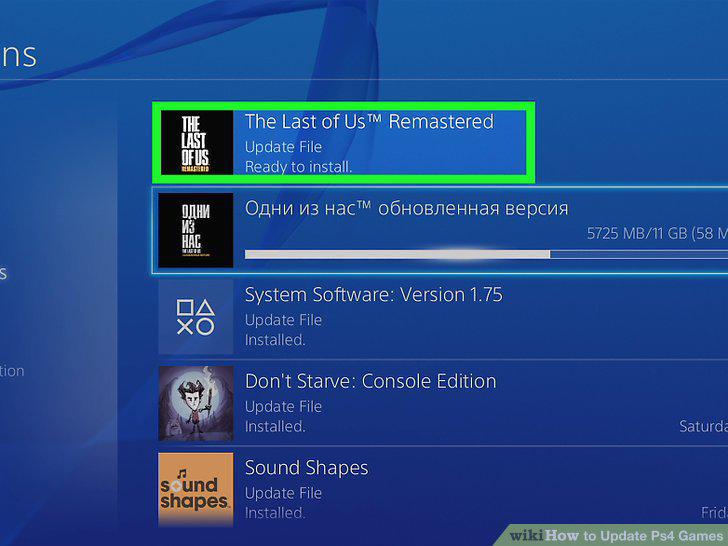
Select the game and begin the download.
Comments (0)
No comments yet. Be the first to share your thoughts!