How to Find an Address from the Latitude and Longitude
Choose a geocoding tool to find the most accurate address possible.. Enter your longitude and latitude in the corresponding forms.. Press the search button to pull up your address.
Steps
Choose a geocoding tool to find the most accurate address possible.
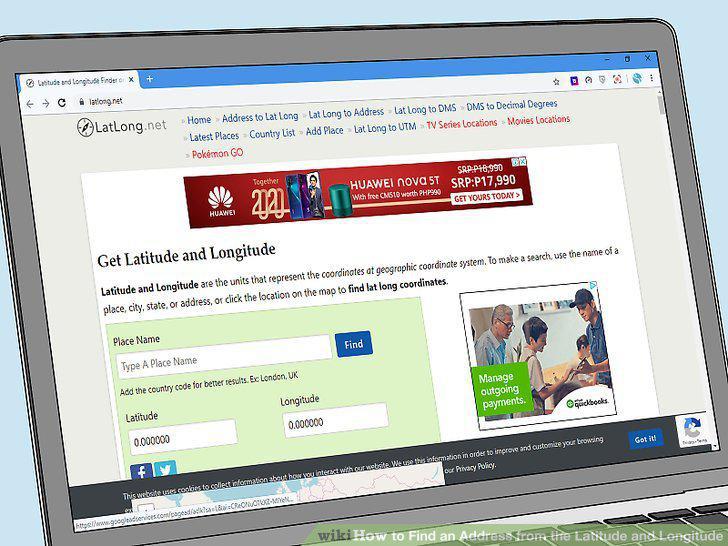
Choose a geocoding tool to find the most accurate address possible.
Enter your longitude and latitude in the corresponding forms.
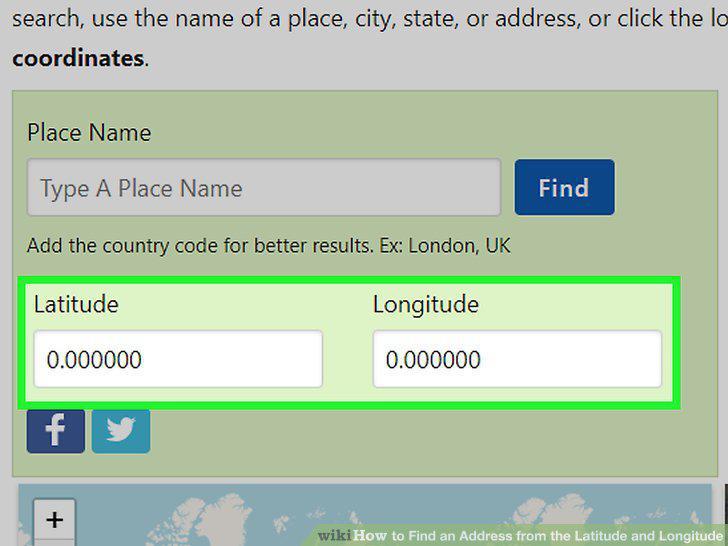
Enter your longitude and latitude in the corresponding forms.
Press the search button to pull up your address.
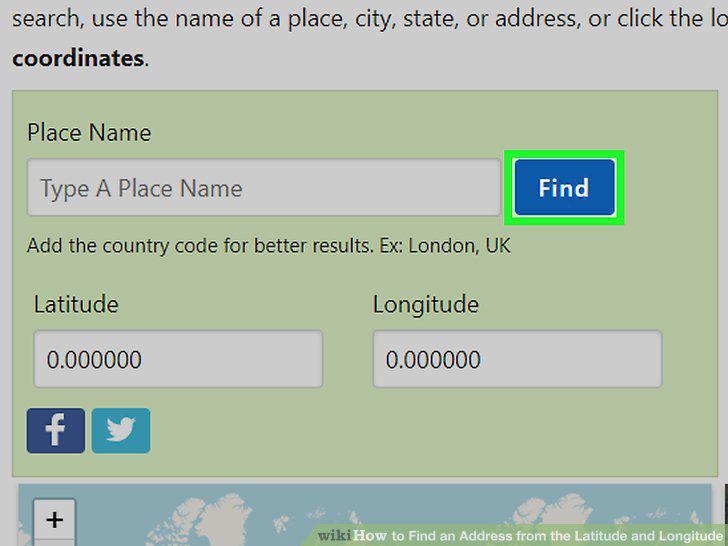
Press the search button to pull up your address.
Open Google Maps on your phone or computer.
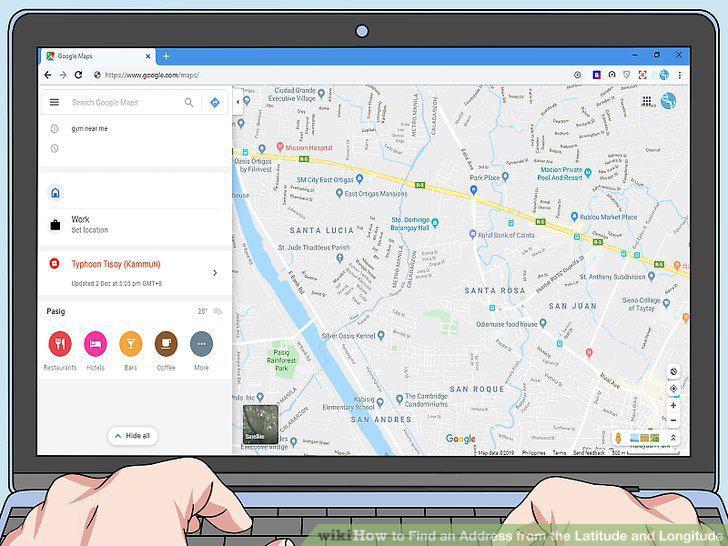
Open Google Maps on your phone or computer.
Enter the coordinates, listing the latitude first.
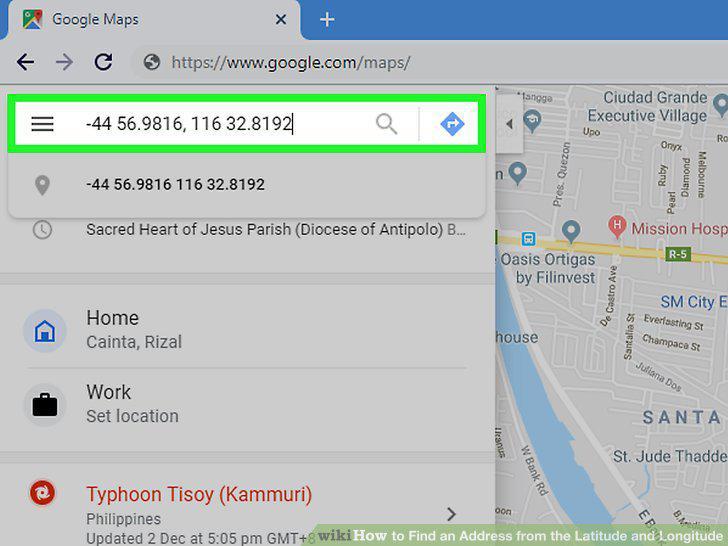
Enter the coordinates, listing the latitude first.
Press the "Search" button or "Enter" to pull up the coordinates.
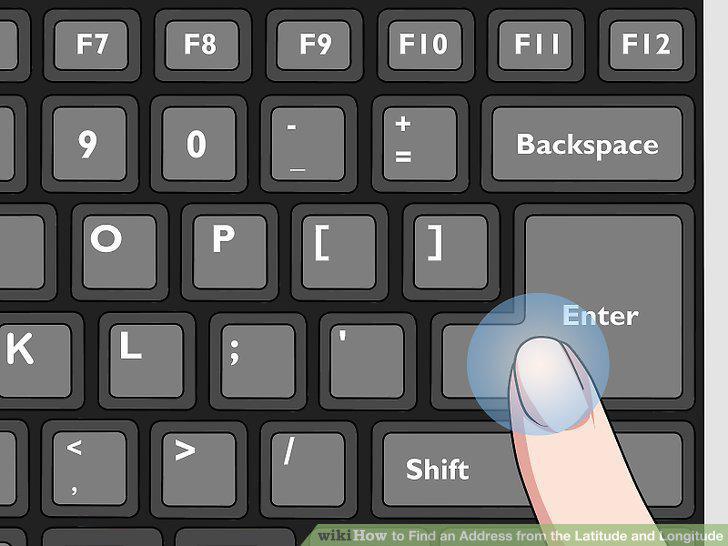
Press the "Search" button or "Enter" to pull up the coordinates.
Click on the location and press "What's Here" to find the address.
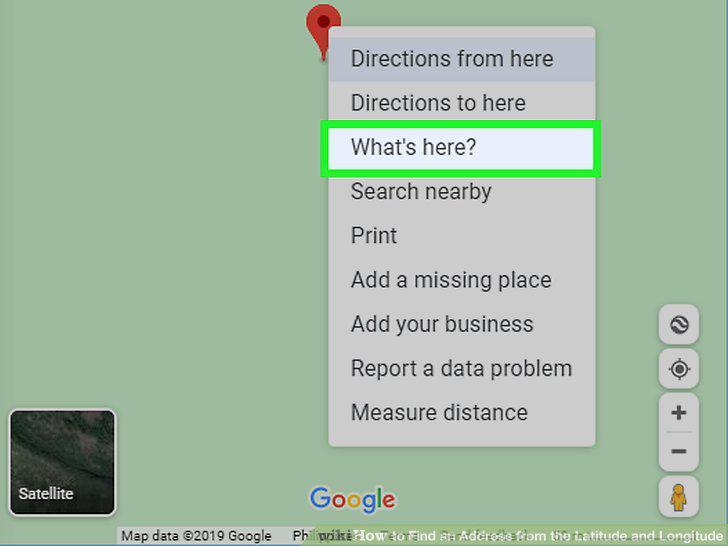
Click on the location and press "What's Here" to find the address.
Hold your finger down to pull up the address on your phone.
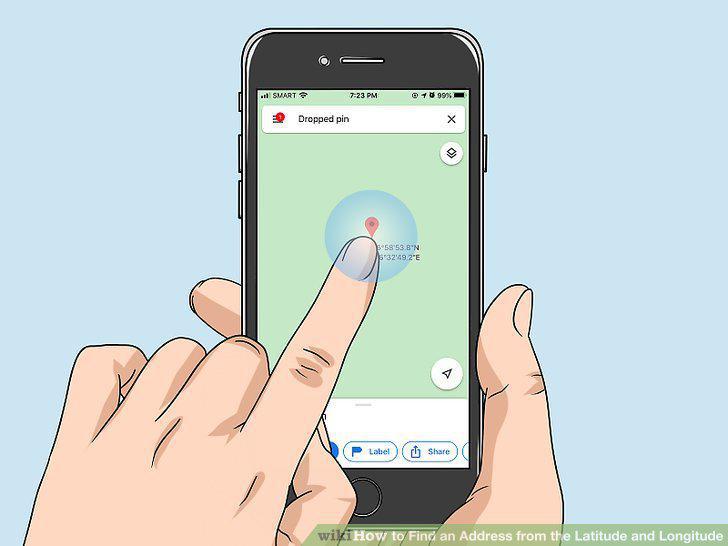
Hold your finger down to pull up the address on your phone.
Find a map that contains longitude and latitude lines.
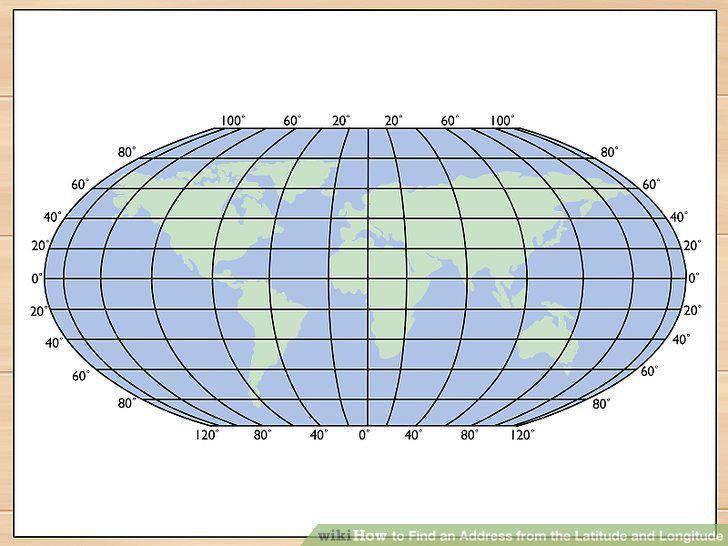
Find a map that contains longitude and latitude lines.
Track the latitude by using the Equator to go north or south.
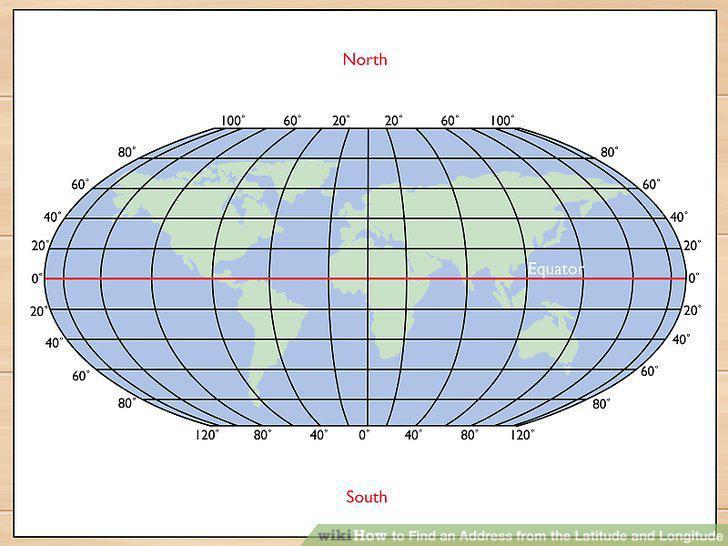
Track the latitude by using the Equator to go north or south.
Use the Prime Meridian to find the longitude going east or west.
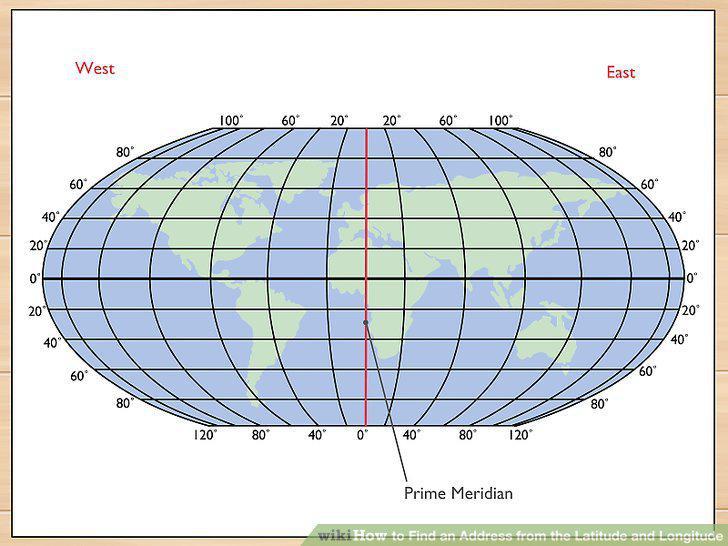
Use the Prime Meridian to find the longitude going east or west.
Adjust your location 70 mi (110 km) for every 1 degree.
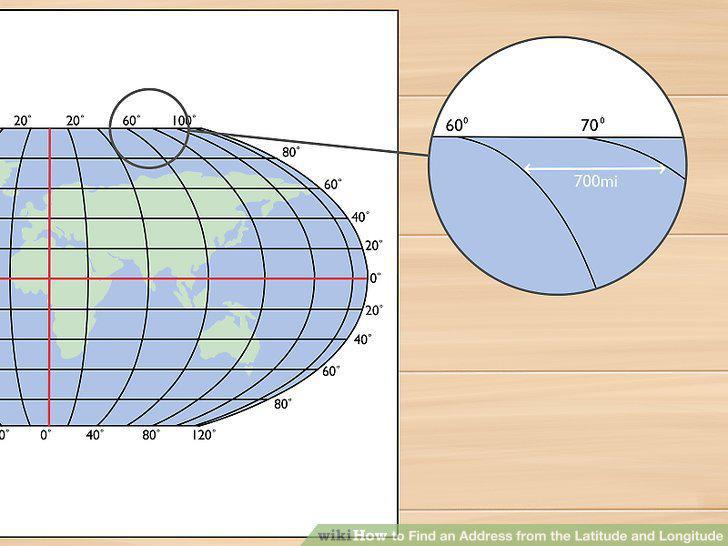
Adjust your location 70 mi (110 km) for every 1 degree.
Move 1.15 mi (1.85 km) for every 1 minute in your coordinate.
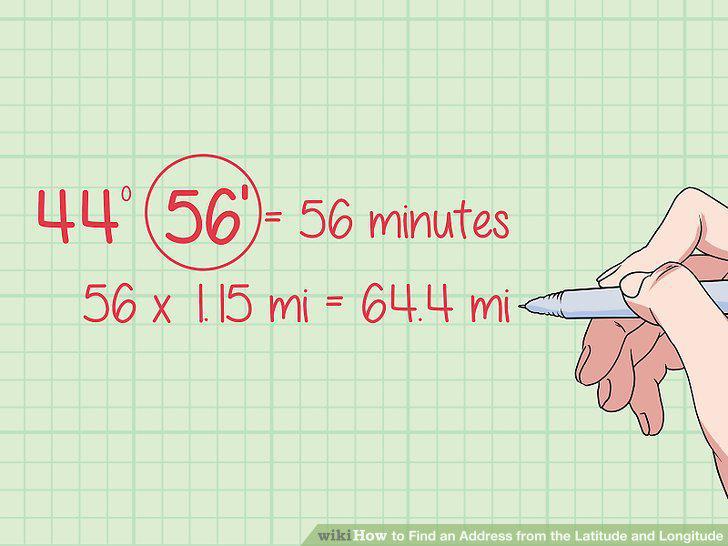
Move 1.15 mi (1.85 km) for every 1 minute in your coordinate.
Reference a standard map to find your approximate address.
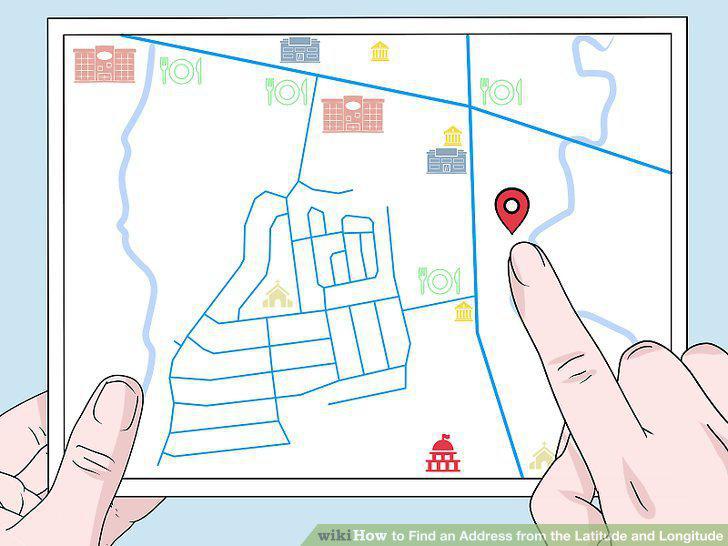
Reference a standard map to find your approximate address.
Comments (0)
No comments yet. Be the first to share your thoughts!