How to Decorate Stockings
Use your computer to create and print a letter template.. Use fabric glue to add letters or shapes to the cuff of a stocking.. Sew the letters onto the stocking with a needle and thread.
Steps
Use your computer to create and print a letter template.
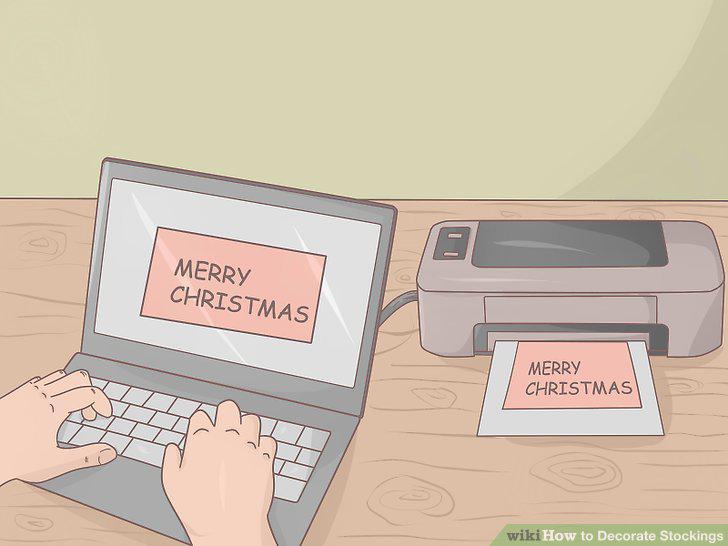
Use your computer to create and print a letter template.
Use fabric glue to add letters or shapes to the cuff of a stocking.
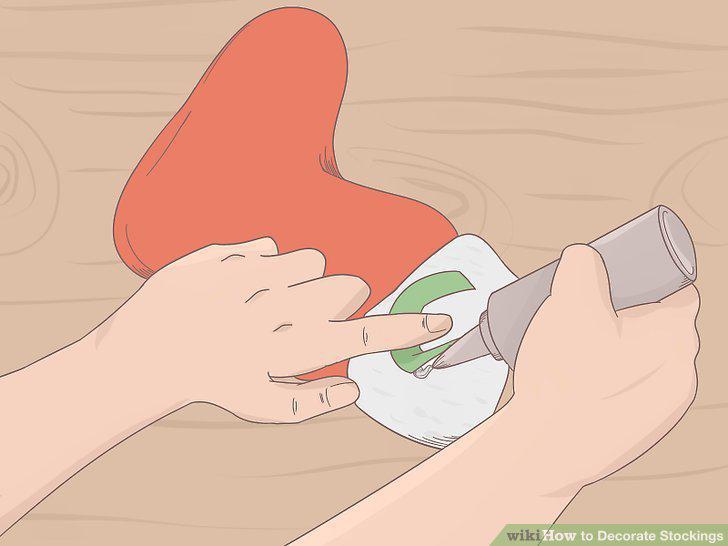
Use fabric glue to add letters or shapes to the cuff of a stocking.
Sew the letters onto the stocking with a needle and thread.
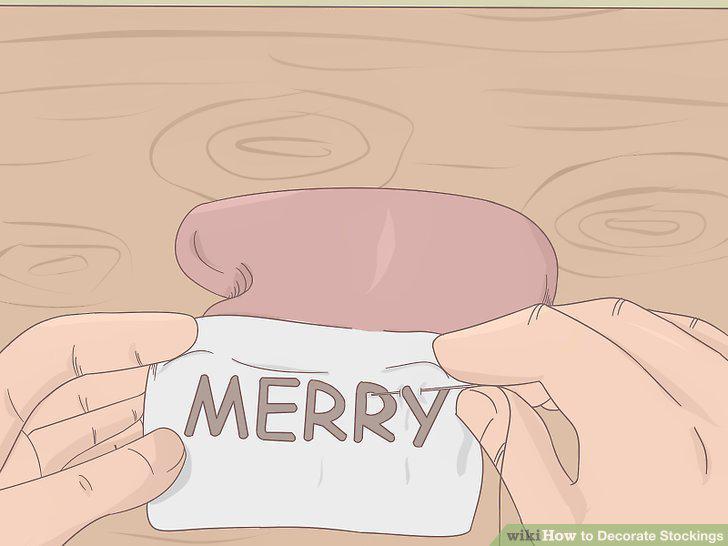
Sew the letters onto the stocking with a needle and thread.
Use heat transfer paper to iron on letters and shapes.
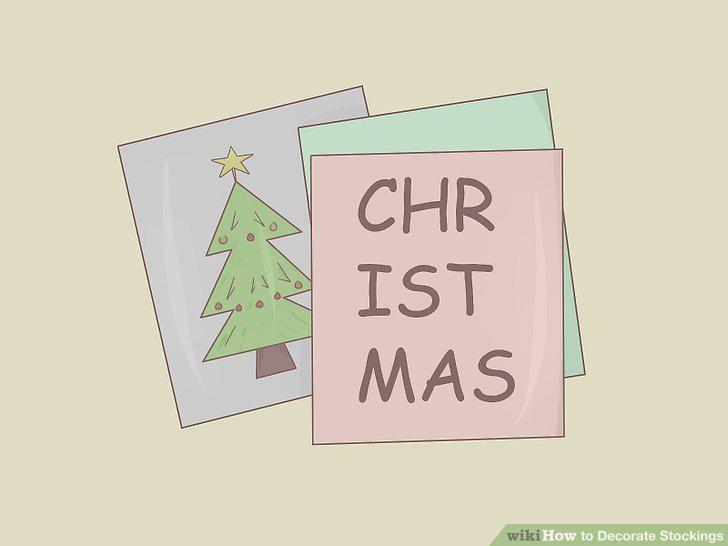
Use heat transfer paper to iron on letters and shapes.
Iron on letters and shapes
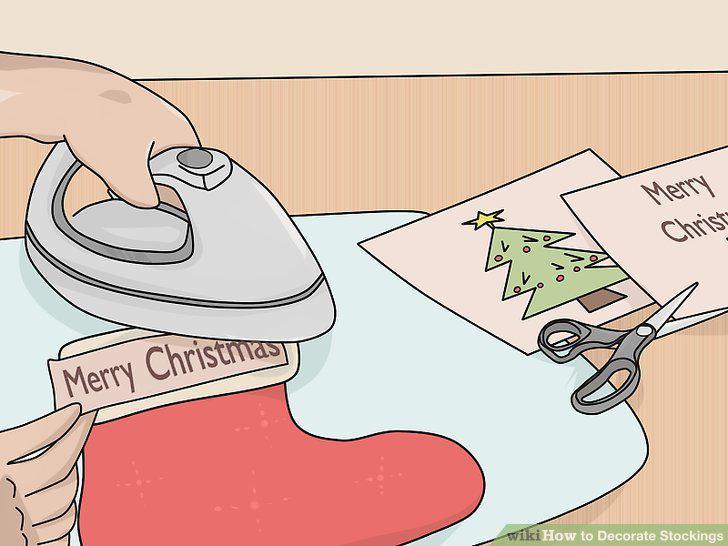
Iron on letters and shapes
Attach bells to your stockings to add some jingle.
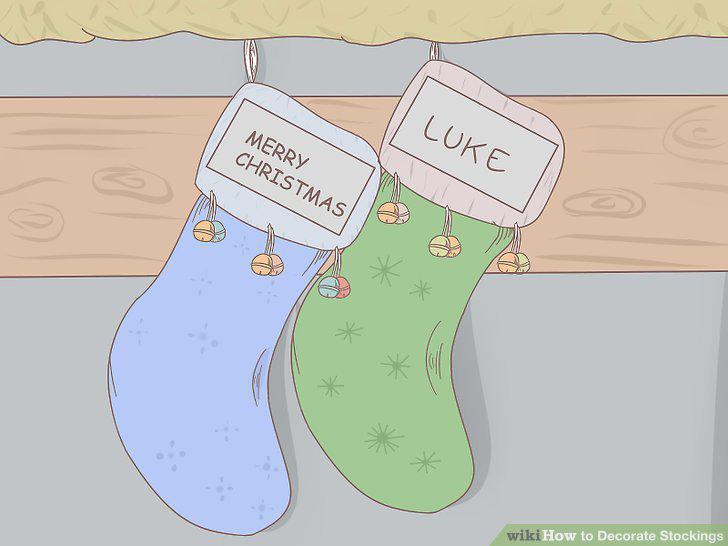
Attach bells to your stockings to add some jingle.
Glue pom-poms onto your stockings for some cuteness.
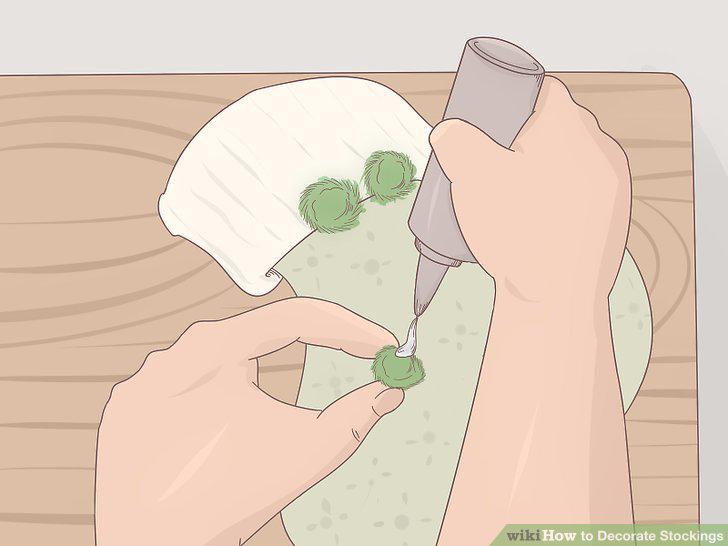
Glue pom-poms onto your stockings for some cuteness.
Use pine cones to decorate your stockings to add natural elements.
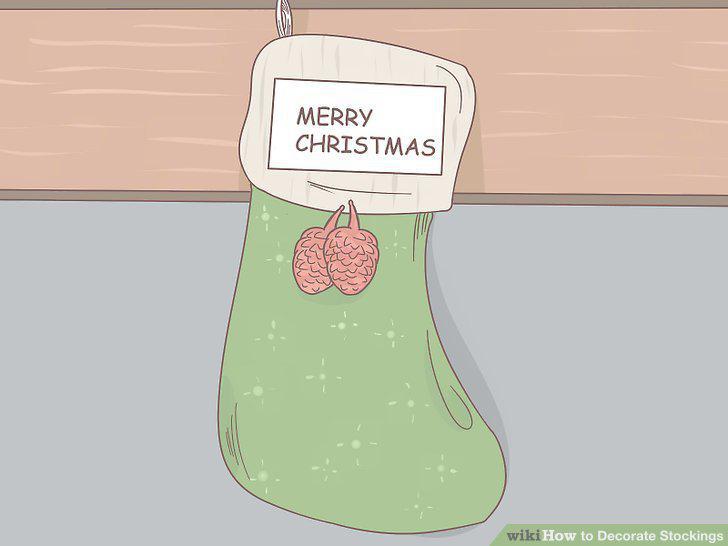
Use pine cones to decorate your stockings to add natural elements.
Add ribbon to your stocking for useful and decorative purposes.
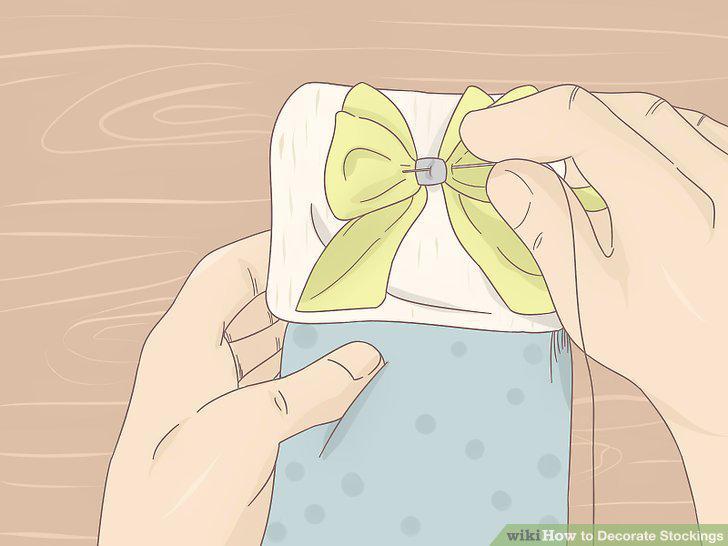
Add ribbon to your stocking for useful and decorative purposes.
Put colourful tassels onto your stockings.
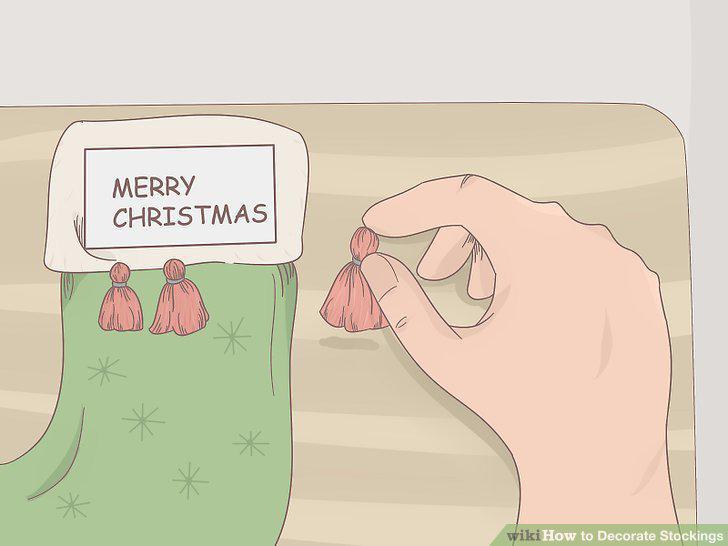
Put colourful tassels onto your stockings.
Sew or glue buttons or sequins to your stockings.
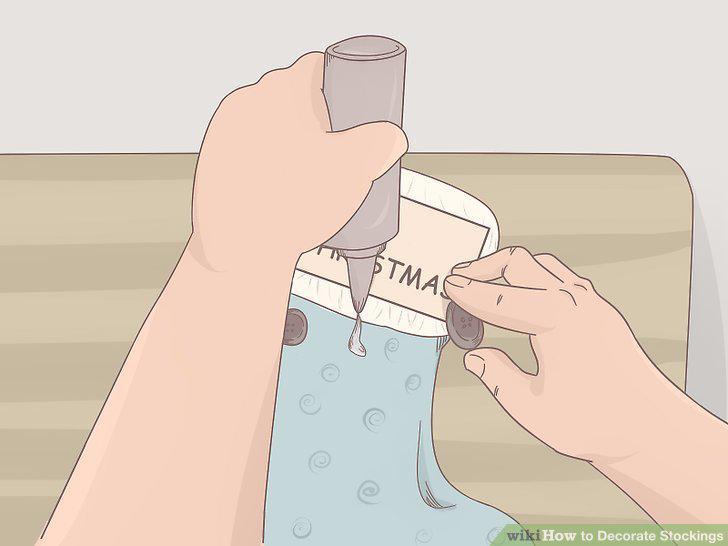
Sew or glue buttons or sequins to your stockings.
Opt for a colour-based stocking theme.
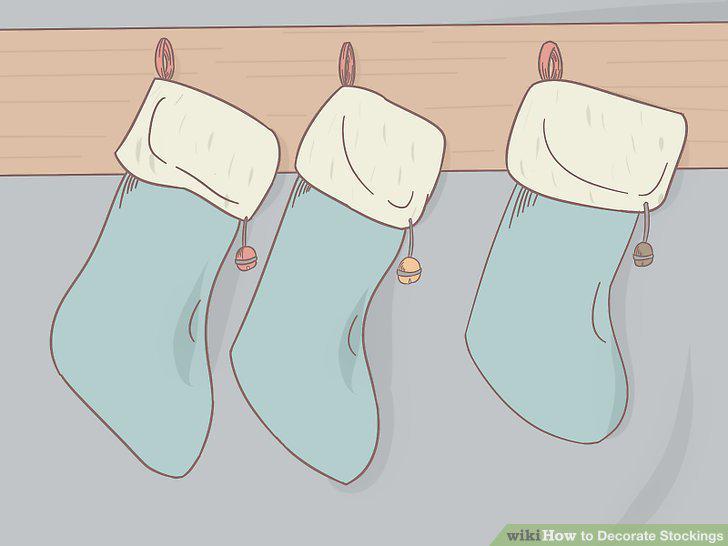
Opt for a colour-based stocking theme.
Choose a stocking theme based on a pattern or texture.
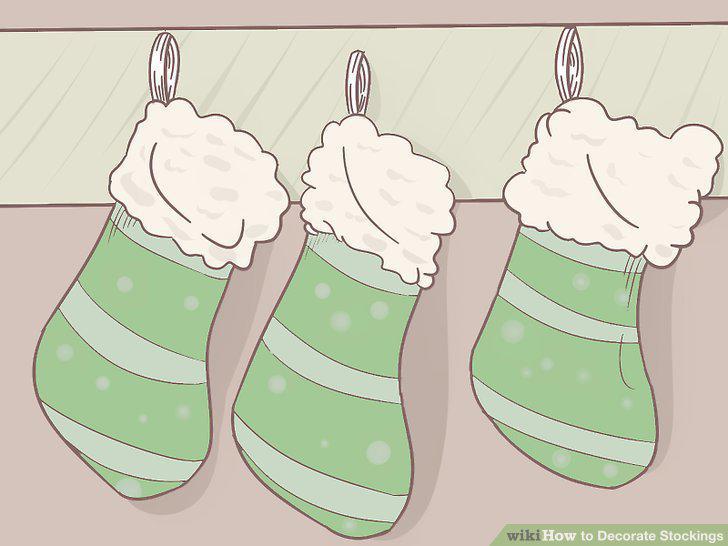
Choose a stocking theme based on a pattern or texture.
Use Christmas shapes as your stocking theme.
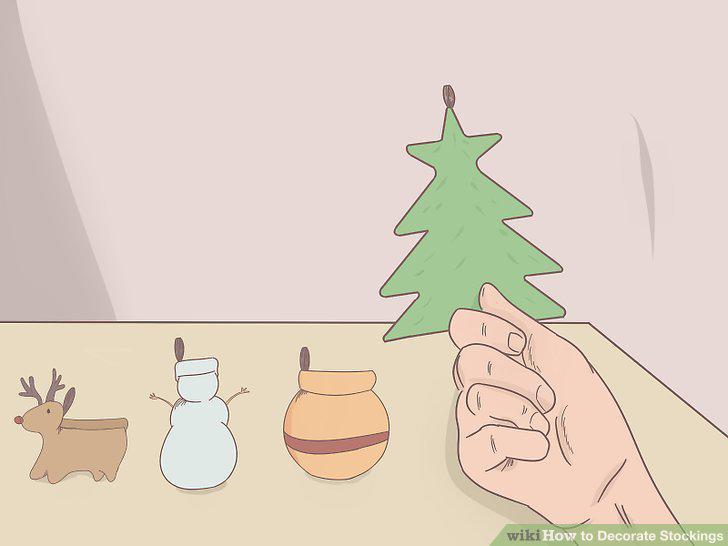
Use Christmas shapes as your stocking theme.
Comments (0)
No comments yet. Be the first to share your thoughts!