How to Check a Driving Record in California
Visit a DMV field office.. Register to become a certified DMV user if you want to order online.. File online if you want to view the record for personal use.
Steps
1
Visit a DMV field office.
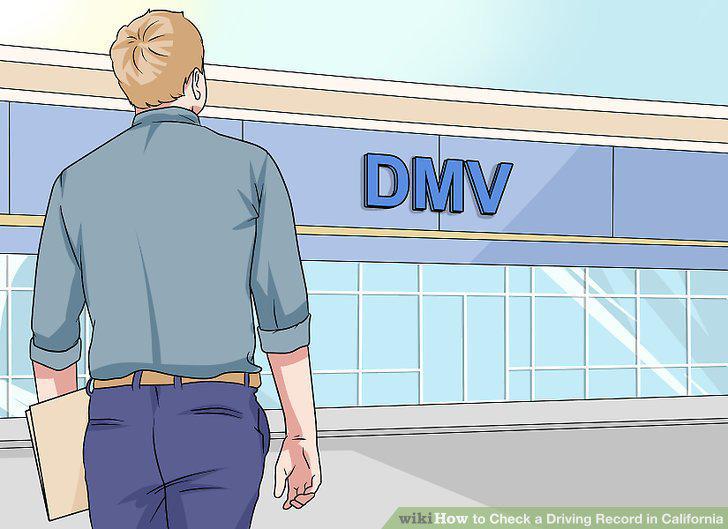
Visit a DMV field office.
2
Register to become a certified DMV user if you want to order online.
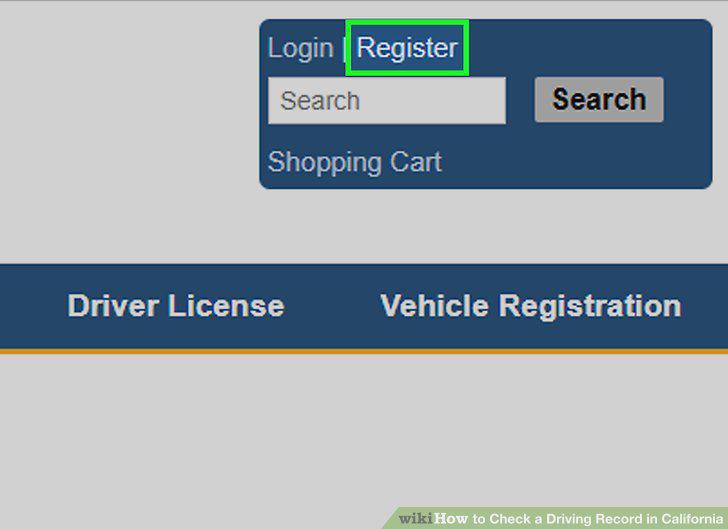
Register to become a certified DMV user if you want to order online.
3
File online if you want to view the record for personal use.
File online if you want to view the record for personal use.
4
Complete form INF 1125 if you want official certification.
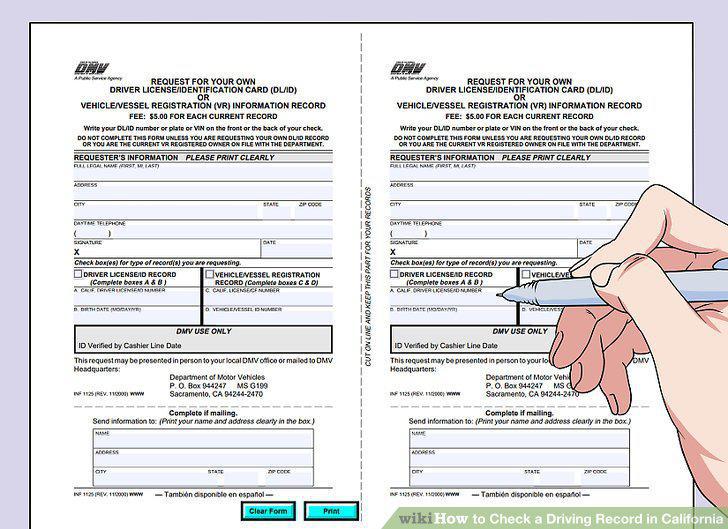
Complete form INF 1125 if you want official certification.
5
Get form INF 70 from the California DMV's website.
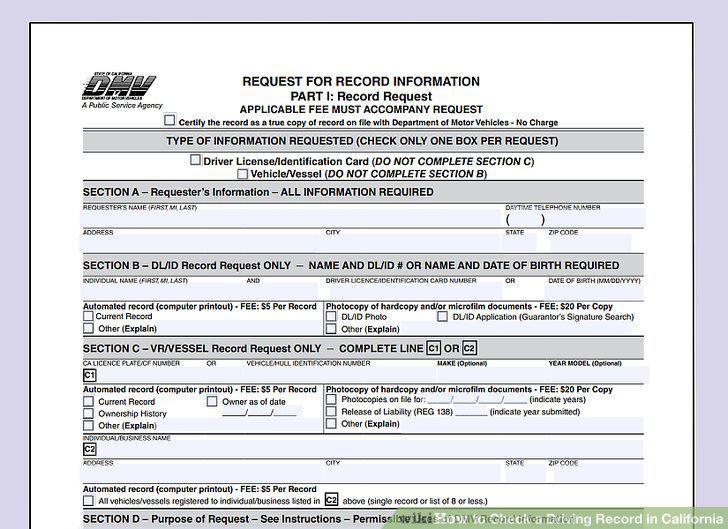
Get form INF 70 from the California DMV's website.
6
Provide information on yourself and the driver whose record you are requesting.
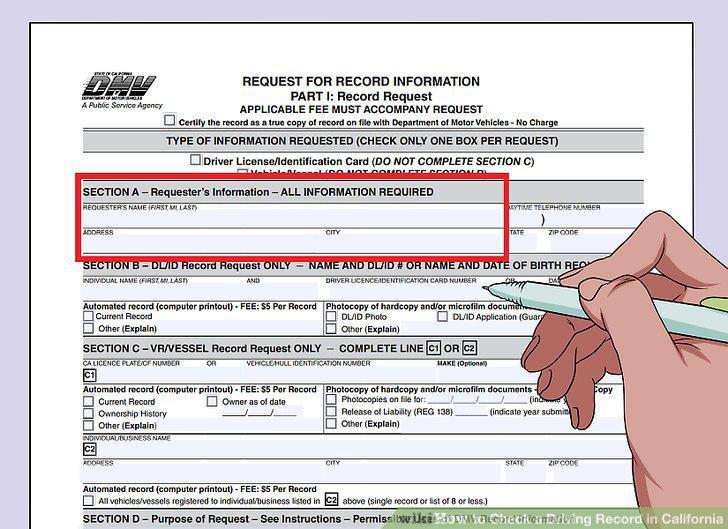
Provide information on yourself and the driver whose record you are requesting.
7
Decide if you want an automated record or a photocopy.
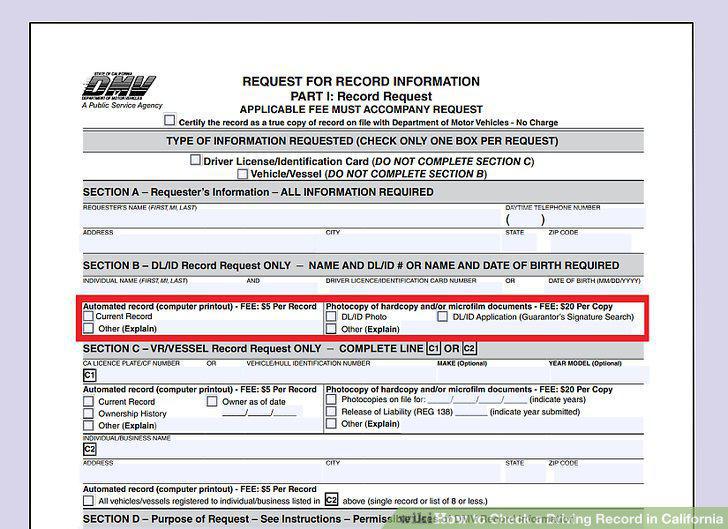
Decide if you want an automated record or a photocopy.
8
Describe the purpose of your request.
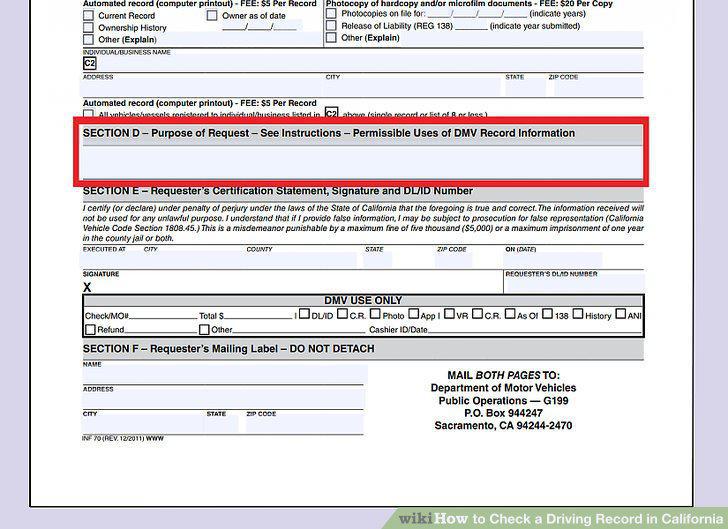
Describe the purpose of your request.
9
Sign and mail your completed form.
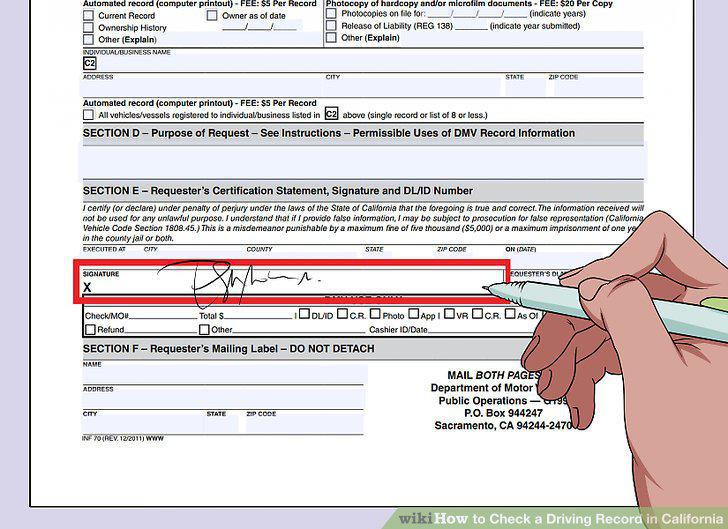
Sign and mail your completed form.
Comments (0)
No comments yet. Be the first to share your thoughts!