How to Increase Your eBay Selling Limit
Open eBay in your internet browser.. Click My eBay on the top-right.. Click All Selling on the left menu.
Steps
1
Open eBay in your internet browser.
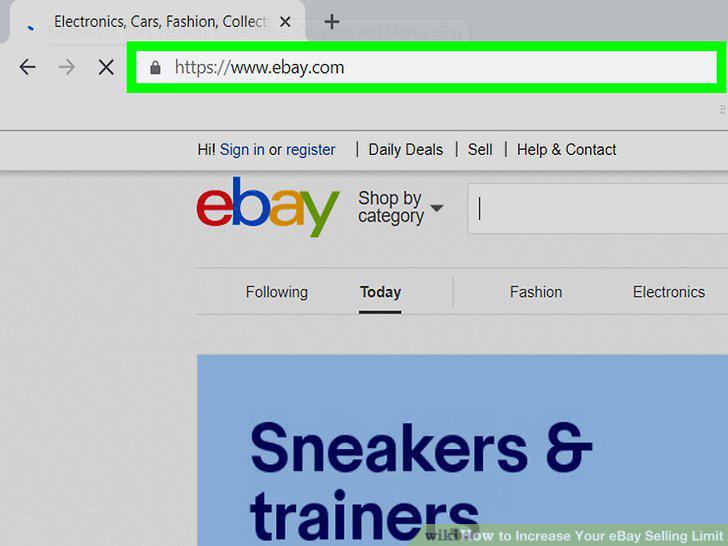
Open eBay in your internet browser.
2
Click My eBay on the top-right.
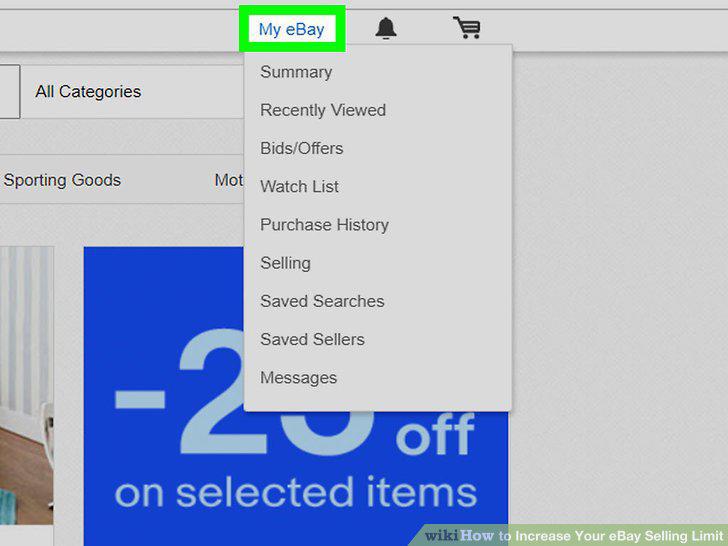
Click My eBay on the top-right.
3
Click All Selling on the left menu.
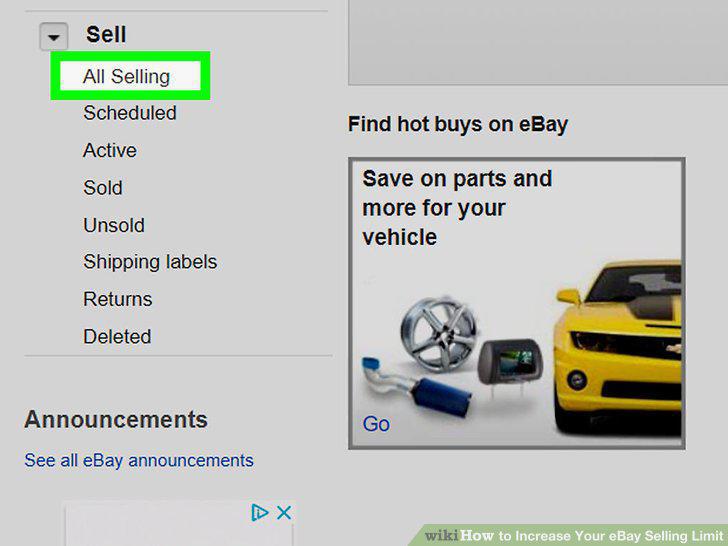
Click All Selling on the left menu.
4
Click the Request to list more link below your current limits.
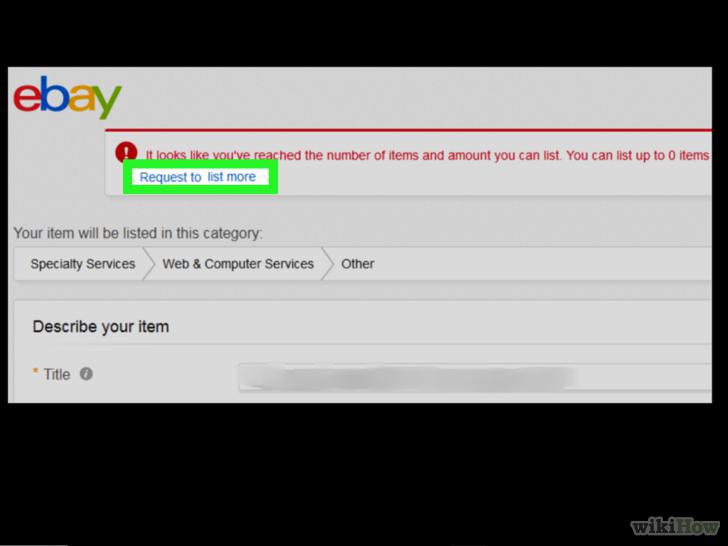
Click the Request to list more link below your current limits.
5
Select one of the available request options.
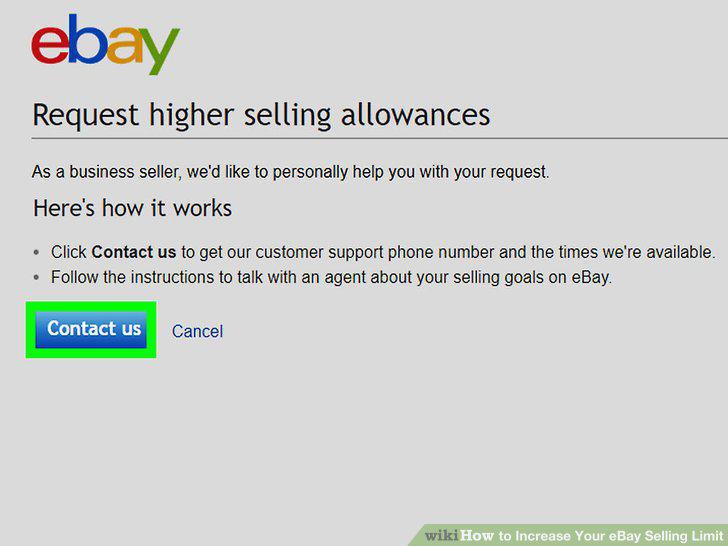
Select one of the available request options.
6
Click Continue.
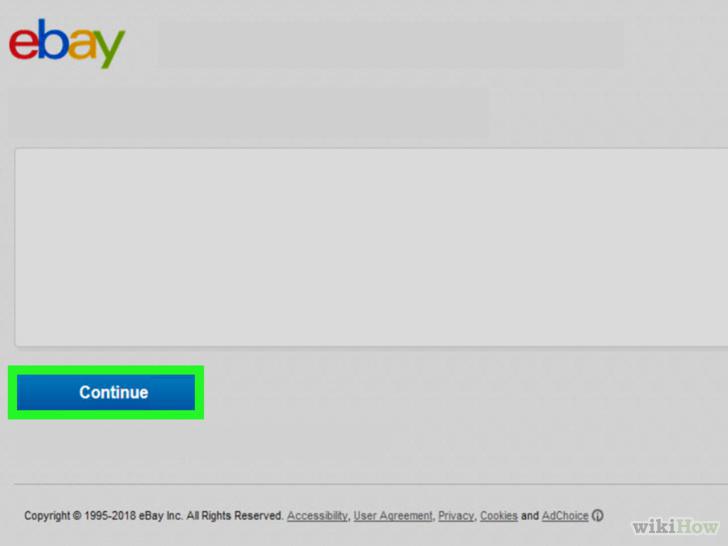
Click Continue.
7
Call the eBay customer services to discuss your request.
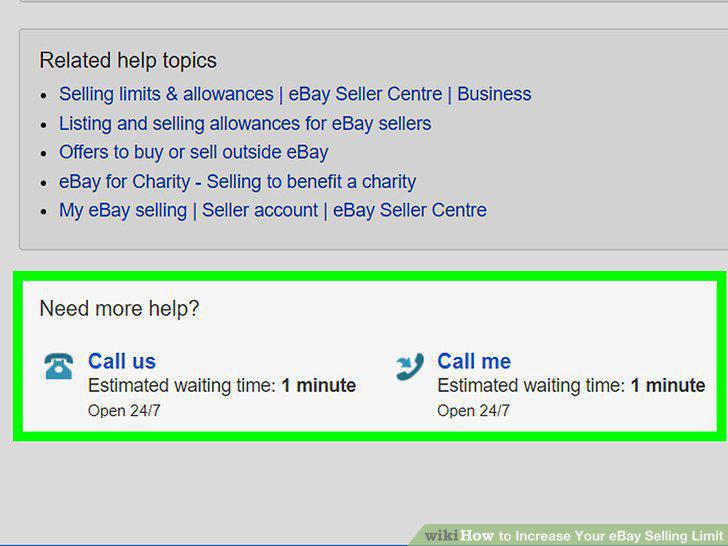
Call the eBay customer services to discuss your request.
Comments (0)
No comments yet. Be the first to share your thoughts!