How to Request a Payment on PayPal
Open PayPal.. Tap Request.. Tap the first text field to enter a name, email, or mobile number.
Steps
Open PayPal.
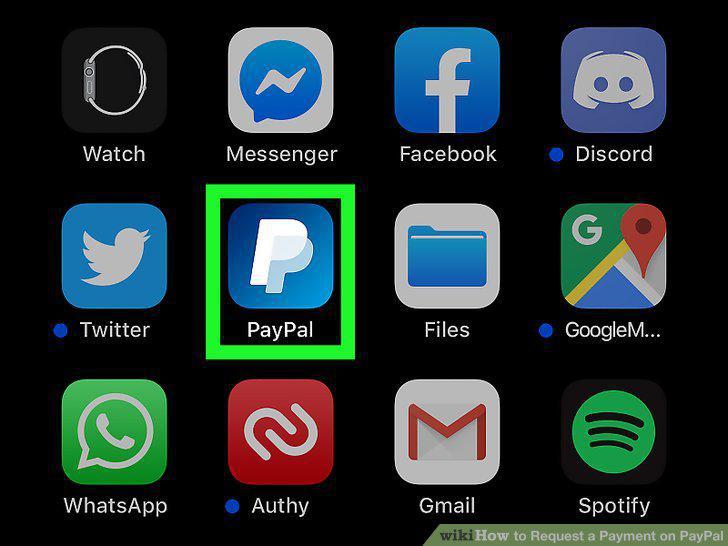
Open PayPal.
Tap Request.
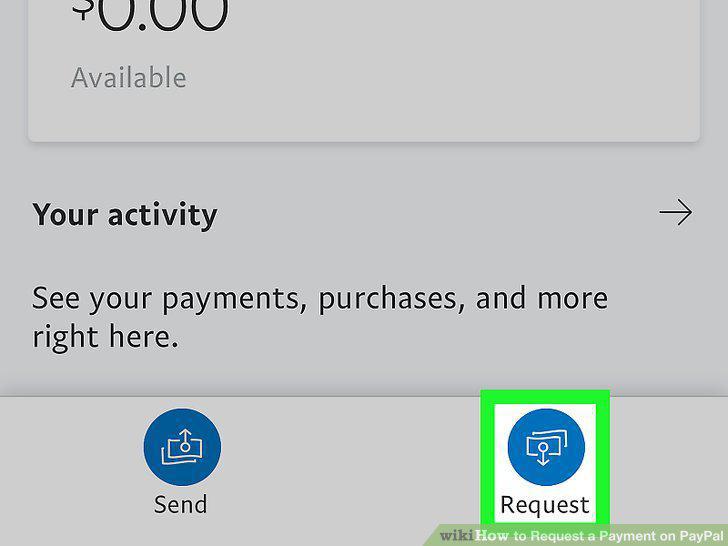
Tap Request.
Tap the first text field to enter a name, email, or mobile number.
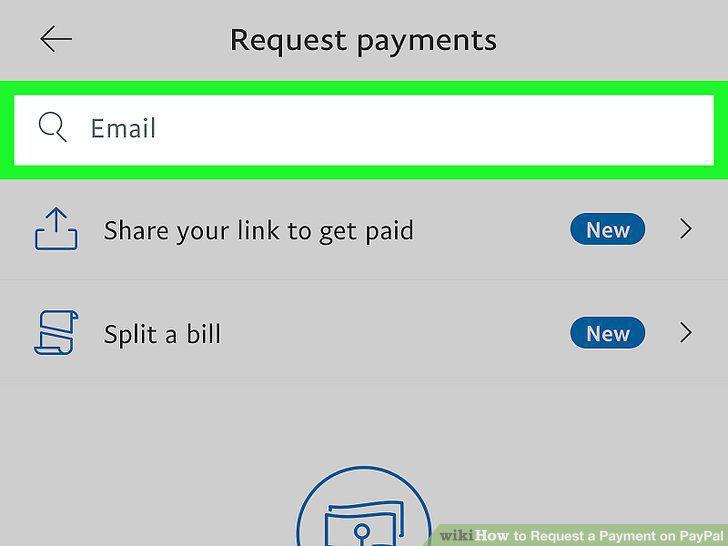
Tap the first text field to enter a name, email, or mobile number.
Enter the amount you want to request.
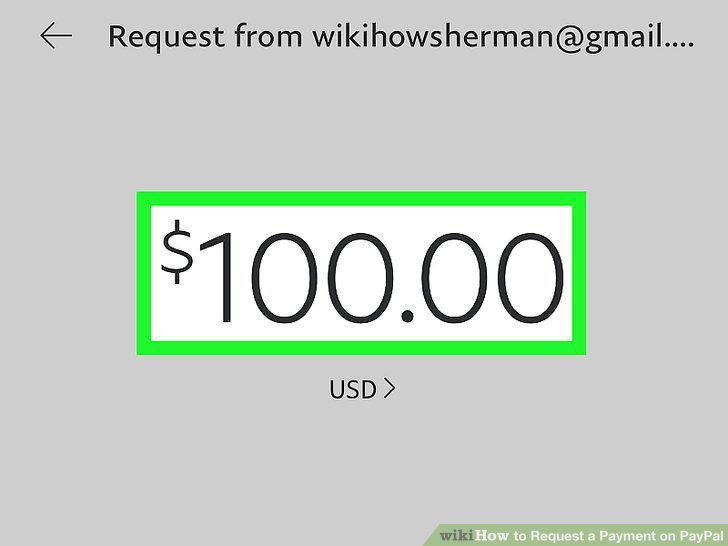
Enter the amount you want to request.
Tap Next.
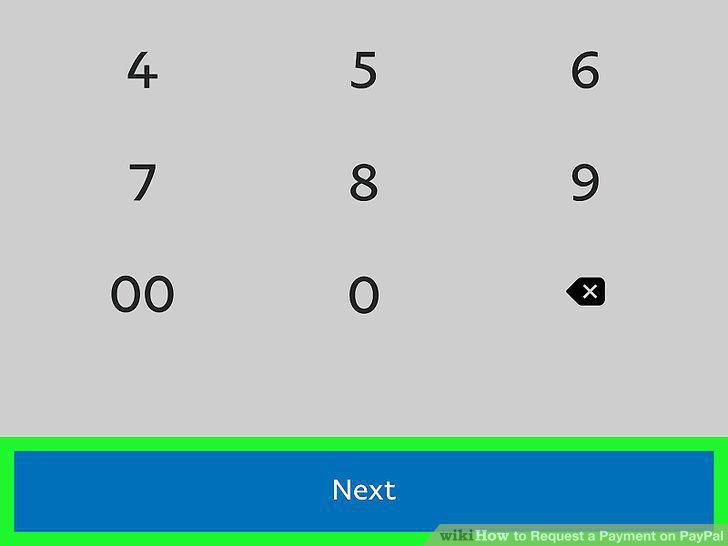
Tap Next.
Customize your request.
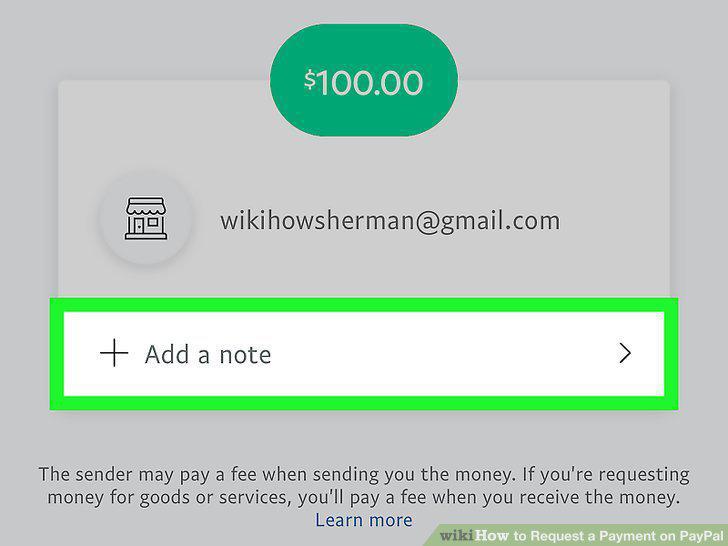
Customize your request.
Tap Request Now.
Tap Request Now.
Go to https://www.paypal.com/myaccount/transfer/homepage.
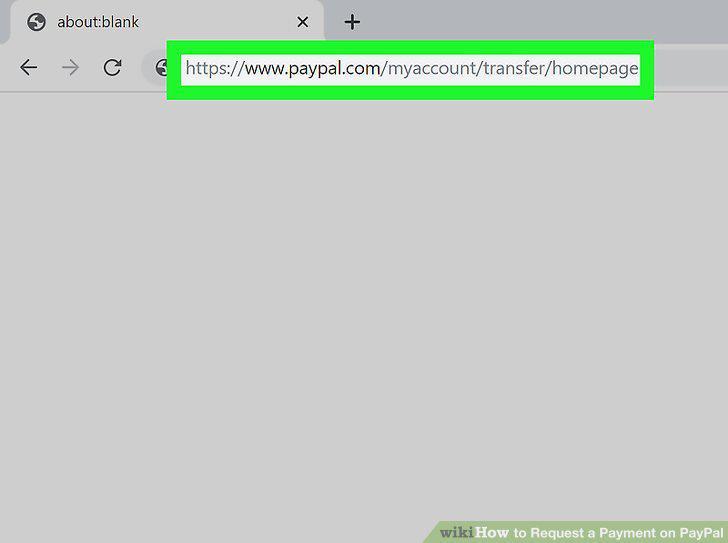
Go to https://www.paypal.com/myaccount/transfer/homepage.
Click or tap Request at the top of the browser page.
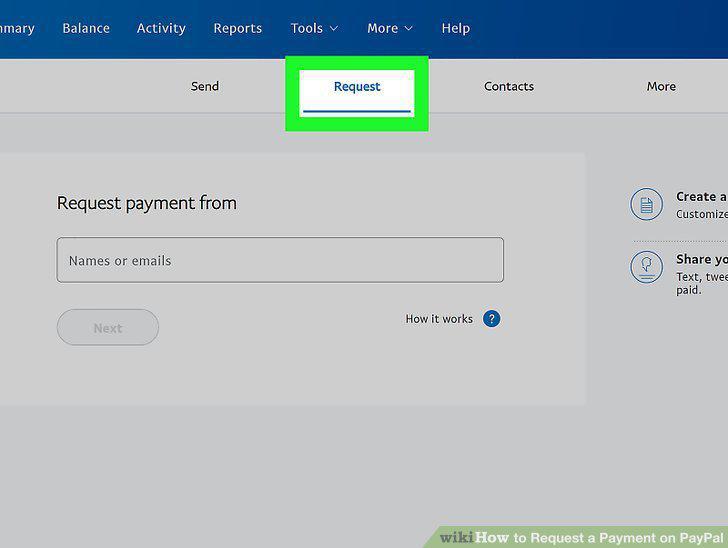
Click or tap Request at the top of the browser page.
Click or tap the text box.
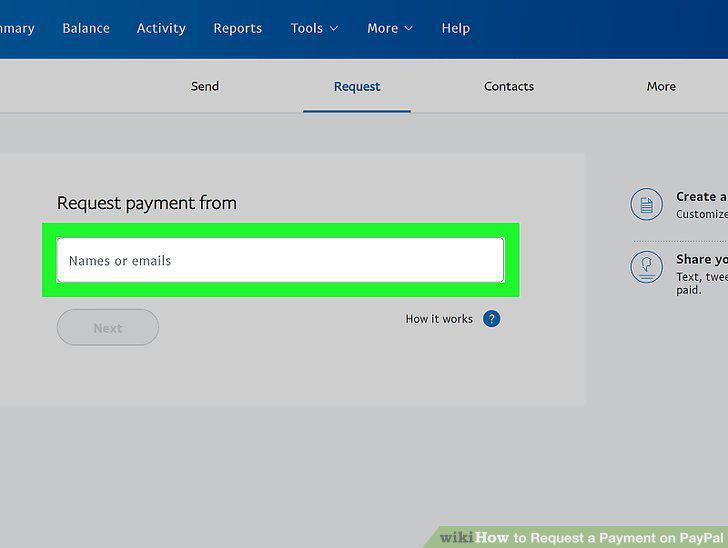
Click or tap the text box.
Type a name, email address, or phone number.
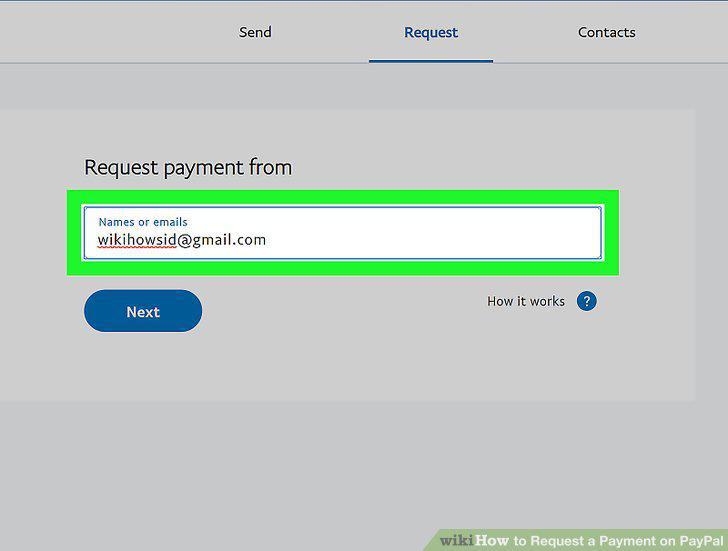
Type a name, email address, or phone number.
Click or tap Next.
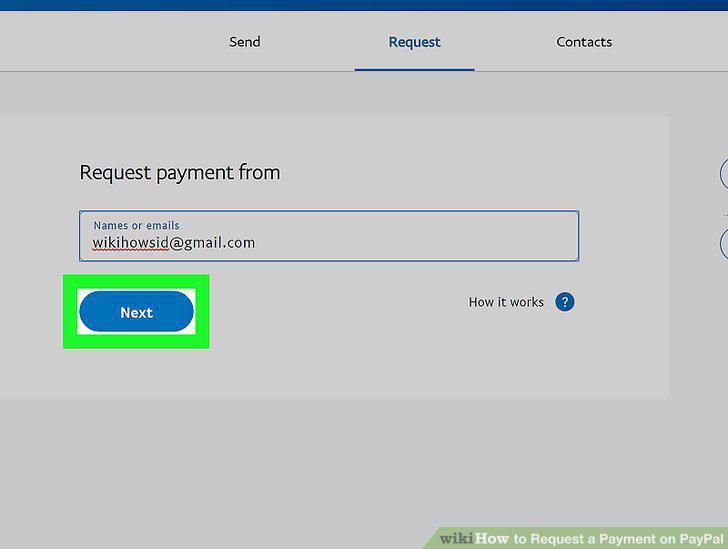
Click or tap Next.
Enter the amount you'd like to request.
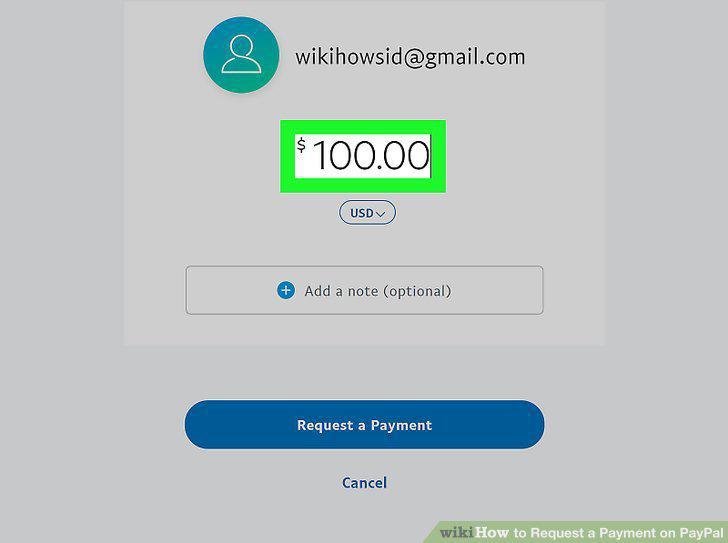
Enter the amount you'd like to request.
Press Request Now.
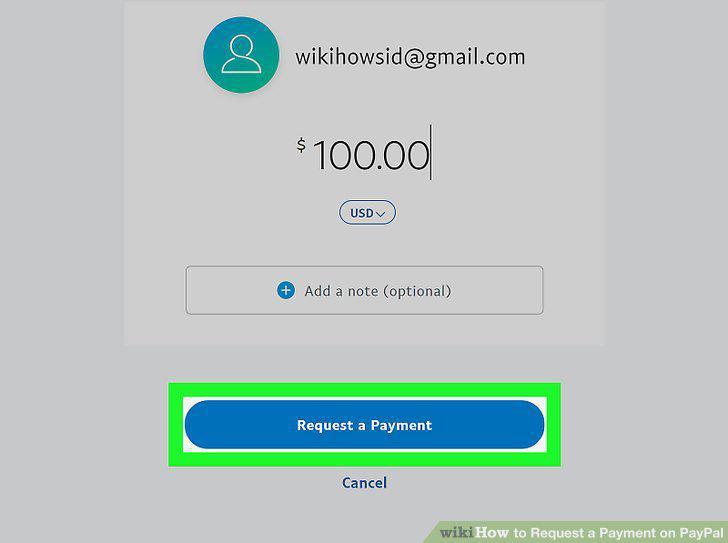
Press Request Now.
Go to https://www.paypal.com/myaccount/transfer/homepage.
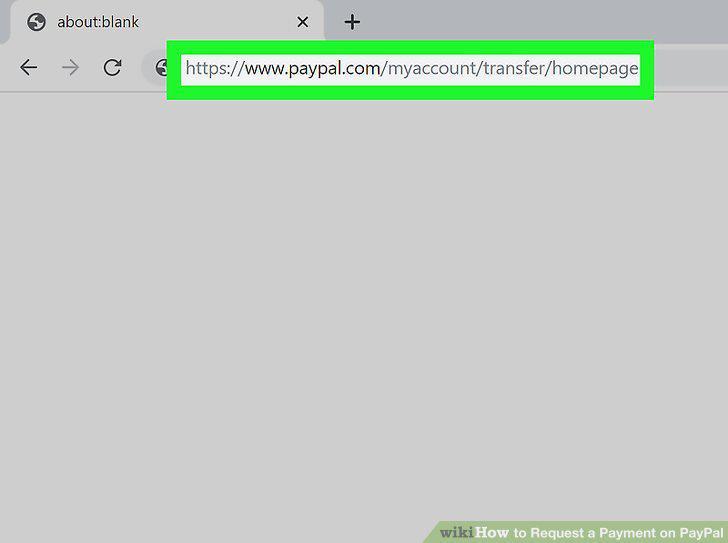
Go to https://www.paypal.com/myaccount/transfer/homepage.
Click or tap Request at the top of the browser page.
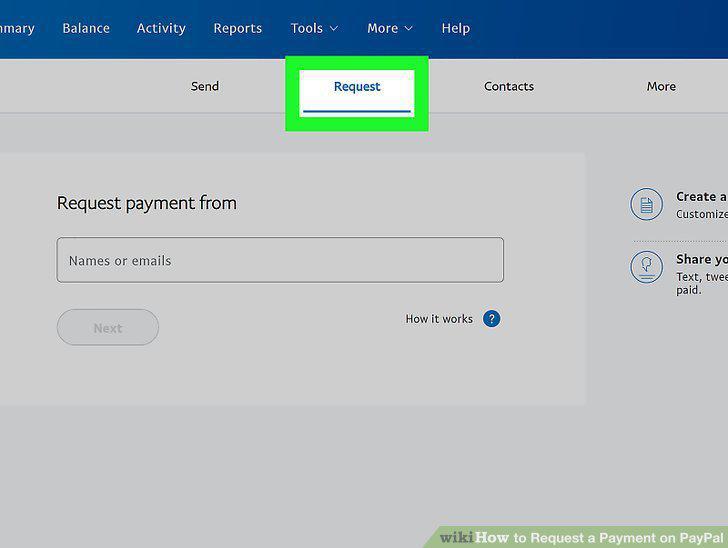
Click or tap Request at the top of the browser page.
Click or tap Create an invoice.
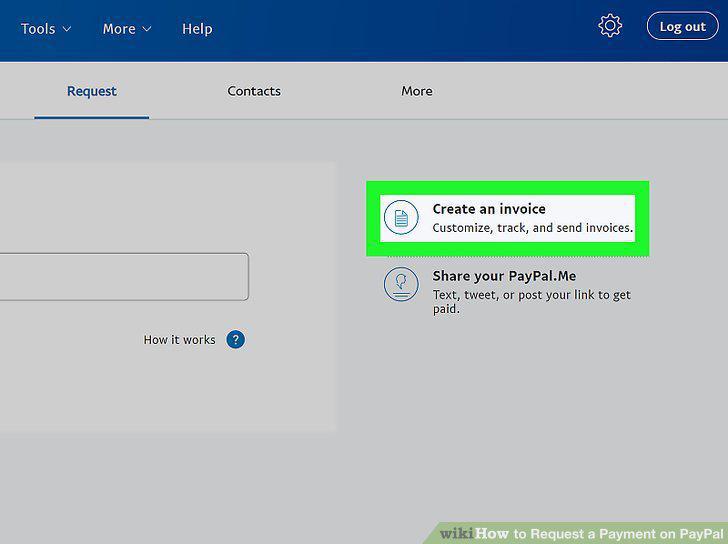
Click or tap Create an invoice.
Create a new template or use a default.
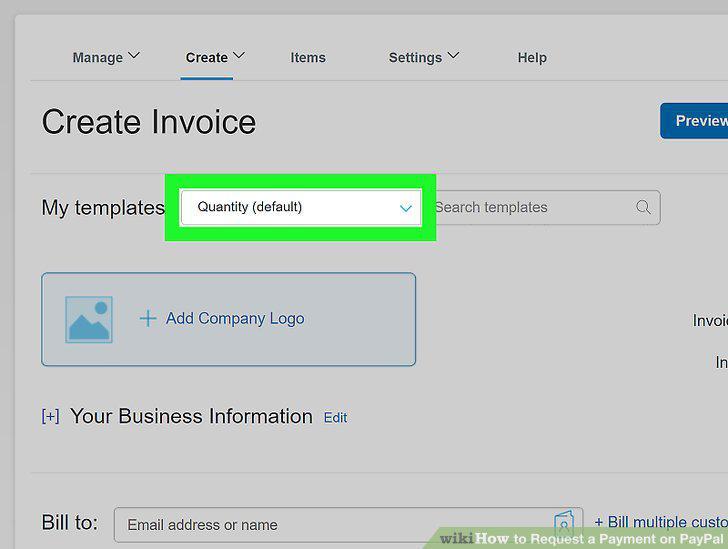
Create a new template or use a default.
Fill out your client's information.
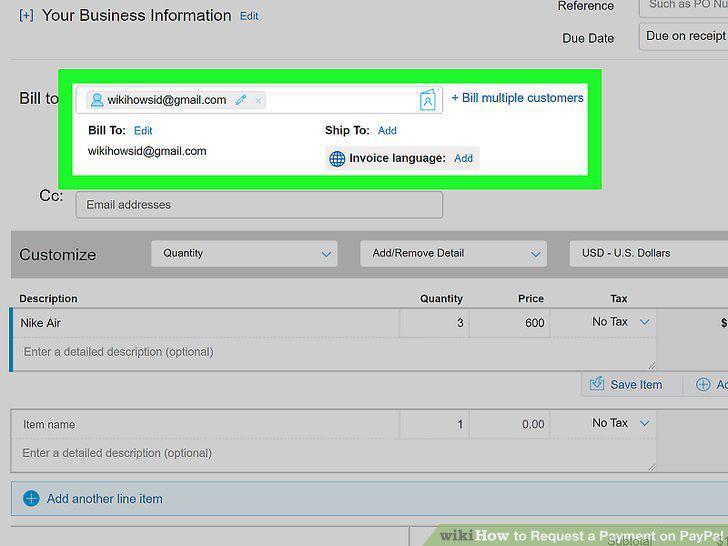
Fill out your client's information.
Customize the invoice.
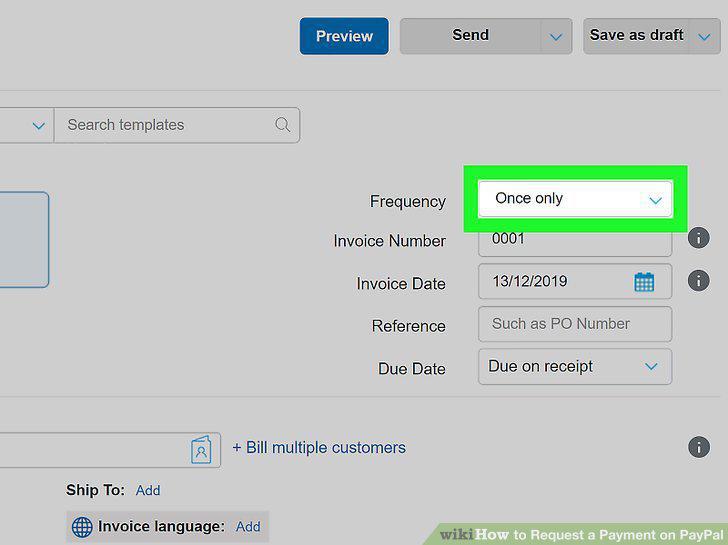
Customize the invoice.
Click or tap Send.
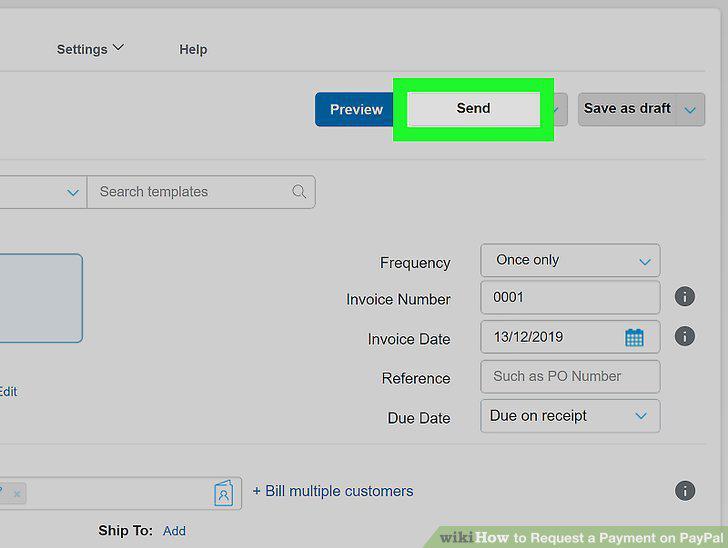
Click or tap Send.
Comments (0)
No comments yet. Be the first to share your thoughts!