How to Edit Feedback on eBay
Go to the feedback you've left for others.. Click Follow Up next to an item number.. Leave a comment in the large text field.
Steps
1
Go to the feedback you've left for others.
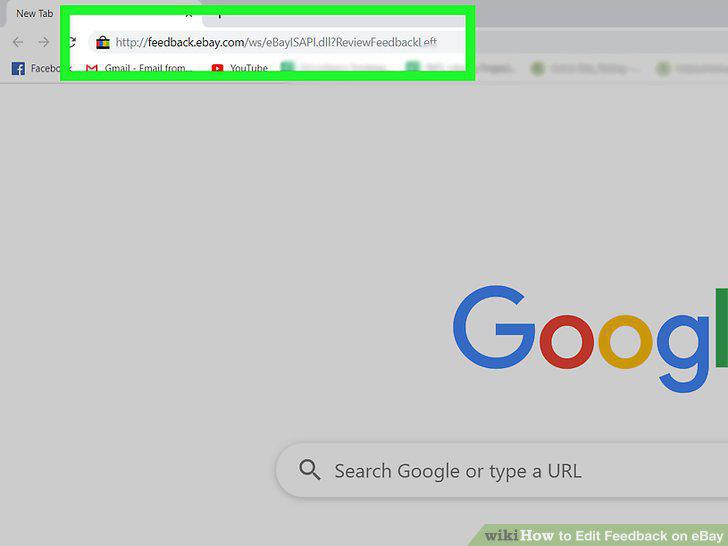
Go to the feedback you've left for others.
2
Click Follow Up next to an item number.
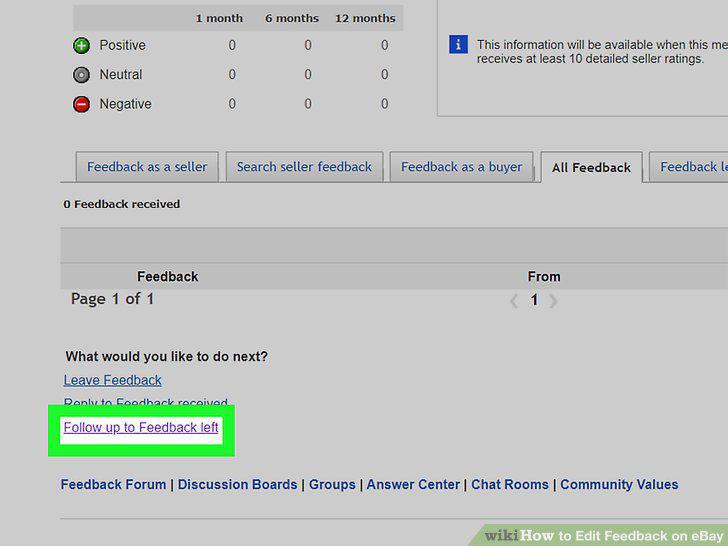
Click Follow Up next to an item number.
3
Leave a comment in the large text field.
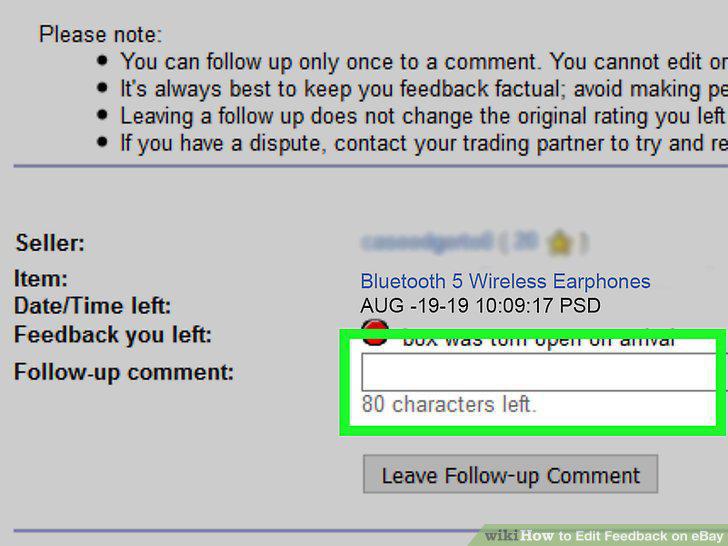
Leave a comment in the large text field.
4
Click Leave Follow-Up Comment.
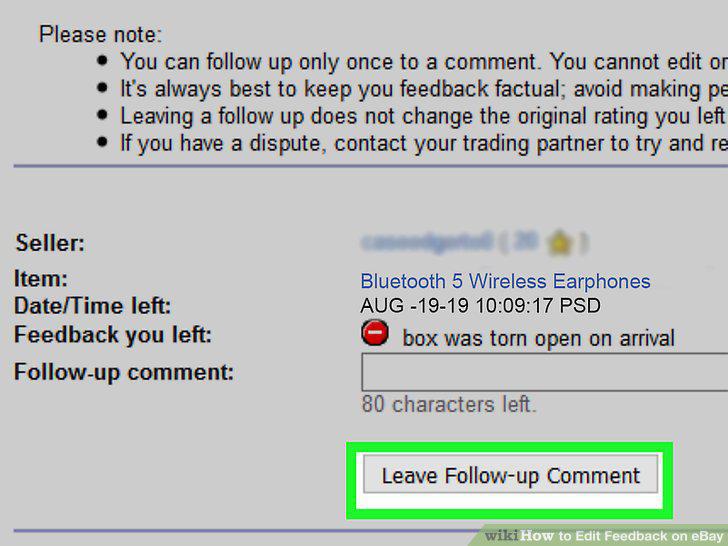
Click Leave Follow-Up Comment.
Comments (0)
No comments yet. Be the first to share your thoughts!