How to Email Receipts to Expensify
Open the receipt you want to send to Expensify.. Click the Forward option.. Enter receipts@expensify.com into the "To" field.
Steps
1
Open the receipt you want to send to Expensify.
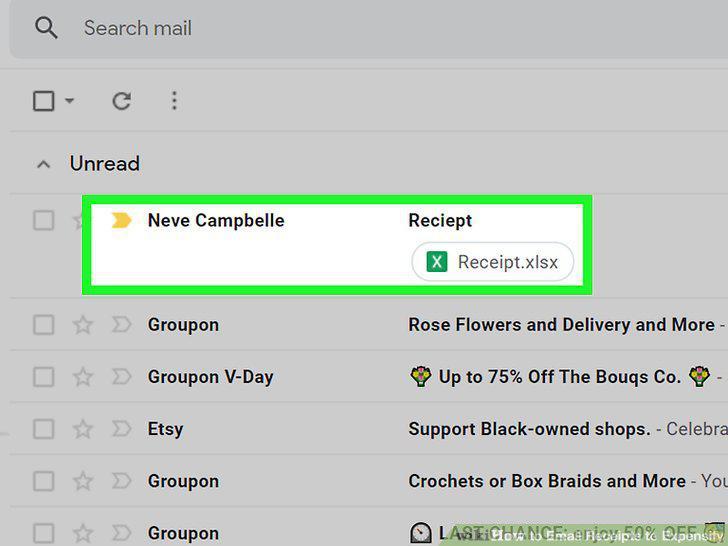
Open the receipt you want to send to Expensify.
2
Click the Forward option.
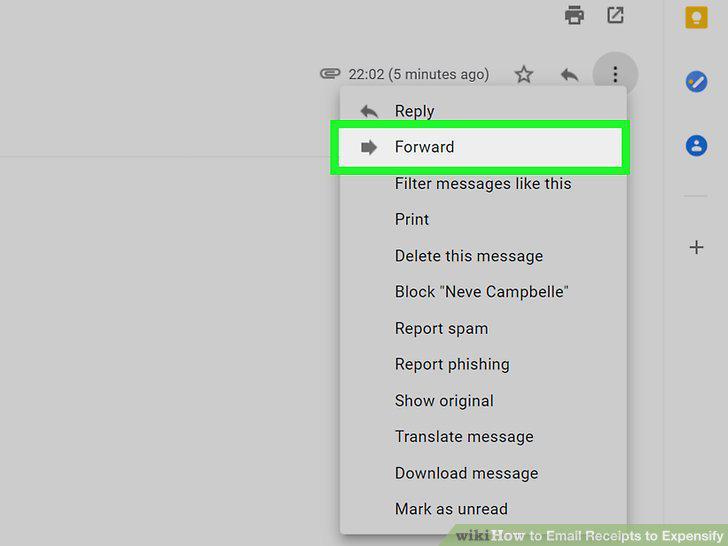
Click the Forward option.
3
Enter receipts@expensify.com into the "To" field.
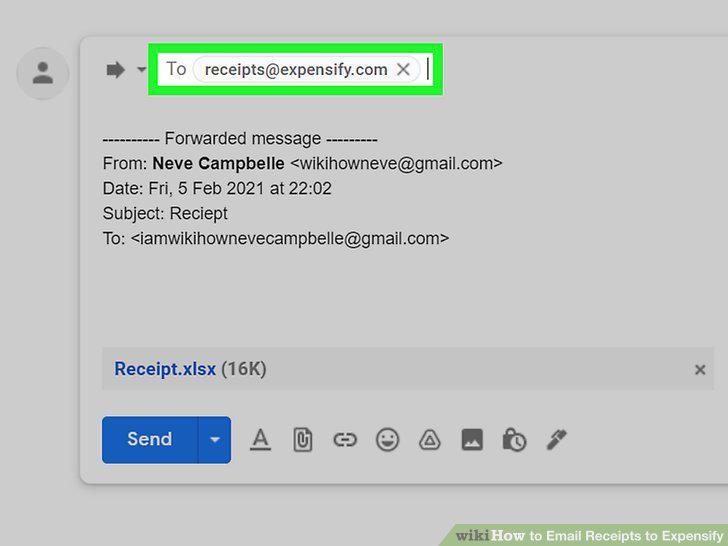
Enter receipts@expensify.com into the "To" field.
4
Enter a subject (Copilots only).
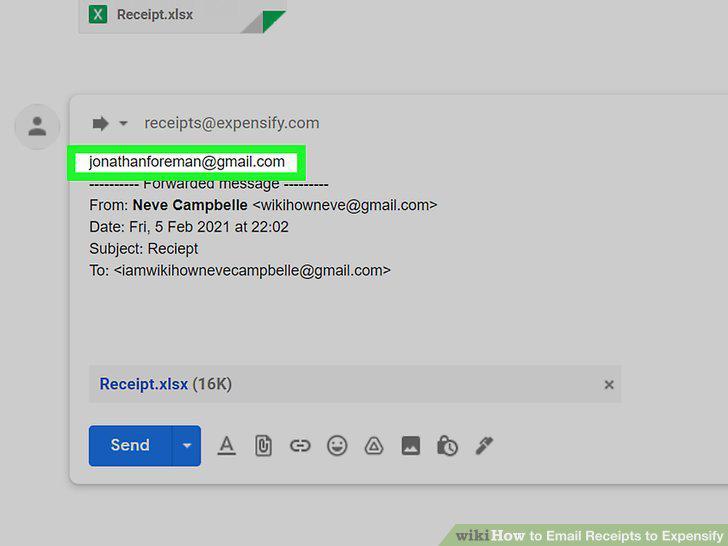
Enter a subject (Copilots only).
5
Attach the receipt to your email (if you need to).
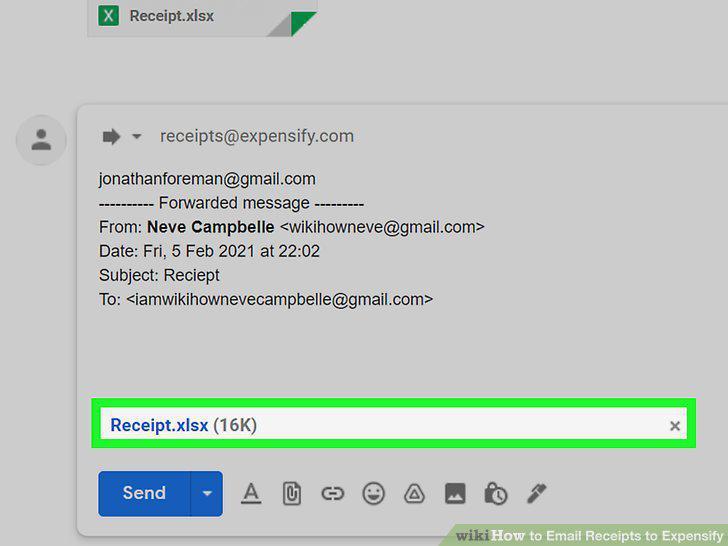
Attach the receipt to your email (if you need to).
6
Click the Send button.
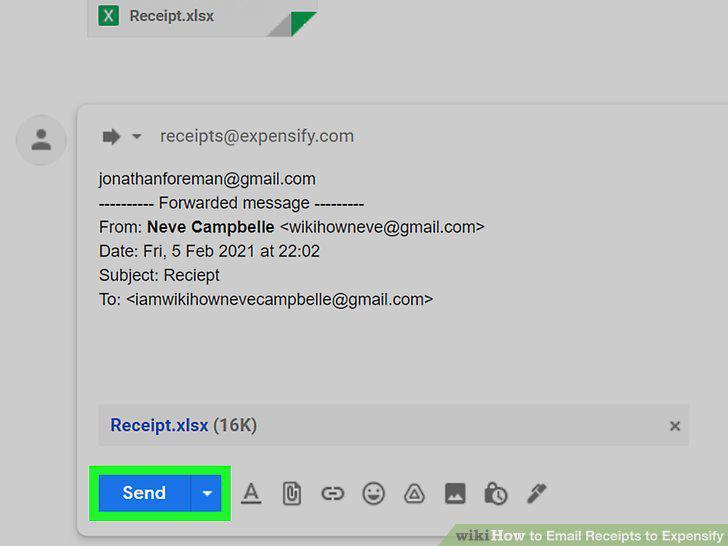
Click the Send button.
Comments (0)
No comments yet. Be the first to share your thoughts!