How to Connect Alexa to a Fitbit
Open the Fitbit app on your mobile phone or tablet.. Tap your account picture.. Tap your Fitbit.
Steps
1
Open the Fitbit app on your mobile phone or tablet.
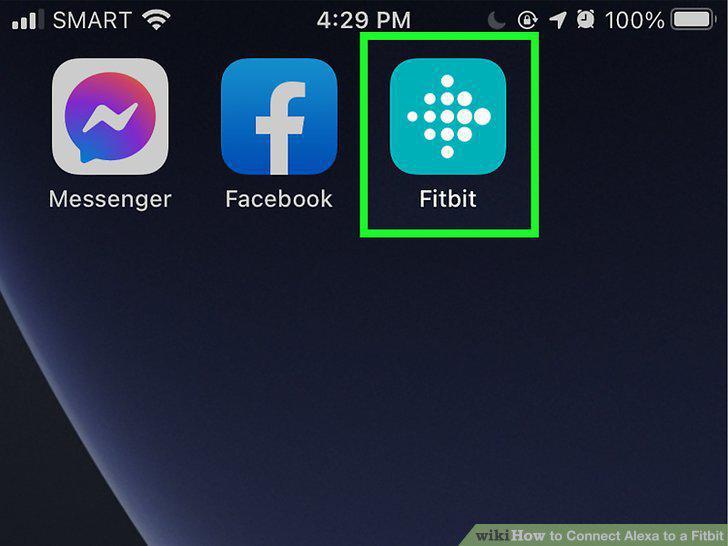
Open the Fitbit app on your mobile phone or tablet.
2
Tap your account picture.
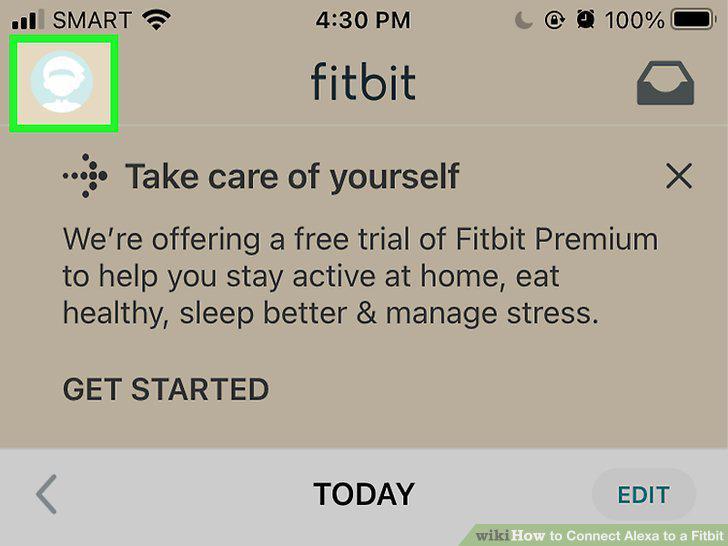
Tap your account picture.
3
Tap your Fitbit.
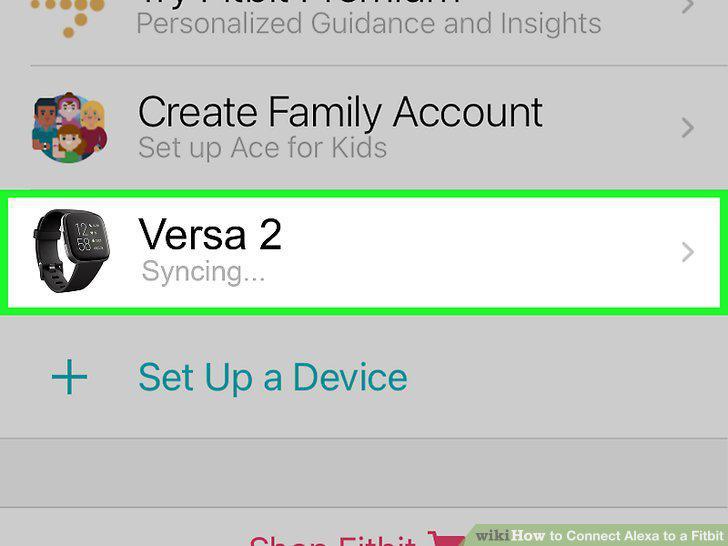
Tap your Fitbit.
4
Tap the Amazon Alexa tile.
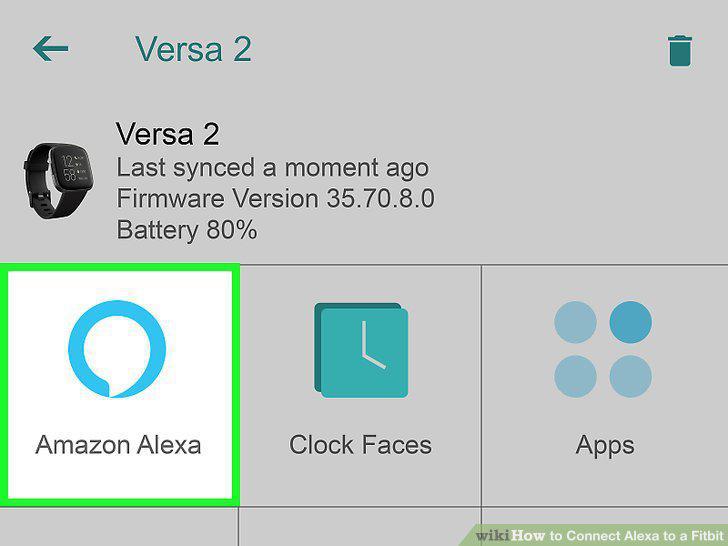
Tap the Amazon Alexa tile.
5
Tap Login with Amazon.
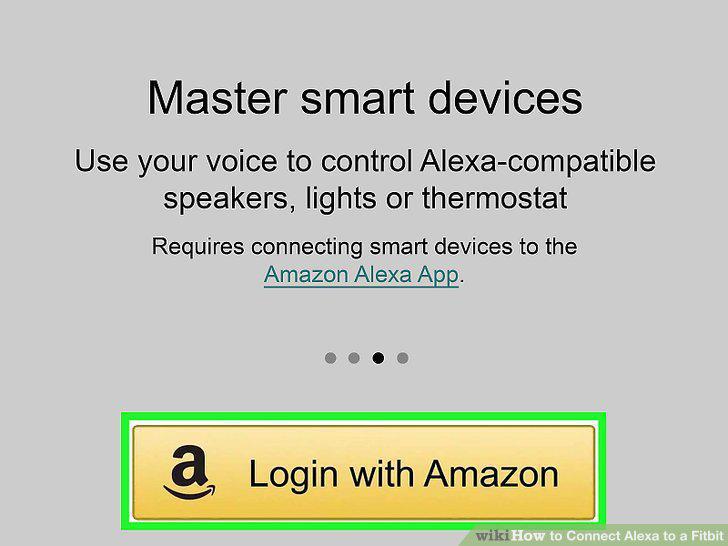
Tap Login with Amazon.
6
Enter your Amazon account's email (or phone number) and password.
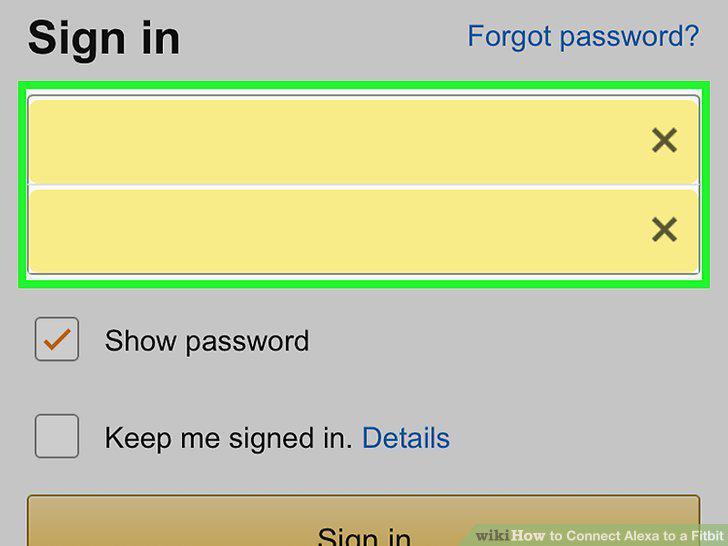
Enter your Amazon account's email (or phone number) and password.
7
Tap Allow.
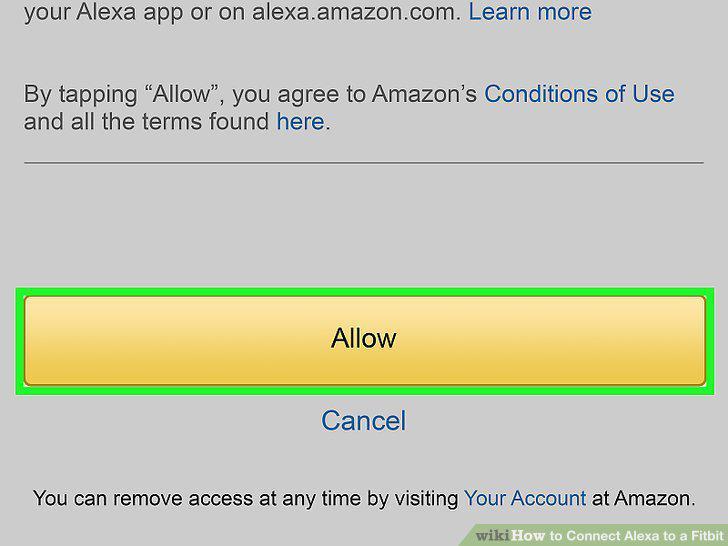
Tap Allow.
8
Tap Use location.
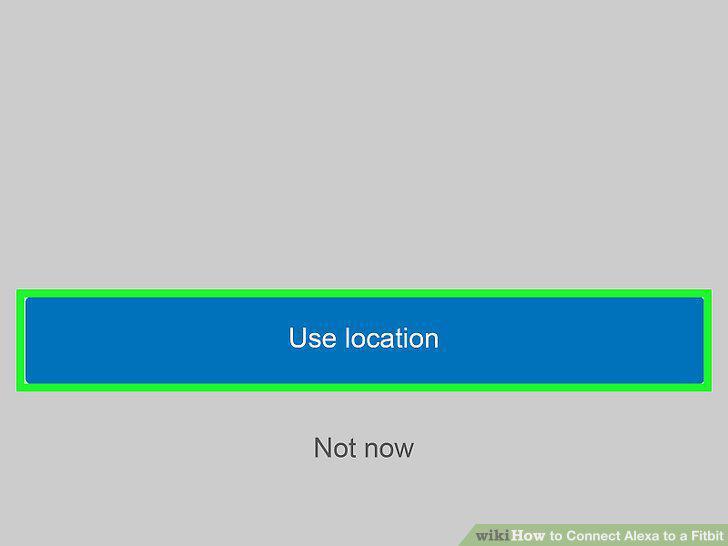
Tap Use location.
9
Tap Allow All and Allow.
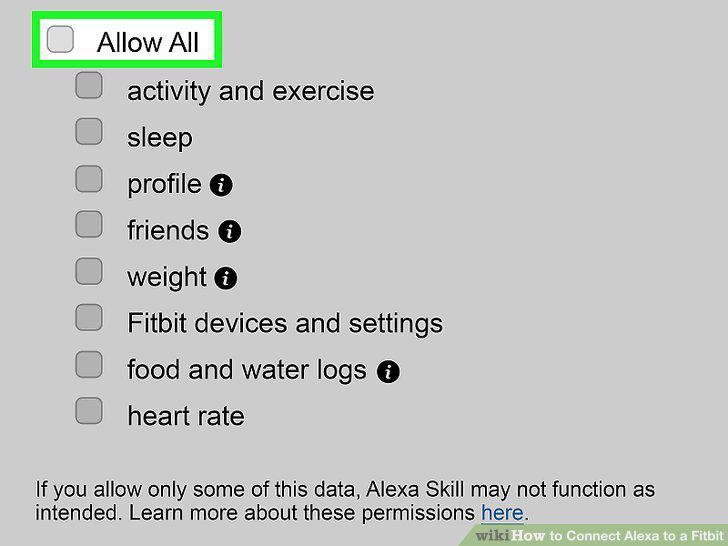
Tap Allow All and Allow.
Comments (0)
No comments yet. Be the first to share your thoughts!