How to Take Vintage Style Photos
Use a camera that takes vintage-style photos, if possible.. Choose a vintage-style lens to attach to your modern camera.. Diffuse the light to give your photographs a hazy look.
Steps
Use a camera that takes vintage-style photos, if possible.
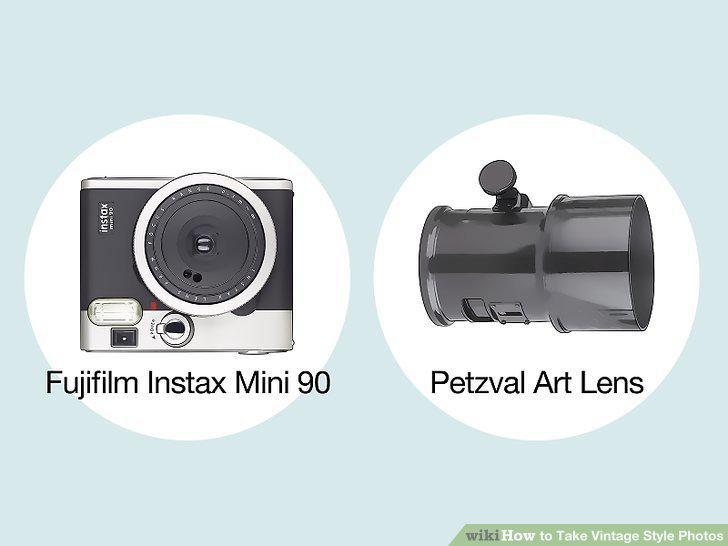
Use a camera that takes vintage-style photos, if possible.
Choose a vintage-style lens to attach to your modern camera.
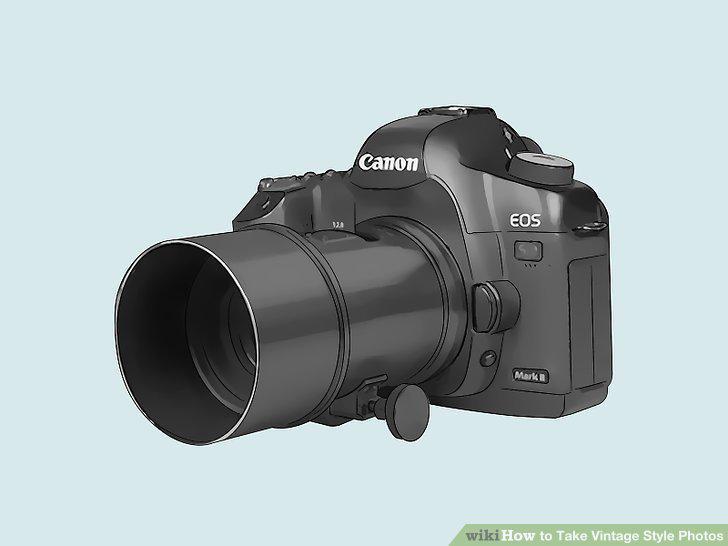
Choose a vintage-style lens to attach to your modern camera.
Diffuse the light to give your photographs a hazy look.
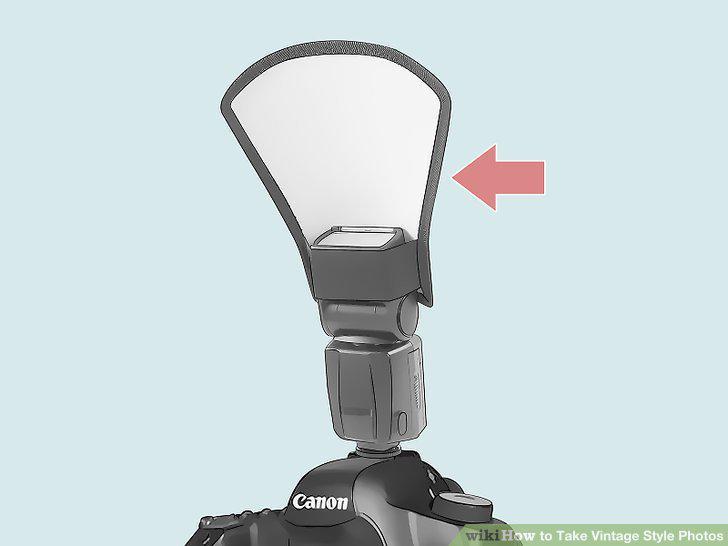
Diffuse the light to give your photographs a hazy look.
Opt for a softer focus to give your photos an aged quality.
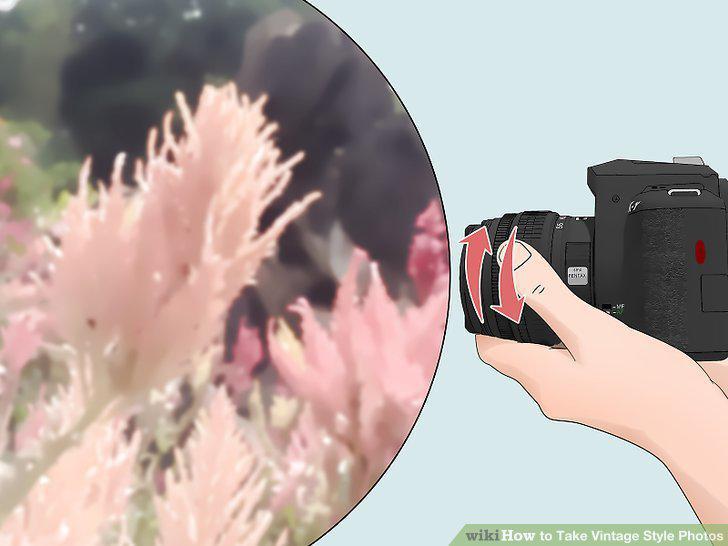
Opt for a softer focus to give your photos an aged quality.
Set the aperture to its widest setting to achieve blurry backgrounds.
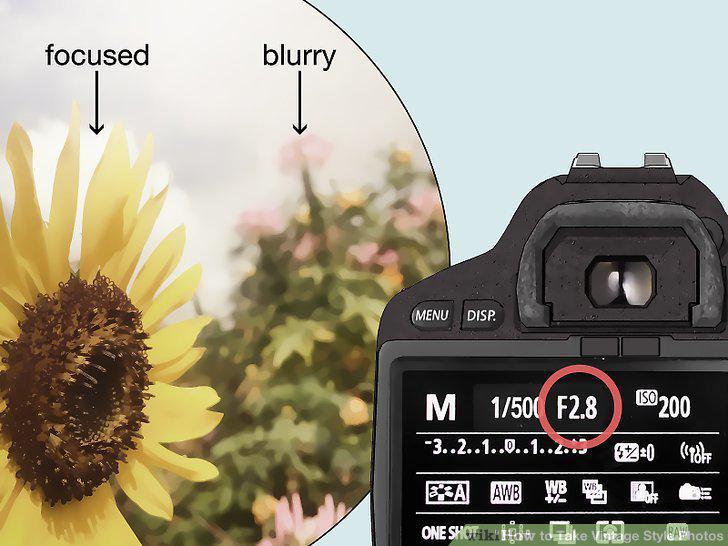
Set the aperture to its widest setting to achieve blurry backgrounds.
Download apps to make pictures taken on your phone look vintage.
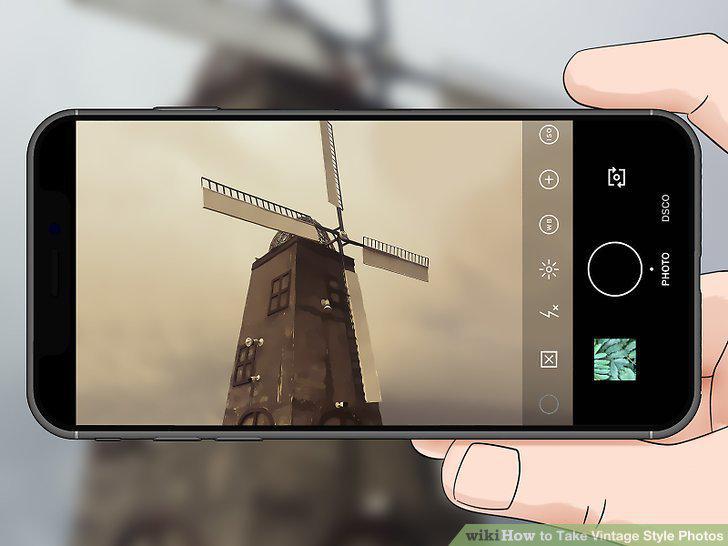
Download apps to make pictures taken on your phone look vintage.
Create a vintage composition by focusing on vertical and horizontal axes.
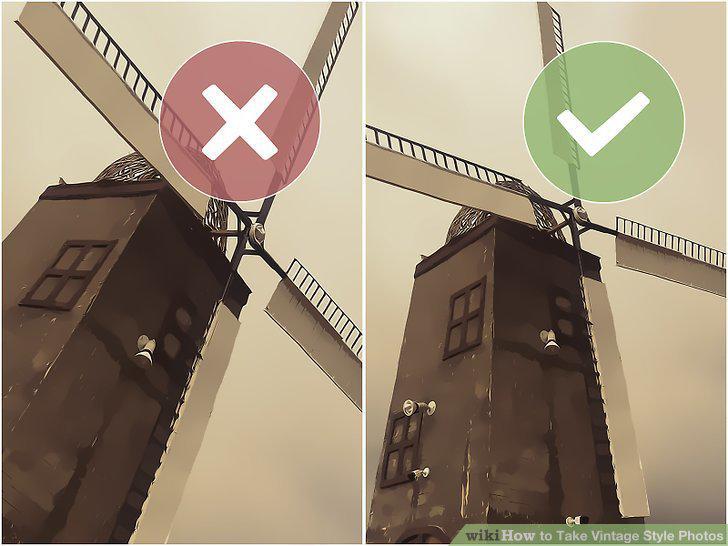
Create a vintage composition by focusing on vertical and horizontal axes.
Choose subjects that have a vintage quality to them.
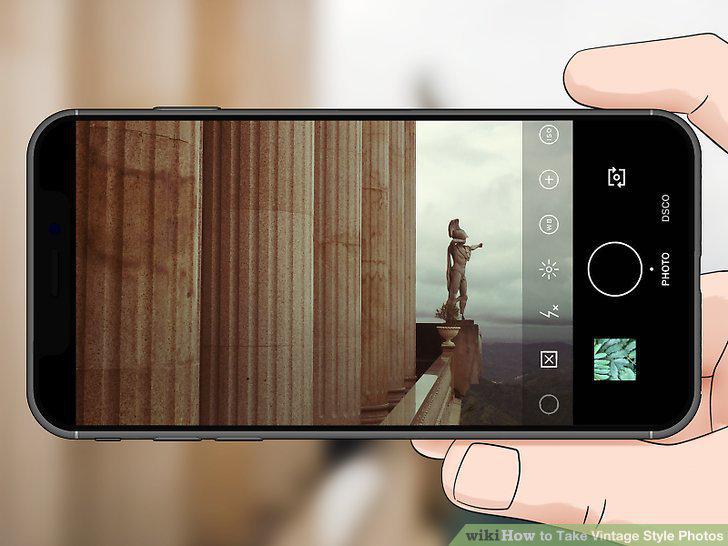
Choose subjects that have a vintage quality to them.
Pick out backgrounds that look like they could be from the past.
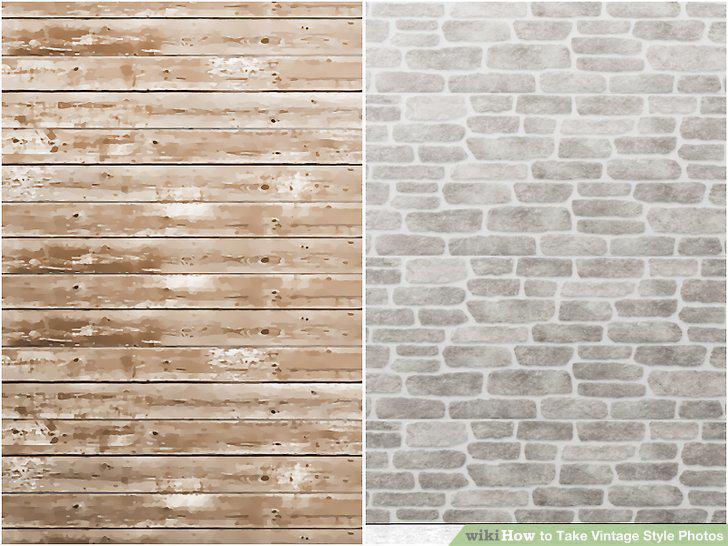
Pick out backgrounds that look like they could be from the past.
Look for vintage-style props to complete your photo.
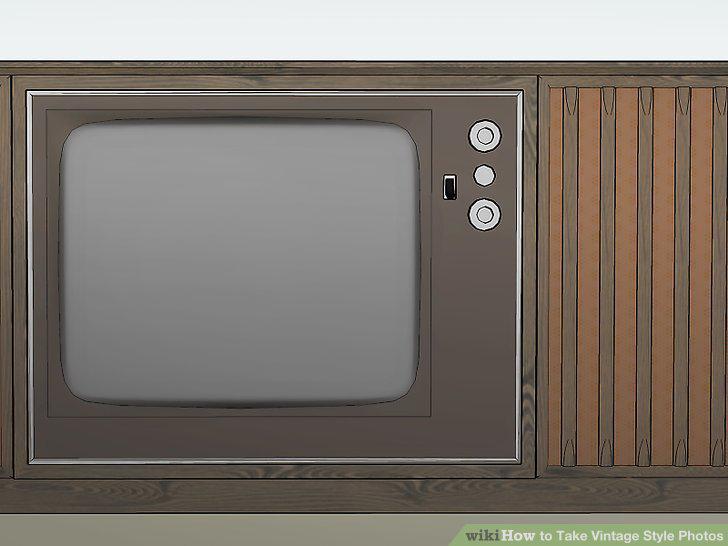
Look for vintage-style props to complete your photo.
Reduce the saturation to weaken the colors in the photo.
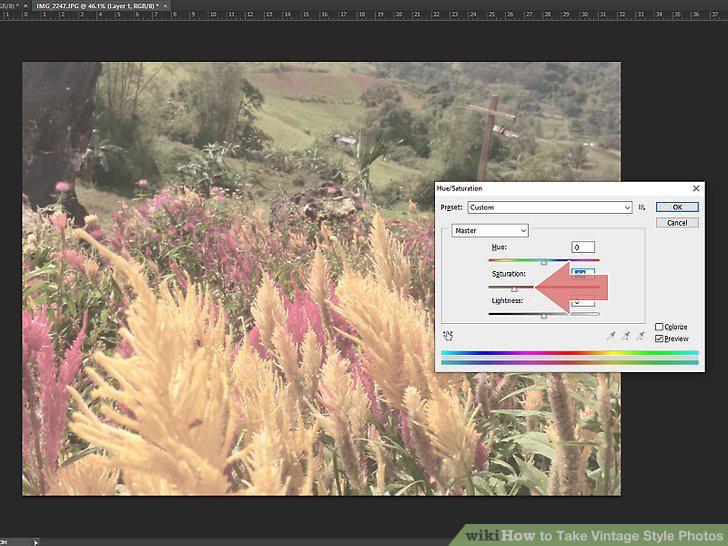
Reduce the saturation to weaken the colors in the photo.
Add a blur quality to your photos to soften the look.
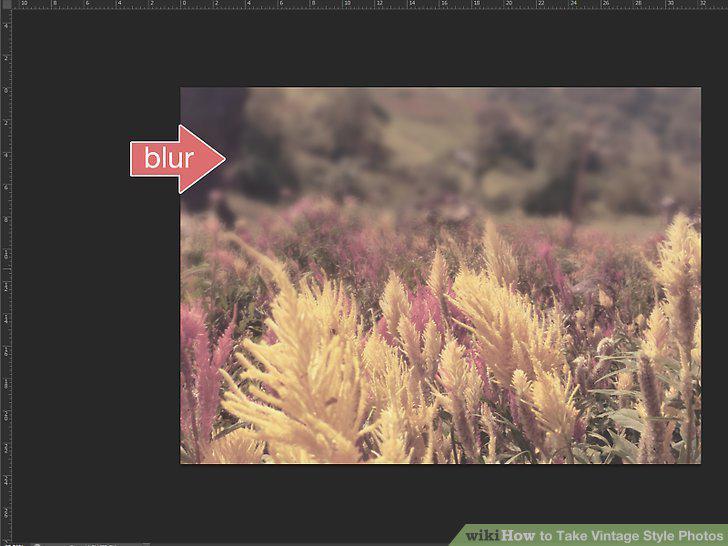
Add a blur quality to your photos to soften the look.
Select the fade option to create a haziness in your pictures.
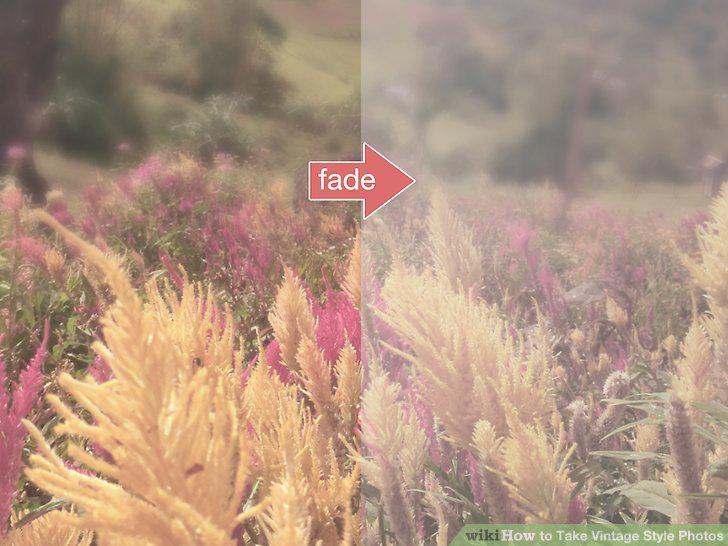
Select the fade option to create a haziness in your pictures.
Opt for a monochromatic look by making the photo black and white.
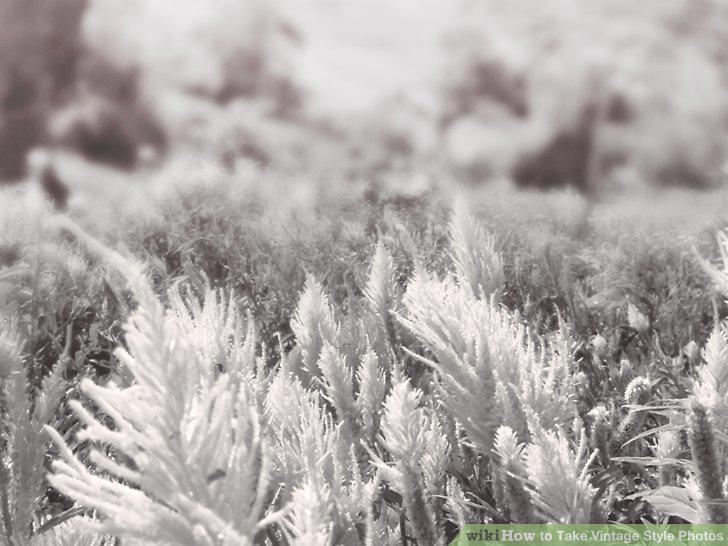
Opt for a monochromatic look by making the photo black and white.
Select from retro presets to make editing your photos easy.
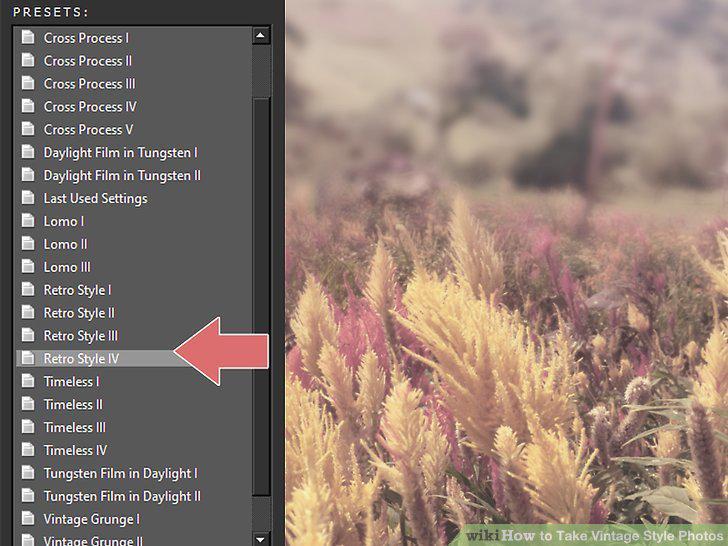
Select from retro presets to make editing your photos easy.
Comments (0)
No comments yet. Be the first to share your thoughts!