How to Download World of Warcraft
Open the World of Warcraft site.. Click TRY FREE.. Fill out the account creation form.
Steps
1
Open the World of Warcraft site.

Open the World of Warcraft site.
2
Click TRY FREE.
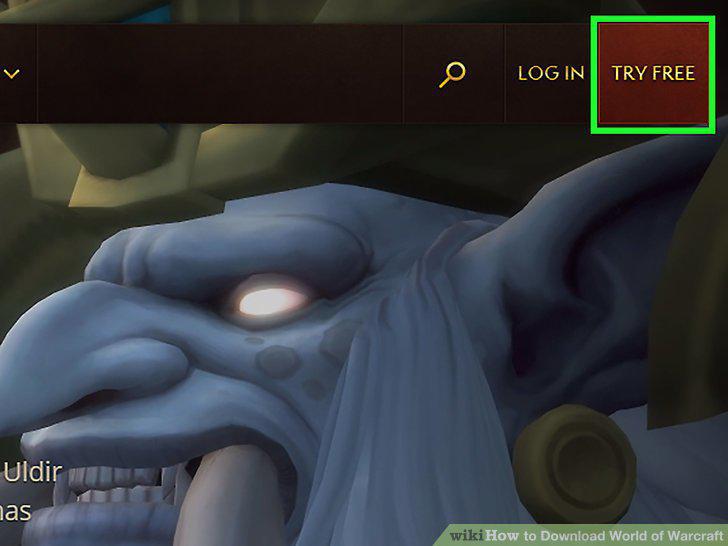
Click TRY FREE.
3
Fill out the account creation form.
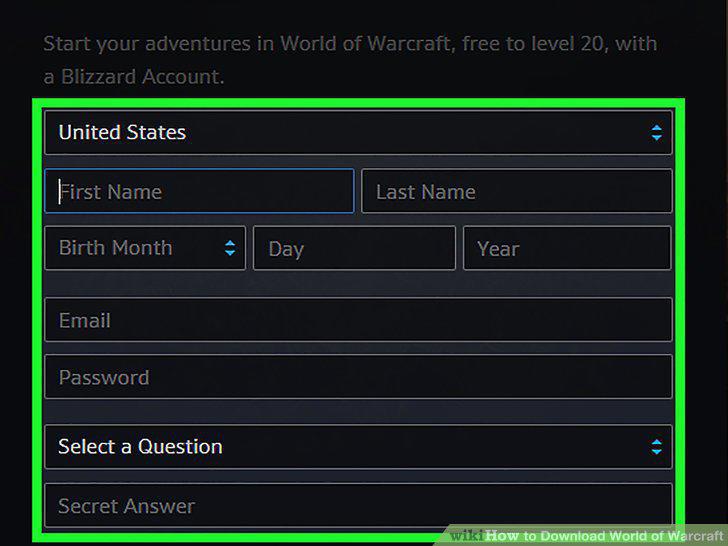
Fill out the account creation form.
4
Scroll down and click Create a free account.
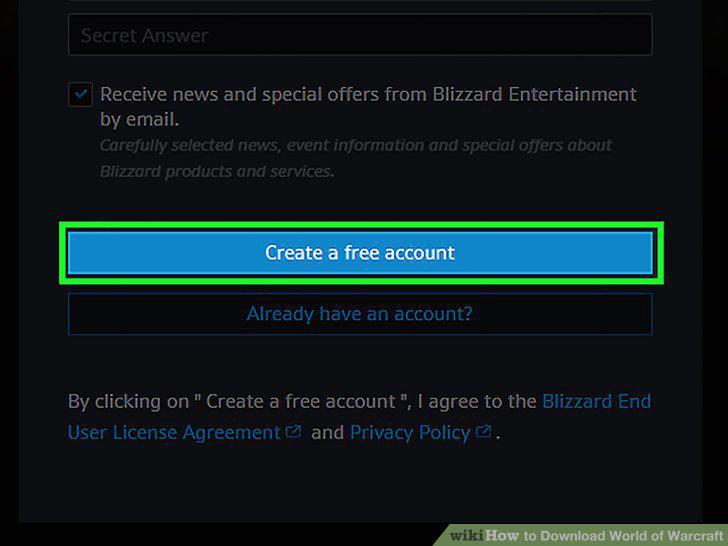
Scroll down and click Create a free account.
5
Select a game installer.
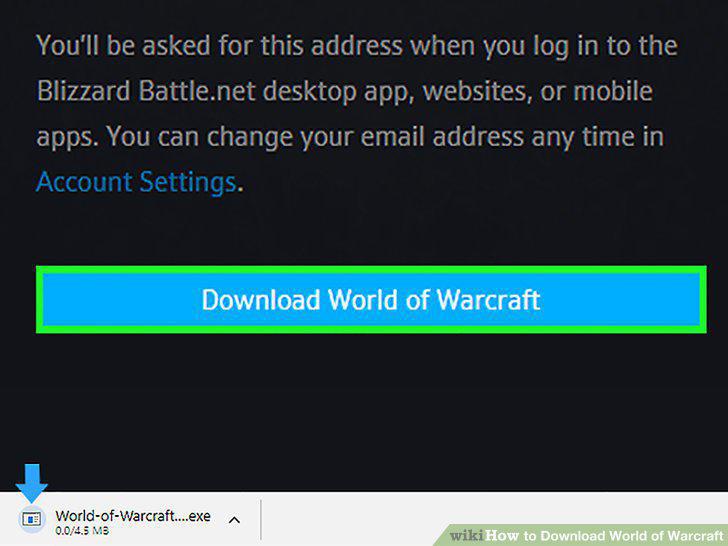
Select a game installer.
6
Install World of Warcraft.
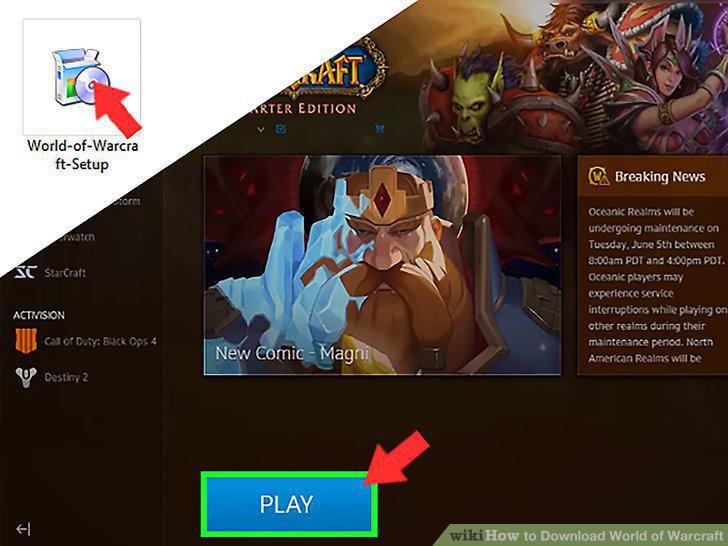
Install World of Warcraft.
7
Open your Blizzard account page.

Open your Blizzard account page.
8
Click your name.
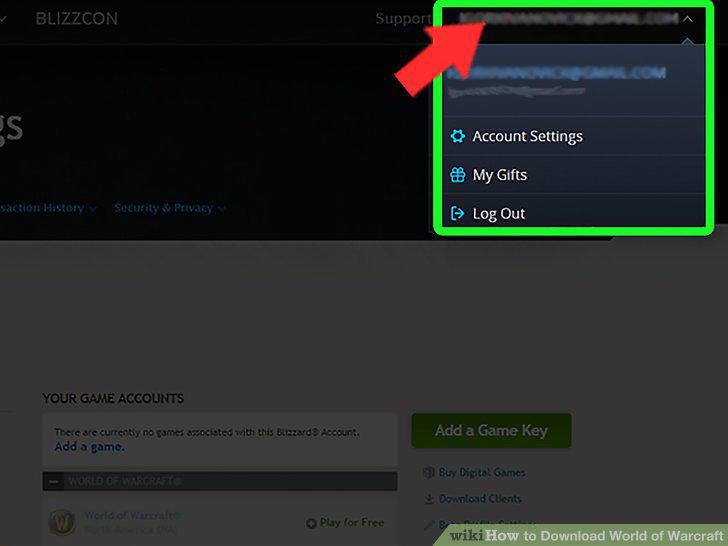
Click your name.
9
Click Account Settings.
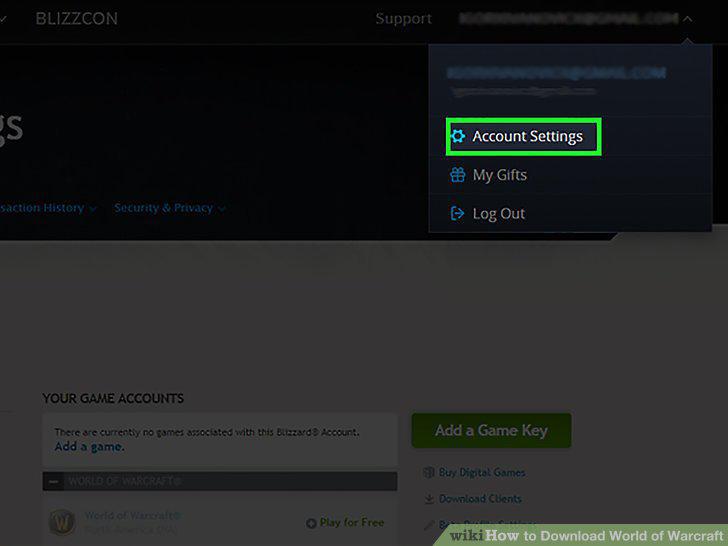
Click Account Settings.
10
Click Download Clients.
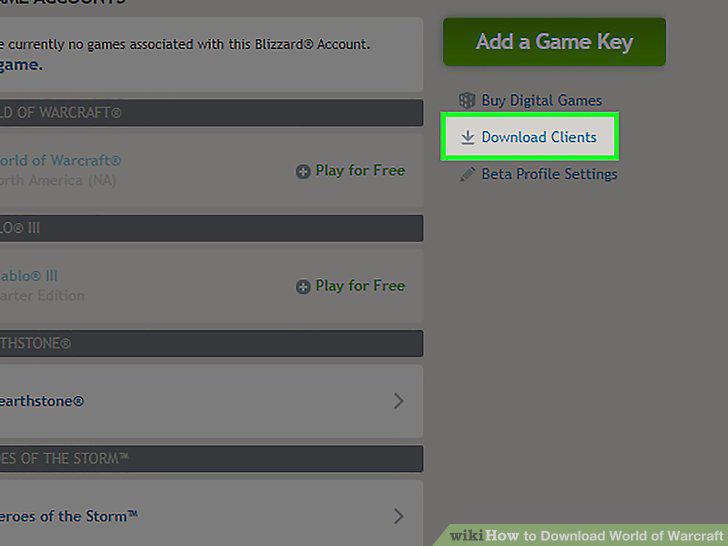
Click Download Clients.
11
Find the "World of Warcraft" heading.
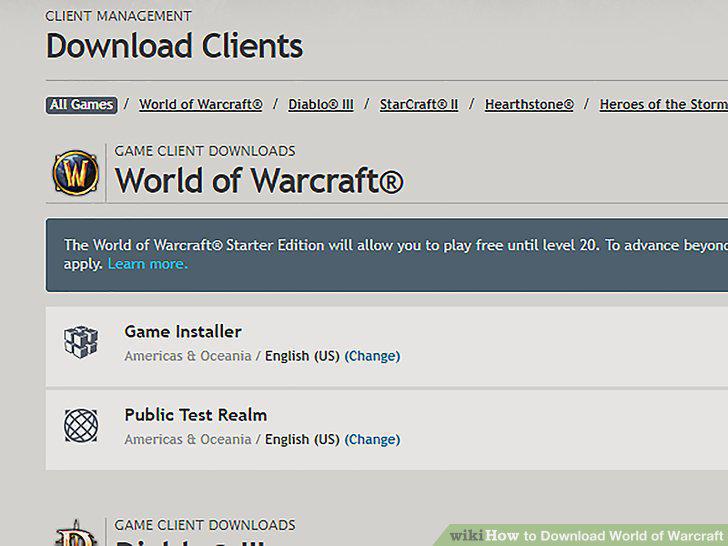
Find the "World of Warcraft" heading.
12
Select a game installer.
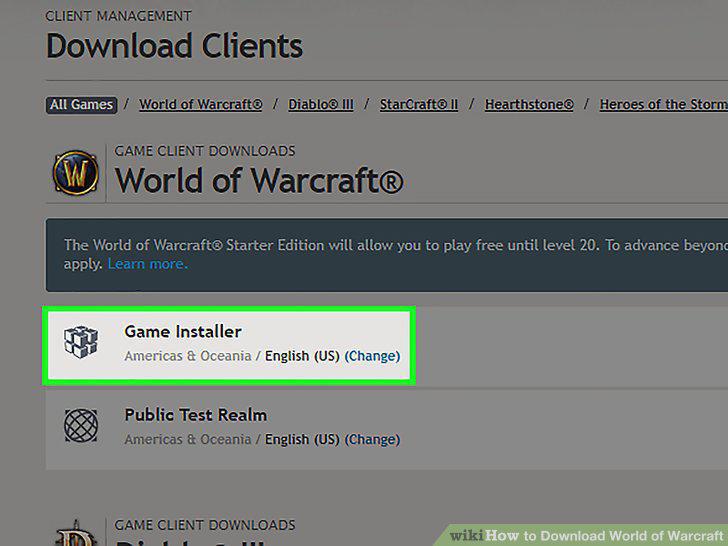
Select a game installer.
13
Install World of Warcraft.
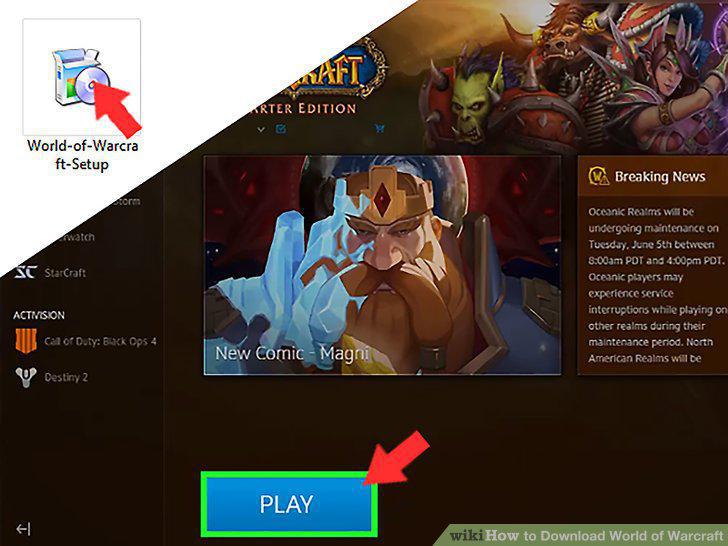
Install World of Warcraft.
Comments (0)
No comments yet. Be the first to share your thoughts!