How to Use Coinbase
Go to https://www.coinbase.com and click Get Started.. Enter your account details and click Create Account.. Confirm your email address.
Steps
Go to https://www.coinbase.com and click Get Started.

Go to https://www.coinbase.com and click Get Started.
Enter your account details and click Create Account.
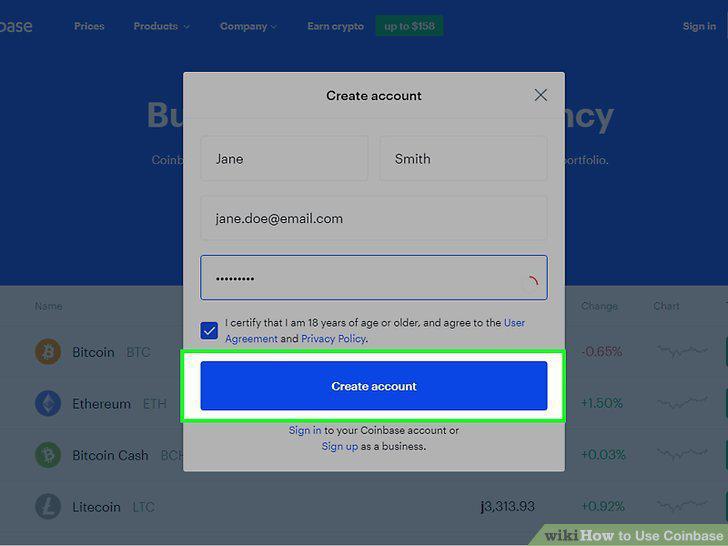
Enter your account details and click Create Account.
Confirm your email address.
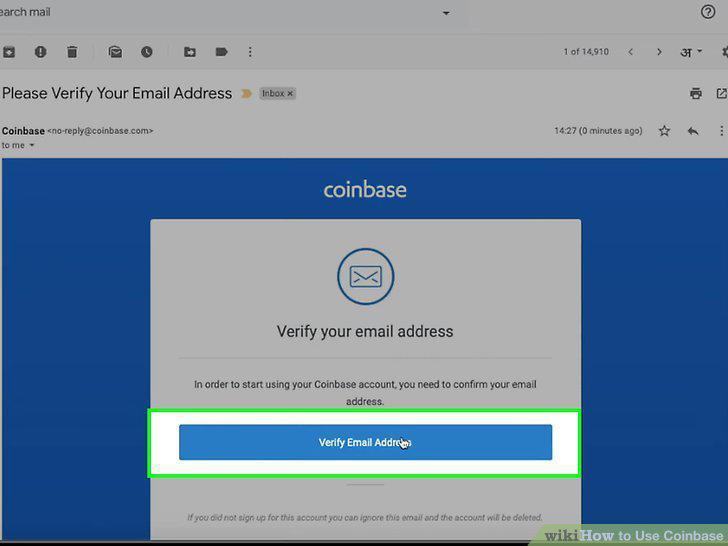
Confirm your email address.
Enter your phone number and click Next.
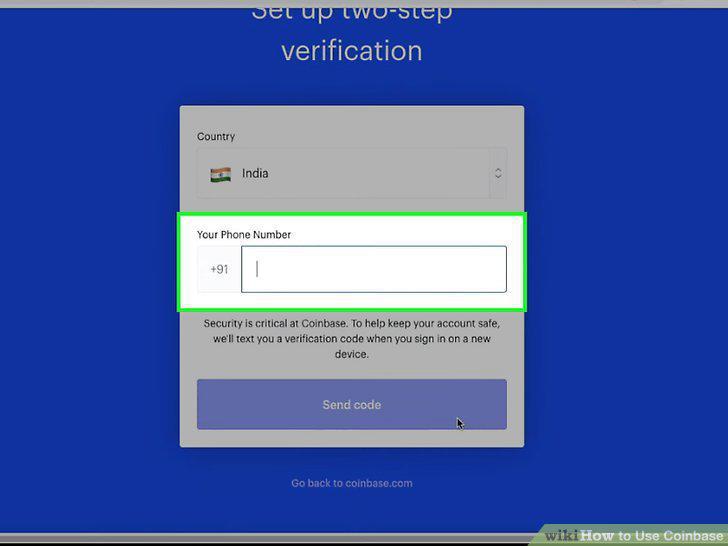
Enter your phone number and click Next.
Verify your phone number.
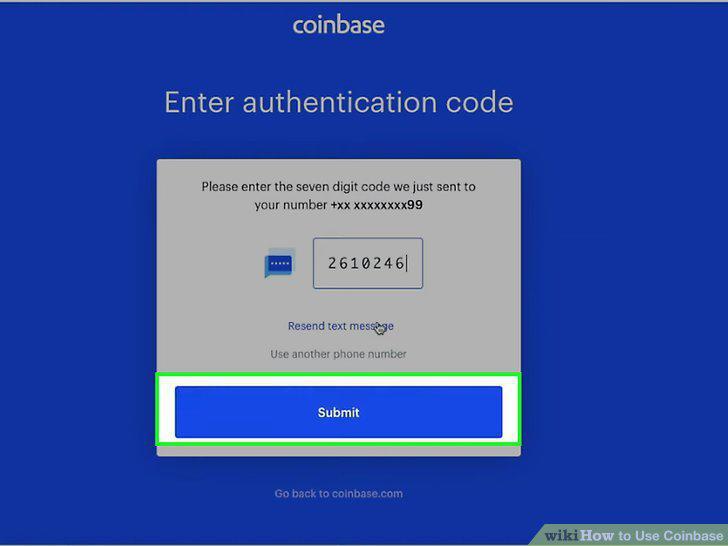
Verify your phone number.
Provide your address.
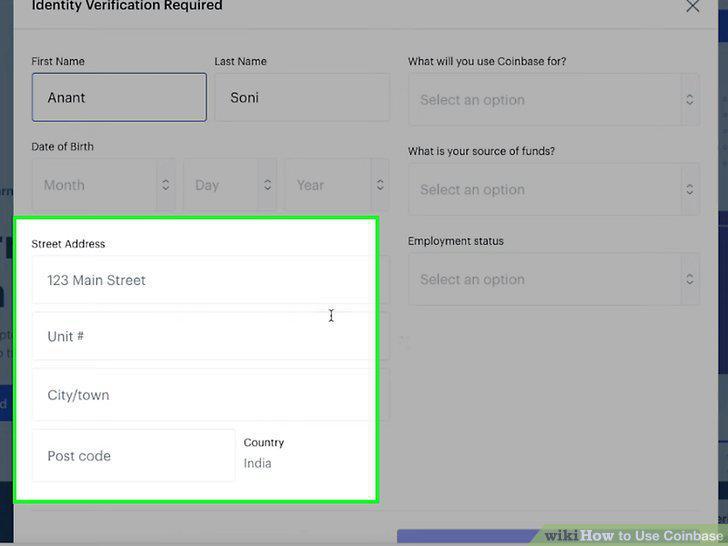
Provide your address.
Verify your identity at a higher level (optional).

Verify your identity at a higher level (optional).
Sign in to Coinbase.
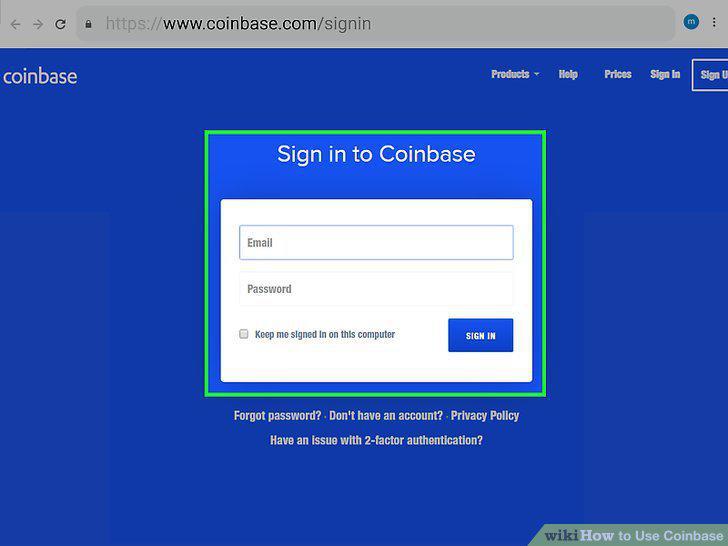
Sign in to Coinbase.
Open your Settings.
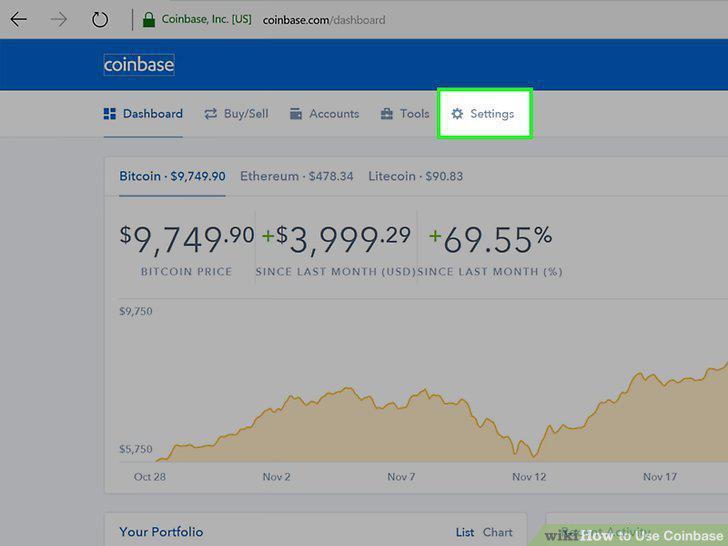
Open your Settings.
Select Linked Accounts.
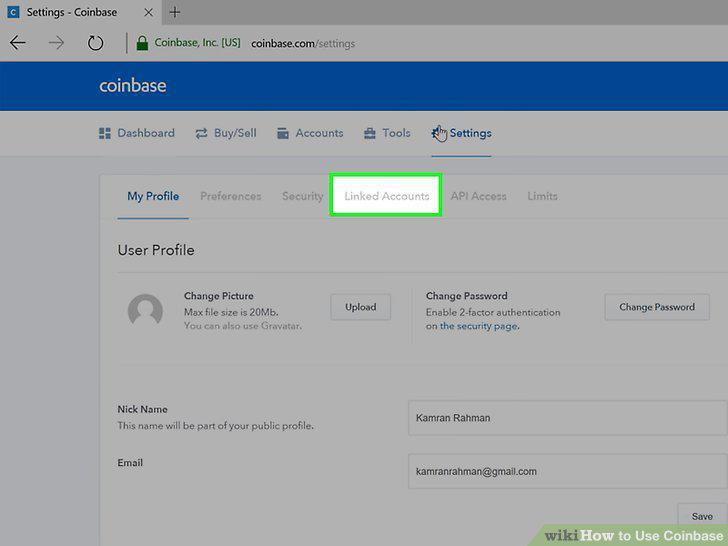
Select Linked Accounts.
Select Link a New Account or Add a Payment Method.
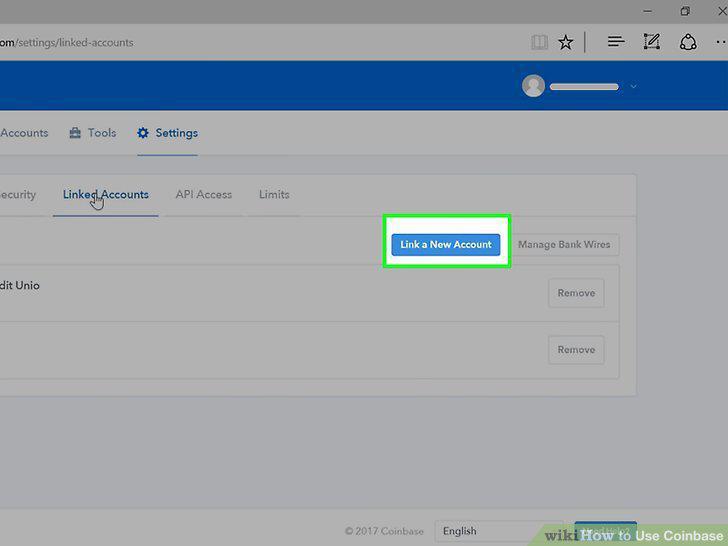
Select Link a New Account or Add a Payment Method.
Select an account type and follow the on-screen instructions.
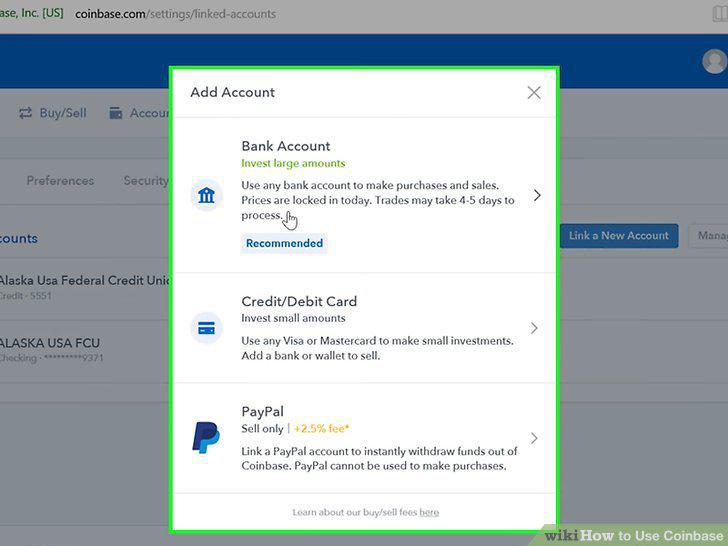
Select an account type and follow the on-screen instructions.
Sign into https://www.coinbase.com or launch the mobile app.
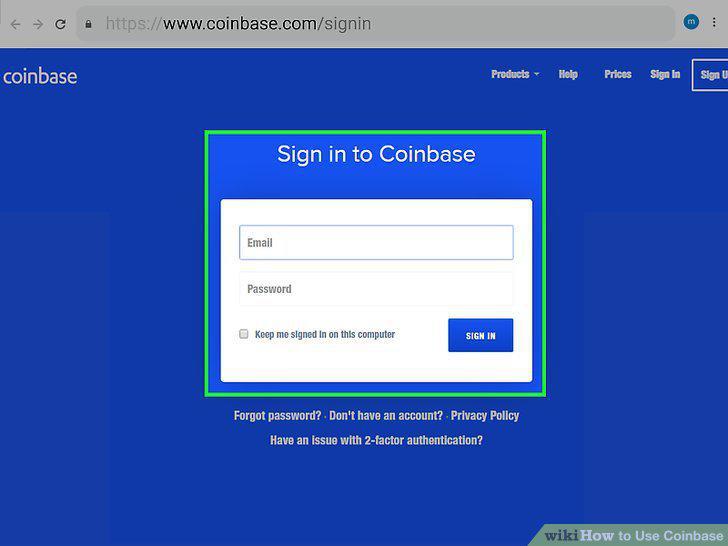
Sign into https://www.coinbase.com or launch the mobile app.
Click the Prices menu.
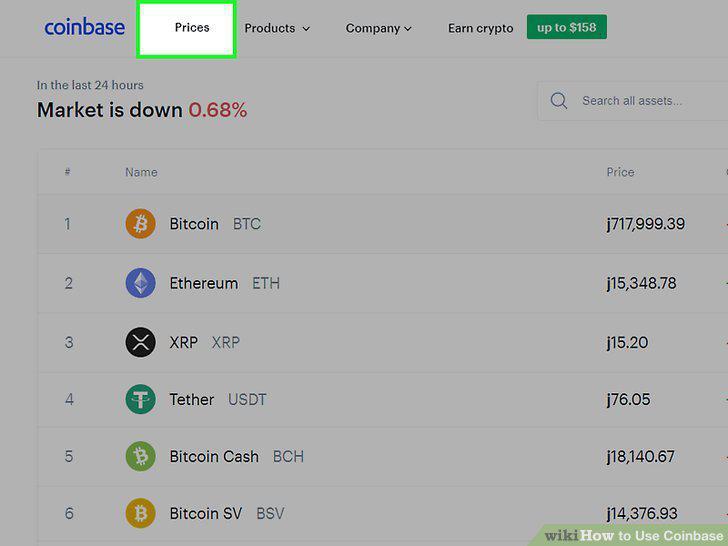
Click the Prices menu.
Click the name of the currency.
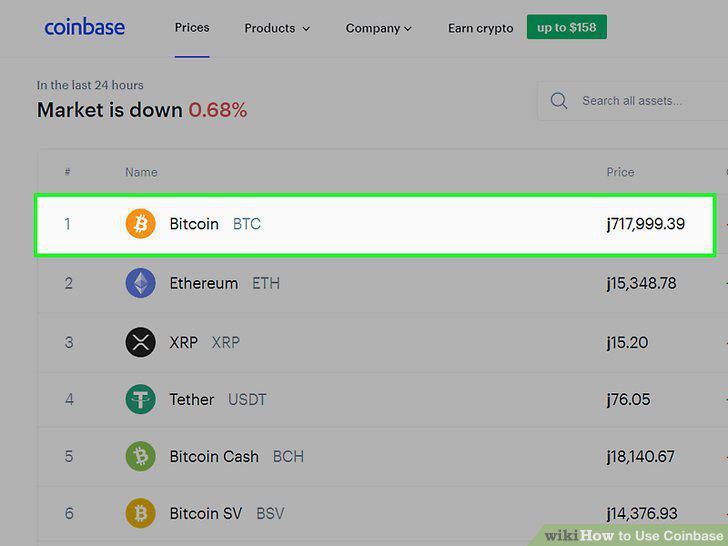
Click the name of the currency.
Enter the amount you want to purchase.
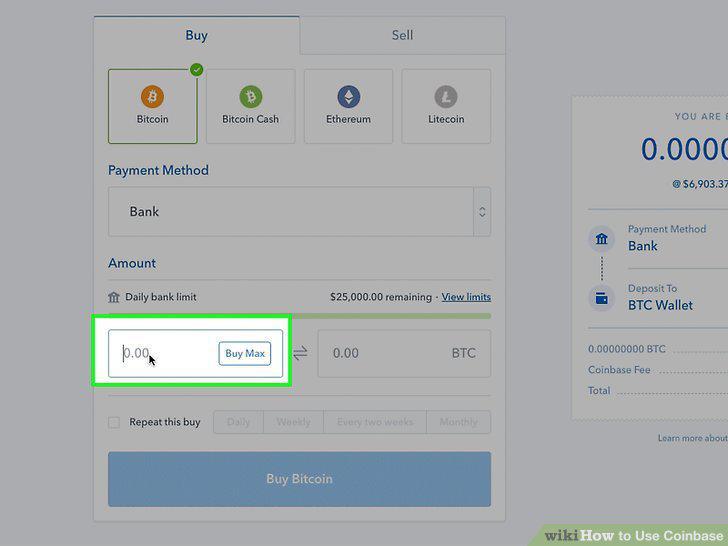
Enter the amount you want to purchase.
Select a payment method.
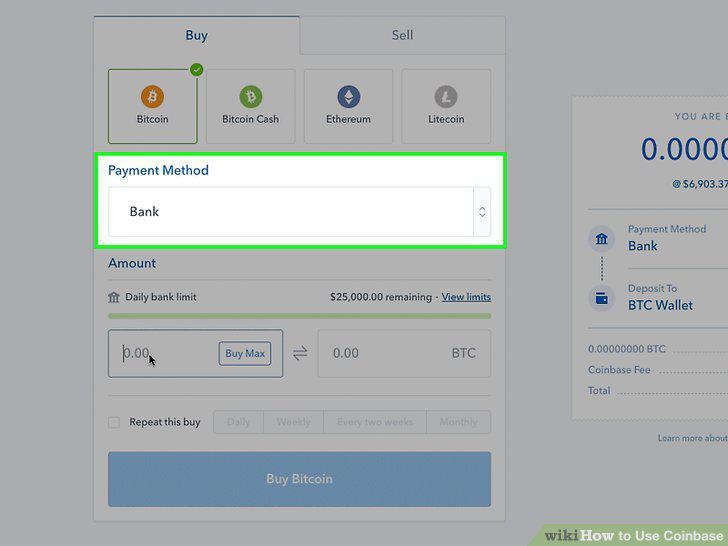
Select a payment method.
Click the blue Preview button.
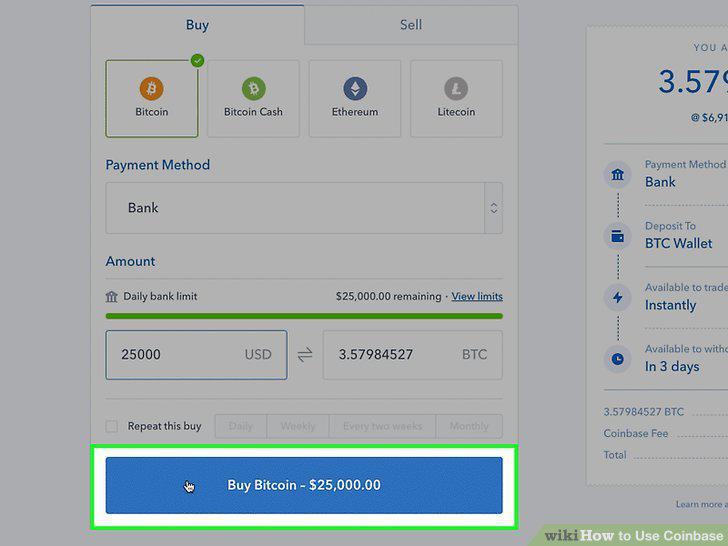
Click the blue Preview button.
Click Buy Now.
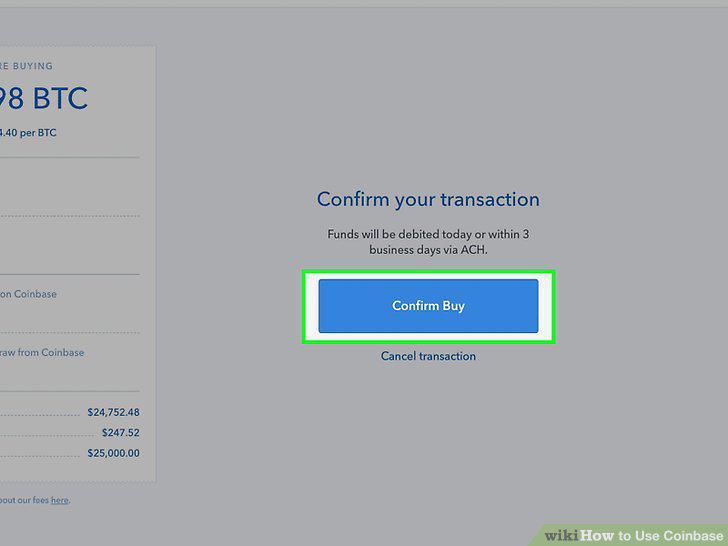
Click Buy Now.
Sign into https://www.coinbase.com or launch the mobile app.
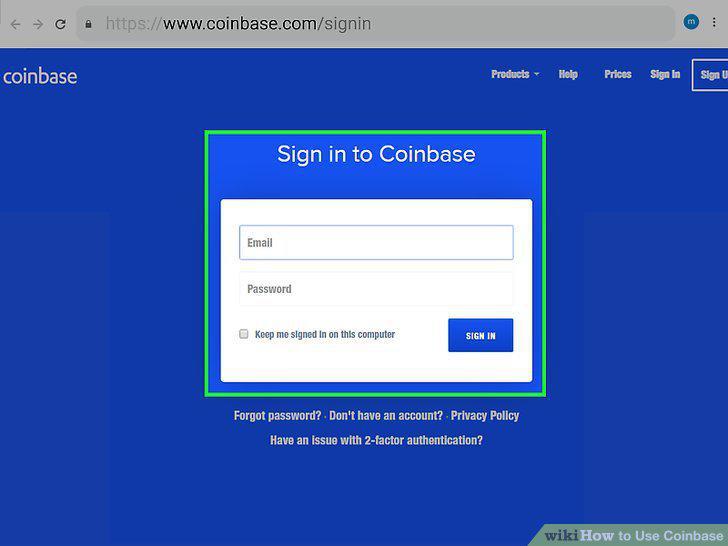
Sign into https://www.coinbase.com or launch the mobile app.
Open your portfolio.

Open your portfolio.
Select Trade.
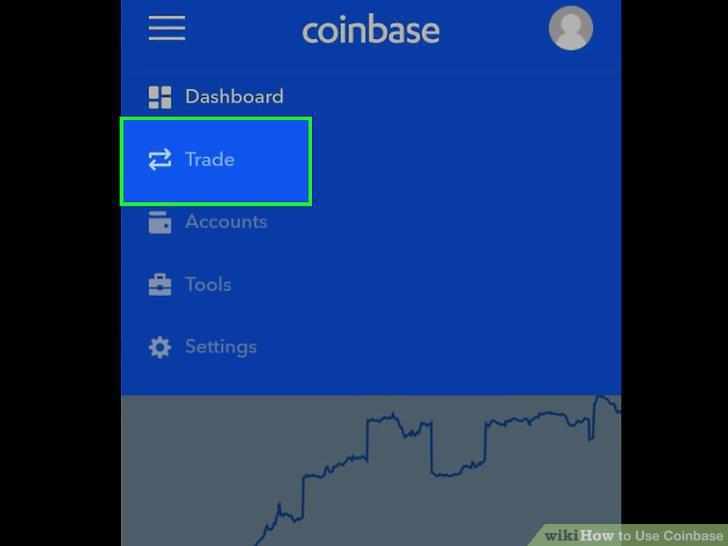
Select Trade.
Choose Sell or Convert.
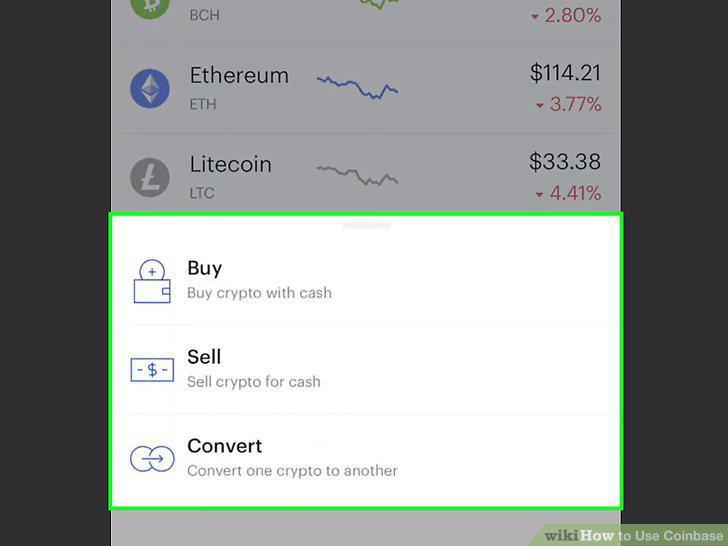
Choose Sell or Convert.
Enter the amount you want to sell or convert.
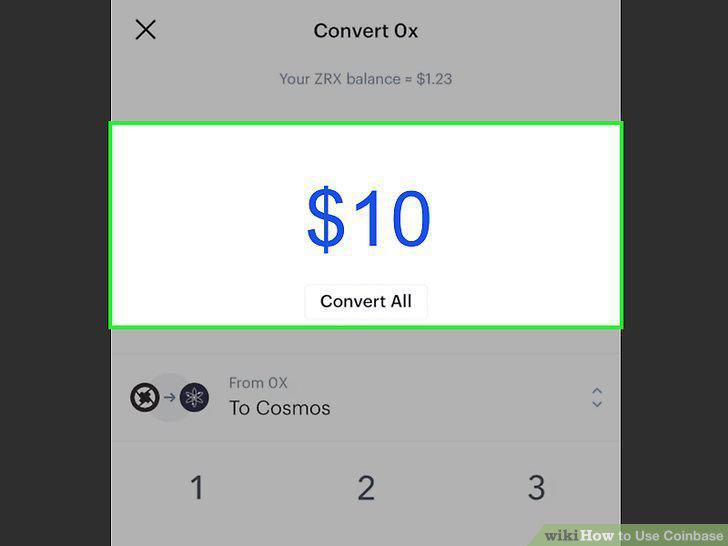
Enter the amount you want to sell or convert.
Select a coin to convert to (conversions only).
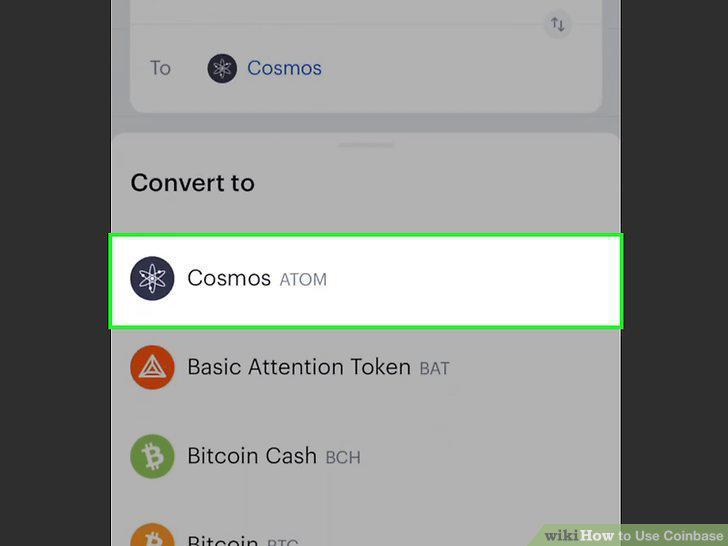
Select a coin to convert to (conversions only).
Select Preview.
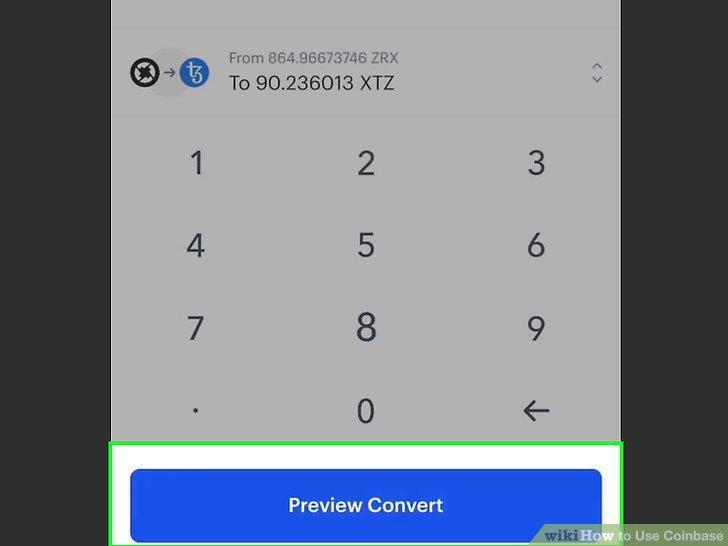
Select Preview.
Select Sell or Convert.
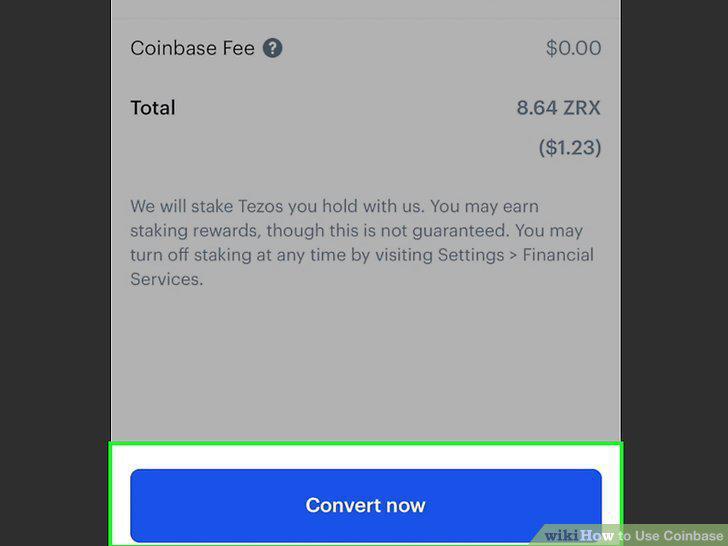
Select Sell or Convert.
Comments (0)
No comments yet. Be the first to share your thoughts!