How to Change Your Display Name on RuneScape
Select your new name.. Go to the RuneScape website.. Click the Change Character Name tab.
Steps
1
Select your new name.
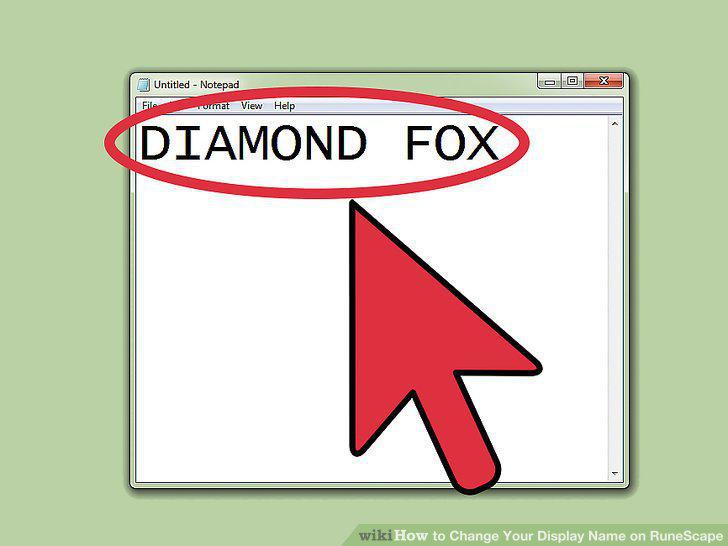
Select your new name.
2
Go to the RuneScape website.
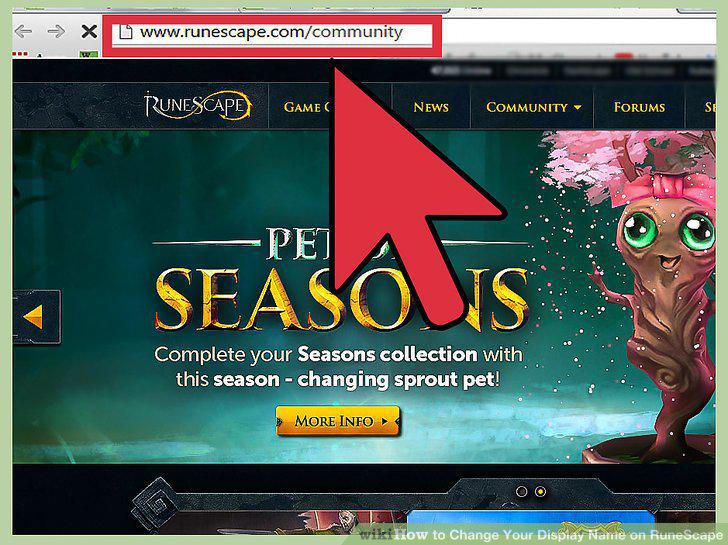
Go to the RuneScape website.
3
Click the Change Character Name tab.
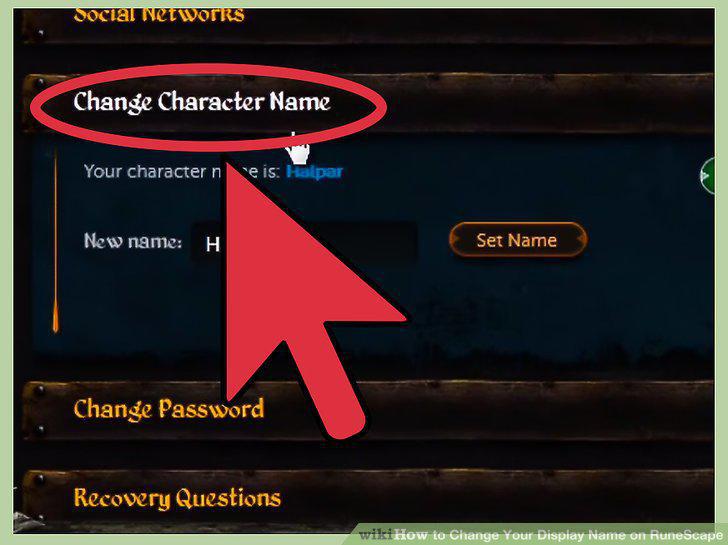
Click the Change Character Name tab.
4
Type your desired name into the box.
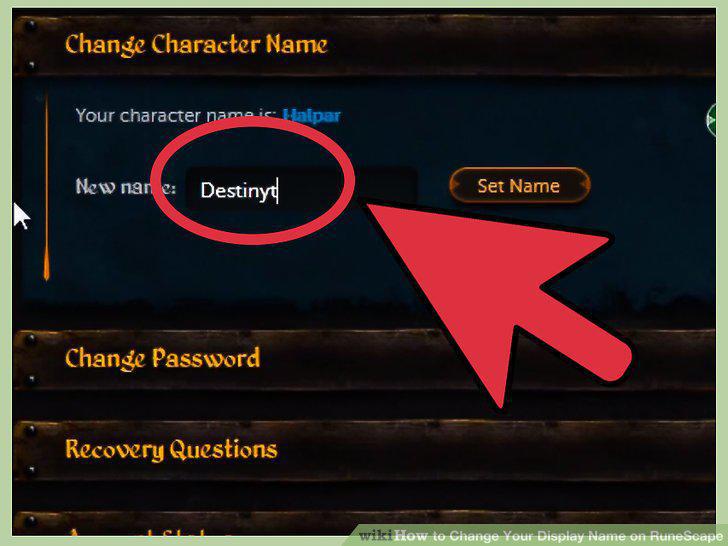
Type your desired name into the box.
5
Try a different name if yours wasn't available.
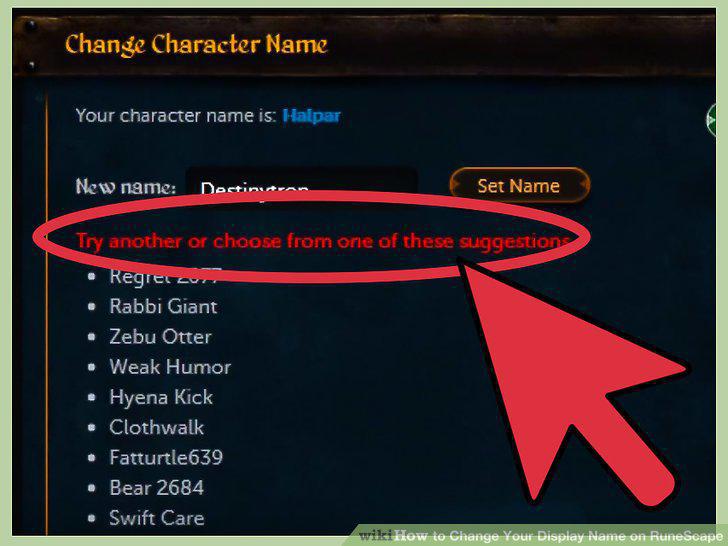
Try a different name if yours wasn't available.
6
Login to the game.
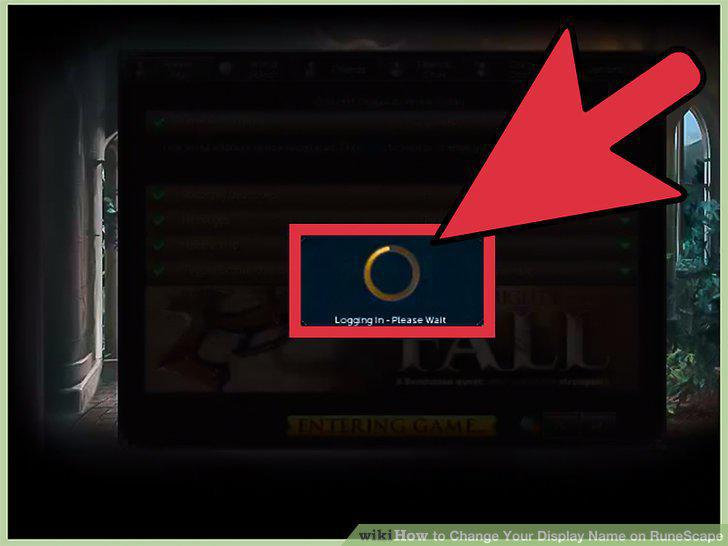
Login to the game.
7
Select the Options Menu.
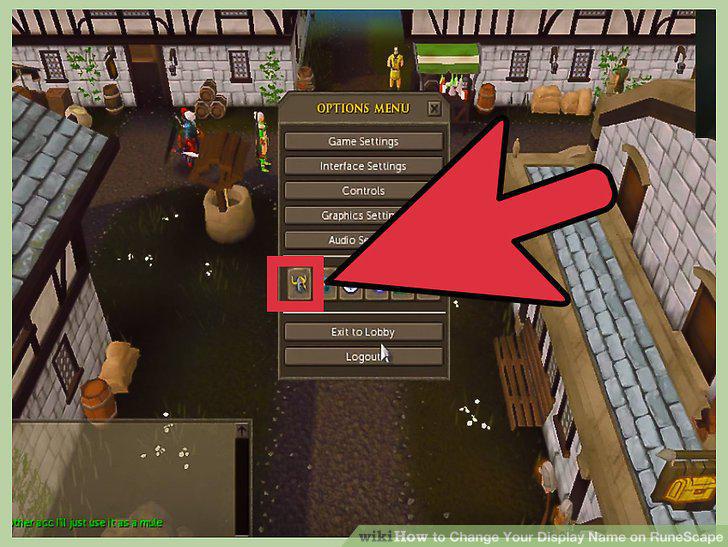
Select the Options Menu.
8
Change your name.
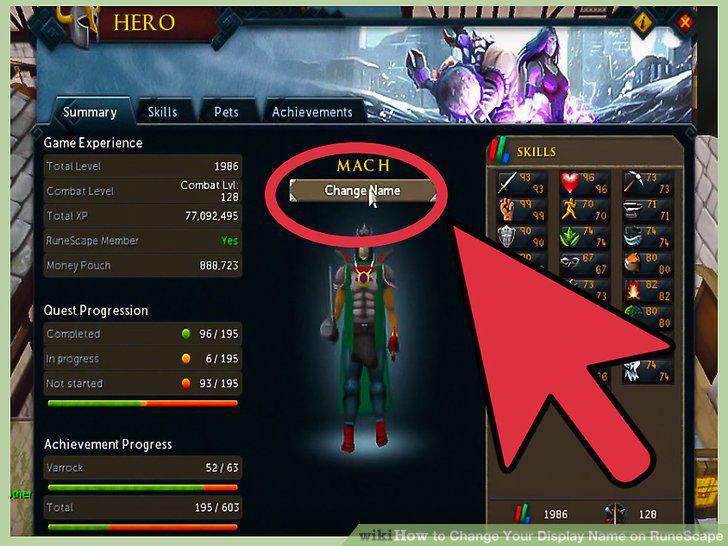
Change your name.
9
Select Check Availability.
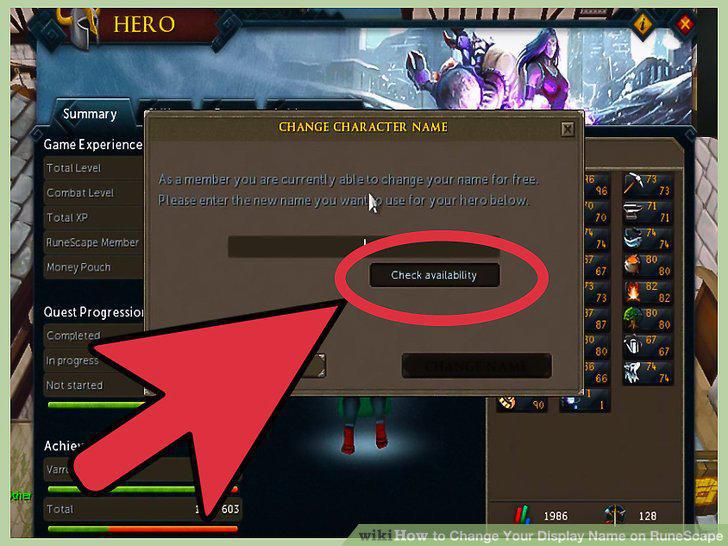
Select Check Availability.
Comments (0)
No comments yet. Be the first to share your thoughts!