How to Register a Business on Google
Go to https://business.google.com/ in a web browser.. Click Start Now.. Type the name of your business and click Next.
Steps
1
Go to https://business.google.com/ in a web browser.

Go to https://business.google.com/ in a web browser.
2
Click Start Now.
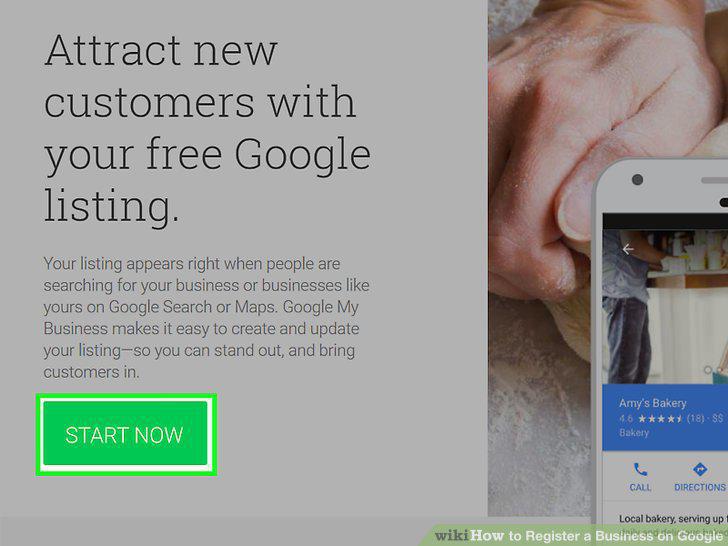
Click Start Now.
3
Type the name of your business and click Next.
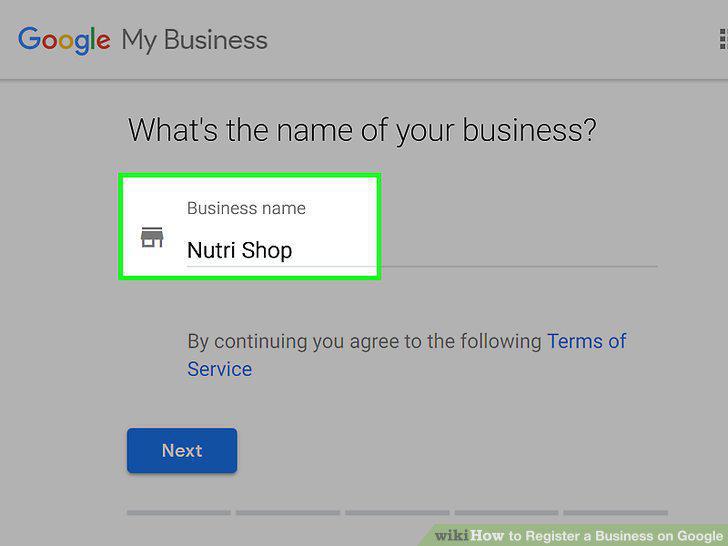
Type the name of your business and click Next.
4
Fill out your location information.
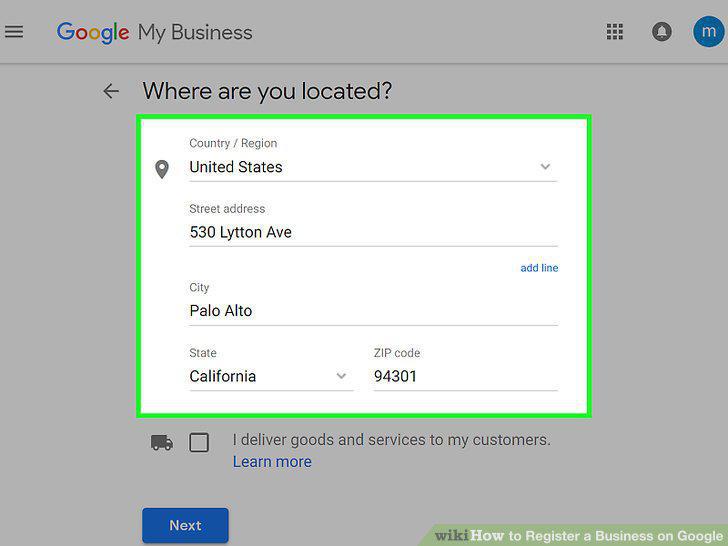
Fill out your location information.
5
Type a business category.

Type a business category.
6
Type your phone number and website.
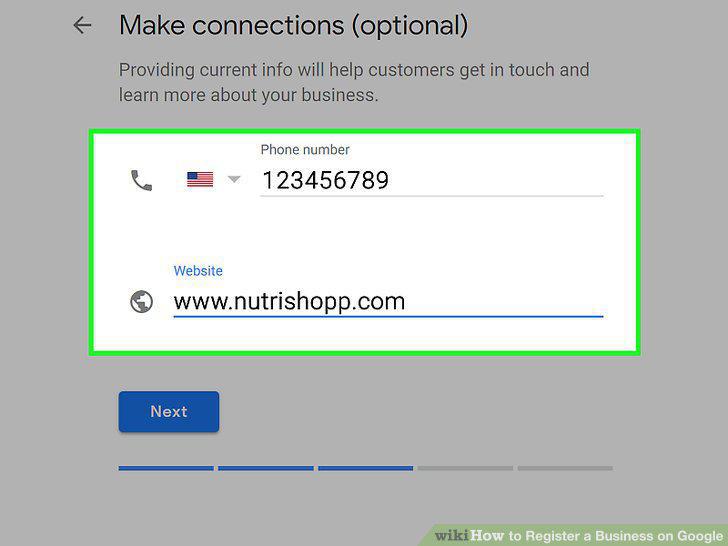
Type your phone number and website.
7
Select whether you want to stay in the know.
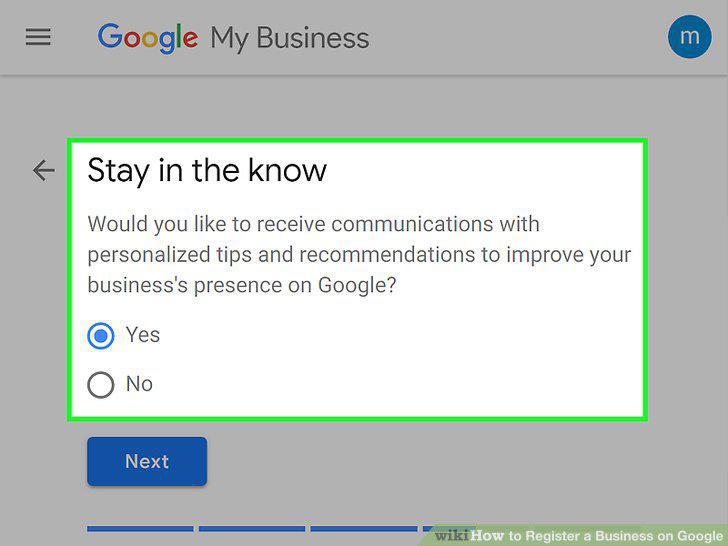
Select whether you want to stay in the know.
8
Click Continue.
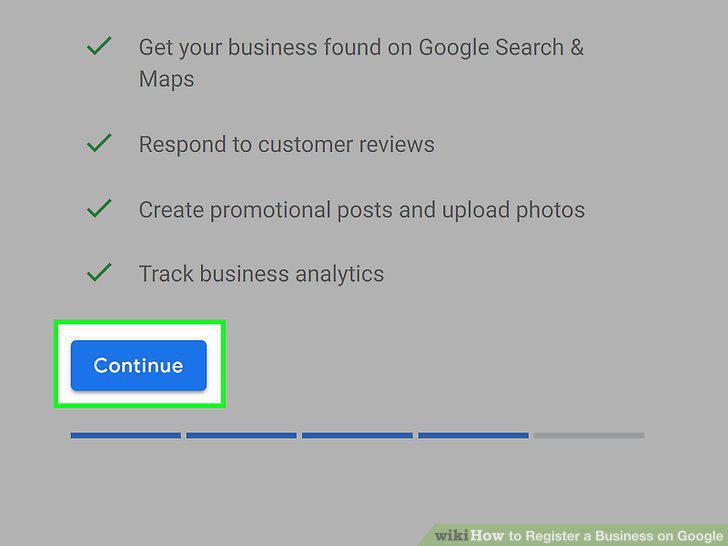
Click Continue.
9
Click Mail.
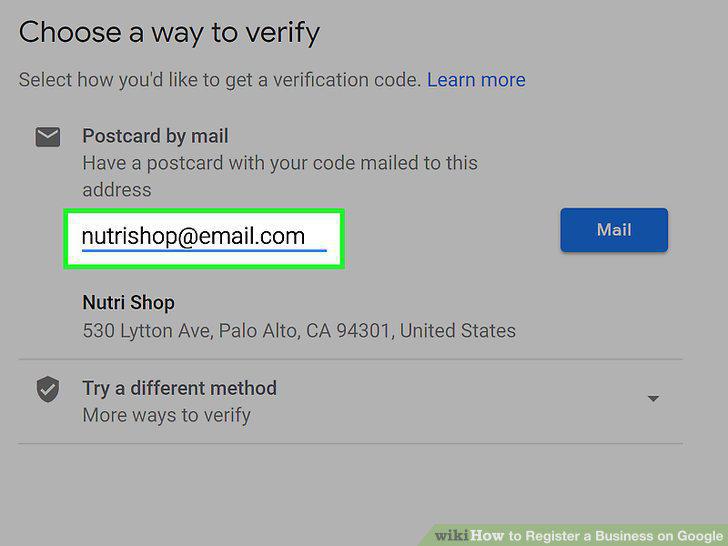
Click Mail.
10
Verify your location.
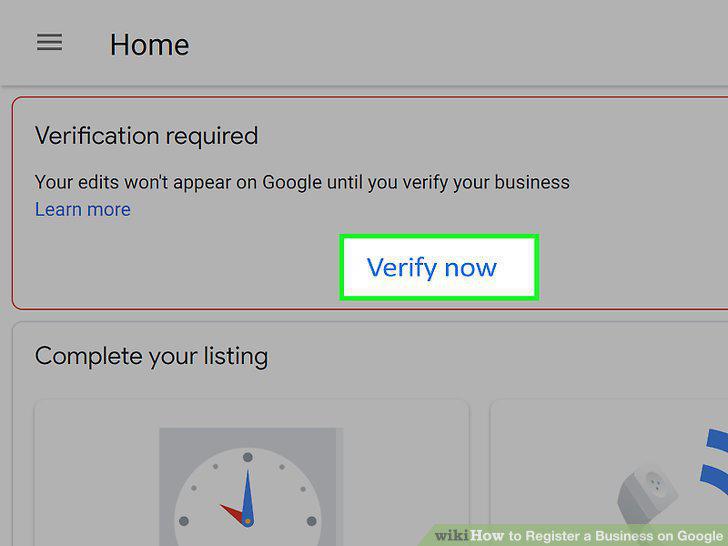
Verify your location.
Comments (0)
No comments yet. Be the first to share your thoughts!