How to Make a Puzzle
Choose a picture or design.. Select a puzzle backing.. Assemble your tools.
Steps
1
Choose a picture or design.
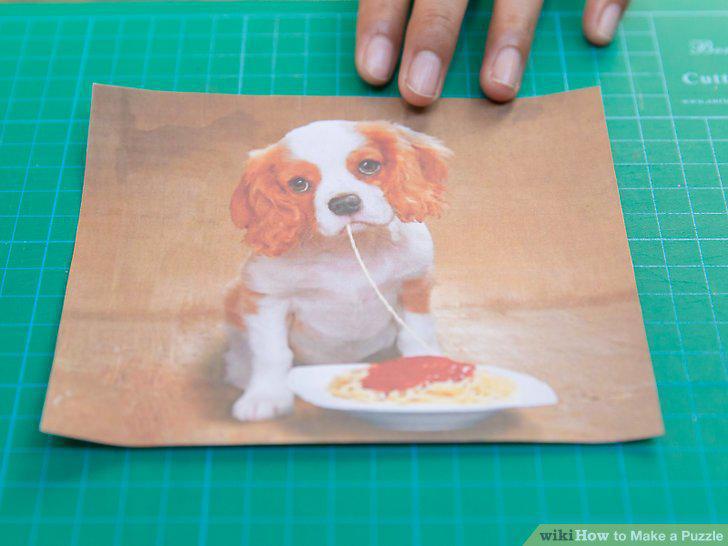
Choose a picture or design.
2
Select a puzzle backing.
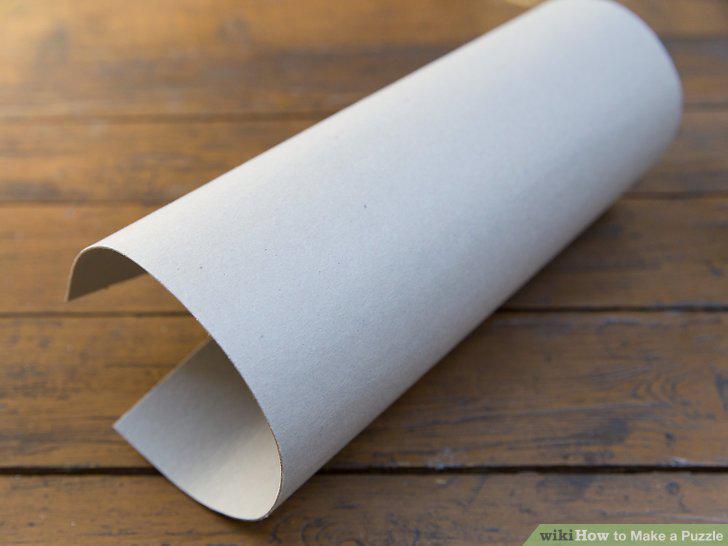
Select a puzzle backing.
3
Assemble your tools.
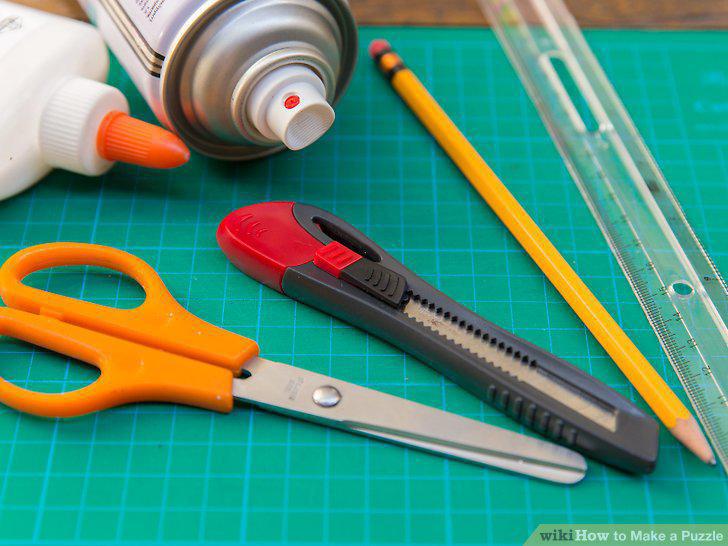
Assemble your tools.
4
Attach your image to your backing.
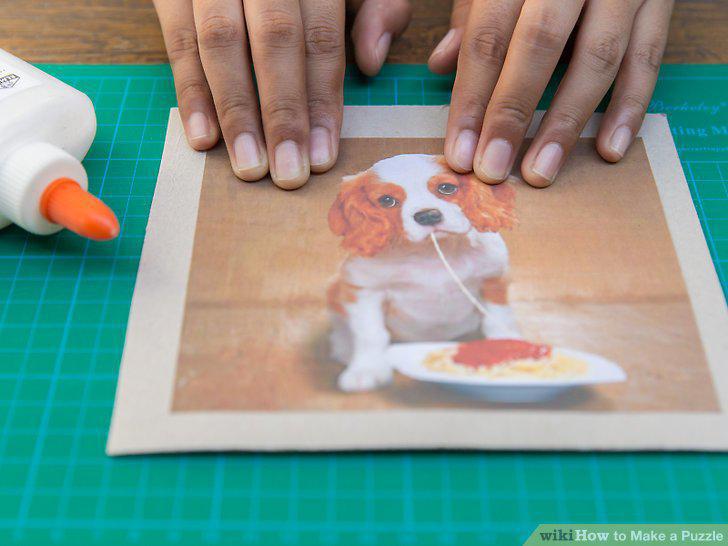
Attach your image to your backing.
5
Lacquer your image.
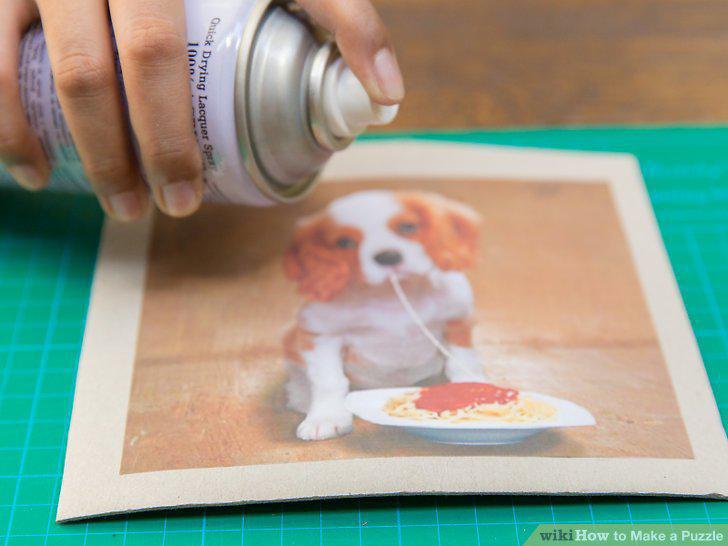
Lacquer your image.
6
Trim your puzzle border.
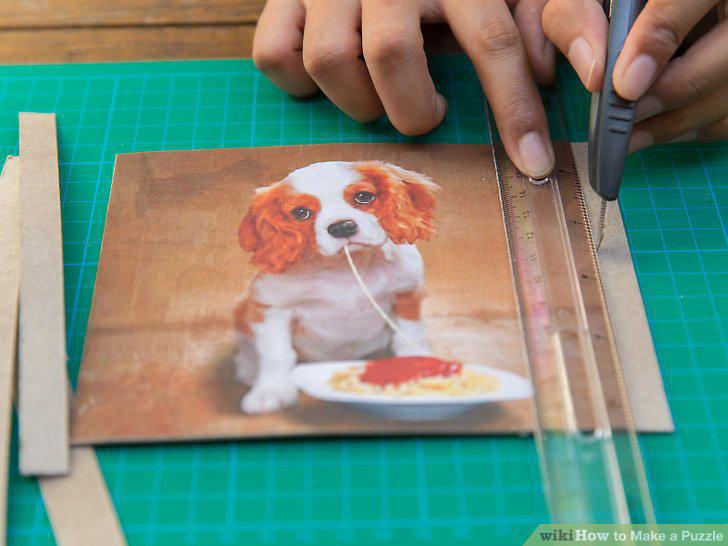
Trim your puzzle border.
7
Create a grid.
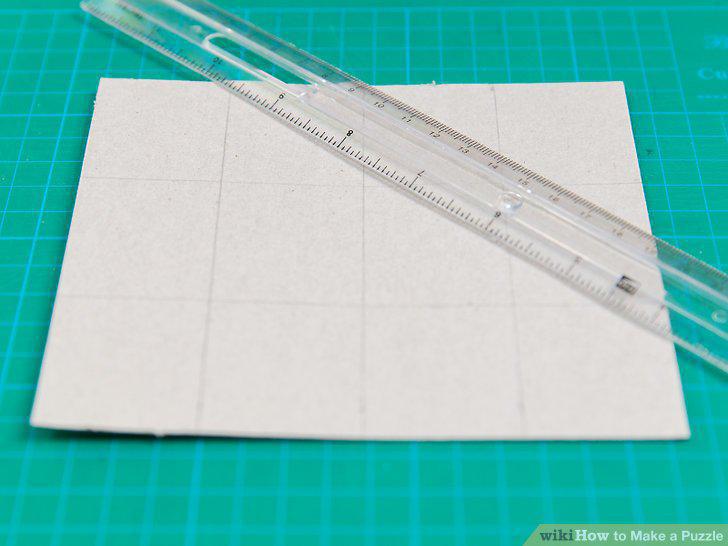
Create a grid.
8
Draw your puzzle template.
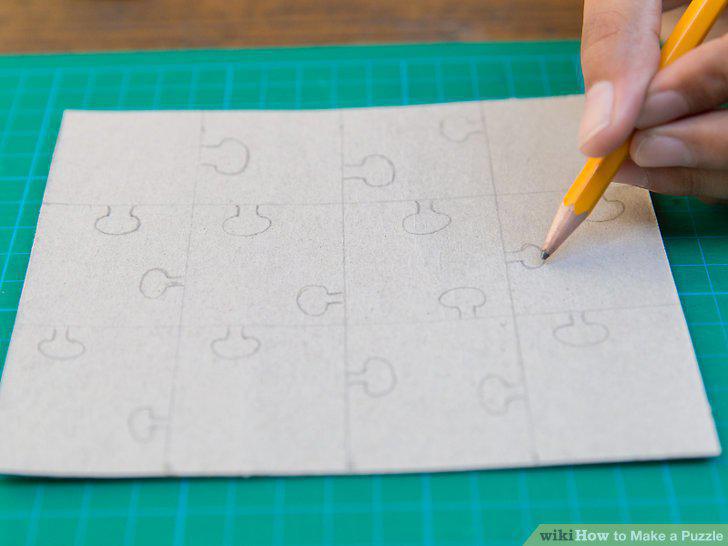
Draw your puzzle template.
9
Cut out your puzzle pieces.
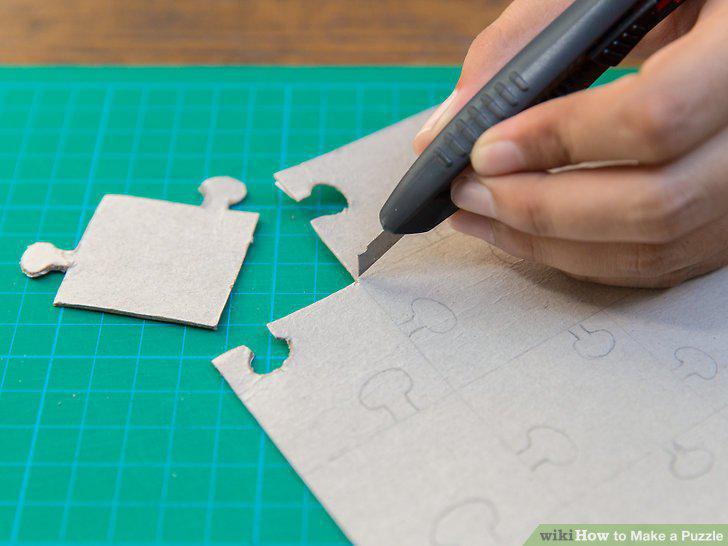
Cut out your puzzle pieces.
Comments (0)
No comments yet. Be the first to share your thoughts!