How to Track an Order on Groupon on iPhone or iPad
Open Groupon on your iPhone or iPad.. Tap My Stuff.. Tap My Groupons.
Steps
1
Open Groupon on your iPhone or iPad.
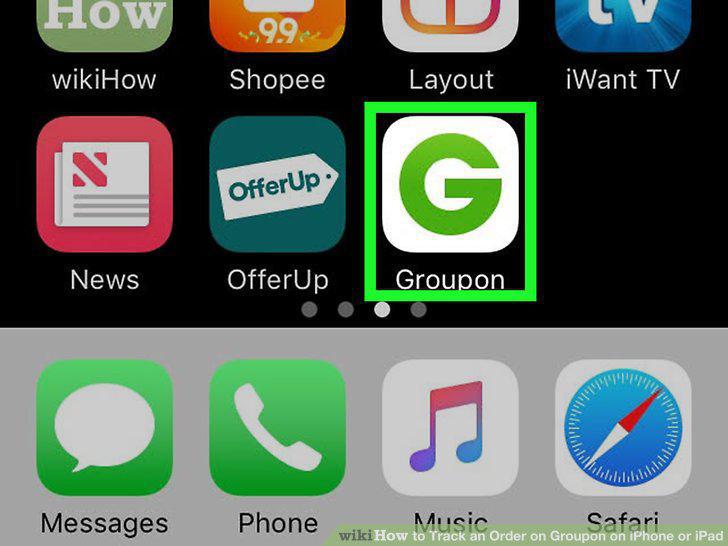
Open Groupon on your iPhone or iPad.
2
Tap My Stuff.
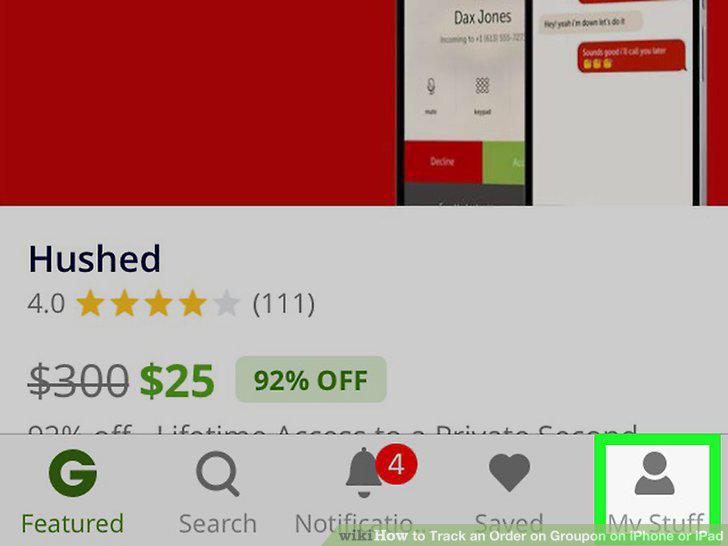
Tap My Stuff.
3
Tap My Groupons.
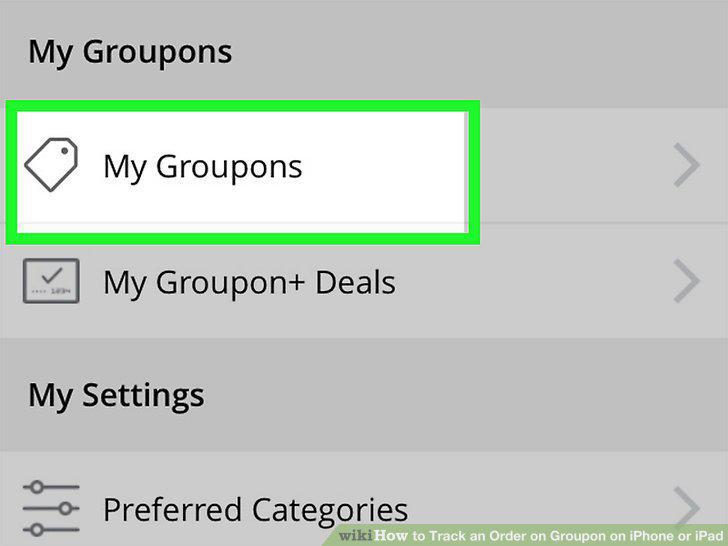
Tap My Groupons.
4
Tap Track Package on the order you want to track.
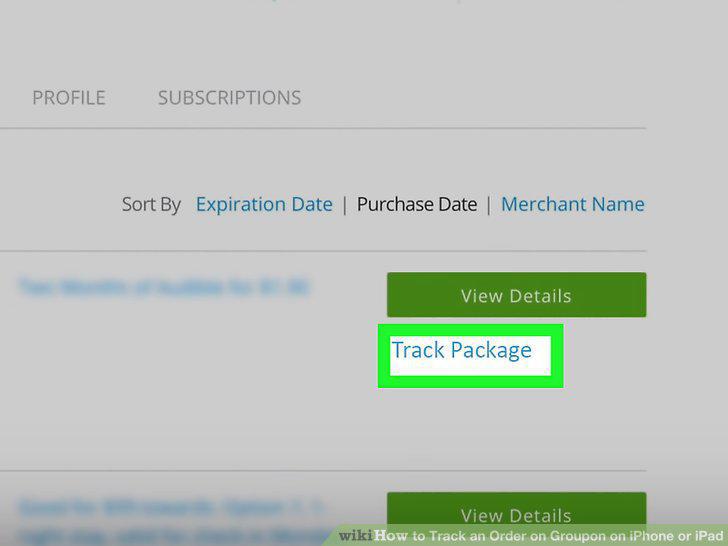
Tap Track Package on the order you want to track.
Comments (0)
No comments yet. Be the first to share your thoughts!