How to Pay Using Amazon Pay Balance
Go to the website of the store you wish to shop from.. Shop as your normally would.. Go to your cart.
Steps
1
Go to the website of the store you wish to shop from.
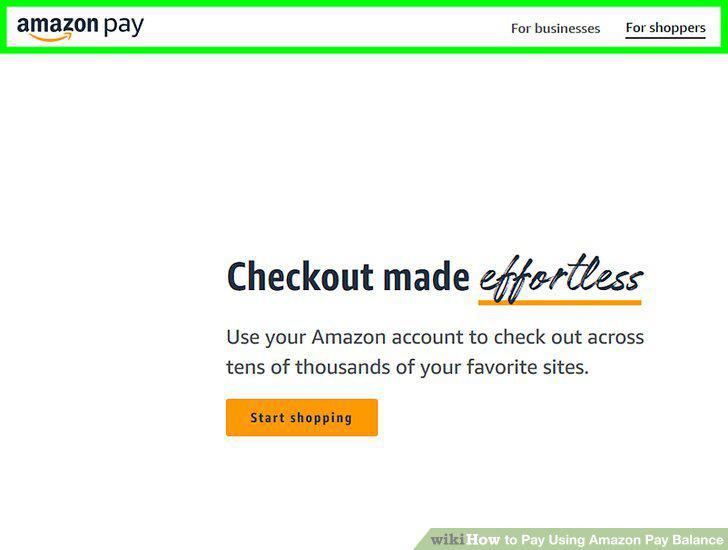
Go to the website of the store you wish to shop from.
2
Shop as your normally would.
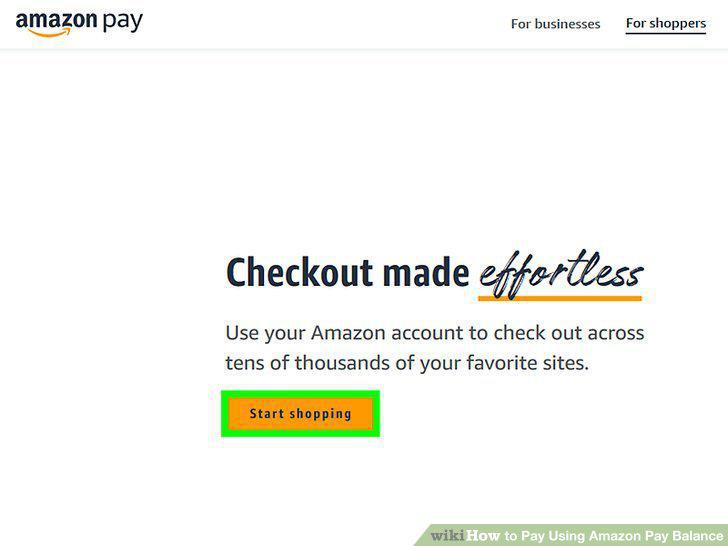
Shop as your normally would.
3
Go to your cart.
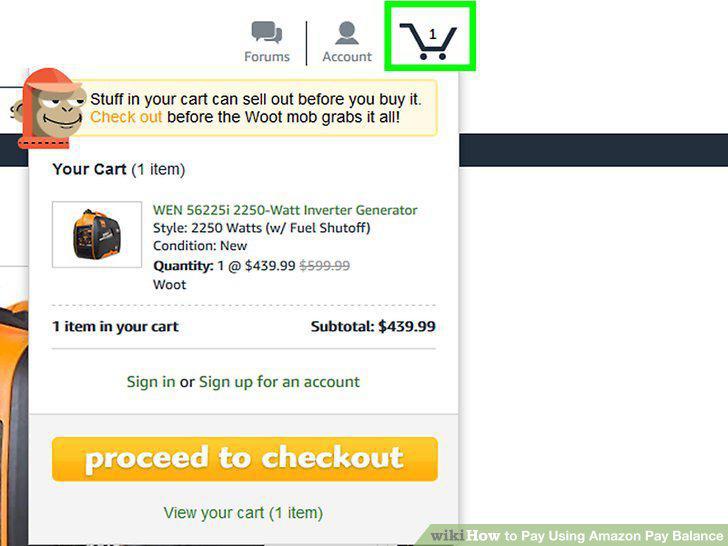
Go to your cart.
4
Click Checkout.
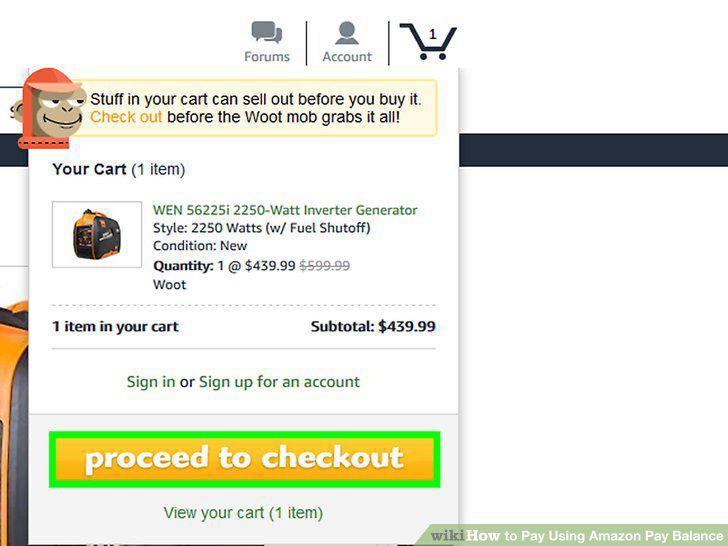
Click Checkout.
5
Select Amazon Pay as your checkout method.
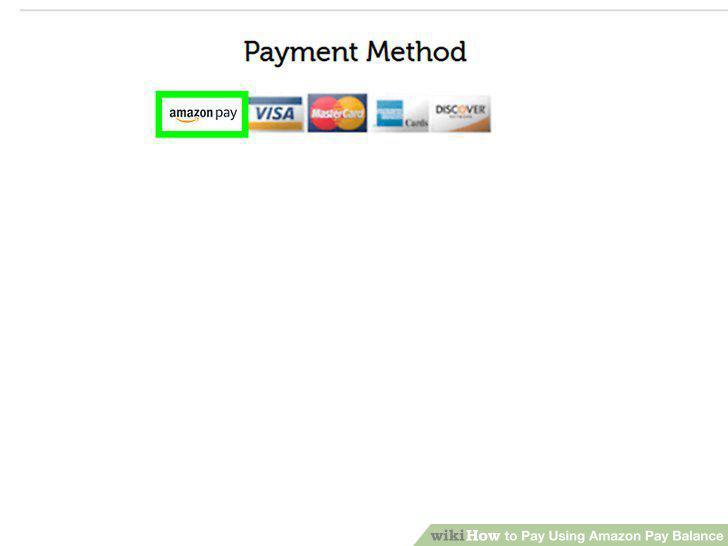
Select Amazon Pay as your checkout method.
6
Log in to your Amazon account.
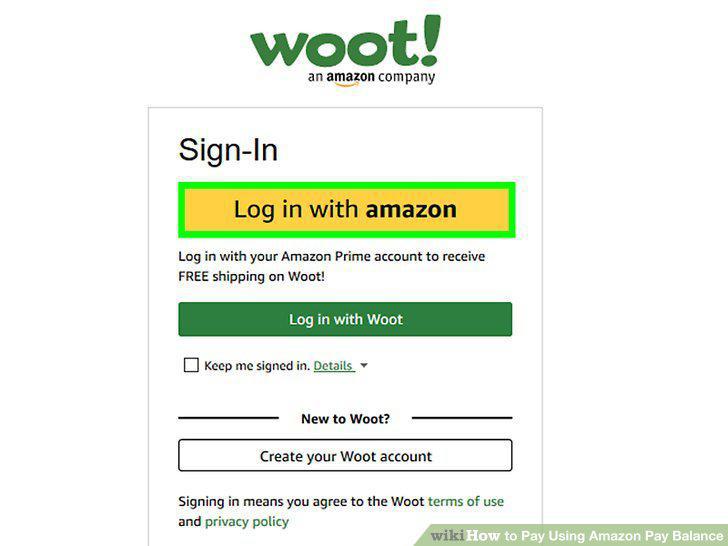
Log in to your Amazon account.
7
Continue your order.
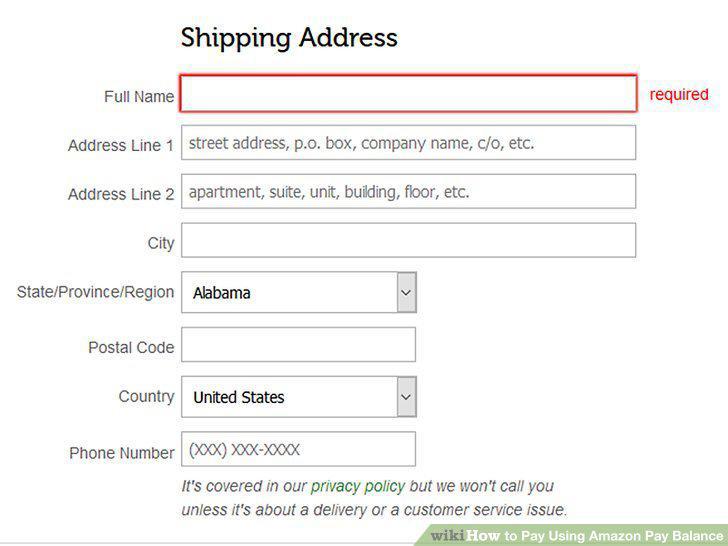
Continue your order.
8
Select your Amazon balance as your payment method.
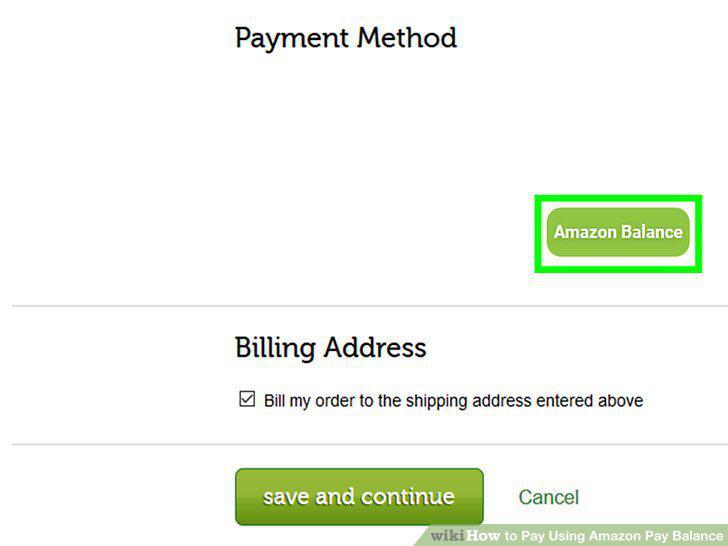
Select your Amazon balance as your payment method.
9
Complete the transaction.
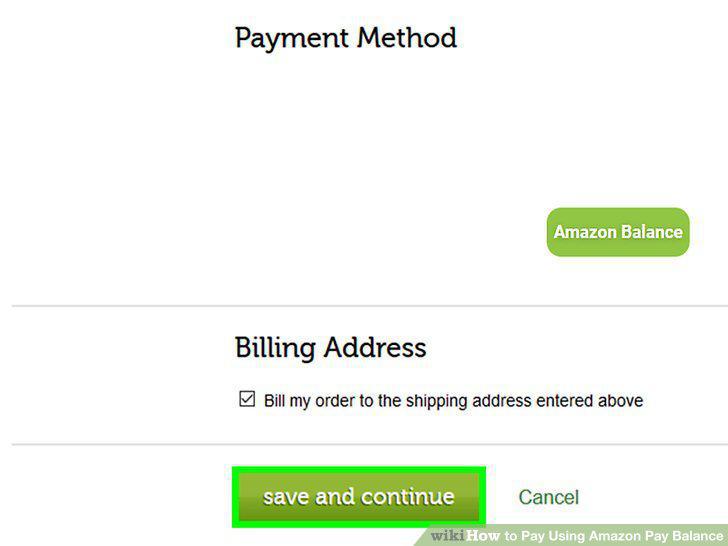
Complete the transaction.
Comments (0)
No comments yet. Be the first to share your thoughts!