How to Pay Airbnb
Open the Airbnb website in your internet browser.. Click your profile picture on the top-right.. Click Account on the menu.
Steps
1
Open the Airbnb website in your internet browser.
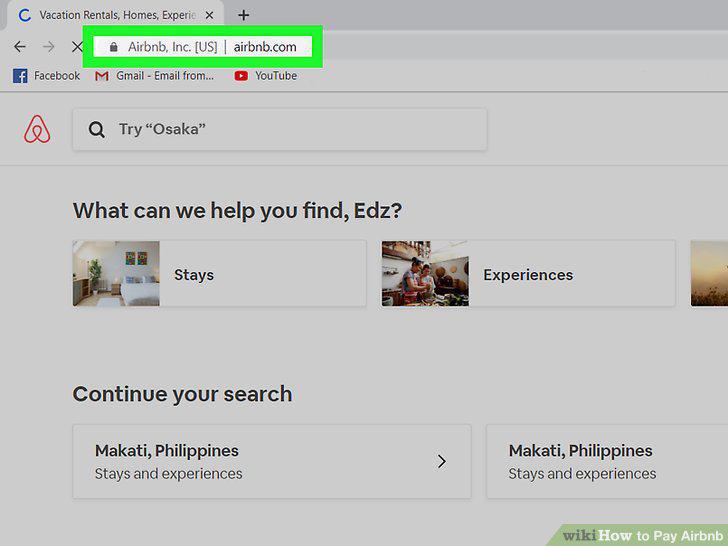
Open the Airbnb website in your internet browser.
2
Click your profile picture on the top-right.
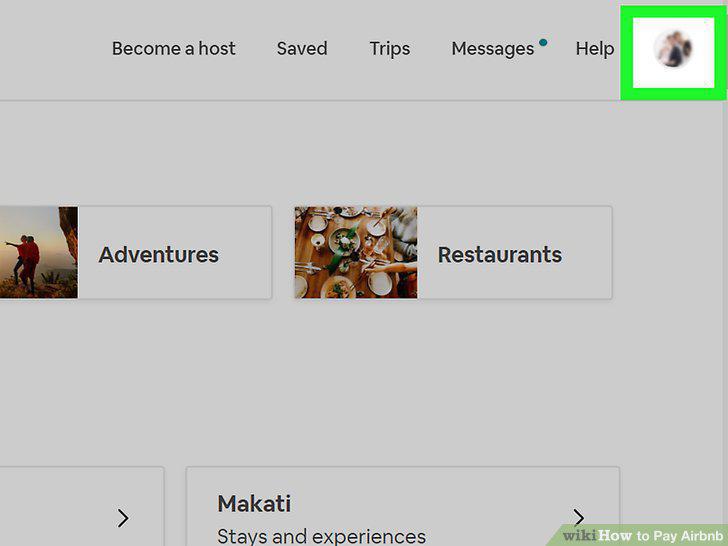
Click your profile picture on the top-right.
3
Click Account on the menu.
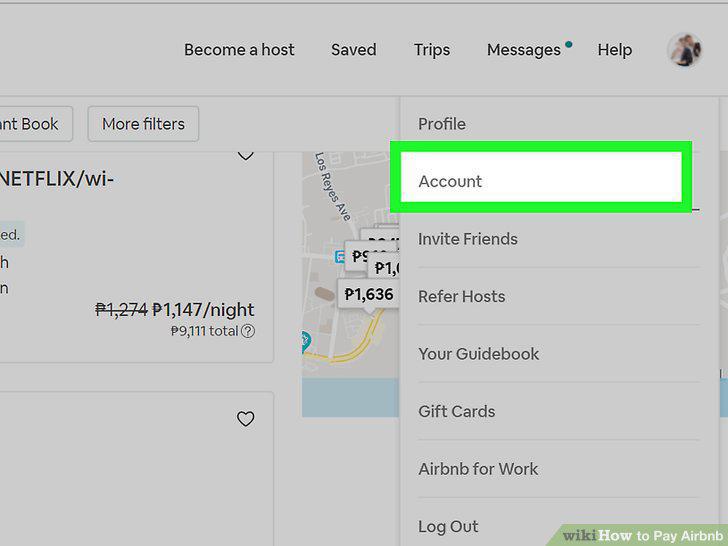
Click Account on the menu.
4
Click the Payment Methods option on the left-menu.
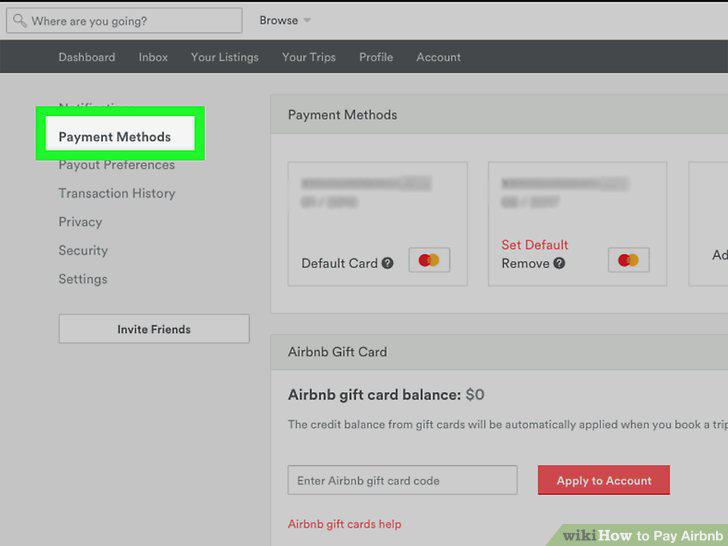
Click the Payment Methods option on the left-menu.
5
Click the + Add Payment Method button.
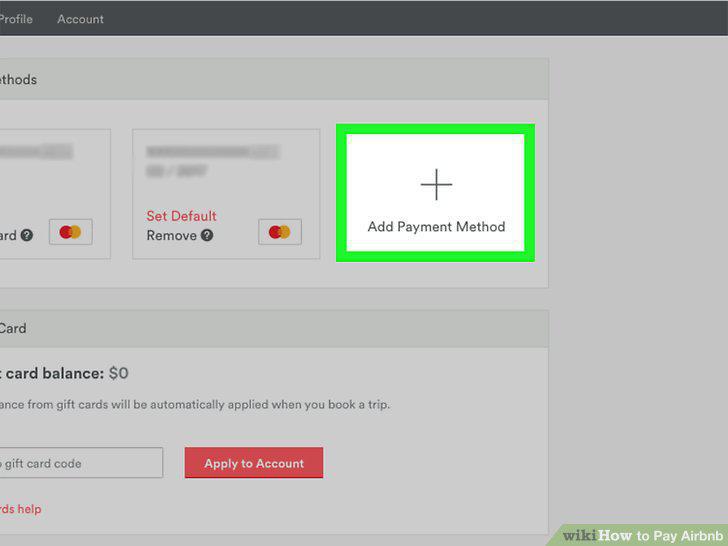
Click the + Add Payment Method button.
6
Enter your credit or debit card information.
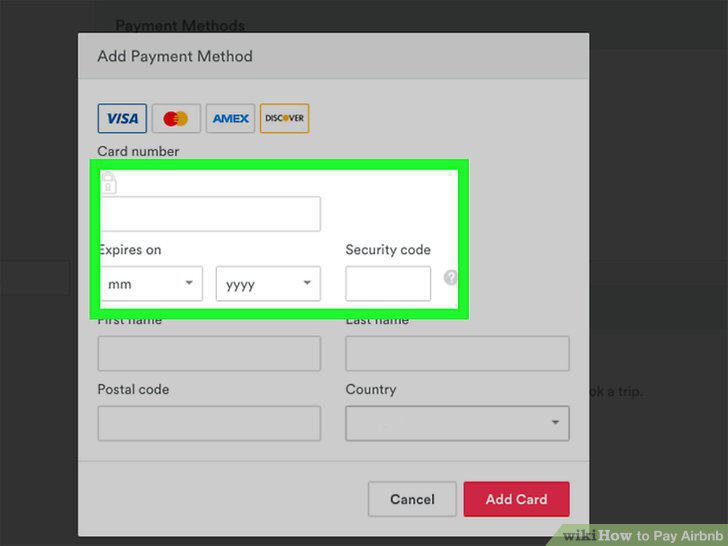
Enter your credit or debit card information.
7
Enter the ZIP code on file with your financial institution.
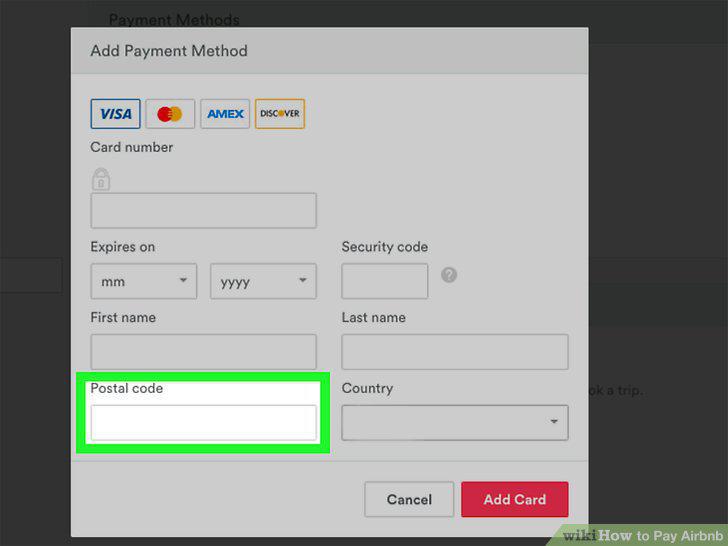
Enter the ZIP code on file with your financial institution.
8
Select your card's billing country.
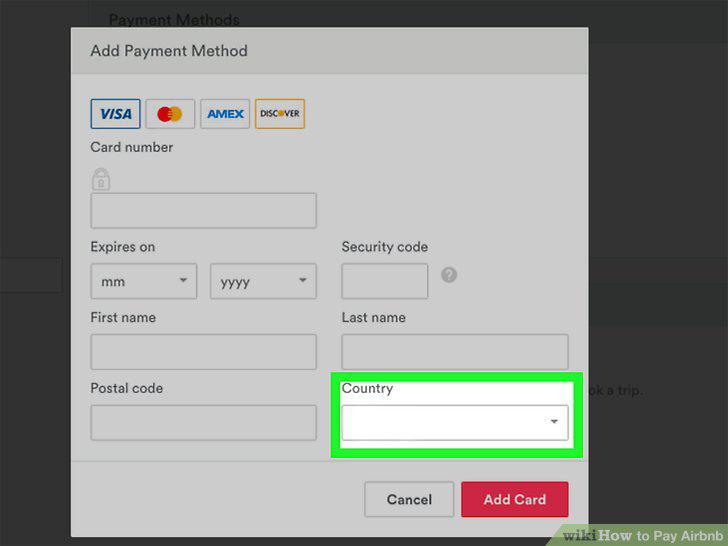
Select your card's billing country.
9
Click the red Add card button.
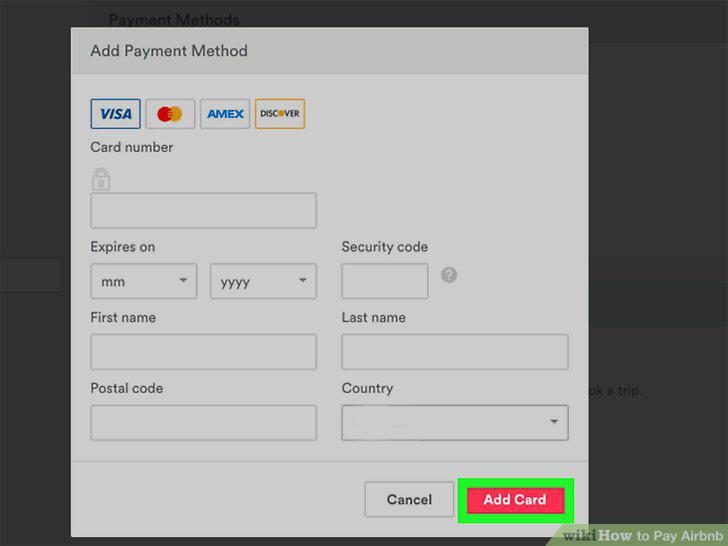
Click the red Add card button.
10
Add any gift cards or coupons you have (optional).
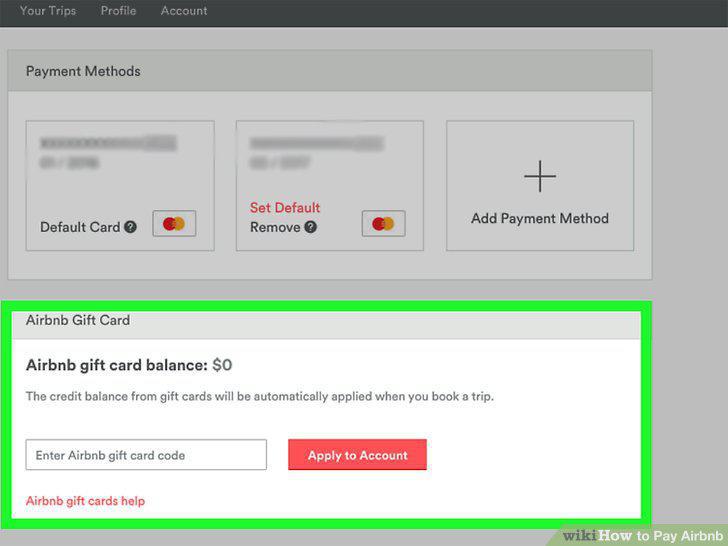
Add any gift cards or coupons you have (optional).
Comments (0)
No comments yet. Be the first to share your thoughts!