How to Get an IKEA Family Card
Go to IKEA's website to sign up at home.. Stop at a digital screen to sign up when you're at the store.. Type in your name, address, and other personal information to register.
Steps
Go to IKEA's website to sign up at home.
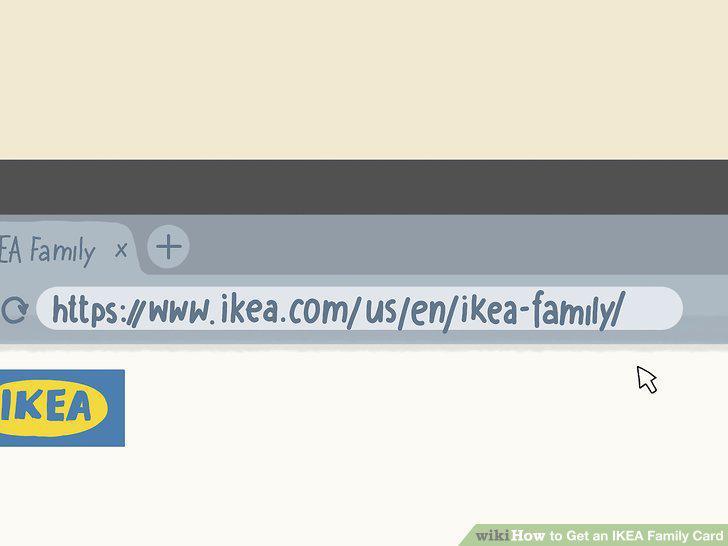
Go to IKEA's website to sign up at home.
Stop at a digital screen to sign up when you're at the store.
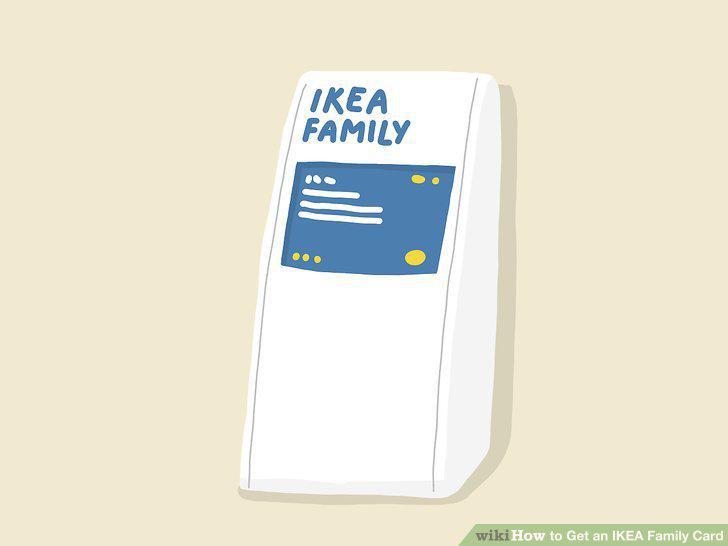
Stop at a digital screen to sign up when you're at the store.
Type in your name, address, and other personal information to register.
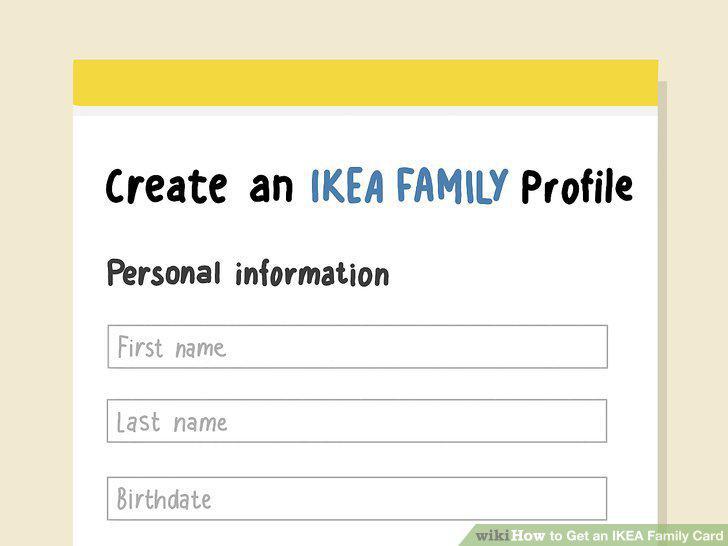
Type in your name, address, and other personal information to register.
Select an email address and password for your online profile.
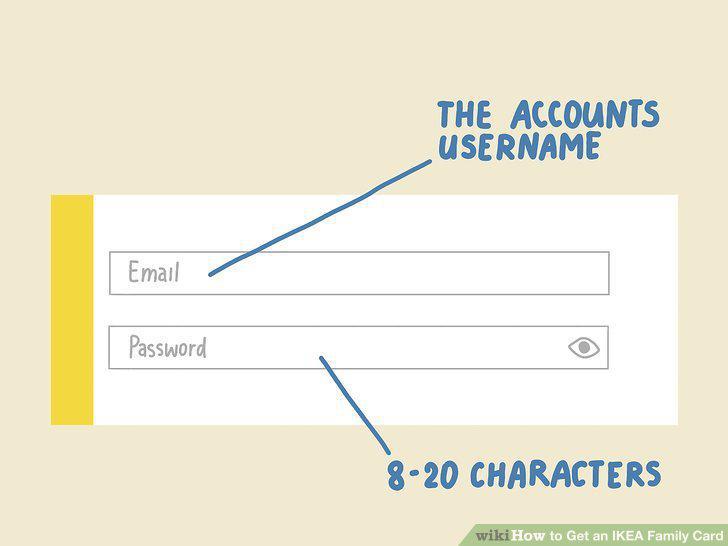
Select an email address and password for your online profile.
Wait 4 weeks to receive your physical Family Card in the mail.

Wait 4 weeks to receive your physical Family Card in the mail.
Log into your IKEA profile to find a digital version of your card.
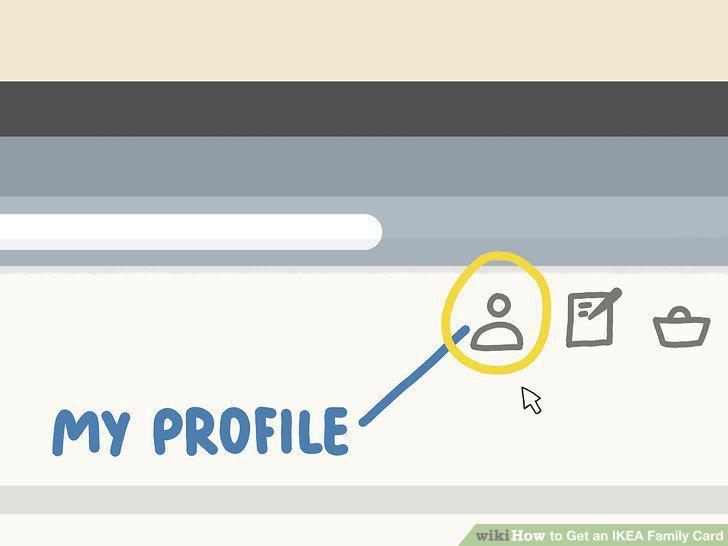
Log into your IKEA profile to find a digital version of your card.
Download the IKEA app for another way to find your digital card.
Download the IKEA app for another way to find your digital card.
Opt into the IKEA newsletter to receive a copy of your digital card.
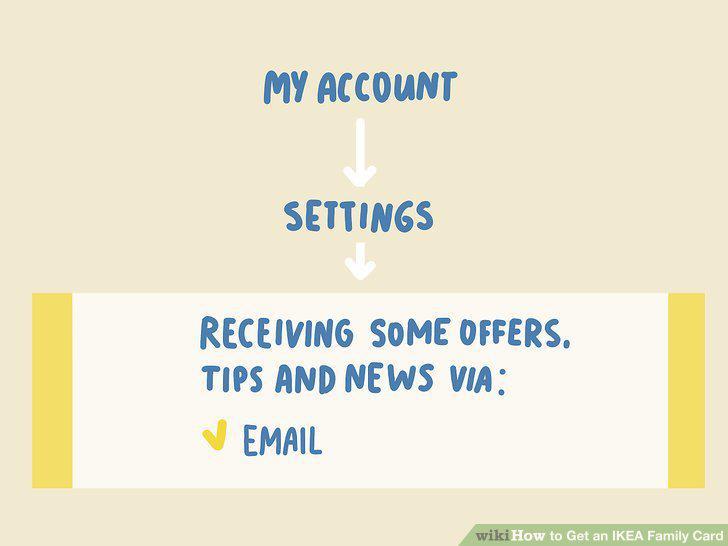
Opt into the IKEA newsletter to receive a copy of your digital card.
Present your card at checkout to save on purchases at the store.
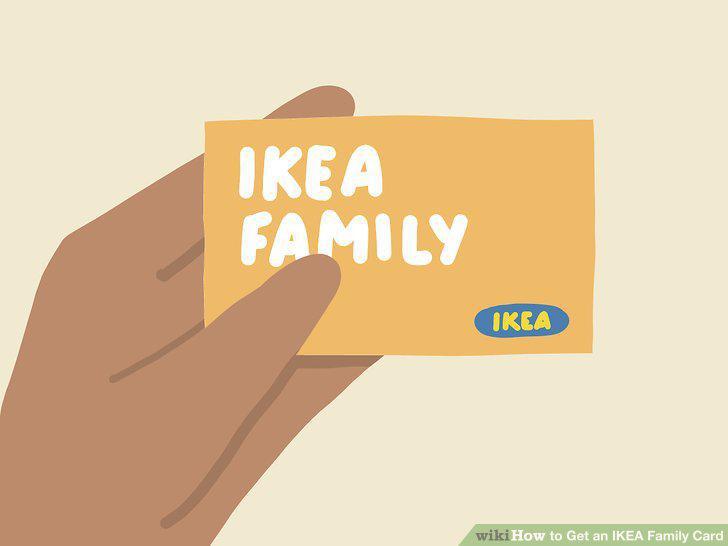
Present your card at checkout to save on purchases at the store.
Use the card to get free beverages and other perks at IKEA.
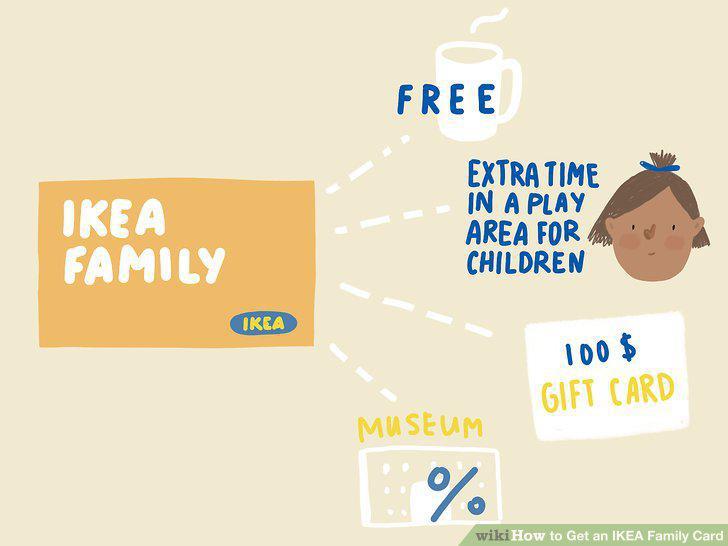
Use the card to get free beverages and other perks at IKEA.
Participate in workshops and events through your card.
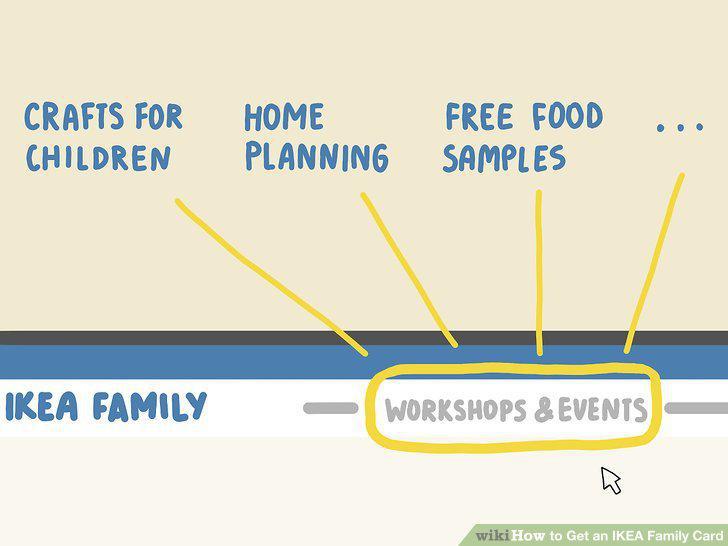
Participate in workshops and events through your card.
Comments (0)
No comments yet. Be the first to share your thoughts!