How to Contact Xbox Live
Go to the Xbox "Contact Us" home page at http://support.xbox.com/en-US/contact-us.. Click on the category that best describes your inquiry or concern about Xbox Live.. Navigate to the "Xbox Live" section.
Steps
Go to the Xbox "Contact Us" home page at http://support.xbox.com/en-US/contact-u
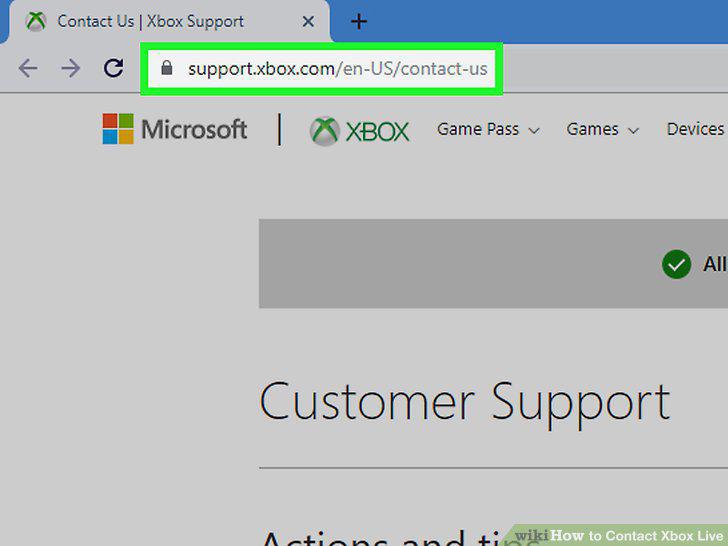
Go to the Xbox "Contact Us" home page at http://support.xbox.com/en-US/contact-us.
Click on the category that best describes your inquiry or concern about Xbox Liv
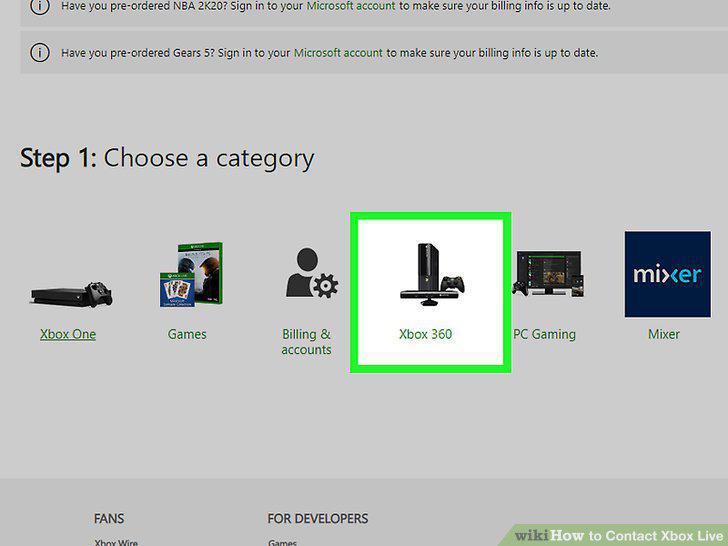
Click on the category that best describes your inquiry or concern about Xbox Live.
Navigate to the "Xbox Live" section.
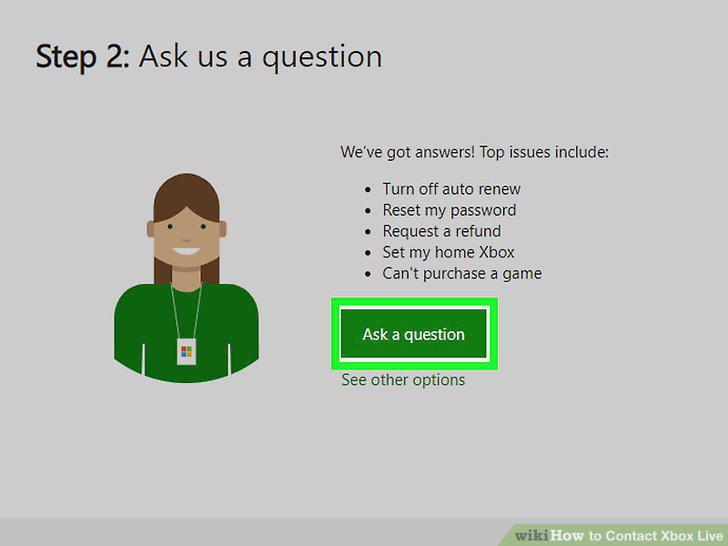
Navigate to the "Xbox Live" section.
Click on the link that best describes the nature of your Xbox Live issue.
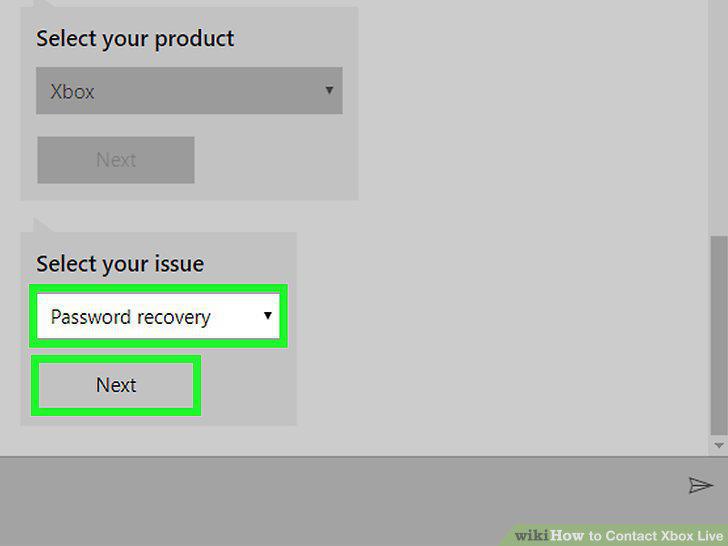
Click on the link that best describes the nature of your Xbox Live issue.
Click on the contact method you want to use for consulting with a representative
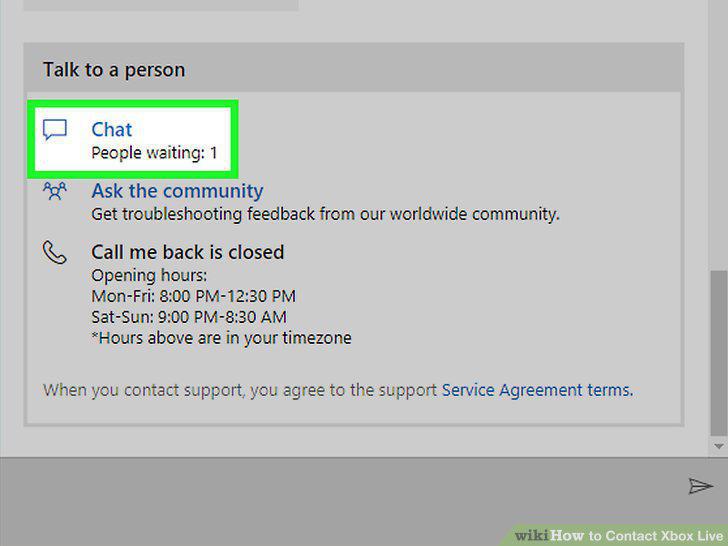
Click on the contact method you want to use for consulting with a representative from Xbox Live.
Follow the on-screen prompts to connect with an Xbox Live representative.
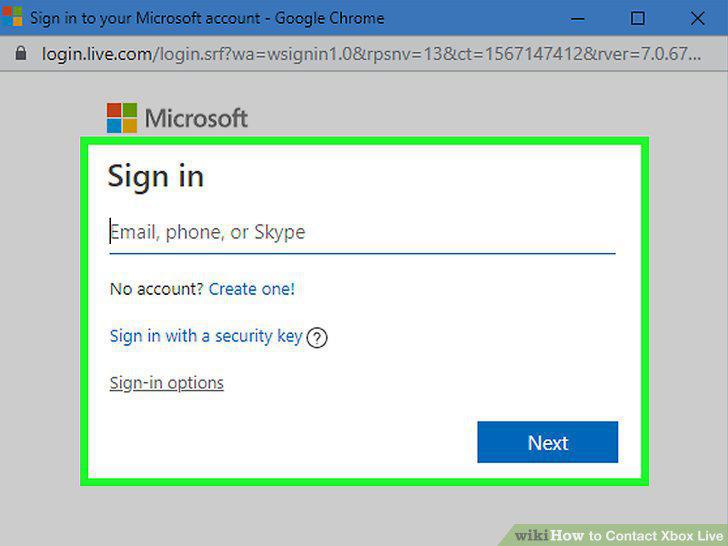
Follow the on-screen prompts to connect with an Xbox Live representative.
Call Xbox Support at 1-800-469-9269.
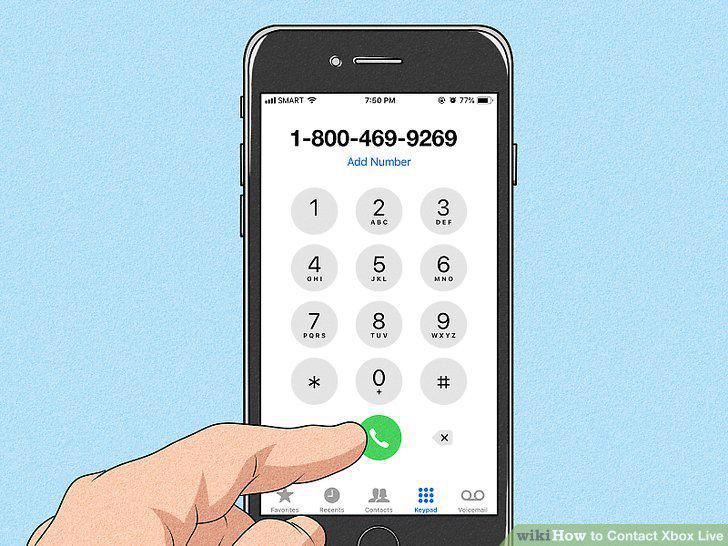
Call Xbox Support at 1-800-469-9269.
Wait for Xbox to provide you with prompts, then dial the number "0" six times in
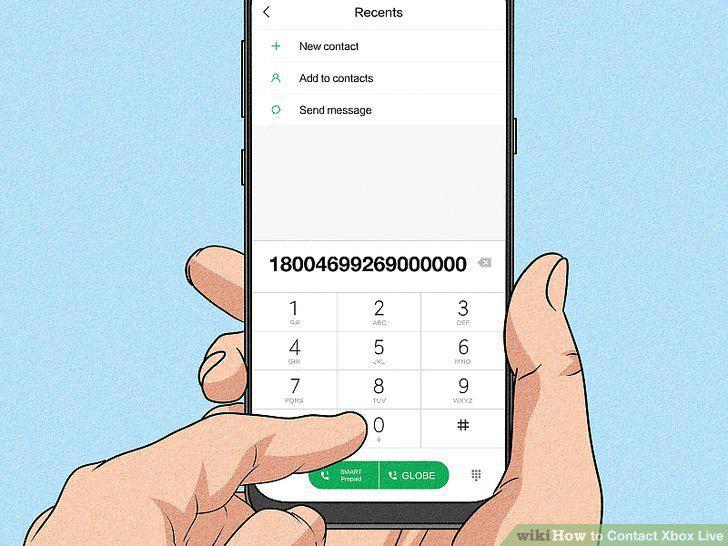
Wait for Xbox to provide you with prompts, then dial the number "0" six times in a row.
Wait on the line for an Xbox representative to answer your call.
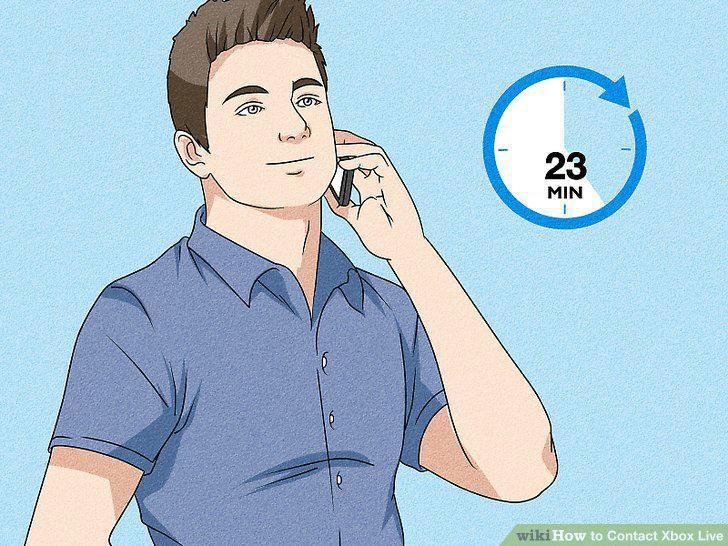
Wait on the line for an Xbox representative to answer your call.
Go to the Xbox Forums home page.
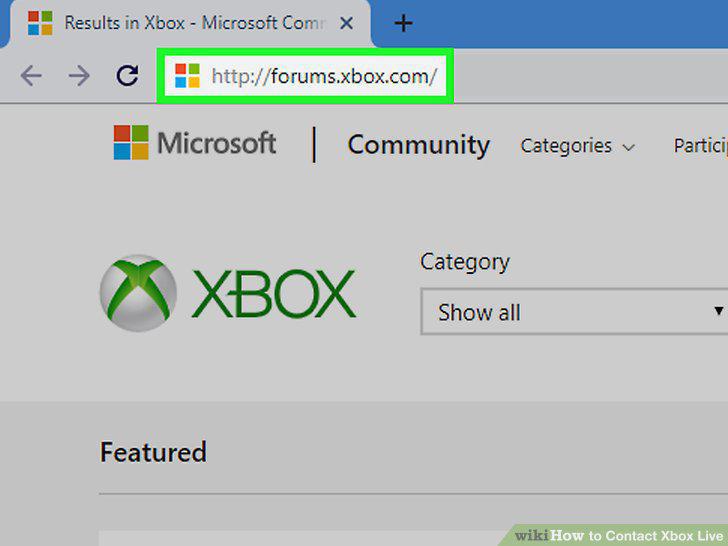
Go to the Xbox Forums home page.
Click on "Xbox Support Forum.
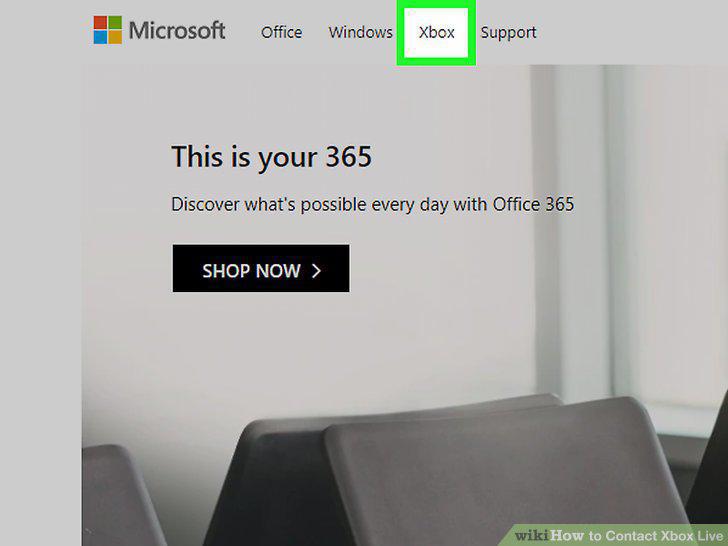
Click on "Xbox Support Forum.
Click on the sub-group that best describes the nature of your issue.
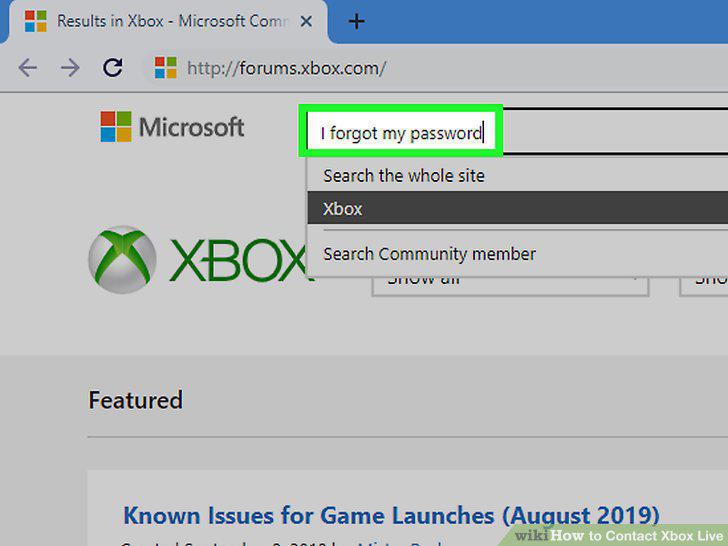
Click on the sub-group that best describes the nature of your issue.
Browse through and click on the forum conversation that best fits your inquiry.
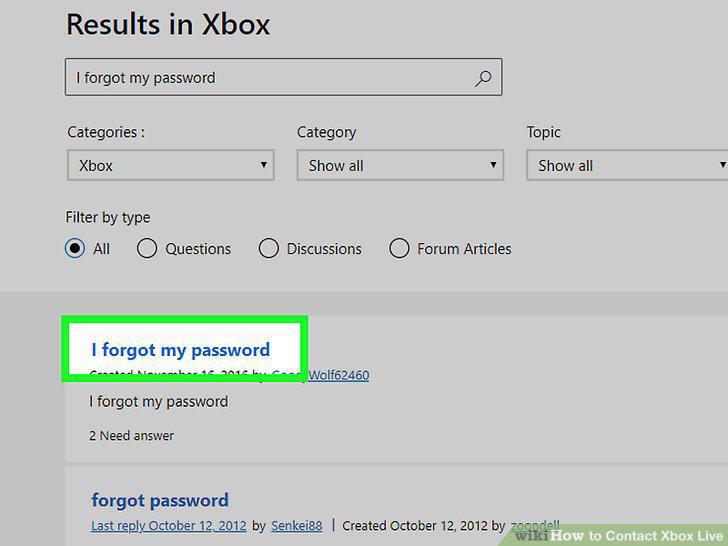
Browse through and click on the forum conversation that best fits your inquiry.
Comments (0)
No comments yet. Be the first to share your thoughts!