How to Reset an eHarmony Profile on Android
Open a web browser and go to eharmony's help site.. Tap on Chat Now.. Explain your relevant life changes since originally filling out the questionnaire.
Steps
1
Open a web browser and go to eharmony's help site.
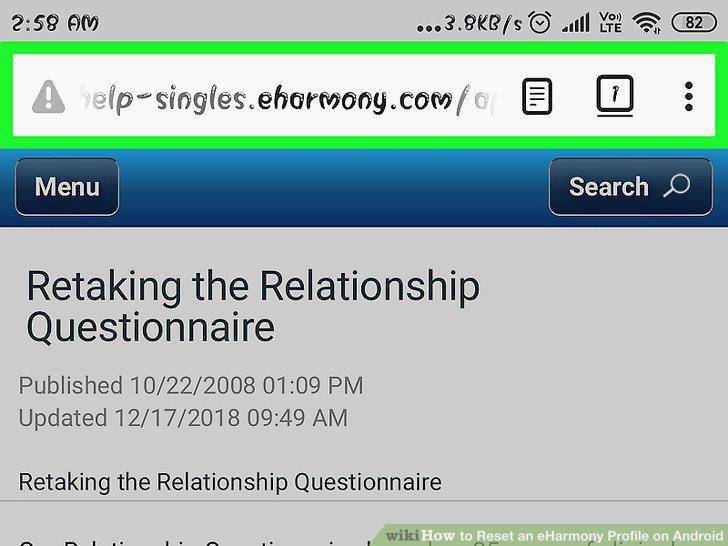
Open a web browser and go to eharmony's help site.
2
Tap on Chat Now.
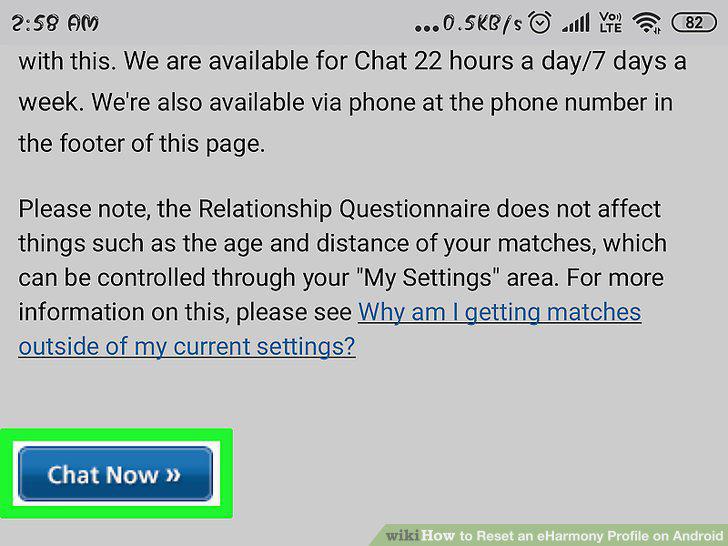
Tap on Chat Now.
3
Explain your relevant life changes since originally filling out the questionnair
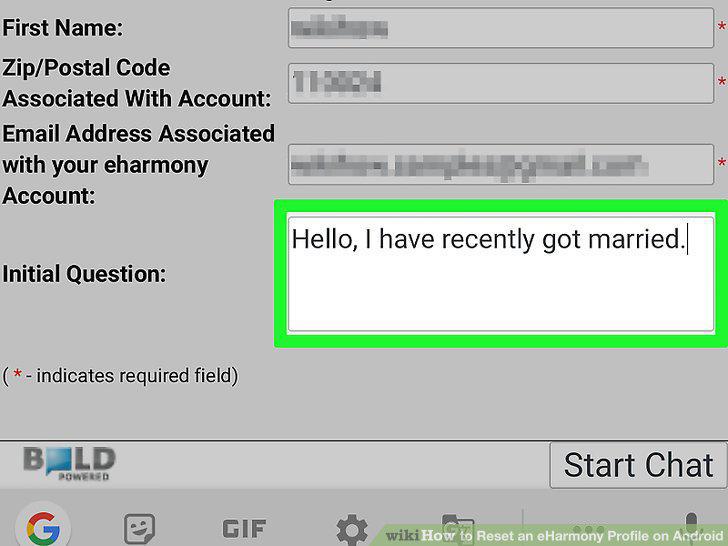
Explain your relevant life changes since originally filling out the questionnaire.
4
Request that eharmony allow you to retake the questionnaire.
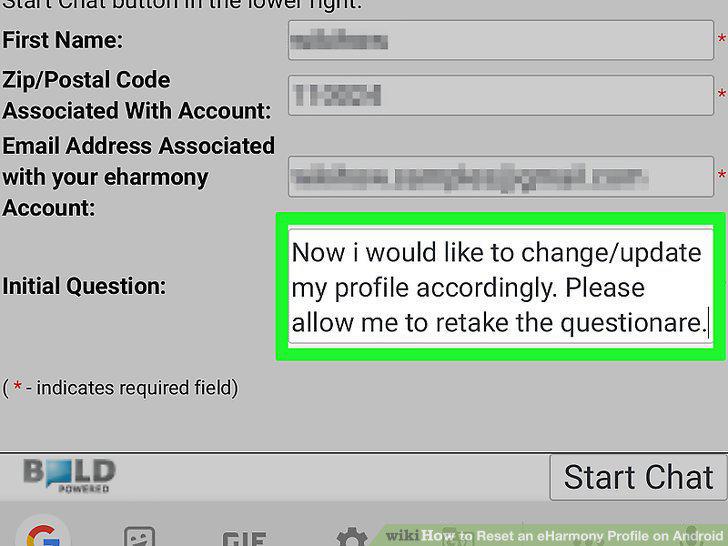
Request that eharmony allow you to retake the questionnaire.
5
Download the eharmony app from the Play Store.
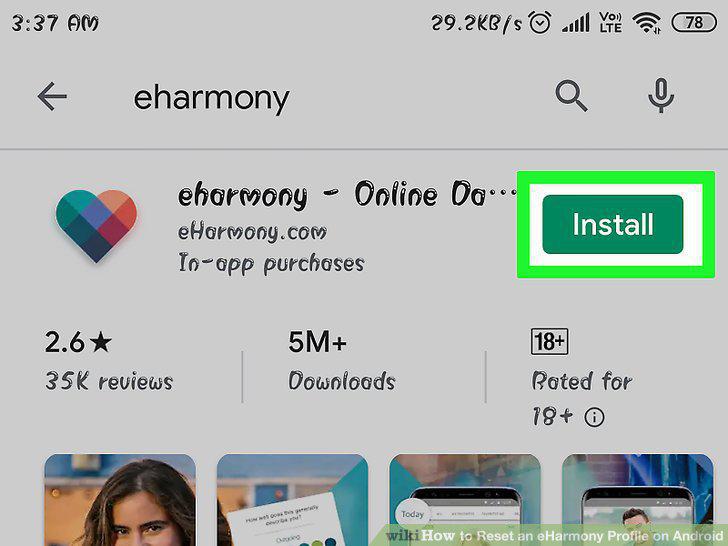
Download the eharmony app from the Play Store.
6
Tap the eharmony app to launch it.
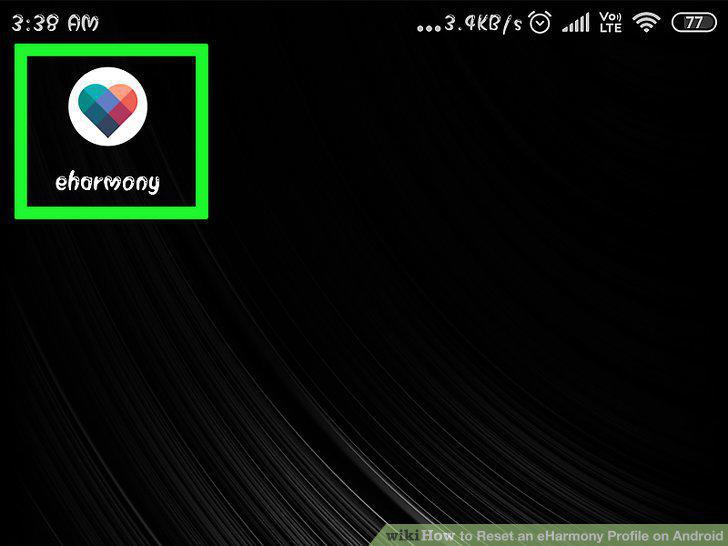
Tap the eharmony app to launch it.
7
Tap Start for Free.
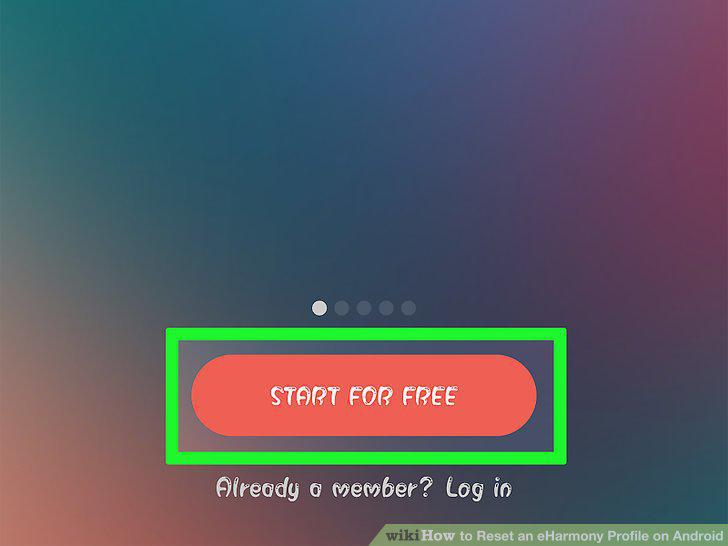
Tap Start for Free.
8
Tap Sign up with email.
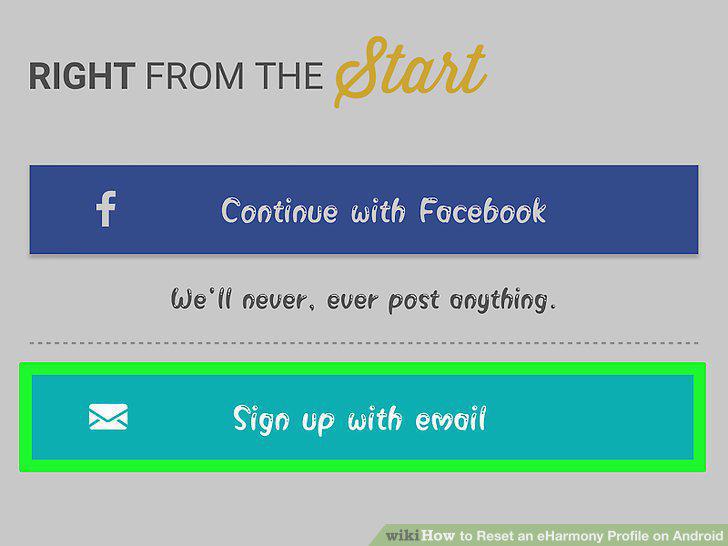
Tap Sign up with email.
9
Enter your basic information.
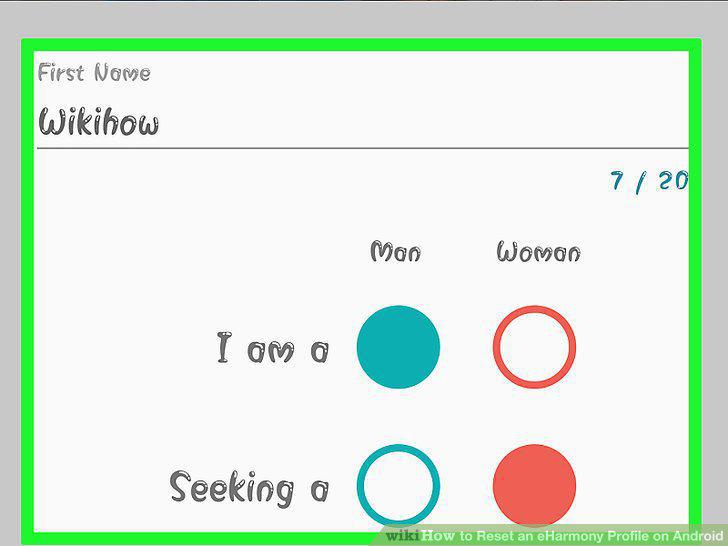
Enter your basic information.
10
Tap Let's Go at the bottom of the screen.
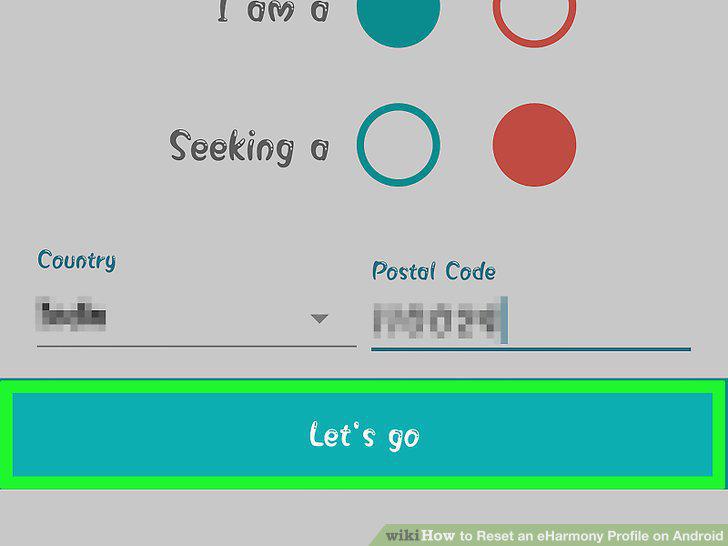
Tap Let's Go at the bottom of the screen.
11
Tap the text fields to enter your email address and password.
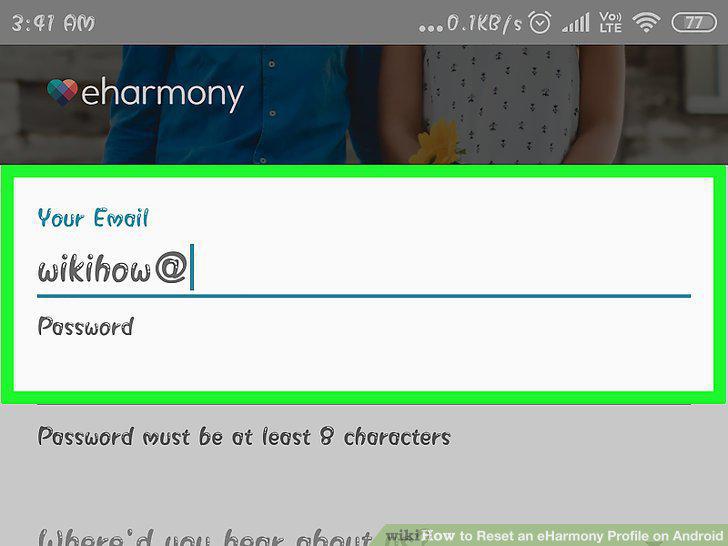
Tap the text fields to enter your email address and password.
12
Tap Find My Matches.

Tap Find My Matches.
13
Tap Yes!.
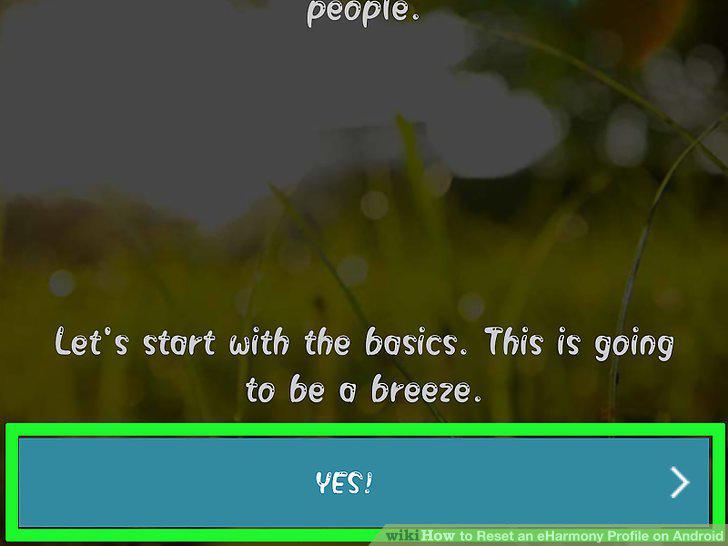
Tap Yes!.
Comments (0)
No comments yet. Be the first to share your thoughts!