How to Track an Order on Groupon on Android
Open the Groupon app.. Tap on My Stuff in the bottom menu.. Select My Groupons.
Steps
1
Open the Groupon app.
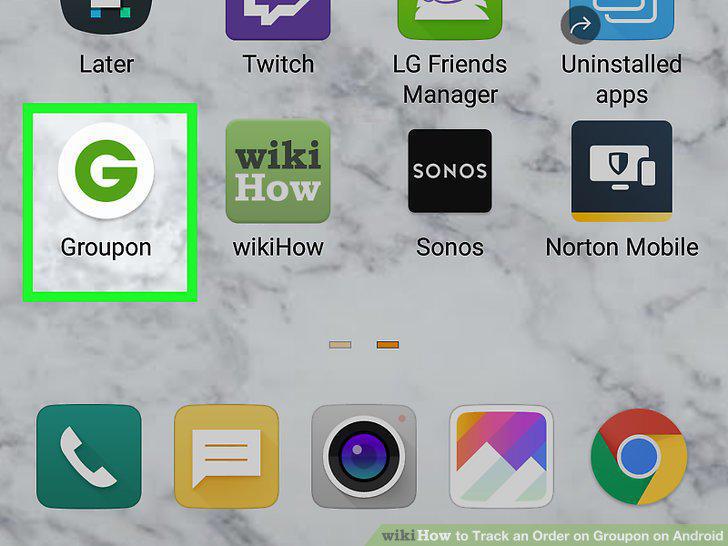
Open the Groupon app.
2
Tap on My Stuff in the bottom menu.
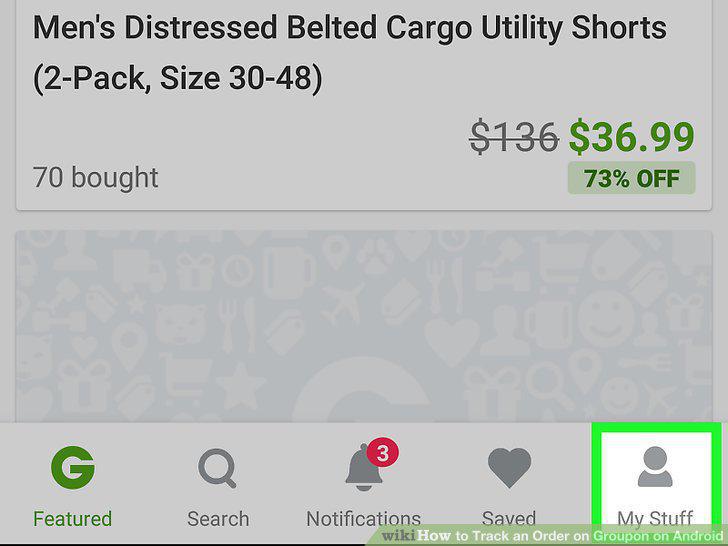
Tap on My Stuff in the bottom menu.
3
Select My Groupons.
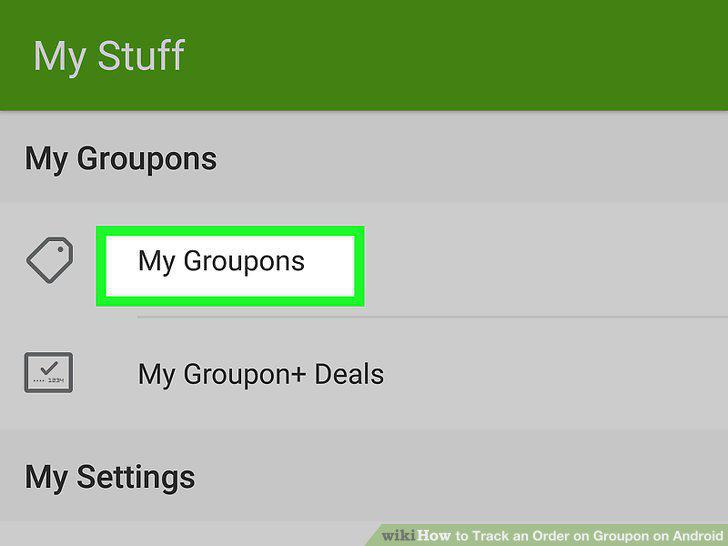
Select My Groupons.
4
Find the order you want to track and select View Details.
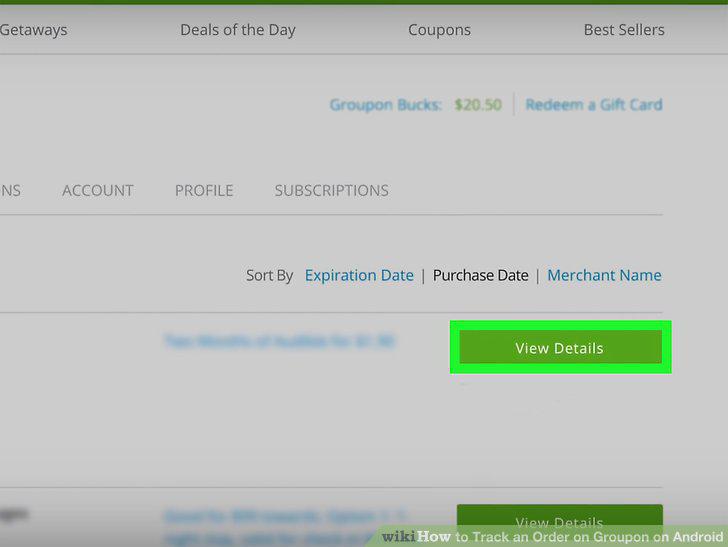
Find the order you want to track and select View Details.
5
Click Track Your Order.
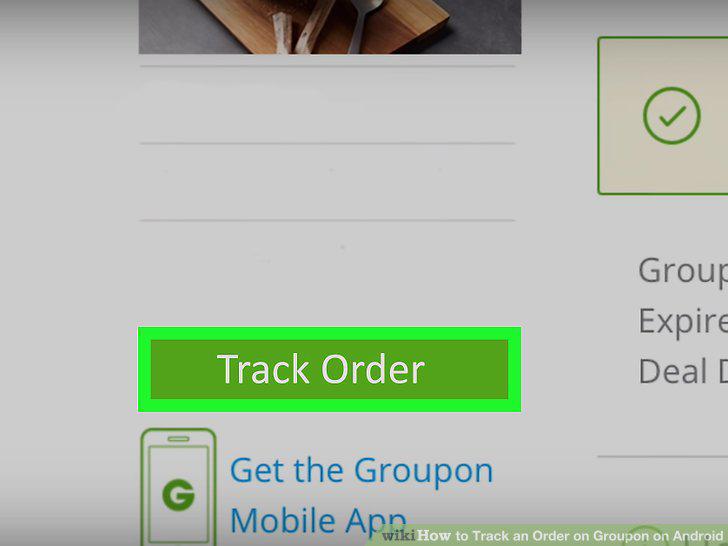
Click Track Your Order.
Comments (0)
No comments yet. Be the first to share your thoughts!