How to Contact Support on Upwork
Visit the Upwork homepage.. Scroll to the bottom of the page.. Click on Customer Support to reach the Help Center page.
Steps
Visit the Upwork homepage.

Visit the Upwork homepage.
Scroll to the bottom of the page.
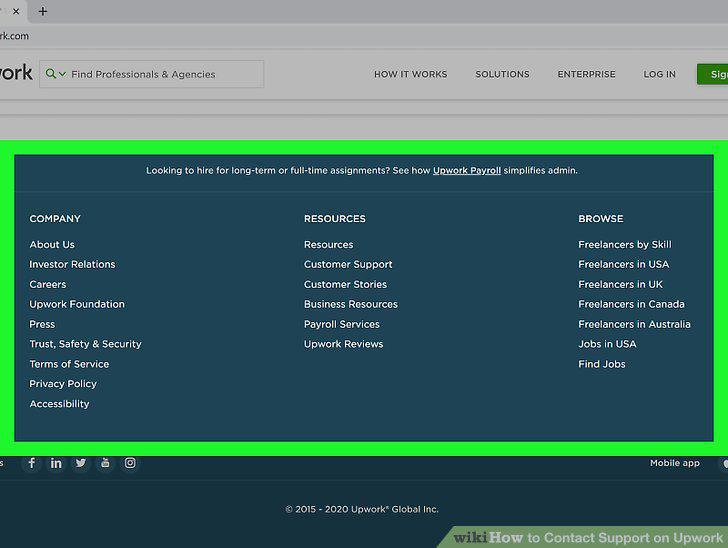
Scroll to the bottom of the page.
Click on Customer Support to reach the Help Center page.
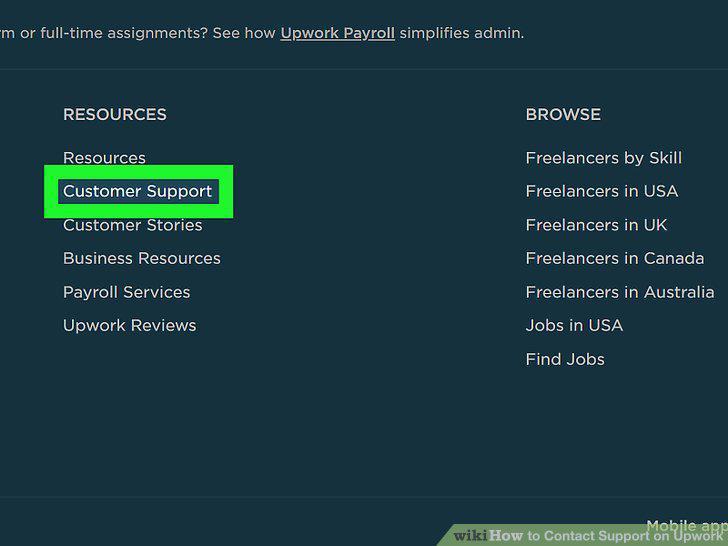
Click on Customer Support to reach the Help Center page.
Check if the FAQs in the Help Center describe your problem.
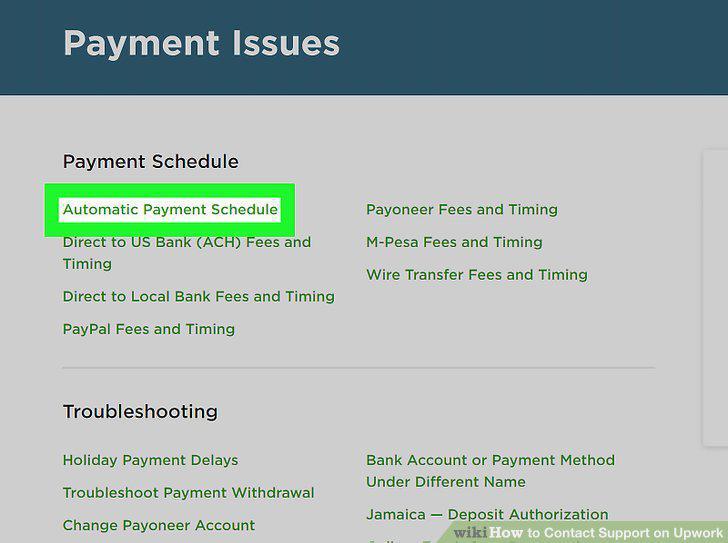
Check if the FAQs in the Help Center describe your problem.
Sign in to your Upwork account if you aren't already signed in.
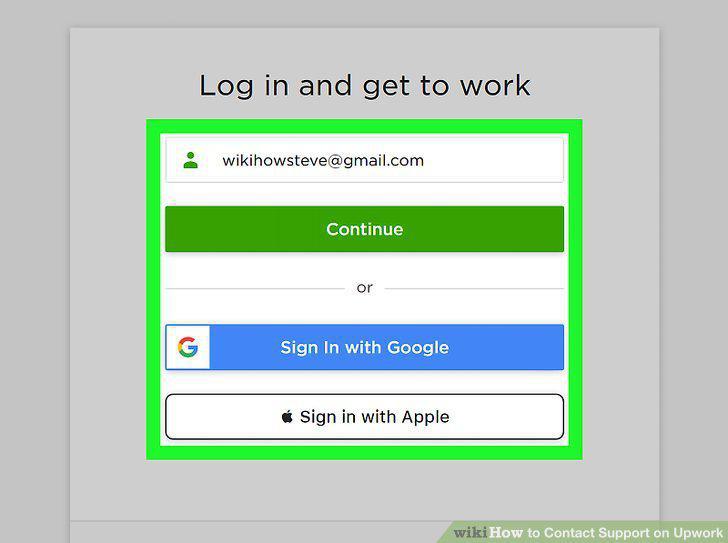
Sign in to your Upwork account if you aren't already signed in.
Click on Get Help in the Contact Us box.
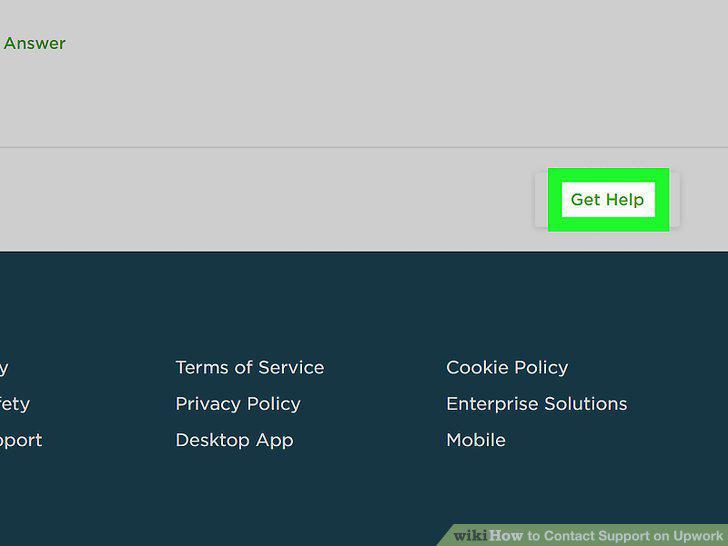
Click on Get Help in the Contact Us box.
Choose whether you're a client, freelancer, or agency.
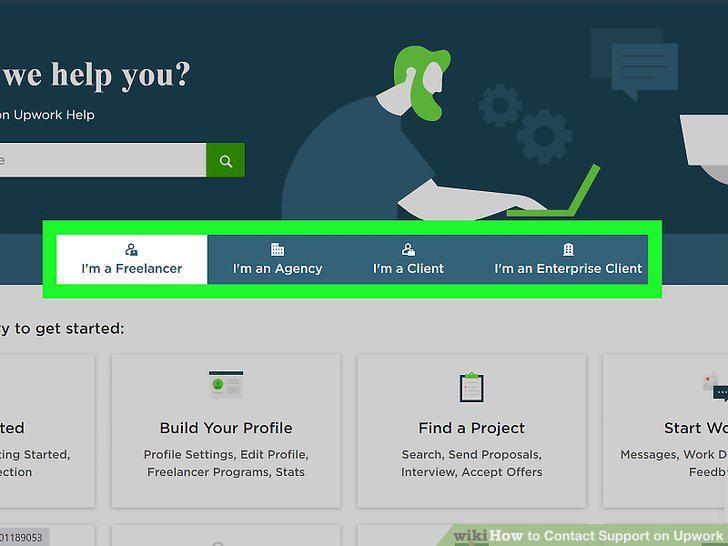
Choose whether you're a client, freelancer, or agency.
Type your question or problem in the text box.
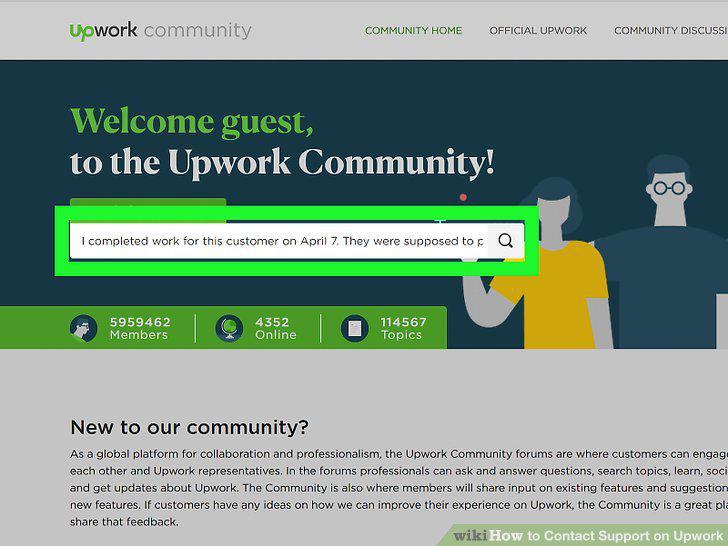
Type your question or problem in the text box.
Click Ask Question to submit your help ticket.
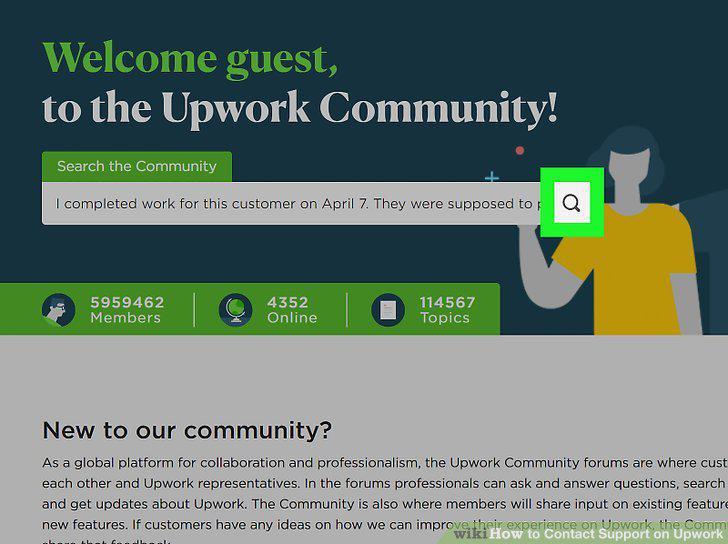
Click Ask Question to submit your help ticket.
Wait up to 24 hours for a detailed email response.
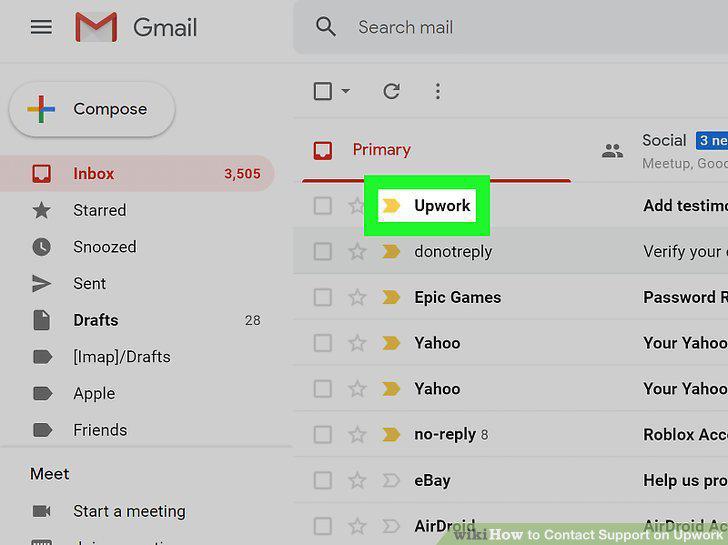
Wait up to 24 hours for a detailed email response.
Click on the question mark in the lower-right of the Help Center.
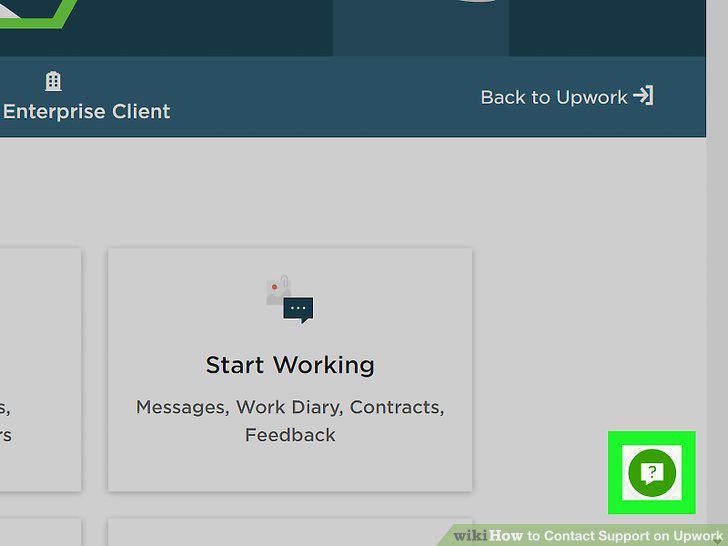
Click on the question mark in the lower-right of the Help Center.
Type your query into the text box and wait for a response.
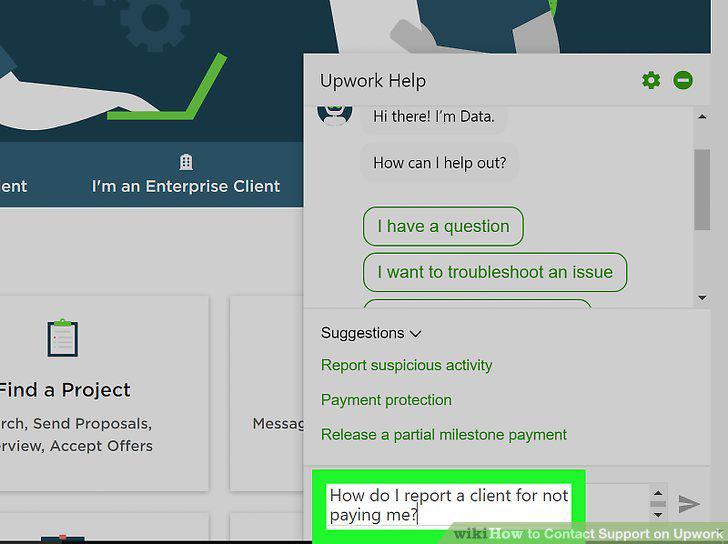
Type your query into the text box and wait for a response.
Follow the Chat Box directions to find the answer to your problem.
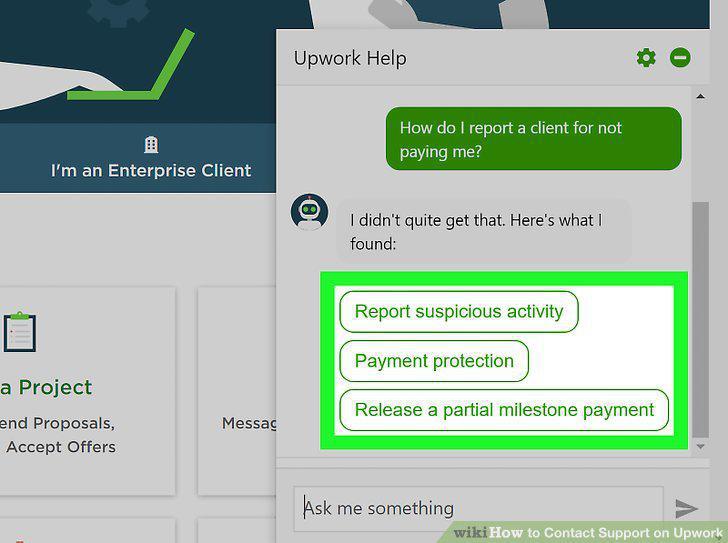
Follow the Chat Box directions to find the answer to your problem.
Ask addition questions if you have to.
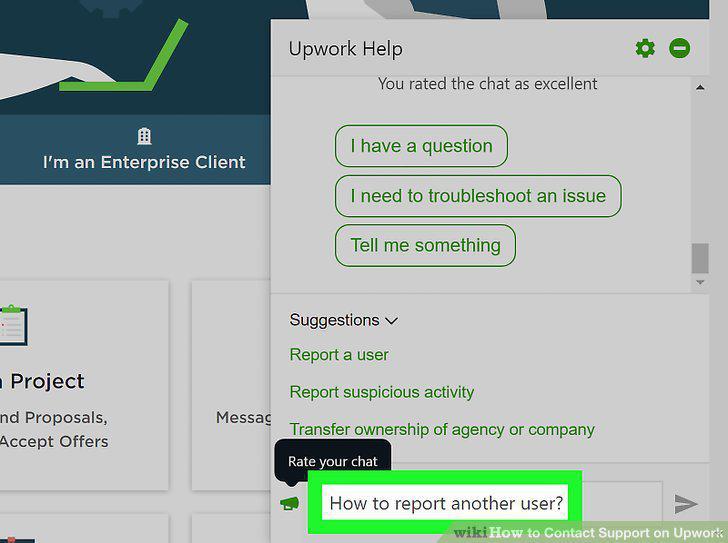
Ask addition questions if you have to.
Comments (0)
No comments yet. Be the first to share your thoughts!