How to Download Apps on the Nintendo Switch
Power the Nintendo Switch on.. Press "A" to continue.. Select the Nintendo eShop.
Steps
1
Power the Nintendo Switch on.
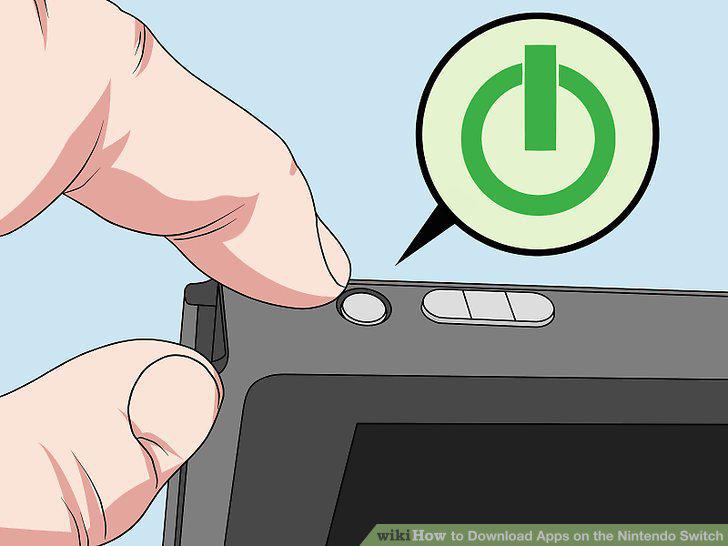
Power the Nintendo Switch on.
2
Press "A" to continue.
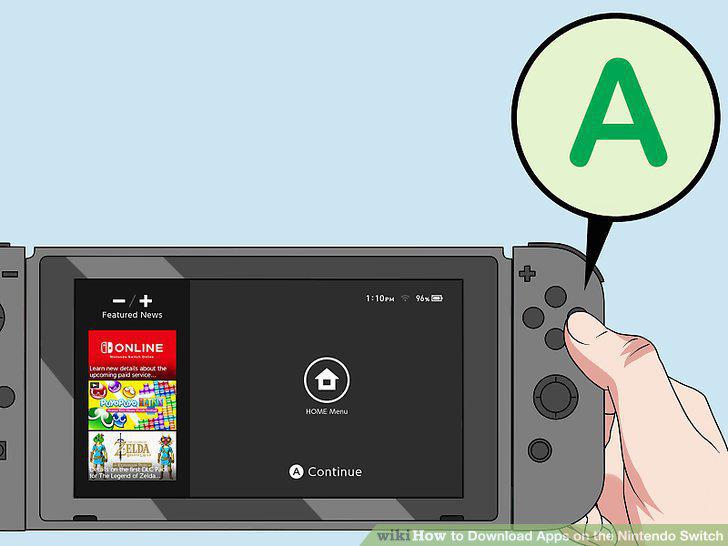
Press "A" to continue.
3
Select the Nintendo eShop.
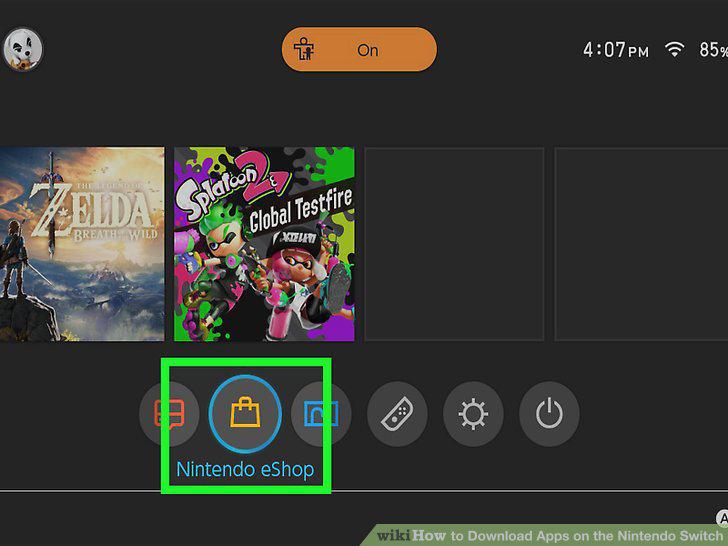
Select the Nintendo eShop.
4
Type your Nintendo account password and select Ok.
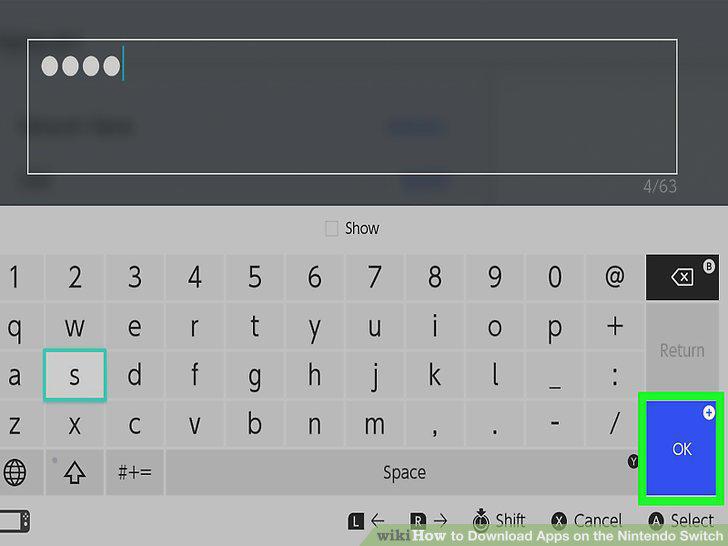
Type your Nintendo account password and select Ok.
5
Select Search.
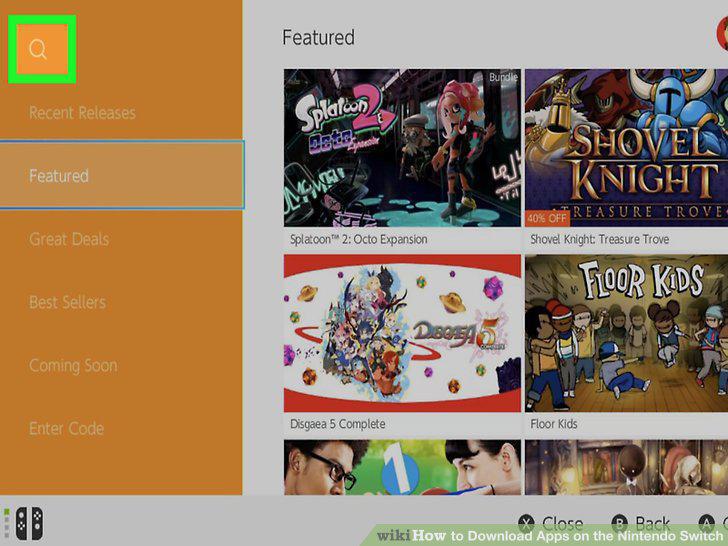
Select Search.
6
Select the search bar, type the name of an app and select Search.
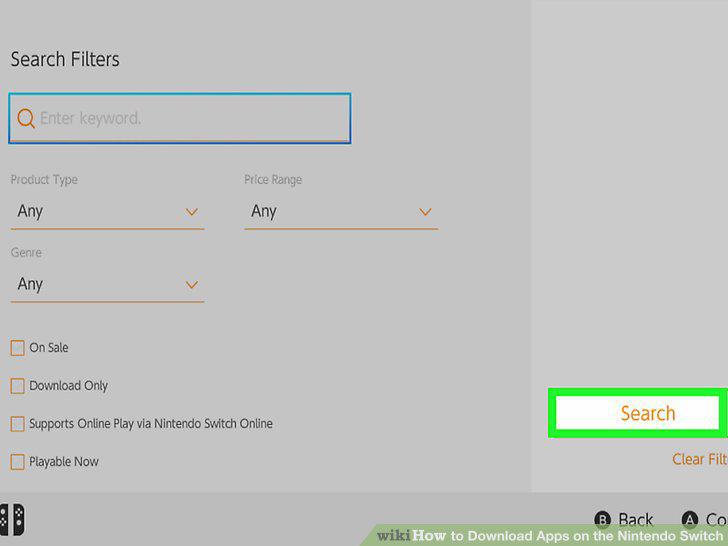
Select the search bar, type the name of an app and select Search.
7
Select the app.
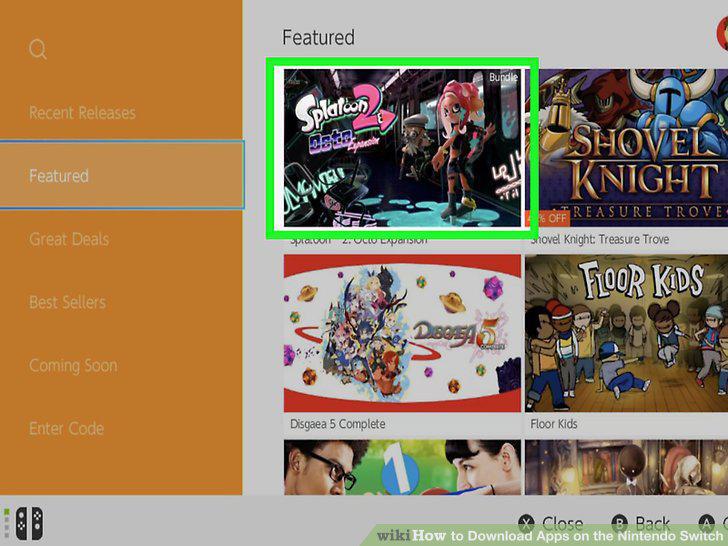
Select the app.
8
Select Download.
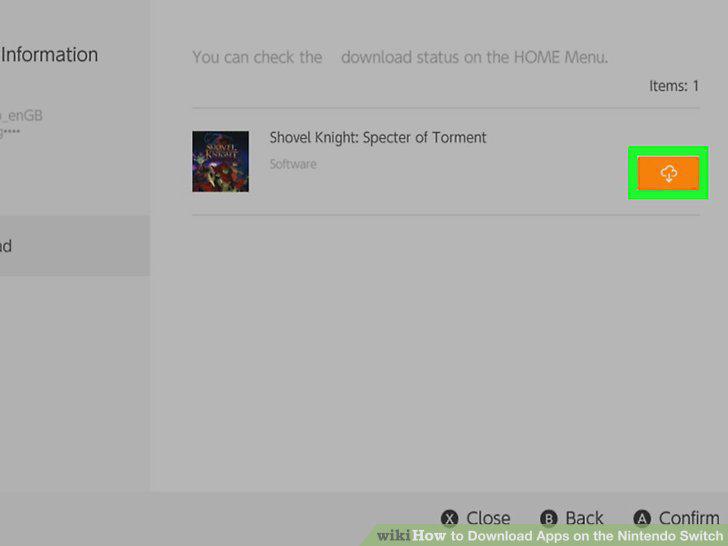
Select Download.
Comments (0)
No comments yet. Be the first to share your thoughts!