How to Send Your Heartbeat from the Apple Watch
Unlock your Apple Watch.. Open Messages .. Select a conversation.
Steps
1
Unlock your Apple Watch.
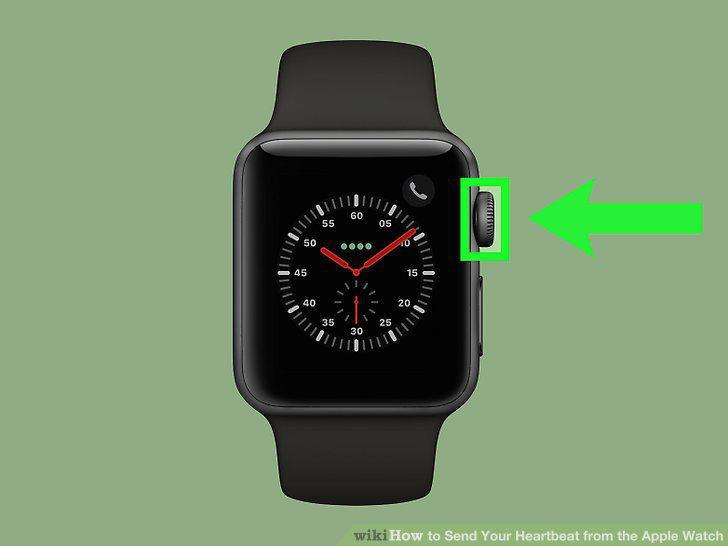
Unlock your Apple Watch.
2
Open Messages .
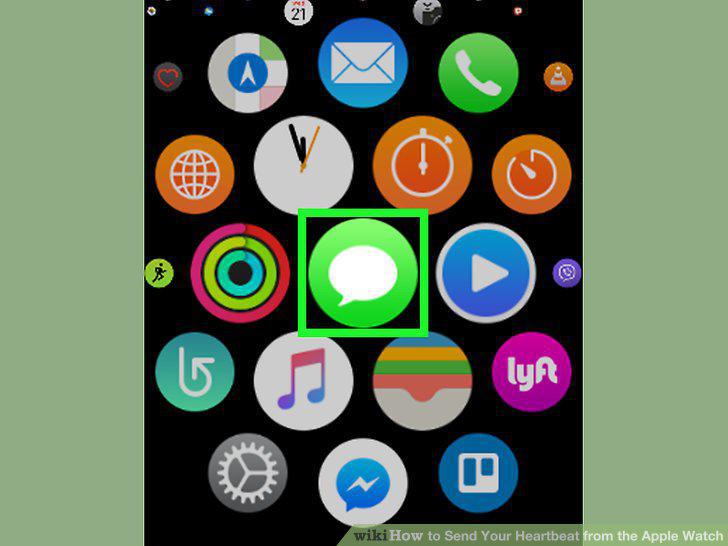
Open Messages .
3
Select a conversation.
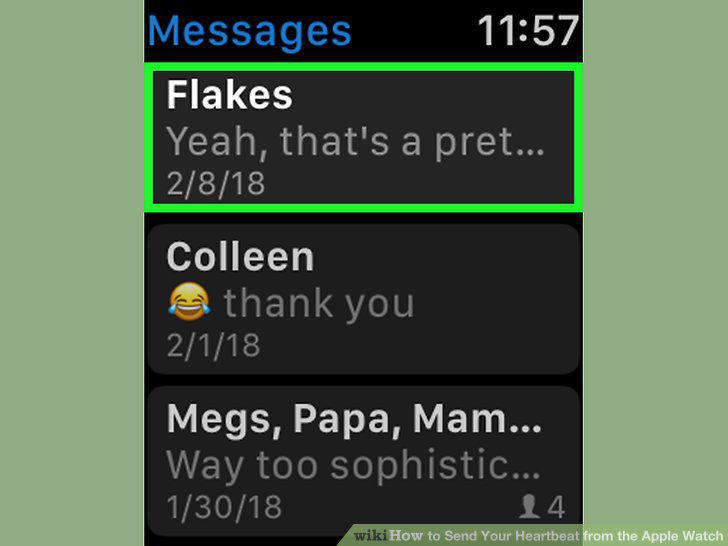
Select a conversation.
4
Tap the "Digital Touch" button.
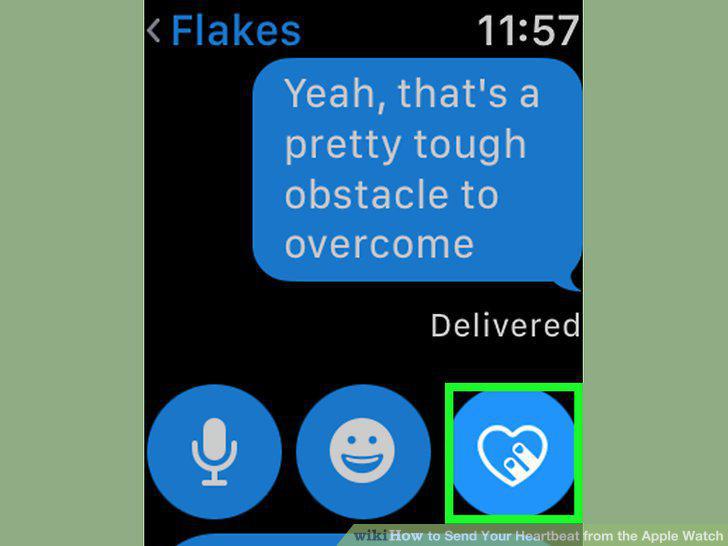
Tap the "Digital Touch" button.
5
Use two fingers to tap and hold the screen.
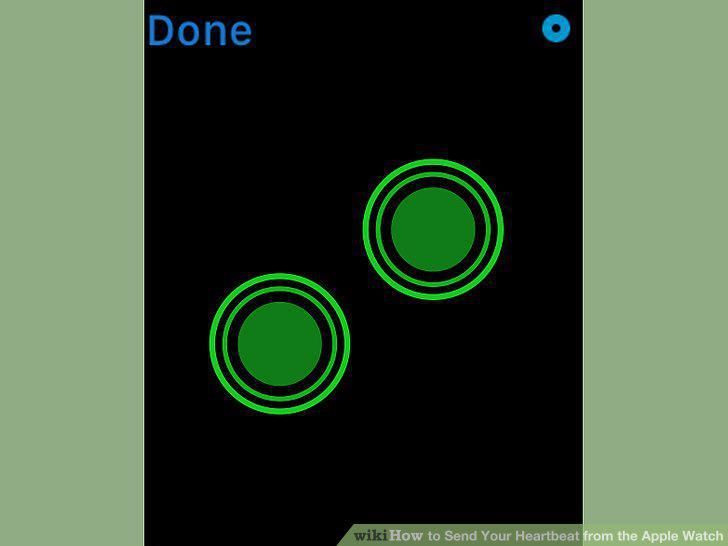
Use two fingers to tap and hold the screen.
6
Send the message.
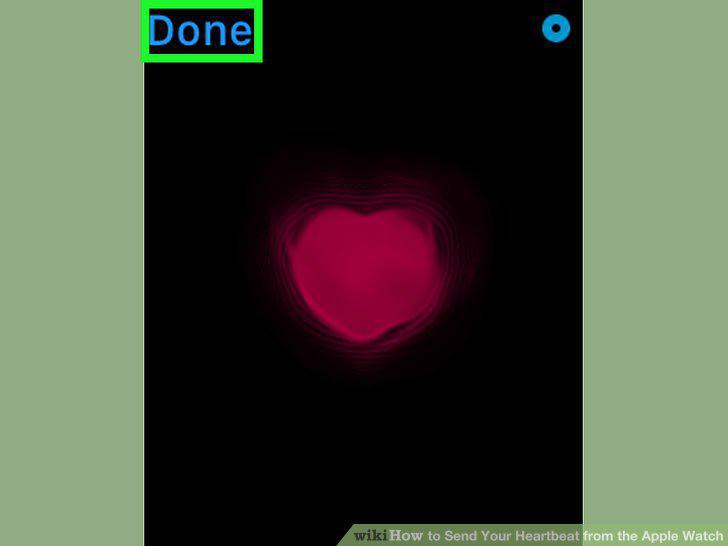
Send the message.
Comments (0)
No comments yet. Be the first to share your thoughts!