How to Use PayPal
Click "Sign Up" on the PayPal website.. Decide between a personal and business account.. Set up your email and password.
Steps
Click "Sign Up" on the PayPal website.
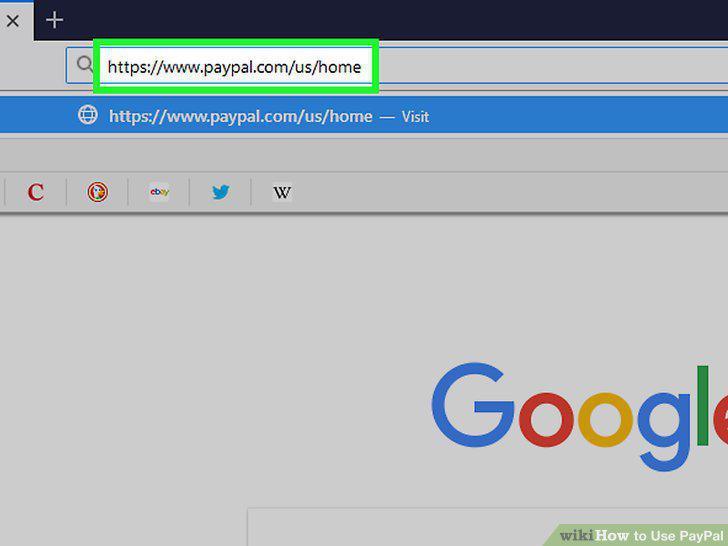
Click "Sign Up" on the PayPal website.
Decide between a personal and business account.
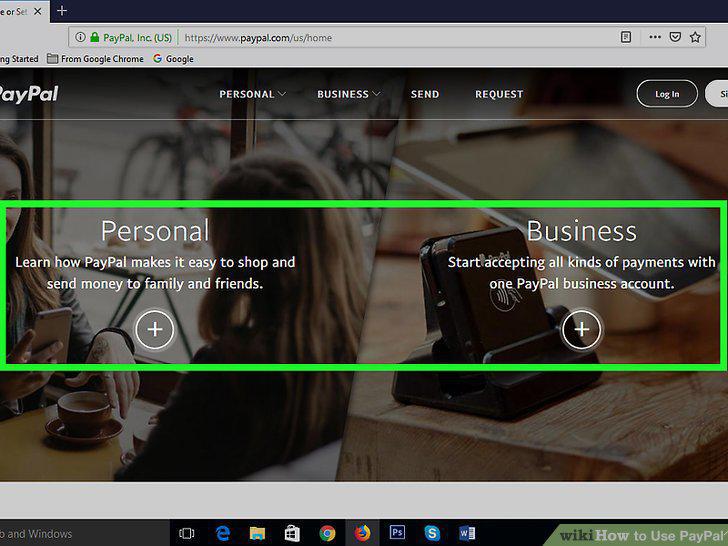
Decide between a personal and business account.
Set up your email and password.
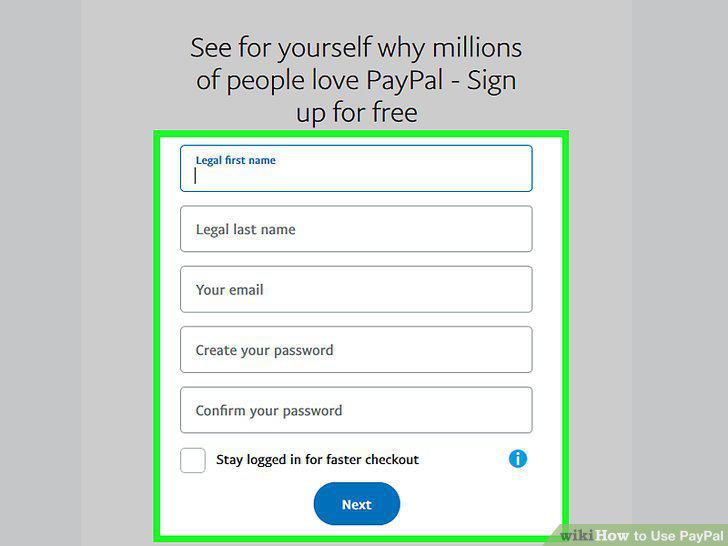
Set up your email and password.
Provide basic information.
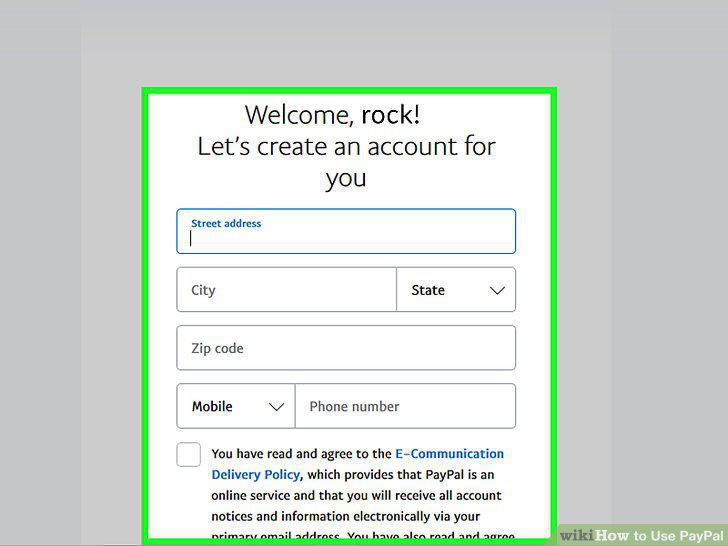
Provide basic information.
Connect your PayPal with your bank or card.
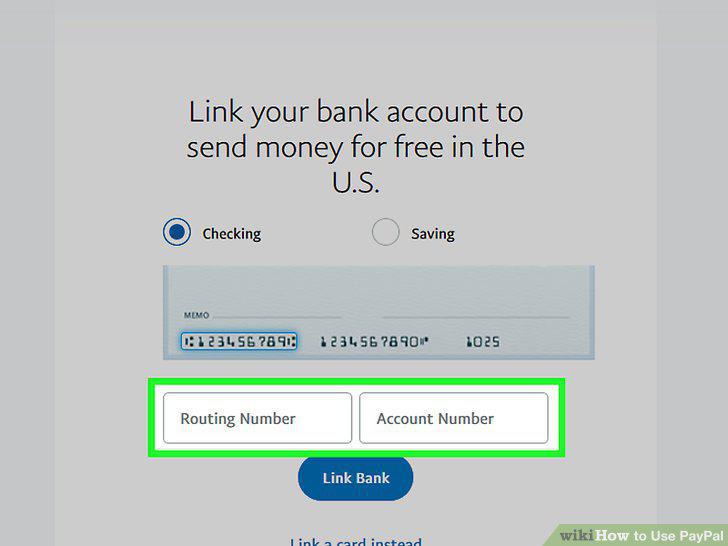
Connect your PayPal with your bank or card.
Confirm your card or account if prompted.
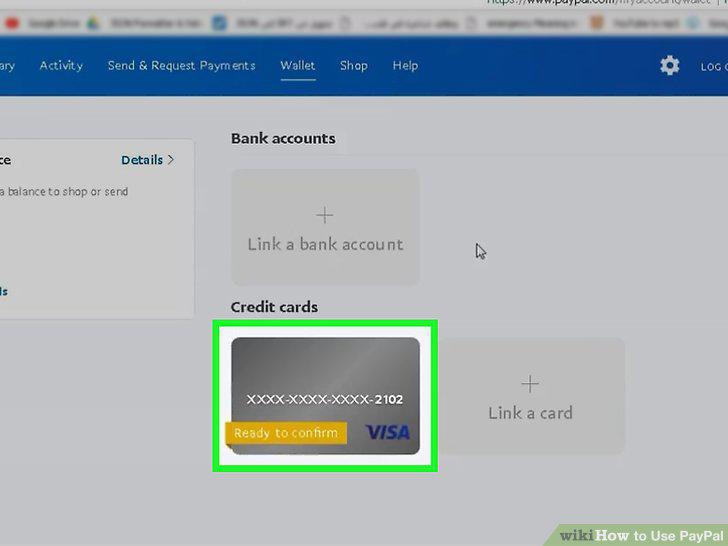
Confirm your card or account if prompted.
Deposit money.
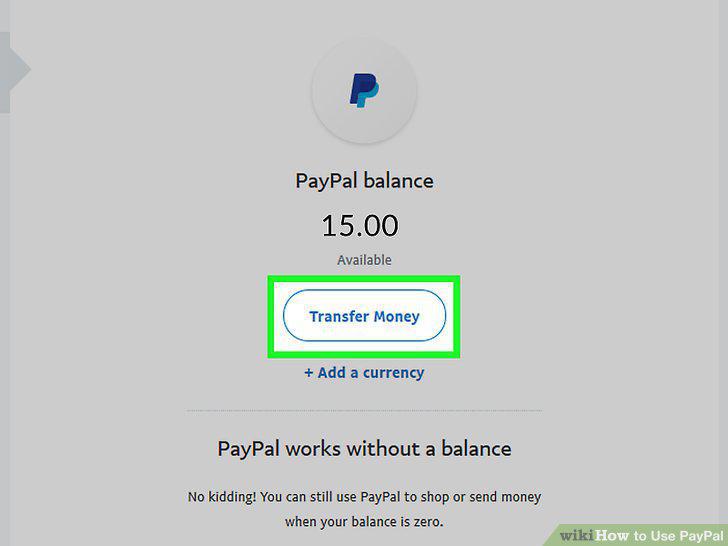
Deposit money.
Send money to others via PayPal.
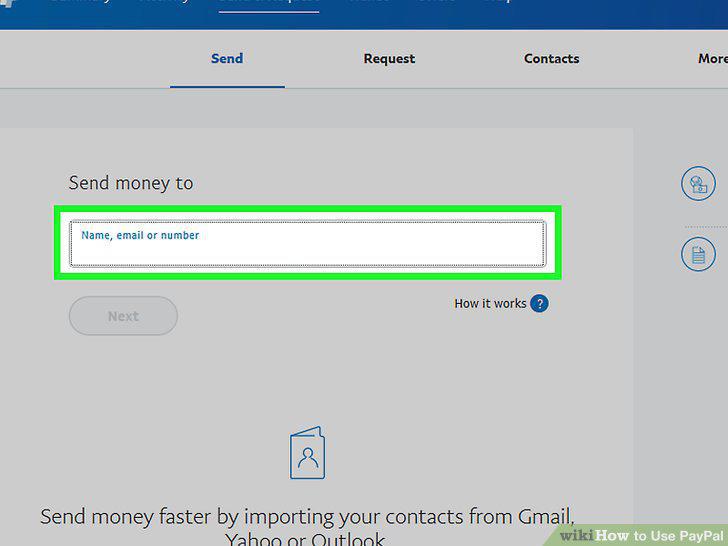
Send money to others via PayPal.
Make online purchases using PayPal.
Make online purchases using PayPal.
Transfer money into your bank account.
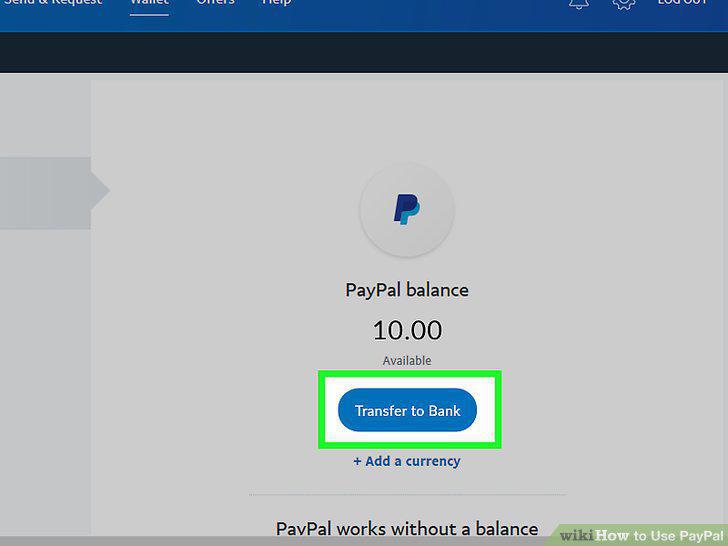
Transfer money into your bank account.
Get a PayPal debit card if you use PayPal frequently.
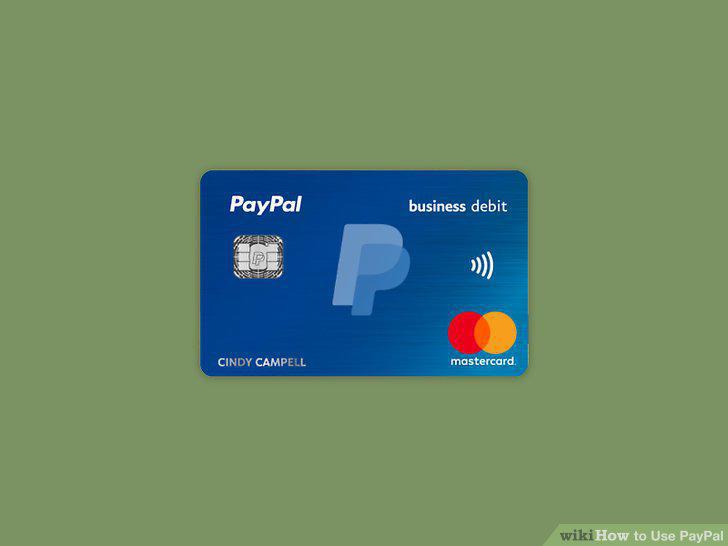
Get a PayPal debit card if you use PayPal frequently.
Cancel a PayPal payment if it's still pending.
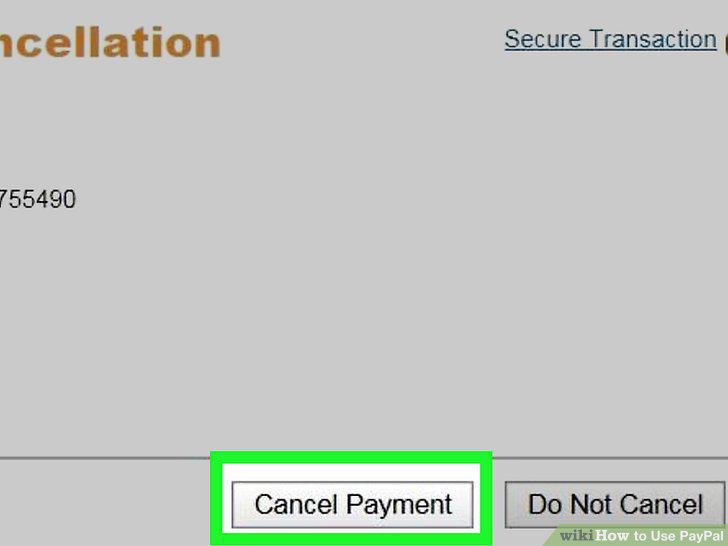
Cancel a PayPal payment if it's still pending.
Give people the e-mail associated with your PayPal account.
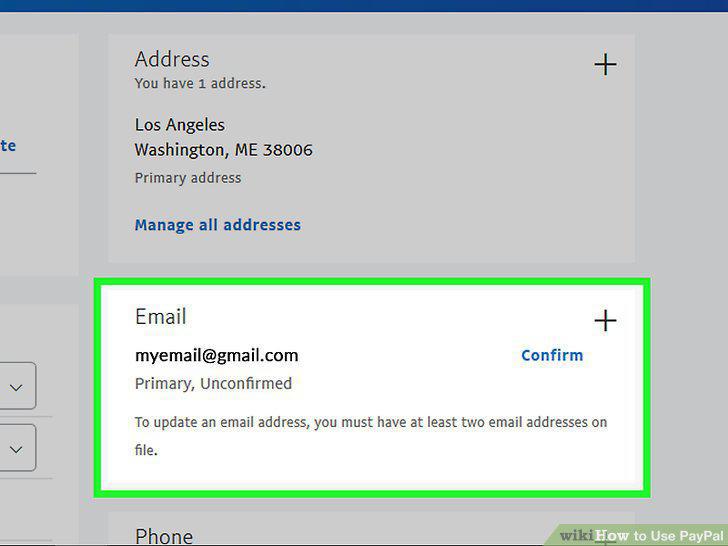
Give people the e-mail associated with your PayPal account.
Request money via PayPal.
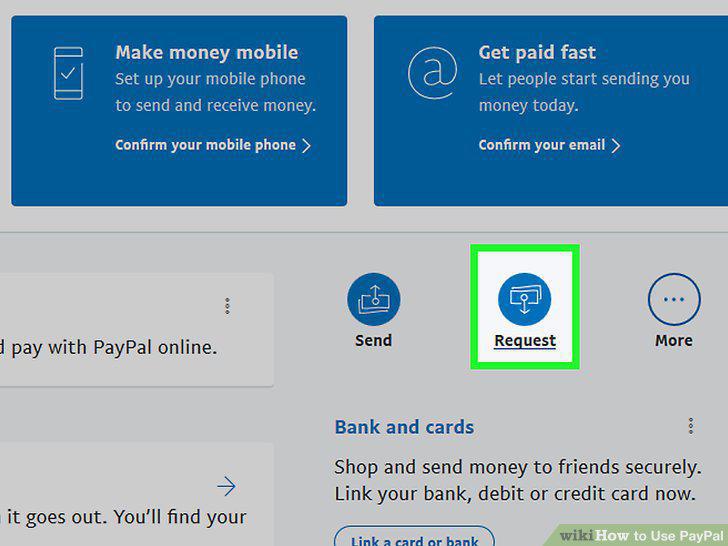
Request money via PayPal.
Send invoices via PayPal.
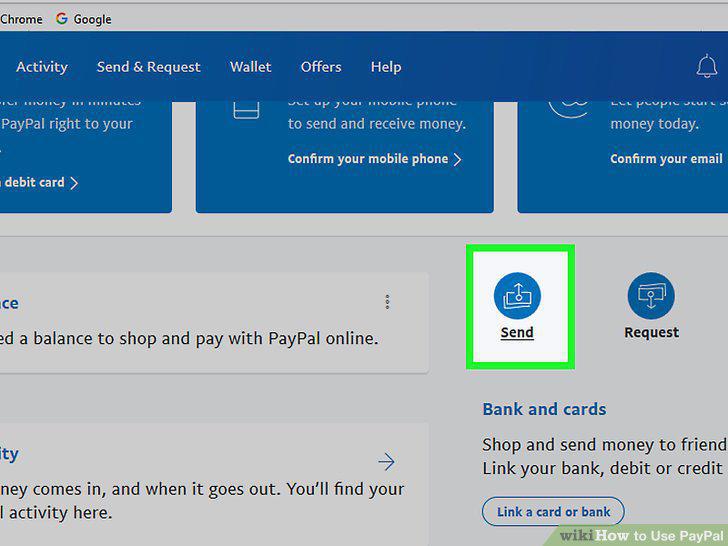
Send invoices via PayPal.
Link PayPal with sites like eBay.
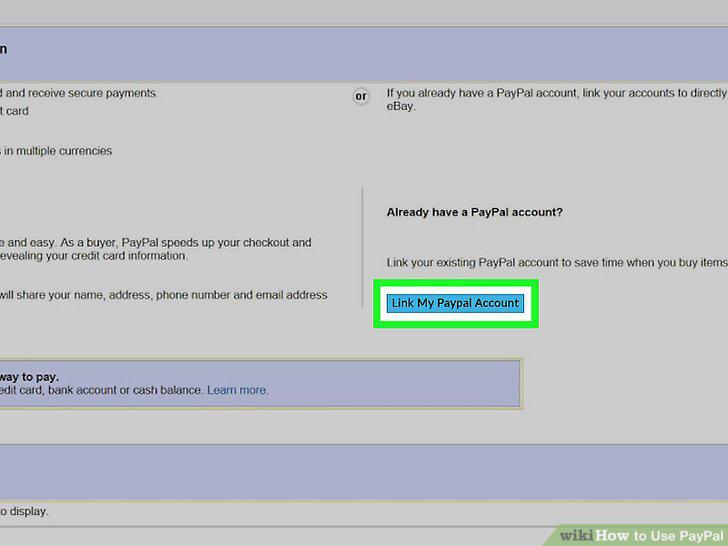
Link PayPal with sites like eBay.
Expect a fee to be deducted from most invoices and sales.
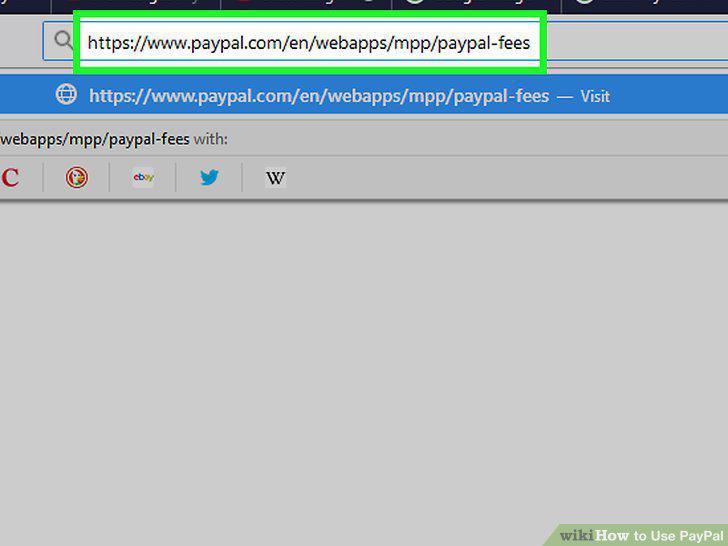
Expect a fee to be deducted from most invoices and sales.
Contact PayPal if your account is locked.
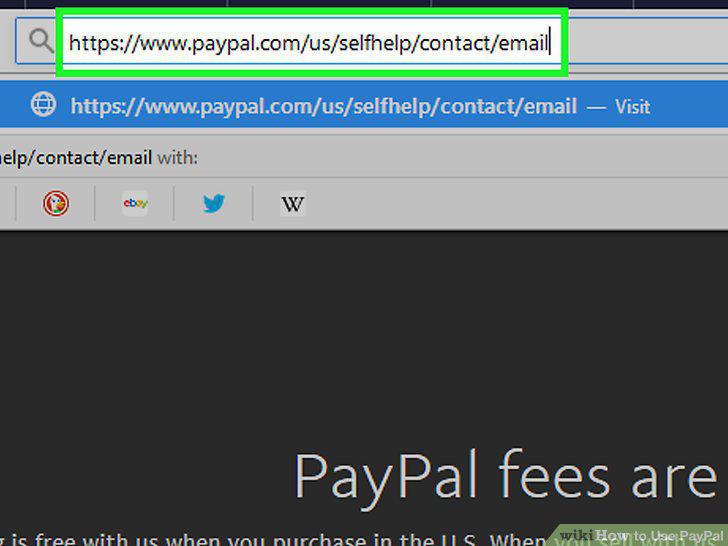
Contact PayPal if your account is locked.
Check that your card is correct if your payment was declined.
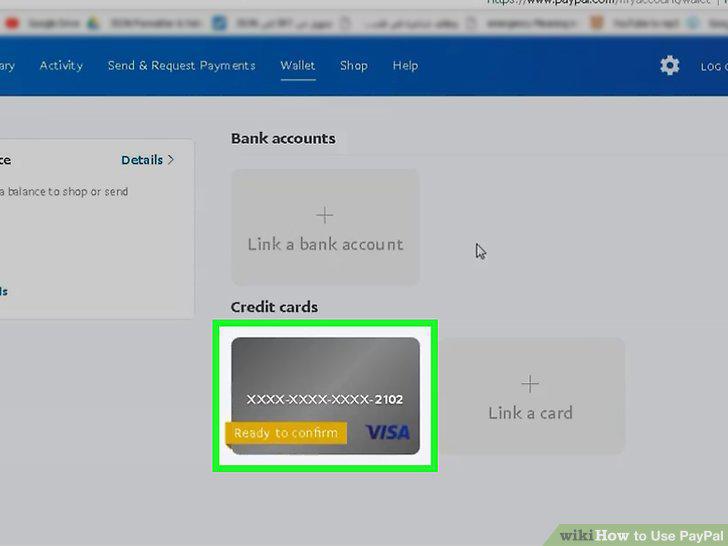
Check that your card is correct if your payment was declined.
Click "Having trouble logging in" if you forgot your password.
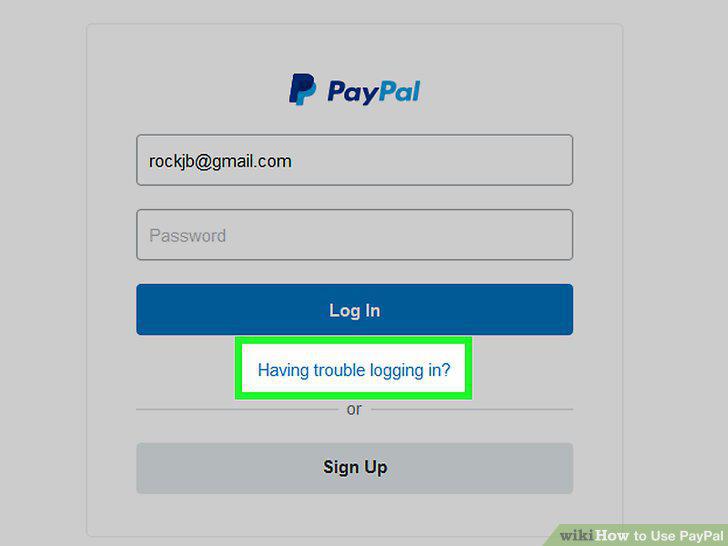
Click "Having trouble logging in" if you forgot your password.
Change your password by going to the Security tab and clicking "Edit.
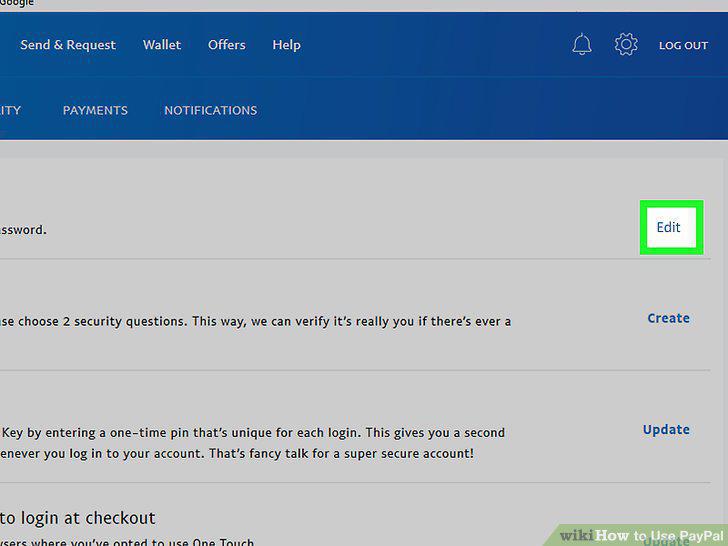
Change your password by going to the Security tab and clicking "Edit.
Look out for online scams.
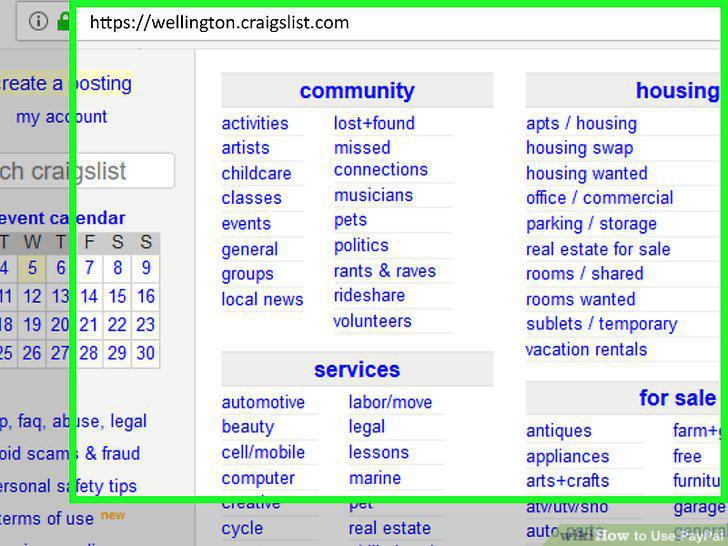
Look out for online scams.
Recognize and report fake PayPal emails.
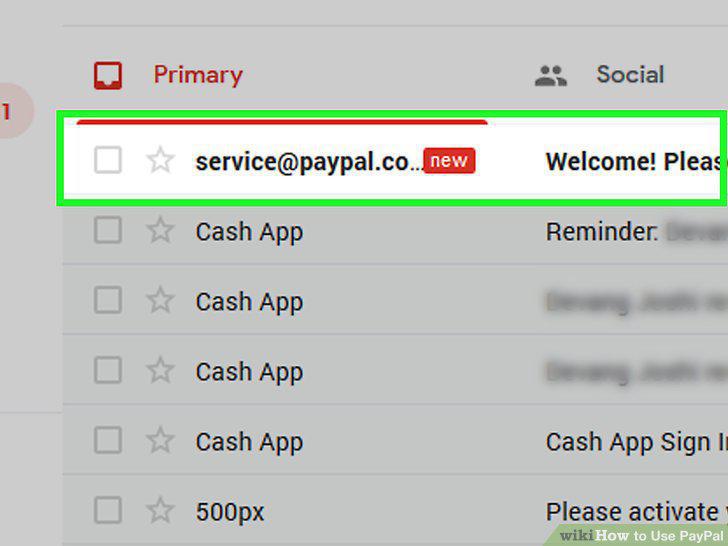
Recognize and report fake PayPal emails.
Go to the Help Center or community for more troubleshooting solutions.
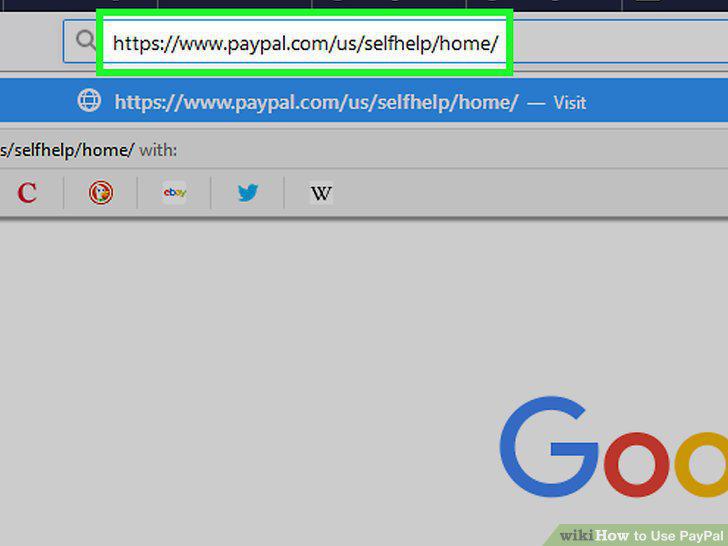
Go to the Help Center or community for more troubleshooting solutions.
Comments (0)
No comments yet. Be the first to share your thoughts!