How to Set a Timex Ironman
Press and hold down the "Set/Recall" button to open the time set menu.. Select the time zone with the "+" or "-" buttons.. Set the time with the "Mode" and + or - buttons.
Steps
Press and hold down the "Set/Recall" button to open the time set menu.
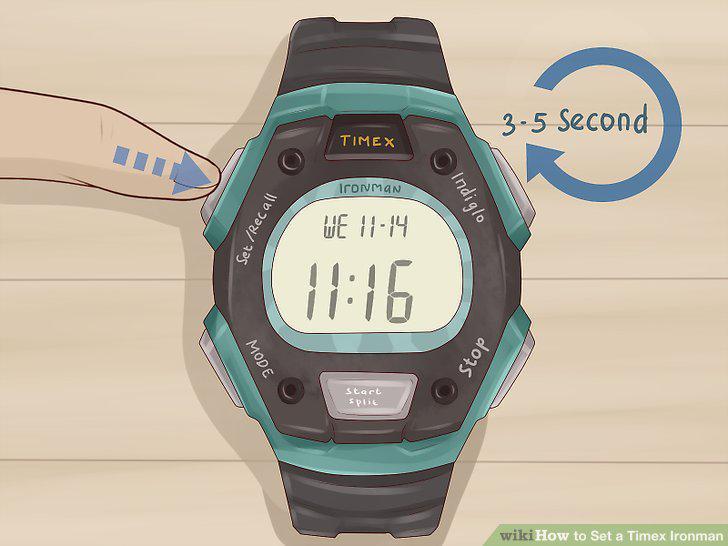
Press and hold down the "Set/Recall" button to open the time set menu.
Select the time zone with the "+" or "-" buttons.
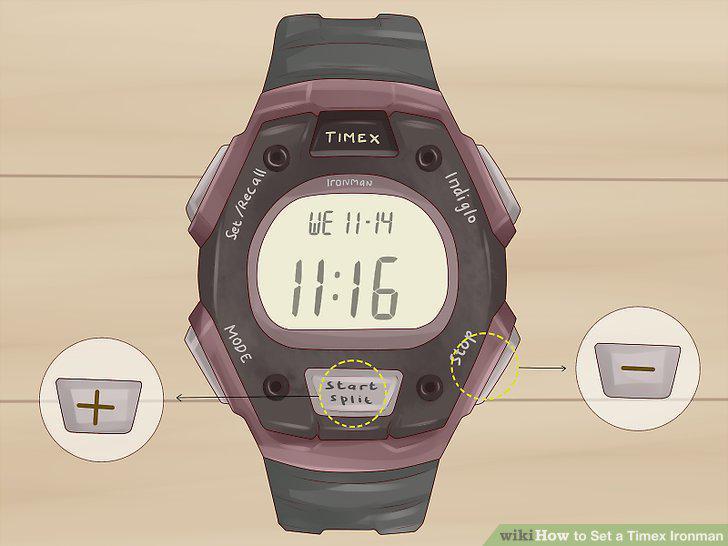
Select the time zone with the "+" or "-" buttons.
Set the time with the "Mode" and + or - buttons.
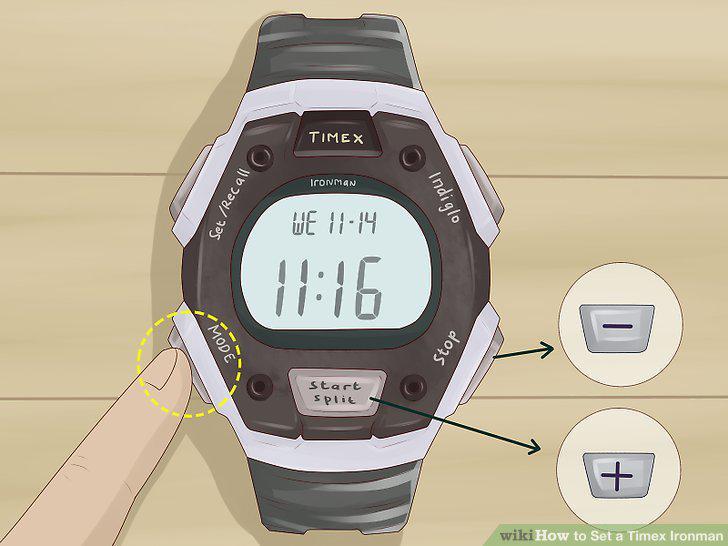
Set the time with the "Mode" and + or - buttons.
Choose the current day of the week.
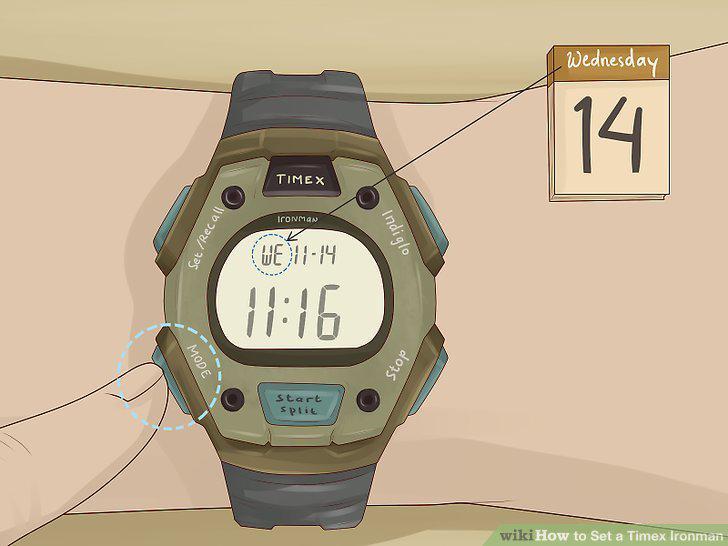
Choose the current day of the week.
Set the date with the Mode and + or – buttons.
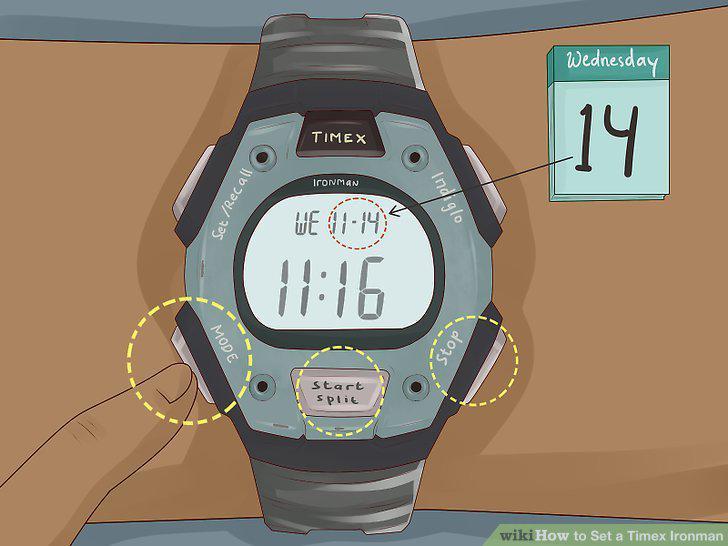
Set the date with the Mode and + or – buttons.
Choose if you want the time displayed in 12 or 24-hour mode.
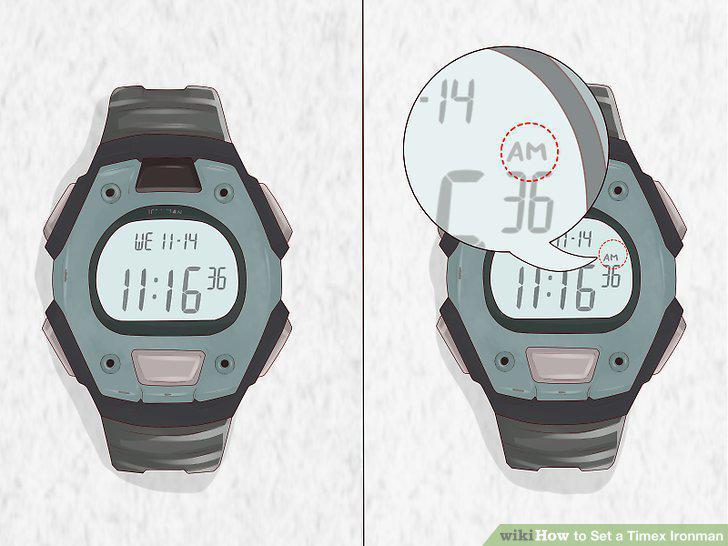
Choose if you want the time displayed in 12 or 24-hour mode.
Save your changes by pressing the Set/Reset button.
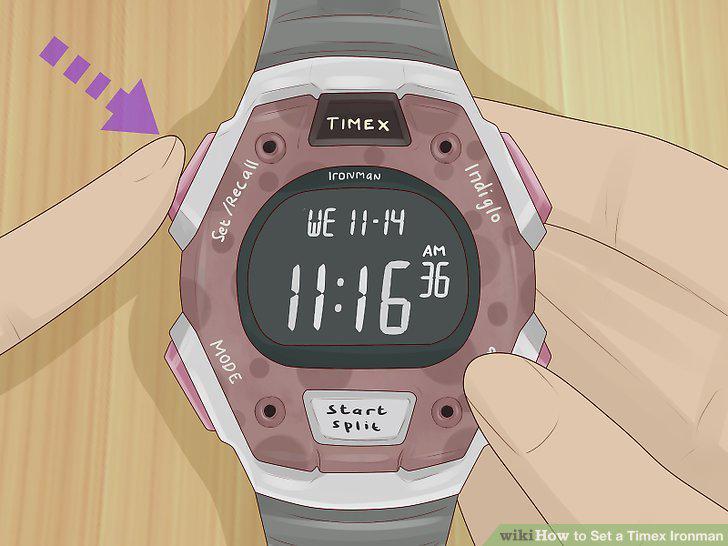
Save your changes by pressing the Set/Reset button.
Press Mode until ALARM appears on the watch display.
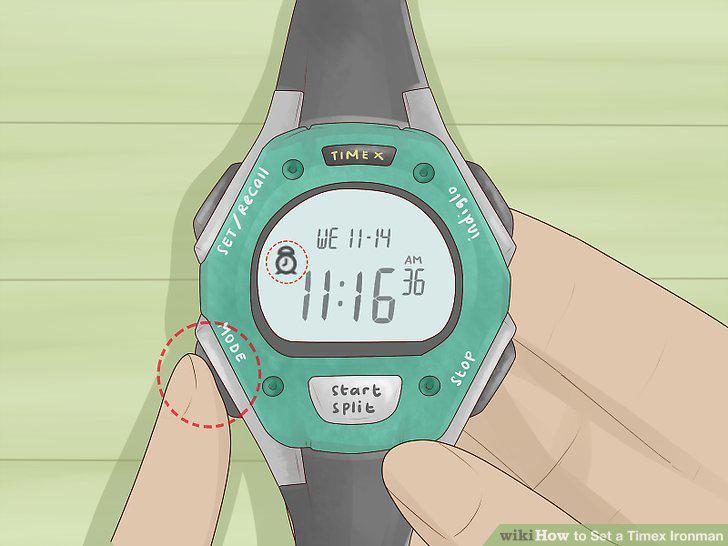
Press Mode until ALARM appears on the watch display.
Use Set/Recall and the + and – buttons to set the alarm time.
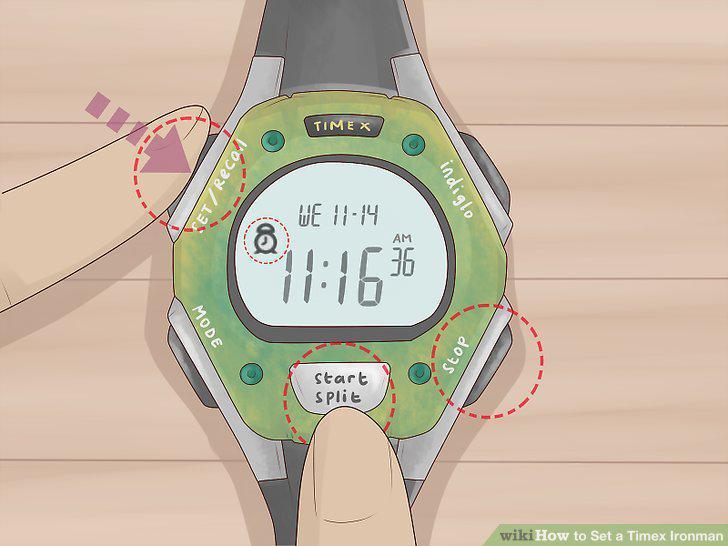
Use Set/Recall and the + and – buttons to set the alarm time.
Decide if you want the alarm to ring weekdays, weekends, or daily.
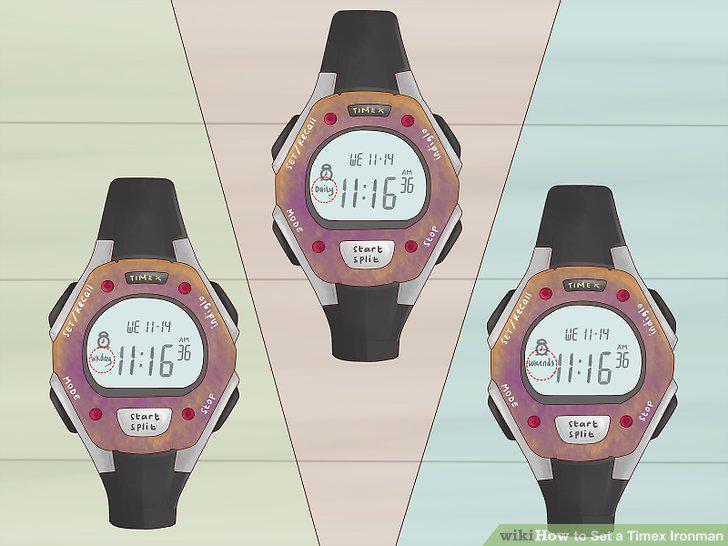
Decide if you want the alarm to ring weekdays, weekends, or daily.
Press Set/Recall to save the alarm.
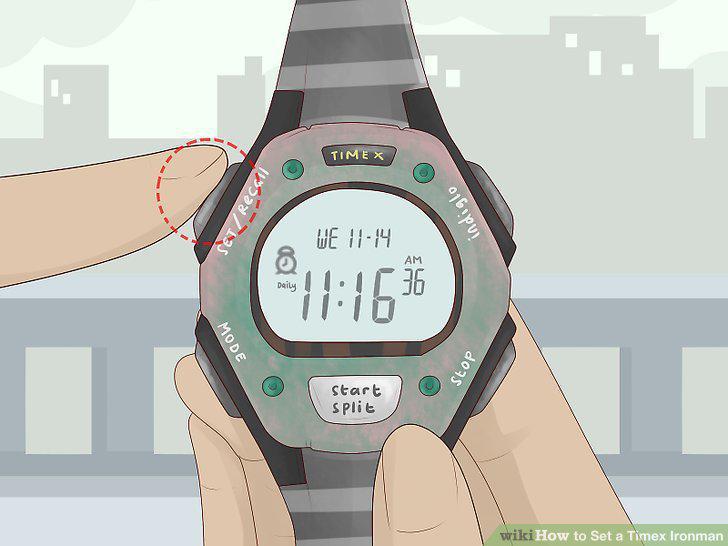
Press Set/Recall to save the alarm.
Open the alarm menu and press Start/Split to turn the alarm off.
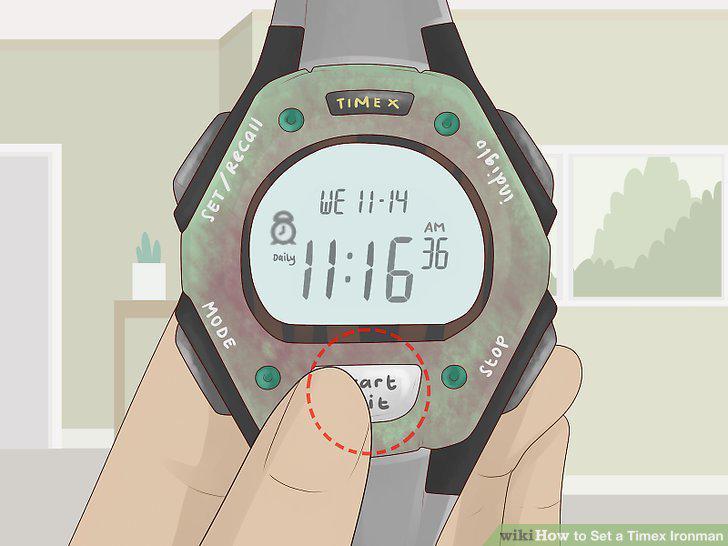
Open the alarm menu and press Start/Split to turn the alarm off.
Press Mode until "Chrono" appears on top of the screen.
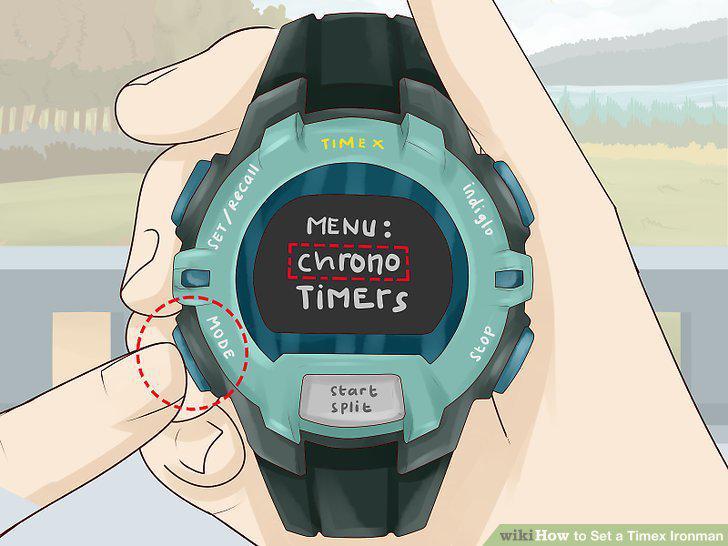
Press Mode until "Chrono" appears on top of the screen.
Set the Lap and Split setting by pressing Set/Recall.
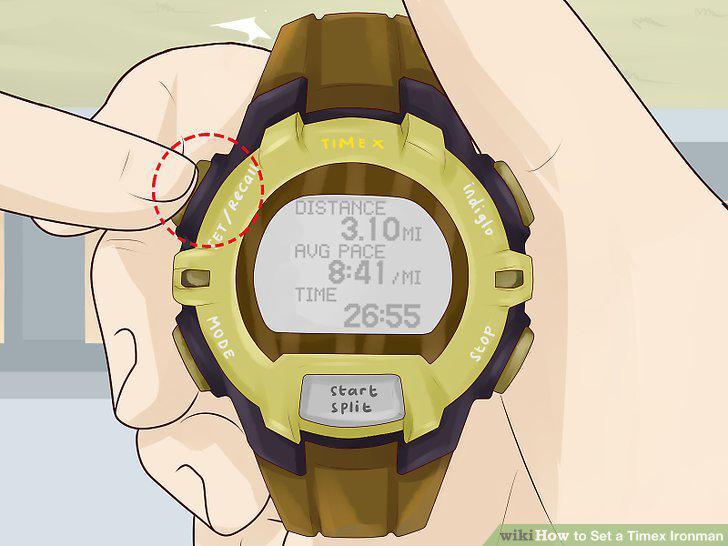
Set the Lap and Split setting by pressing Set/Recall.
Start the Chrono with the Start/Split button.
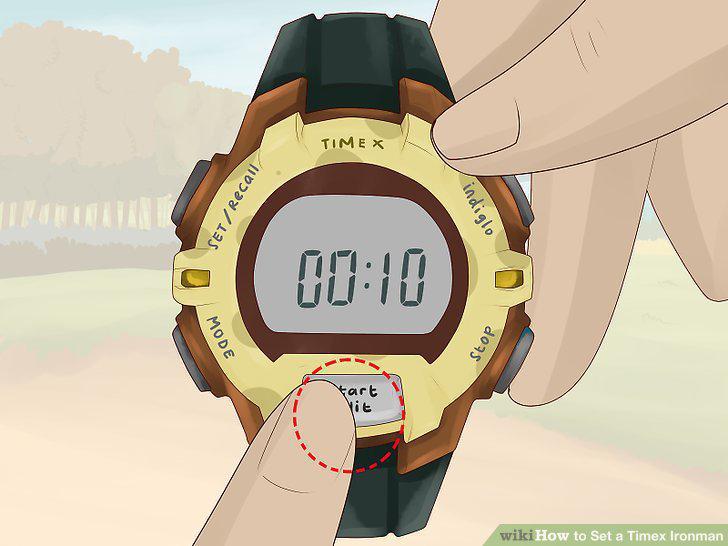
Start the Chrono with the Start/Split button.
Get your current lap time by pressing the Start/Split button.
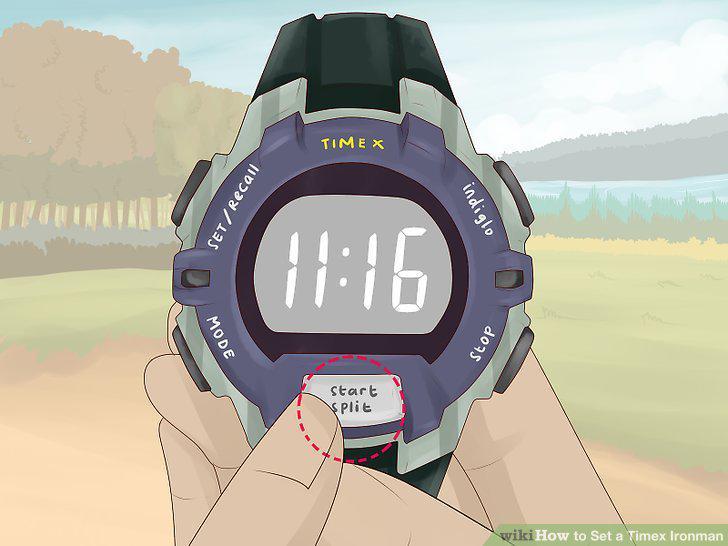
Get your current lap time by pressing the Start/Split button.
Pause the timer with the Stop/Reset button.
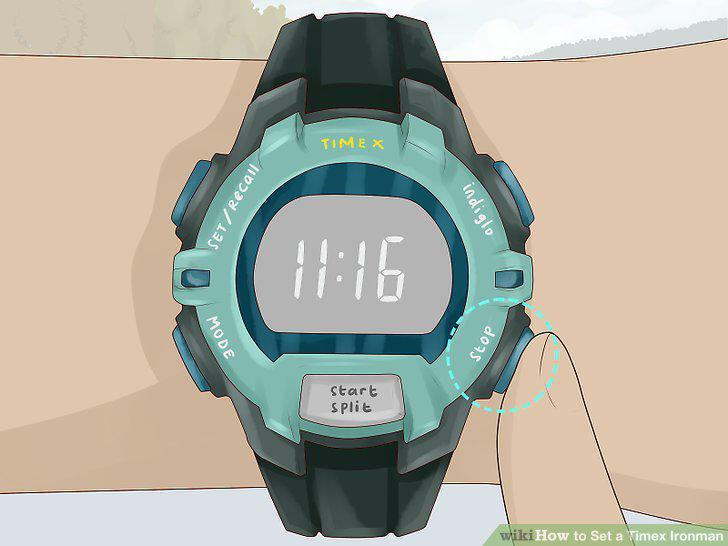
Pause the timer with the Stop/Reset button.
Store the workout by pressing Set/Recall when you're done.
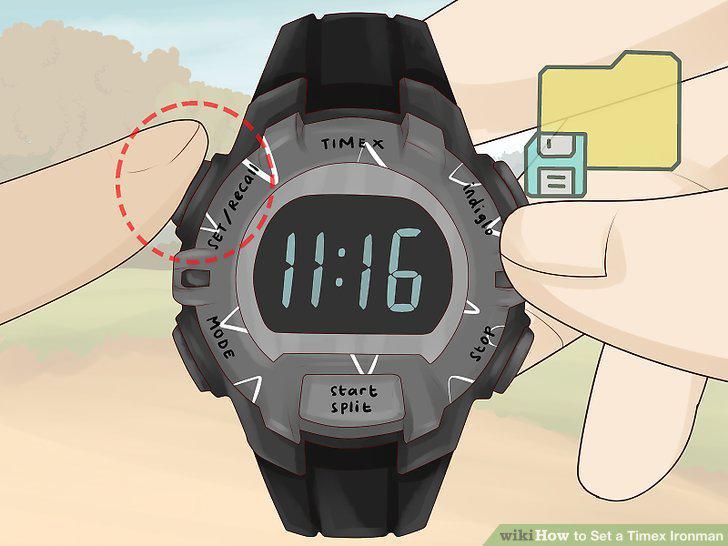
Store the workout by pressing Set/Recall when you're done.
Review your workout by pressing Set/Recall.
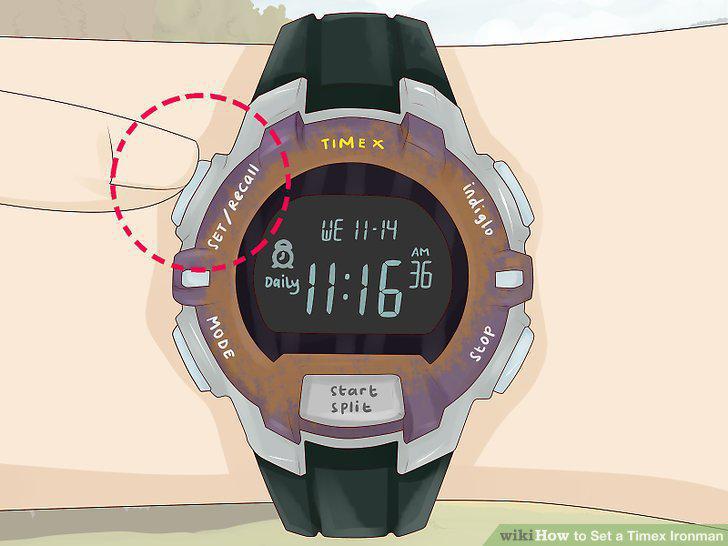
Review your workout by pressing Set/Recall.
Comments (0)
No comments yet. Be the first to share your thoughts!